

- Robot vacuums
- Robot vacuum
Error 1
Roborock Error 1 on robot vacuum: laser turret jammed
Risk level
Low
Usually safe to check without specialist tools.
Urgency
Low
Quick answer
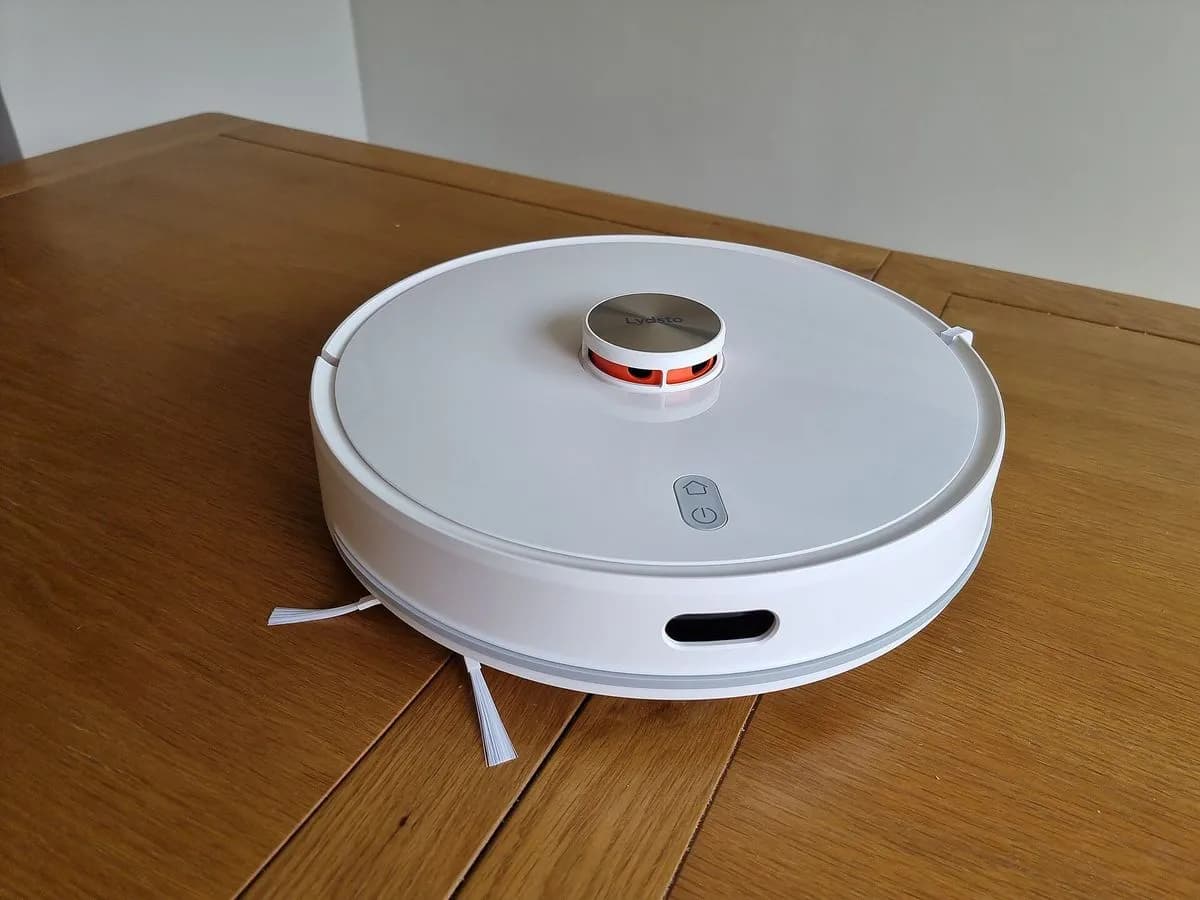
Roborock shows Error 1: the laser unit on top is jammed or blocked. Turn the robot on and watch whether the turret spins; if it does not, gently rotate it by hand, clear whatever blocks it and restart the robot.
Safety first
Stop and check this first
- Do not carry the robot by the laser scanner cap: the Roborock manual forbids it and you can damage the turret.
Safe checks you can perform
- Check the laser turret spins
- Turn the turret by hand and clear blockages
- Test in another area
Leave these tasks to a qualified professional
- Do not attempt this professional task: Laser unit diagnosis
- Do not attempt this professional task: Navigation test after repair
What a technician must be able to justify
A technician is coming
These are the steps they must carry out and show you. Tick them as they work: if steps are skipped, do not accept a part swap.
These are not instructions for opening or handling the equipment yourself. They are the checks that should support a technical conclusion.
Laser unit diagnosis
What they doRoborock service checks the rotation and readings of the laser unit when it will not spin after the manual's steps.
They must show youthe turret not spinning or the error in a clear area.
In writingthe diagnosis and the reference of any replaced part.
Navigation test after repair
What they doThe technician runs a full mapped cleaning job to confirm the laser measures correctly.
They must show youthe map generated after the repair.
In writingthe result of the test.
Before accepting a part or repair
Nothing has been shown yet. Do not accept a part swap based on the code alone.
Checks and evidence, step by step
Follow the documented order. An error code identifies the affected system, but it does not prove by itself which part has failed.
- 1
Check the laser turret spins
No special tools
Procedure
- Who:
- you.
- How:
- turn the robot on and watch the laser unit on top, as Roborock says.
- Result that matters:
- whether the turret starts spinning at power on.
- If it spins:
- look for what was covering it where the robot stopped and move the robot.
- If it does not spin:
- turn it gently by hand.
- Evidence to keep:
- a short video of power on showing the turret.
Evidence: What should I do when error 1 occurs?
- 2
Turn the turret by hand and clear blockages
No special tools
Procedure
- Who:
- you, with the robot off.
- How:
- gently rotate the laser unit by hand, remove anything pressing on or covering it and turn the robot on again.
- Result that matters:
- whether the turret spins by itself after the restart.
- If it spins:
- the blockage was the cause; resume cleaning.
- If it is still stopped:
- do not force it and move on to the test in another area.
- Evidence to keep:
- a note of what was blocking it, if anything.
Evidence: Roborock S6 Robotic Vacuum Cleaner Manual · What should I do when error 1 occurs?
- 3
Test in another area
No special tools
Procedure
- Who:
- you.
- How:
- move the robot to a clear area and restart it, as the manual says if the problem persists.
- Result that matters:
- whether Error 1 returns away from low furniture.
- If it does not return:
- the spot was the problem; set a no-go zone.
- If it returns:
- contact Roborock support.
- Evidence to keep:
- test location, date and serial number.
Evidence: Roborock S6 Robotic Vacuum Cleaner Manual · What should I do when error 1 occurs?
Where this code applies
A code is meaningful only inside the right product and version context.
Primary scope
- System
- Robot vacuums
- Brand
- Roborock
- Product type
- Robot vacuum
Known code variants
- Error 1 laser
- Error 1 Roomba i Series
- iRobot Error 1
- Laser distance sensor
- LDS error
- Roborock Error 1
- Roomba Error 1
- Uneven ground
What it means
In the Roborock S6 manual, Error 1 asks you to turn the laser unit and check it is not jammed or blocked: the laser is stuck or has been blocked. The robot uses that turret to measure distances and build the map, and it cannot navigate if it does not spin. It is usually caused by something pressing on or covering the turret, such as the edge of low furniture, or something caught on it. The code does not prove the laser sensor is faulty; Roborock only refers you to support if the error continues.
Warnings and stop conditions
- Lowsource verified
Do not carry the robot by the laser scanner cap: the Roborock manual forbids it and you can damage the turret.
Evidence: Roborock S6 Robotic Vacuum Cleaner Manual
Symptoms and causes
Probable causes · in order
- Turret blocked by an objectCommon
The robot stops under low furniture or next to something touching the turret; once removed it spins again.
Evidence: Roborock S6 Robotic Vacuum Cleaner Manual
- Turret stopped with no visible causePossible
It does not spin at power on and starts after gently turning it by hand and restarting.
Evidence: What should I do when error 1 occurs?
- Laser unit faultPossible
The turret still does not spin or the error returns in another clear area; Roborock asks you to contact support.
Evidence: What should I do when error 1 occurs?
Virtual technician
Does Error 1 still appear after these checks?
Answer a few questions to narrow down the likely cause and the safest next action. Guidance only - it never replaces a professional.
Sources and technical references
- 1
Roborock S6 Robotic Vacuum Cleaner Manual
Roborock · 2026 · official_doc
- 2
What should I do when error 1 occurs?
Roborock · 2026 · official_doc
Was this entry useful?