
- EV charging
- EV charger
Red LED
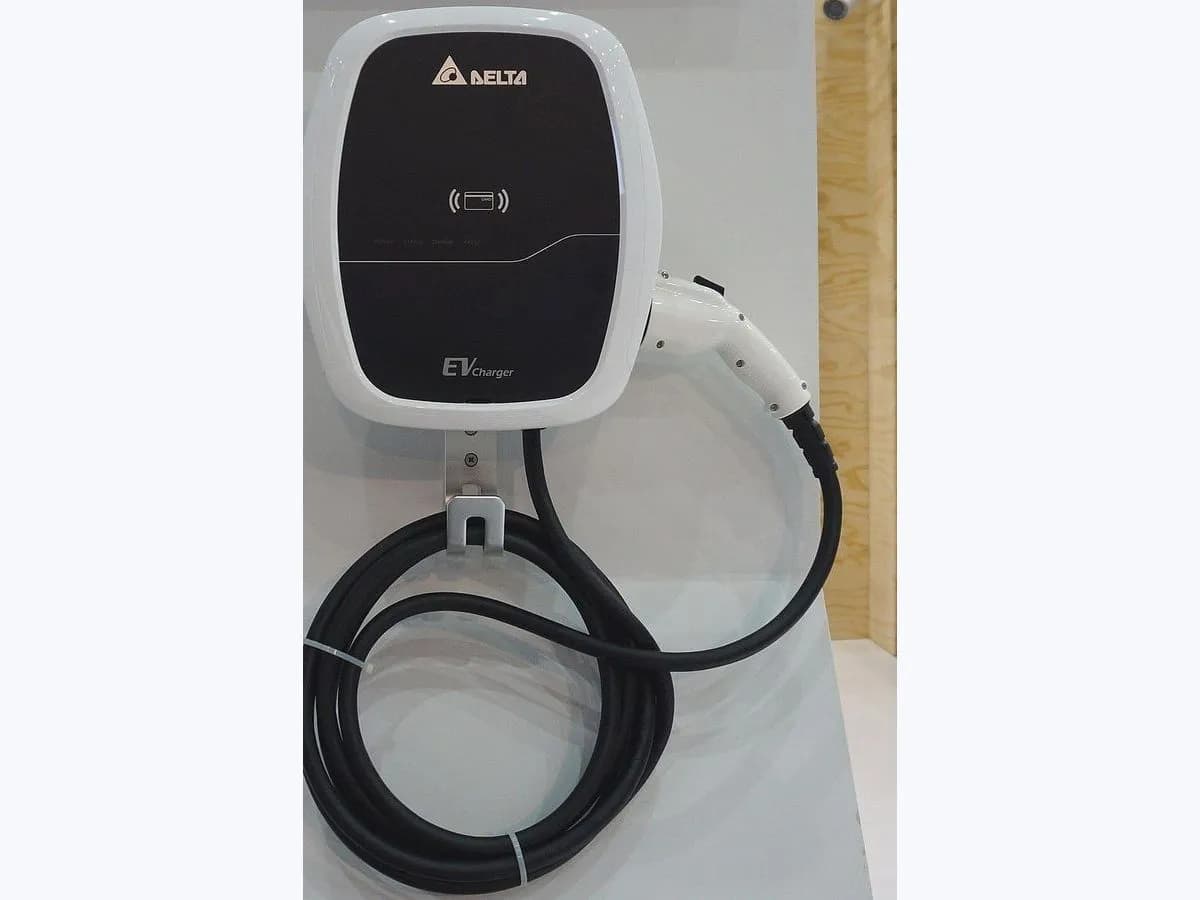
Schneider Electric EVlink Red LED on EV charger: fault light
Risk level
High
Professional inspection is recommended.
Urgency
High
Quick answer
On a Schneider Electric EVlink Home or EVlink Home Smart charger, a constant red LED means a fault has been detected. First verify that the stop button is not locked by rotating it 90 degrees clockwise; if the red light stays on, run the power-off reset sequence and call a qualified electrician.
Safety first
Stop and check this first
- Checking the PE terminal wiring requires opening the enclosure and testing the electrical supply: Schneider Electric states that servicing and maintenance must be performed only by qualified personnel.
Safe checks you can perform
- Rotate the stop button 90 degrees clockwise
- Switch off power, unplug the EV and wait for the green LED
- Check the device history in the Wiser app on Home Smart units
Leave these tasks to a qualified professional
- Do not attempt this professional task: Protective Earth (PE) terminal and earthing inspection
- Do not attempt this professional task: Supply verification and escalation to Schneider Electric Customer Care
What a technician must be able to justify
Technician visit
These are the steps they must carry out and show you. Tick them as they work: if steps are skipped, do not accept a part swap.
These are not instructions for opening or handling the equipment yourself. They are the checks that should support a technical conclusion.
Protective Earth (PE) terminal and earthing inspection
What they doA qualified electrician isolates the supply, opens the charger and checks that the protective earth conductor is securely wired to the charger's PE terminal and the distribution board.
They must show youthe physical termination at the charger PE terminal and the earth continuity and loop impedance readings.
In writingthe condition of the PE terminal wiring, the earth resistance or loop impedance measured and any re-termination done.
Supply verification and escalation to Schneider Electric Customer Care
What they doIf the PE connection and supply voltage are sound but the constant red LED persists with no vehicle connected, the electrician documents the readings and contacts Schneider Electric's Customer Care Centre.
They must show youthe measured supply voltage and the LED status when energised with the vehicle disconnected.
In writingthe supply readings, the EVlink commercial reference and serial number, and the Customer Care Centre case reference.
Before accepting a part or repair
Nothing has been shown yet. Do not accept a part swap based on the code alone.
Follow these steps
Note: Follow the documented order. An error code identifies the affected system, but it does not prove by itself which part has failed.
Rotate the stop button 90 degrees clockwise
- Who:
- you, at the outside of the EVlink Home charger.
- How:
- check the red stop button on the charger housing and rotate it 90 degrees clockwise to make sure it has not been pushed in and latched.
- Result that matters:
- ruling out a locked stop button, which is the first cause in Schneider Electric's troubleshooting table.
- If the button releases and the LED returns to green standby:
- the stop button was holding the unit in fault.
- If the button was already released or the LED remains constant red:
- continue to the power-cycle sequence.
- Evidence to keep:
- a photo of the stop button position and the LED colour after rotating it.
Evidence: EVlink Home Smart Device User Guide: LED indications (DUG_EVlink_WSE-02) · EVlink Home Smart Device User Guide: Troubleshooting (DUG_EVlink_WSE-02)
Switch off power, unplug the EV and wait for the green LED
- Who:
- you, using the circuit breaker and the vehicle connector.
- How:
- switch off the power supply of the charger, unplug the connector from the EV, switch the power supply back on and wait for the LED to glow green before reconnecting the connector to the EV.
- Result that matters:
- carrying out the exact reset sequence Schneider Electric specifies before calling for electrical service.
- If the LED glows green and then pulses cyan blue when charging starts:
- keep an eye on whether the fault recurs.
- If the LED stays red before or right after reconnecting the car:
- stop retrying and call a qualified electrician.
- Evidence to keep:
- a note of the LED colour when powering back up with the car unplugged and after reconnecting.
Evidence: EVlink Home Smart Device User Guide: LED indications (DUG_EVlink_WSE-02) · EVlink Home Smart Device User Guide: Troubleshooting (DUG_EVlink_WSE-02)
Check the device history in the Wiser app on Home Smart units
- Who:
- you, from your smartphone without opening the charger.
- How:
- if you have an EVlink Home Smart paired with the Wiser app, open the device history screen and note the date and time the session stopped.
- Result that matters:
- saving session details for your electrician or Schneider Electric's Customer Care Centre.
- If the failed session is logged in the app:
- take a screenshot to hand over to the technician.
- If you have a non-smart EVlink Home or no cloud link:
- write down the time of the fault and the vehicle model.
- Evidence to keep:
- a screenshot from the Wiser app or a written note of the time and vehicle.
Evidence: EVlink Home Smart Device User Guide: LED indications (DUG_EVlink_WSE-02) · EVlink Home Smart Device User Guide: Troubleshooting (DUG_EVlink_WSE-02)
Still not solved
If the error persists, stop here. See what the technician must do and show you.
Where this code applies
A code is meaningful only inside the right product and version context.
Primary scope
- System
- EV charging
- Brand
- Schneider Electric
- Product type
- EV charger
Known code variants
- EVlink botón de parada bloqueado luz roja
- EVlink Home fallo LED rojo
- EVlink Home luz roja
- EVlink Home red fault light
- EVlink Home red LED
- EVlink Home Smart constant red LED
- EVlink Home Smart LED rojo constante
- EVlink stop button locked red light
- Schneider Electric EVlink Charger's LED illuminated red
- Schneider Electric EVlink LED iluminado en rojo
What it means
In the EVlink Home Smart Device User Guide (DUG_EVlink_WSE-02, LED indications and Troubleshooting sections), a constant red LED means 'Fault detected, please refer to troubleshooting'. Schneider Electric's troubleshooting table gives three steps in order: verify that the stop button is not locked by rotating it 90 degrees clockwise, switch off the power supply, unplug the EV and wait for the green ready LED after switching power back on before reconnecting, and check that the power supply is securely wired to the charger's PE (Protective Earth) terminal. A red LED alone never proves a component has failed.
Warnings and stop conditions
- Highsource verified
Checking the PE terminal wiring requires opening the enclosure and testing the electrical supply: Schneider Electric states that servicing and maintenance must be performed only by qualified personnel.
Evidence: EVlink Home Smart Device User Guide: Troubleshooting (DUG_EVlink_WSE-02)
Symptoms and causes
Probable causes · in order
- Stop button pressed in and lockedCommon
Schneider Electric lists checking whether the stop button is locked, and rotating it 90 degrees clockwise to release it, as the very first step when the charger LED is illuminated red.
Evidence: EVlink Home Smart Device User Guide: Troubleshooting (DUG_EVlink_WSE-02)
- Latched fault state during the vehicle charging sessionPossible
The troubleshooting table provides a reset sequence (power off, unplug EV, power on and wait for the green ready LED before reconnecting) that clears session-related faults.
Evidence: EVlink Home Smart Device User Guide: Troubleshooting (DUG_EVlink_WSE-02)
- Loose or missing connection at the Protective Earth (PE) terminalPossible
If unlocking the stop button and cycling power with the vehicle unplugged do not clear the red LED, the guide directs checking that the supply is securely wired to the charger's PE terminal.
Evidence: EVlink Home Smart Device User Guide: Troubleshooting (DUG_EVlink_WSE-02)
Virtual technician
Does Red LED still appear after these checks?
Answer a few questions to narrow down the likely cause and the safest next action. Guidance only - it never replaces a professional.
Sources and technical references
- 1
EVlink Home Smart Device User Guide: LED indications (DUG_EVlink_WSE-02)
Schneider Electric · 2024 · manual
- 2
EVlink Home Smart Manual del usuario del dispositivo: Indicaciones LED (DUG_EVlink_WSE-02)
Schneider Electric · 2024 · manual
- 3
EVlink Home Smart Device User Guide: Troubleshooting (DUG_EVlink_WSE-02)
Schneider Electric · 2024 · manual
- 4
EVlink Home Smart Manual del usuario del dispositivo: Solución de problemas (DUG_EVlink_WSE-02)
Schneider Electric · 2024 · manual
Was this entry useful?