
- HVAC
- Pellet stoves
E004
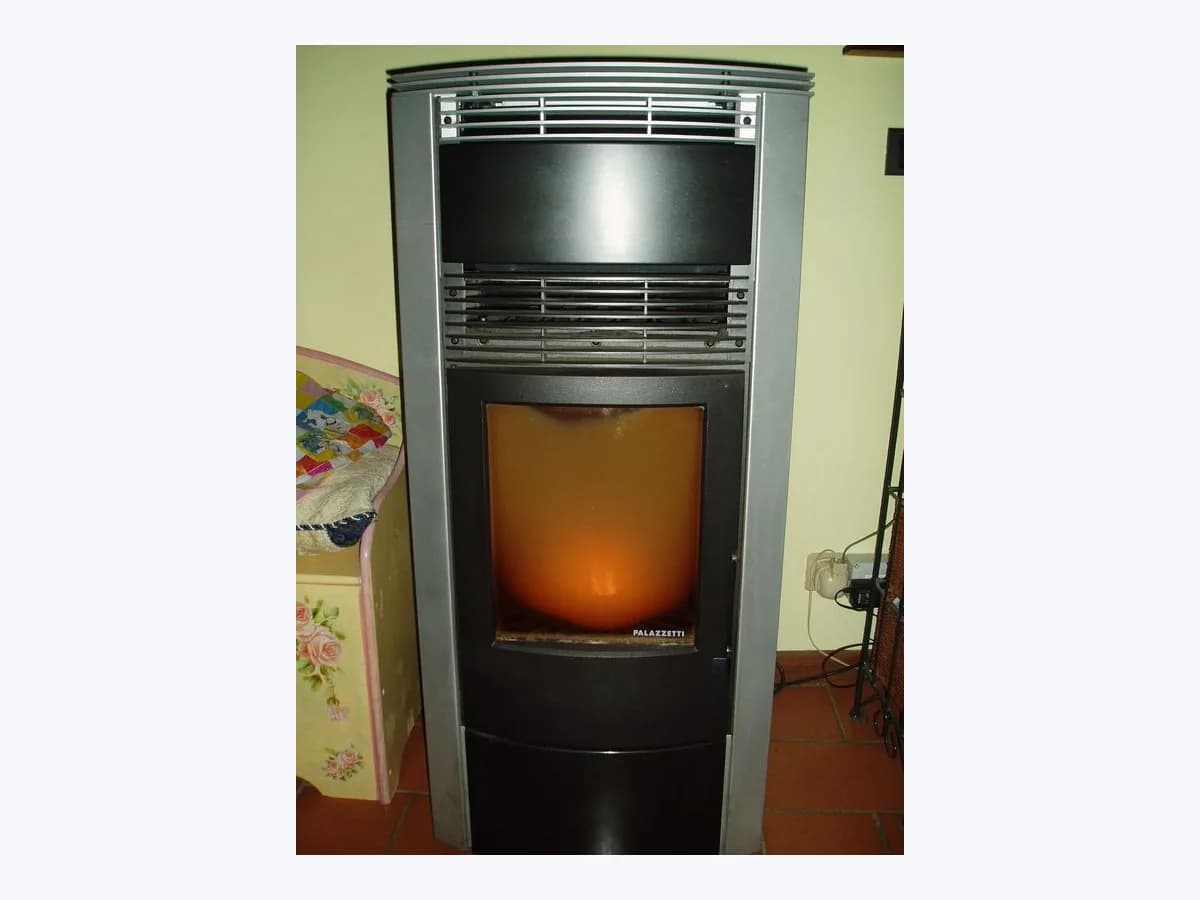
Palazzetti E004 on pellet stove: communication failure
Risk level
Medium
Proceed carefully and stop if the check is unclear.
Urgency
Medium
Quick answer
E004 can leave the control panel and App unresponsive because of a communication problem with the motherboard. Record the symptoms and arrange technical connection checks; Universal Gateway installation has a specific documented case.
Safety first
Stop and check this first
- Do not use the stove while the communication fault continues or keep restarting it for E004: ask technical service to inspect the connection that remains interrupted.
- E004 work on the power supply, RJ11, splitter and motherboard belongs to a qualified technician; the stove must be switched off and cold before its connections are handled.
Safe checks you can perform
- Identify E004 and the control panel condition
- Check the accompanying App symptom
- Distinguish Universal Gateway installation
Leave these tasks to a qualified professional
- Do not attempt this professional task: Inspect the RJ11, splitter and board-to-panel connection
- Do not attempt this professional task: Address the Universal Gateway power installation case
- Do not attempt this professional task: Perform the Connection Box communication diagnosis
What a technician must be able to justify
Technician visit
These are the steps they must carry out and show you. Tick them as they work: if steps are skipped, do not accept a part swap.
These are not instructions for opening or handling the equipment yourself. They are the checks that should support a technical conclusion.
Inspect the RJ11, splitter and board-to-panel connection
What they doIf E004 returns during diagnosis, technical service uses the supplied spare RJ11 for the check described by Palazzetti. If it persists, they check for interruptions between the motherboard and panel and inspect the rear white splitter cables, without leaving the faulty stove in use.
They must show youthe result with the supplied RJ11 and the condition of the splitter and panel connections.
In writingwhether the spare cable left the error present and what interruption or disconnection was found.
Address the Universal Gateway power installation case
What they doWhen E004 appears during Universal Gateway installation, the installer checks whether the accessory received power shortly after connection and completes its power connection for that documented case. They then verify that E004 disappears; this step applies to the Gateway and does not replace Connection Box diagnosis.
They must show youthe powered Gateway and subsequent code condition on the Palazzetti display.
In writingwhether E004 began during Gateway installation and disappeared when power was supplied.
Perform the Connection Box communication diagnosis
What they doWith the stove already switched off and cold, the technician disconnects the Connection Box power and its RJ11 at the stove end. They follow the documented side or rear switch sequence: off and wait 30 seconds, power on and wait another 30 seconds. If E004 clears, they reconnect the link with the box still unpowered and check the flashing red serial-traffic light; they restore box power only if no errors appear.
They must show youthe display condition and red serial-traffic light at the specified stage while the box power remains disconnected.
In writingthe Connection Box communication sequence result and whether E004 returned.
Before accepting a part or repair
Nothing has been shown yet. Do not accept a part swap based on the code alone.
Follow these steps
Note: Follow the documented order. An error code identifies the affected system, but it does not prove by itself which part has failed.
Identify E004 and the control panel condition
- Who:
- you, observing the Palazzetti panel without dismantling it.
- How:
- read the visible code and check whether the panel has stopped responding, the symptom described in the E004 article; do not open the panel or touch its connections.
- Result that matters:
- establish whether the display shows E004 together with the described loss of control.
- If you see E004 and the panel is unresponsive, report both observations to technical service.
- If a different reference appears, retain that code instead of applying the E004 procedure.
- Evidence to keep:
- observed E004 code and control panel response condition.
Evidence: Error E004 appears, and the control panel and App stop working.
Check the accompanying App symptom
- Who:
- you, reviewing the Palazzetti App without requesting a trial ignition.
- How:
- check whether the App also cannot control the stove and relate that symptom to the E004 already observed on its panel.
- Result that matters:
- tell the technician whether both control methods named in the article are unavailable together.
- If the App cannot control the stove either, report the combined panel and application failure.
- If the application remains available, explain that difference before any connection work.
- Evidence to keep:
- App condition associated with the displayed communication error.
Evidence: Error E004 appears, and the control panel and App stop working.
Distinguish Universal Gateway installation
- Who:
- you, identifying the connected accessory without handling cables.
- How:
- if the message began during Universal Gateway installation, check only its power situation and explain whether it remained connected without power; leave electrical intervention to the technician.
- Result that matters:
- distinguish the Gateway installation case from the documented Connection Box issue.
- If the Gateway remained unpowered after connection, give that specific history to the installer.
- If the problem concerns the Connection Box, request the communication check specified for that box.
- Evidence to keep:
- accessory type and power situation when E004 appeared.
Evidence: Error E004 appears, and the control panel and App stop working. · What does error E004 mean during the Universal Gateway installation? · Manual de instalación y mantenimiento / Installation and Maintenance Manual (004777780)
Still not solved
If the error persists, stop here. See what the technician must do and show you.
Where this code applies
A code is meaningful only inside the right product and version context.
Primary scope
- System
- HVAC
- Brand
- Palazzetti
- Product type
- Pellet stoves
Known code variants
- Communication error
- E004
- Error de comunicación
What it means
The Palazzetti Help Center article about E004 with an unresponsive panel and App describes a communication problem between the motherboard and peripherals on its Connection Box compatible stoves. Its Universal Gateway FAQ also documents E004 when that accessory is connected without being powered up promptly. E004 alone does not establish that the board, panel or another part is faulty; other models may differ. Control panel manual 004777760 calls it Communication error.
Warnings and stop conditions
- Highsource verified
Do not use the stove while the communication fault continues or keep restarting it for E004: ask technical service to inspect the connection that remains interrupted.
Evidence: Error E004 appears, and the control panel and App stop working. · Manual de instalación y mantenimiento / Installation and Maintenance Manual (004777780)
- Highsource verified
E004 work on the power supply, RJ11, splitter and motherboard belongs to a qualified technician; the stove must be switched off and cold before its connections are handled.
Evidence: Error E004 appears, and the control panel and App stop working. · Manual de instalación y mantenimiento / Installation and Maintenance Manual (004777780)
Symptoms and causes
Probable causes · in order
- Interrupted connection between motherboard and panelPossible
The display manual lists an interrupted or detached cable between the board and control panel as a possible cause of E004.
Evidence: Error E004 appears, and the control panel and App stop working. · Manual de usuario de pantalla / Control Panel User Manual (004777760)
- Disconnected cables at the Connection Box splitterPossible
The Help Center technical note identifies disconnected or misaligned cables at the rear white splitter used by the Connection Box link as a possible source of the problem.
Evidence: Error E004 appears, and the control panel and App stop working.
- Universal Gateway connected without prompt powerPossible
E004 may appear during Universal Gateway installation if it is not powered up shortly after connection; the FAQ says the error disappears once the accessory is on.
Evidence: What does error E004 mean during the Universal Gateway installation?
Virtual technician
Does E004 still appear after these checks?
Answer a few questions to narrow down the likely cause and the safest next action. Guidance only - it never replaces a professional.
Sources and technical references
- 1
Aparece el error E004 y dejan de funcionar el panel de control y la App.
Palazzetti · 2026 · official_doc
- 2
Error E004 appears, and the control panel and App stop working.
Palazzetti · 2026 · official_doc
- 3
¿Qué significa el error E004 durante la instalación del Universal Gateway?
Palazzetti · 2026 · official_doc
- 4
What does error E004 mean during the Universal Gateway installation?
Palazzetti · 2026 · official_doc
- 5
Manual de instalación y mantenimiento / Installation and Maintenance Manual (004777780)
Palazzetti · 2026 · official_doc
- 6
Manual de usuario de pantalla / Control Panel User Manual (004777760)
Palazzetti · 2026 · official_doc
Was this entry useful?