
- Gaming and consoles
- PlayStation 4
CE-30028-3
PlayStation CE-30028-3: console storage or save data read error
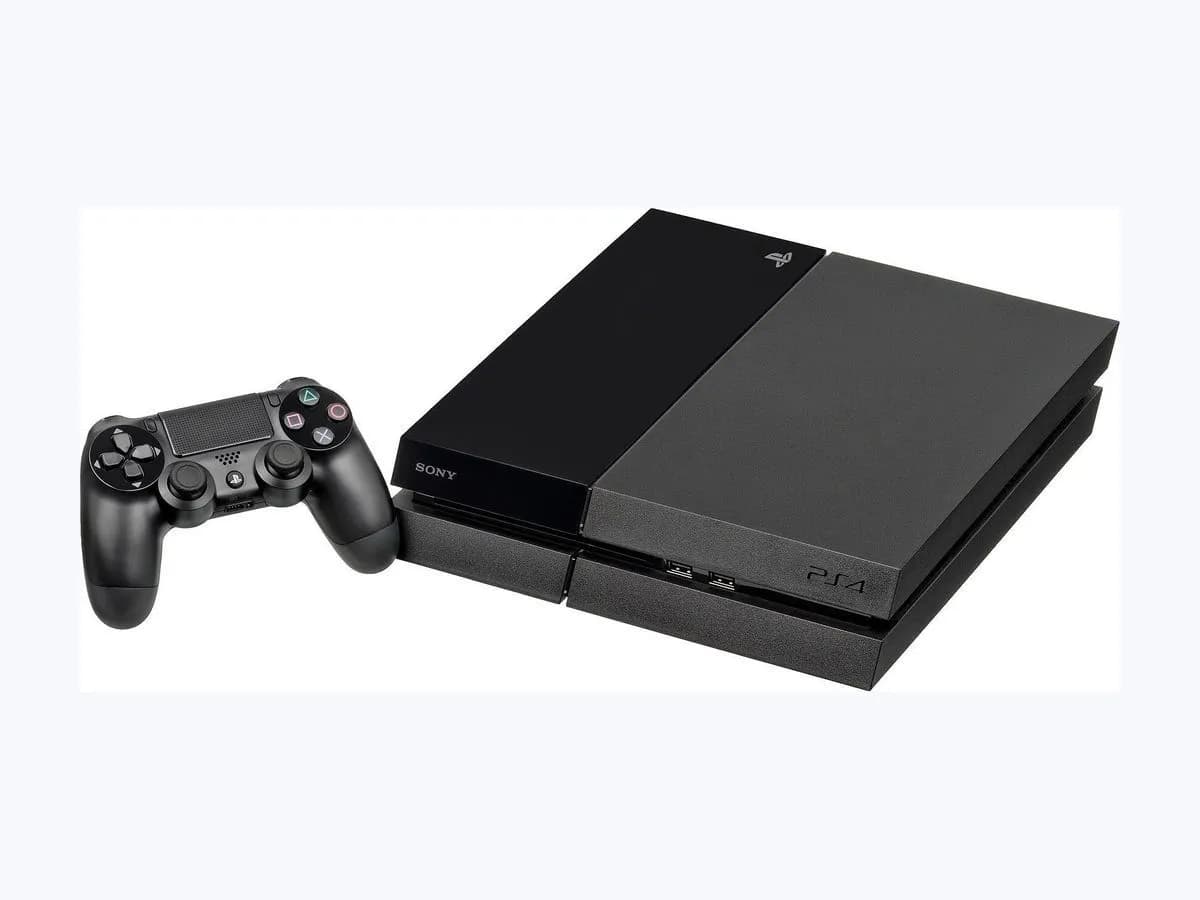
Risk level
Medium
Proceed carefully and stop if the check is unclear.
Urgency
Medium
Quick answer
PlayStation 4 error CE-30028-3 means an error occurred while reading system storage or saved data. Restart your PS4 console first and test the game with newly created save data; if the new save works, your previous save file is likely corrupted.
Safety first
Stop and check this first
- Never select Initialize PS4 from the Safe Mode menu before backing up your save data to a USB drive or PS Plus online storage, because PlayStation Support's final step for CE-30028-3 deletes all user data and restores the PS4 console to its original state.
- Do not open the PS4 console casing and never turn off your PS4 console while copying or backing up saved data to a USB drive, as doing so may cause data loss, corruption, or damage to your PS4 console or USB drive.
Safe checks you can perform
- Restart the PS4 console and test the game by creating new save data
- Delete the affected application and install it again from your Library
- Start the PS4 in Safe Mode after the second beep and select Rebuild Database
Leave these tasks to a qualified professional
- Do not attempt this professional task: Authorized PlayStation Repairs hardware service for persistent storage read faults
- Do not attempt this professional task: Contact PlayStation Support specialists if CE-30028-3 survives Safe Mode initialization
What a technician must be able to justify
Technician visit
These are the steps they must carry out and show you. Tick them as they work: if steps are skipped, do not accept a part swap.
These are not instructions for opening or handling the equipment yourself. They are the checks that should support a technical conclusion.
Authorized PlayStation Repairs hardware service for persistent storage read faults
What they doIf PlayStation Support determines that the console requires hardware service after all five official CE-30028-3 steps fail, arrange service through PlayStation Repairs rather than opening the console yourself.
They must show youthe PlayStation Repairs bench test report identifying the faulty storage component.
In writingthe repair order summary, any part replaced during service, and the post-repair verification result.
Contact PlayStation Support specialists if CE-30028-3 survives Safe Mode initialization
What they doAfter backing up save data to a FAT or exFAT USB drive (Settings > Application Saved Data Management > Saved Data in System Storage > Copy to USB Storage Device) or Settings > System > Back Up and Restore and running Initialize PS4 from the Safe Mode menu, contact PlayStation Support if CE-30028-3 still occurs.
They must show youtheir verification of the five ordered CE-30028-3 steps and the PlayStation Repairs diagnostic assessment.
In writingthe PlayStation Support case number, the diagnostic conclusion on system storage, and the repair or service options provided.
Before accepting a part or repair
Nothing has been shown yet. Do not accept a part swap based on the code alone.
Follow these steps
Note: Follow the documented order. An error code identifies the affected system, but it does not prove by itself which part has failed.
Restart the PS4 console and test the game by creating new save data
- Who:
- You, signed in to your PS4 profile and testing the affected game.
- How:
- Follow steps 1 and 2 of the official CE-30028-3 guide in order: restart your PlayStation 4 console, launch the game, create new save data, and try playing with the new data (managing existing files if needed under Settings > Application Saved Data Management > Saved Data in System Storage).
- Result that matters:
- PlayStation Support uses the new save data test to separate a corrupted save file from an application or system storage fault.
- If the newly created save data loads and saves without triggering CE-30028-3, that confirms your previous save data may be corrupted and rules out a console-wide storage failure.
- If CE-30028-3 still appears even when trying brand-new save data after a restart, that rules out a single bad save slot and points to deleting and reinstalling the application.
- Evidence to keep:
- Record the game title, the timestamp of the affected save file, and whether the new save data worked.
Evidence: CE-30028-3 PlayStation 4 error code support · Saved Data in System Storage | PlayStation 4 User's Guide
Delete the affected application and install it again from your Library
- Who:
- You, from the PS4 home screen and Library using your DUALSHOCK 4 controller.
- How:
- If new save data did not resolve CE-30028-3, delete the application and install it again (downloading digital purchases via Library > Purchased > Download), then launch the title to check if the error is resolved.
- Result that matters:
- Reinstalling the application replaces unreadable game packages in system storage without erasing your other games or user profiles.
- If the reinstalled application starts and reads data normally without CE-30028-3, that confirms the game installation files were damaged and rules out a broader system storage problem.
- If CE-30028-3 returns after reinstalling the application, that indicates the issue lies deeper in the console storage index and points to running Rebuild Database in Safe Mode.
- Evidence to keep:
- Keep a note of the application version installed and a photo of the screen if CE-30028-3 reappears.
Evidence: How to download your games and add-ons from PlayStation Store · CE-30028-3 PlayStation 4 error code support
Start the PS4 in Safe Mode after the second beep and select Rebuild Database
- Who:
- You, at the PS4 console with a DUALSHOCK 4 controller connected by a USB cable.
- How:
- Turn off your console by holding the power button for three seconds until the power indicator stops blinking; press and hold the power button again and release it after the second beep (seven seconds later), connect the controller via USB, and select Rebuild Database from the Safe Mode menu.
- Result that matters:
- Rebuild Database scans the drive and creates a new database of all content on the system without deleting your saved data.
- If CE-30028-3 disappears after Rebuild Database completes, that confirms the storage database index was out of sync and rules out needing to initialize the PS4.
- If CE-30028-3 persists after Rebuild Database, that indicates you must back up your save data to a USB storage device or PS Plus online storage before considering Initialize PS4 in Safe Mode.
- Evidence to keep:
- Record the time Rebuild Database finished and the test result when launching the game afterward.
Never select Initialize PS4 in Safe Mode before backing up your save data to USB or online storage, because Initialize PS4 deletes all user data.
Evidence: How to use Safe Mode on PS5 consoles and PS4 consoles · CE-30028-3 PlayStation 4 error code support · Saved Data in System Storage | PlayStation 4 User's Guide
Still not solved
If the error persists, stop here. See what the technician must do and show you.
Where this code applies
A code is meaningful only inside the right product and version context.
Primary scope
- System
- Gaming and consoles
- Brand
- PlayStation
- Product type
- PlayStation 4
Known code variants
- code erreur PS4 CE-30028-3
- codice errore PS4 CE-30028-3
- error PS4 CE-30028-3
- PlayStation 4 CE-30028-3
- PlayStation CE-30028-3
- PS4 CE-30028-3
- PS4 error code CE-30028-3
- PS4 Fehlercode CE-30028-3
What it means
In PlayStation Support's official PS4 error directory and the dedicated CE-30028-3 article, code CE-30028-3 reports: 'An error occurred while reading system storage or saved data.' Sony's ordered procedure checks after each step whether the PS4 system software can read the internal disk and save files: restarting the PS4 console, creating new save data to test whether the previous save file was corrupted, deleting and reinstalling the application, running Rebuild Database from Safe Mode, and finally selecting Initialize PS4 in Safe Mode after backing up save data. Because a single damaged save file or app install triggers this code, CE-30028-3 alone never proves a failing internal disk.
Warnings and stop conditions
- Mediumsource verified
Never select Initialize PS4 from the Safe Mode menu before backing up your save data to a USB drive or PS Plus online storage, because PlayStation Support's final step for CE-30028-3 deletes all user data and restores the PS4 console to its original state.
Evidence: How to use Safe Mode on PS5 consoles and PS4 consoles · CE-30028-3 PlayStation 4 error code support · Saved Data in System Storage | PlayStation 4 User's Guide
- Lowsource verified
Do not open the PS4 console casing and never turn off your PS4 console while copying or backing up saved data to a USB drive, as doing so may cause data loss, corruption, or damage to your PS4 console or USB drive.
Evidence: How to back up and restore PS4 console data
Symptoms and causes
Probable causes · in order
- Corrupted previous save data file for the affected PS4 gameCommon
PlayStation Support explicitly notes for CE-30028-3 that if you create new save data and the new save data works, your previous save data may be corrupted.
Evidence: CE-30028-3 PlayStation 4 error code support
- Damaged application installation in PS4 system storagePossible
When creating new save data after a console restart does not resolve CE-30028-3, PlayStation Support's third step is to delete the application and install it again.
Evidence: How to download your games and add-ons from PlayStation Store · CE-30028-3 PlayStation 4 error code support
- Corrupted PS4 storage database or system storage state requiring Safe Mode recoveryPossible
If CE-30028-3 continues after reinstalling the game, Sony's fourth and fifth steps direct you to Safe Mode to select Rebuild Database and, only if the error persists after backing up save data, Initialize PS4.
Evidence: How to use Safe Mode on PS5 consoles and PS4 consoles · CE-30028-3 PlayStation 4 error code support
Virtual technician
Does CE-30028-3 still appear after these checks?
Answer a few questions to narrow down the likely cause and the safest next action. Guidance only - it never replaces a professional.
Sources and technical references
- 1
PlayStation Support · 2026 · official_doc
Was this entry useful?