
- Appliances
- Sewing machines
E2
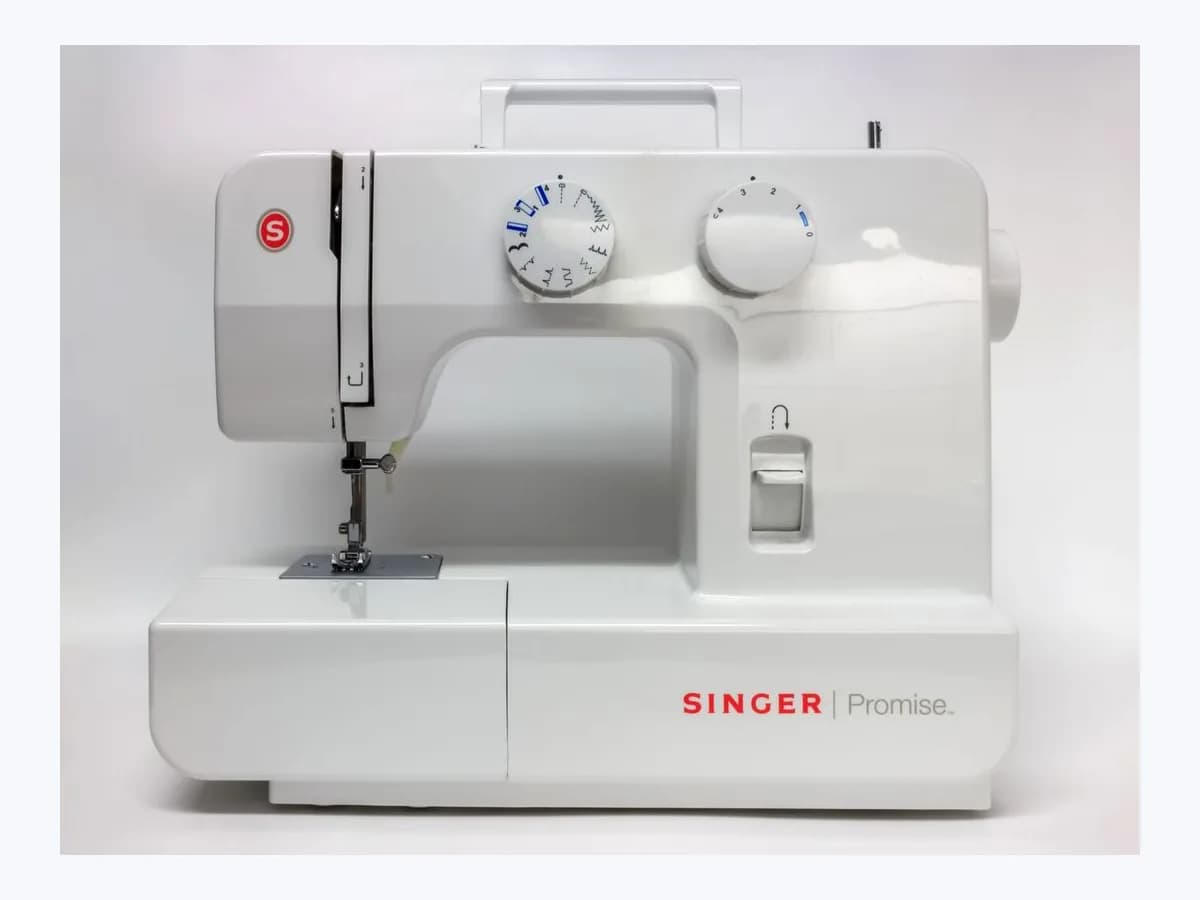
ALFA E2 on sewing machine: embroidery hoop not installed
Risk level
Low
Usually safe to check without specialist tools.
Urgency
Medium
Quick answer
Code E2 (or the message Embroidery hoop is not installed or should be removed) on ALFA Crea and ALFA Duo machines warns that the hoop was attached before app initialization or is missing when starting to embroider. Remove it before connecting or slide it in until it clicks.
Safety first
Stop and check this first
- Do not touch the embroidery unit detection device and never press, force or lift the embroidery carriage by hand, as this can damage the connector and cause malfunctions.
- Always remove the embroidery hoop first before pressing the release button to slide the embroidery unit off the machine arm.
Safe checks you can perform
- Remove the embroidery hoop before powering on and connecting the app
- Verify that the embroidery unit is clicked onto the machine arm
- Slide the 120 x 80 mm or 50 x 70 mm hoop into the holder until it clicks
Leave these tasks to a qualified professional
- Do not attempt this professional task: Inspect the embroidery hoop holder and embroidery unit detection device
- Do not attempt this professional task: Check embroidery carriage travel and alignment
What a technician must be able to justify
Technician visit
These are the steps they must carry out and show you. Tick them as they work: if steps are skipped, do not accept a part swap.
These are not instructions for opening or handling the equipment yourself. They are the checks that should support a technical conclusion.
Inspect the embroidery hoop holder and embroidery unit detection device
What they doIf code E2 or E0 persists after removing the hoop prior to initialization and clicking it in after app connection, an authorized ALFA dealer inspects the hoop-securing lever, holder switch and embroidery unit detection connector.
They must show youproper detection of both built-in hoop sizes (120 x 80 mm and 50 x 70 mm) and carriage initialization without E2.
In writinginspection result for the embroidery hoop holder switch and embroidery unit detection connector.
Check embroidery carriage travel and alignment
What they doWhen the embroidery carriage has bumped into nearby objects or fails to initialize when empty, the technician checks the carriage drive mechanism without you pressing or lifting the carriage by hand.
They must show yousmooth carriage initialization and frame relocation test driven from the MyPatterns app.
In writingfindings on the embroidery unit carriage drive and confirmation of normal embroidery operation.
Before accepting a part or repair
Nothing has been shown yet. Do not accept a part swap based on the code alone.
Follow these steps
Note: Follow the documented order. An error code identifies the affected system, but it does not prove by itself which part has failed.
Remove the embroidery hoop before powering on and connecting the app
- Who:
- you, before starting an embroidery session on your ALFA Crea or ALFA Duo.
- How:
- raise the presser foot lifter, confirm the needle is at its highest position, press the hoop-securing lever to pull the embroidery hoop backward and release it, and leave the hoop off until the machine connects with the MyPatterns app.
- Result that matters:
- allow the embroidery carriage to initialize freely without the hoop obstructing startup.
- If code E2 clears and the carriage initializes once connected to the app:
- attach the hoop when prompted.
- If code E0 appears or the embroidery unit does not respond:
- check how the embroidery unit is mounted.
- Evidence to keep:
- whether E2 appeared at startup with the hoop attached or when attempting to start embroidery.
Evidence: ALFA Crea: Manual de instrucciones (coser + bordar con WiFi) · ALFA Duo: Sewing + WiFi Embroidery Combo Instruction Manual
Verify that the embroidery unit is clicked onto the machine arm
- Who:
- you, with the presser foot raised and the embroidery hoop removed.
- How:
- pull the sewing table horizontally to the left to remove it, slide the embroidery unit onto the machine arm and push lightly until it clicks into place without touching the embroidery unit detection device or forcing the carriage.
- Result that matters:
- ensure a solid connection between the embroidery unit detection device and the main body.
- If the machine detects the embroidery unit with no E0 or E2 warning while idle:
- proceed to hoop setup.
- If E2 still appears when starting the design:
- slide and lock the matching embroidery hoop into the holder.
- Evidence to keep:
- audible click of the embroidery unit locking onto the free arm.
Evidence: ALFA Crea: Manual de instrucciones (coser + bordar con WiFi) · ALFA Duo: Sewing + WiFi Embroidery Combo Instruction Manual
Slide the 120 x 80 mm or 50 x 70 mm hoop into the holder until it clicks
- Who:
- you, after preparing the embroidery file in MyPatterns with the power switch on.
- How:
- select the built-in hoop size matching your pattern (120 x 80 mm or 50 x 70 mm), lift the presser foot slightly with your finger while keeping the presser foot lifter raised during repositioning, and slide the hoop connector into the embroidery hoop holder until you hear a click.
- Result that matters:
- lock the hoop into the carriage holder so the sensor clears E2 for embroidery.
- If the hoop clicks in, E2 disappears and lowering the presser foot turns the status light green:
- resolved.
- If code E2 remains even after clicking the hoop firmly into the holder:
- arrange service with your ALFA dealer.
- Evidence to keep:
- hoop size used (120 x 80 mm or 50 x 70 mm) and position of the hoop-securing lever.
Evidence: ALFA Crea: Manual de instrucciones (coser + bordar con WiFi) · ALFA Duo: Sewing + WiFi Embroidery Combo Instruction Manual
Still not solved
If the error persists, stop here. See what the technician must do and show you.
Where this code applies
A code is meaningful only inside the right product and version context.
Primary scope
- System
- Appliances
- Brand
- ALFA
- Product type
- Sewing machines
Known code variants
- 2 flashes
- 2 parpadeos
- ALFA Crea E2 error
- ALFA Duo embroidery hoop error
- ALFA E2
- cabezal tado E2
- Calibración incompleta de la carrera
- Calibrating the complete gate-travel
- CAME E2
- Code E2
- Código E2
- código E2 HP
- E 2
- E-2
- E0 instale la unidad de bordado ALFA
- E02
- E2
- E2 en tensiómetro de brazo Omron
- E2 no power wires detected
- E2 Omron
- E2 on Omron upper arm monitor
- El aro de bordado no está instalado o debe retirarse
- Embroidery hoop is not installed or should be removed
- Entrada de seguridad activa permanentemente
- Error 02
- Error 2
- Error E2
- error E2 ALFA Crea
- error E2 HP
- error E2 lavavajillas Smeg
- error E2 tado calibración
- Fallo del sensor de temperatura
- Hoover E02
- Hoover E2
- Hoover washing machine E02
- Hoover washing machine E2
- HP code E2
- HP DeskJet E2
- HP E2
- HP error E2
- HP Paper Mismatch
- HP Paper Size Mismatch
- HP Smart Tank E2
- Incompatibilidad de papel HP
- Incompatibilidad de tamaño de papel HP
- lavadora Hoover E02
- lavadora Hoover E2
- measurement cannot be completed after the arm cuff inflates
- Nest E2
- Nest E22
- Nest E402
- Nest E72
- Nest thermostat E2
- no se puede completar una medición después de inflar el manguito
- Omron E2 measurement not completed
- Omron E2 medición no completada
- Safety input always active
- Smeg dishwasher E2
- Smeg dishwasher error E2
- Smeg lavavajillas E2
- Smeg LVFABCR3 E2
- Smeg nivel de seguridad agua E2
- Smeg safety water level E2
- Somfy Dexxo Pro E2
- tado Basic cuatro rayas llave inglesa
- tado Basic four dashes spanner
- tado E2
- tado E2 calibration error
- tado radiator thermostat E2
- tado Smart Radiator Thermostat E2
- tado° E2
- Temperature sensor error
- termostato Nest E2
What it means
In the official ALFA Hogar instruction manuals for the ALFA Crea and ALFA Duo Wi-Fi sewing and embroidery machines, screen code E2 matches the embroidery-mode error message Embroidery hoop is not installed or should be removed (while E0 indicates the embroidery unit itself is not installed). It triggers in two opposite situations: if the embroidery hoop is attached before connecting to the MyPatterns app so the carriage cannot initialize, or if you start embroidering without sliding the 120 x 80 mm or 50 x 70 mm hoop into the holder until it clicks. Seeing E2 by itself never proves a hoop sensor is faulty, and other ALFA models may differ.
Warnings and stop conditions
- Mediumsource verified
Do not touch the embroidery unit detection device and never press, force or lift the embroidery carriage by hand, as this can damage the connector and cause malfunctions.
Evidence: ALFA Crea: Manual de instrucciones (coser + bordar con WiFi) · ALFA Duo: Sewing + WiFi Embroidery Combo Instruction Manual
- Lowsource verified
Always remove the embroidery hoop first before pressing the release button to slide the embroidery unit off the machine arm.
Evidence: ALFA Crea: Manual de instrucciones (coser + bordar con WiFi) · ALFA Duo: Sewing + WiFi Embroidery Combo Instruction Manual
Symptoms and causes
Probable causes · in order
- Embroidery hoop attached before connecting to the MyPatterns appCommon
ALFA warns not to install the embroidery hoop before connecting with the app, because the hoop carriage cannot initialize properly with the hoop already attached.
Evidence: ALFA Crea: Manual de instrucciones (coser + bordar con WiFi) · ALFA Duo: Sewing + WiFi Embroidery Combo Instruction Manual
- Embroidery hoop not installed or not clicked into the holder before sewingCommon
After editing the pattern, the required built-in hoop size (120 x 80 mm or 50 x 70 mm) has not been slid into the embroidery unit holder until it clicks into place.
Evidence: ALFA Crea: Manual de instrucciones (coser + bordar con WiFi) · ALFA Duo: Sewing + WiFi Embroidery Combo Instruction Manual
- Embroidery unit not fully seated on the machine arm (related E0 warning)Possible
If the embroidery unit was not slid onto the free arm until it clicked into place (code E0) or its detection connector was disturbed, the machine cannot detect the assembly.
Evidence: ALFA Crea: Manual de instrucciones (coser + bordar con WiFi) · ALFA Duo: Sewing + WiFi Embroidery Combo Instruction Manual
Virtual technician
Does E2 still appear after these checks?
Answer a few questions to narrow down the likely cause and the safest next action. Guidance only - it never replaces a professional.
Sources and technical references
- 1
ALFA Crea: Manual de instrucciones (coser + bordar con WiFi)
ALFA Hogar · 2026 · official_doc
- 2
ALFA Dúo: Manual de instrucciones (coser + bordar con WiFi)
ALFA Hogar · 2026 · official_doc
- 3
ALFA Duo: Sewing + WiFi Embroidery Combo Instruction Manual
ALFA Hogar · 2026 · official_doc
Was this entry useful?