

- Appliances
- Sewing machines
E4
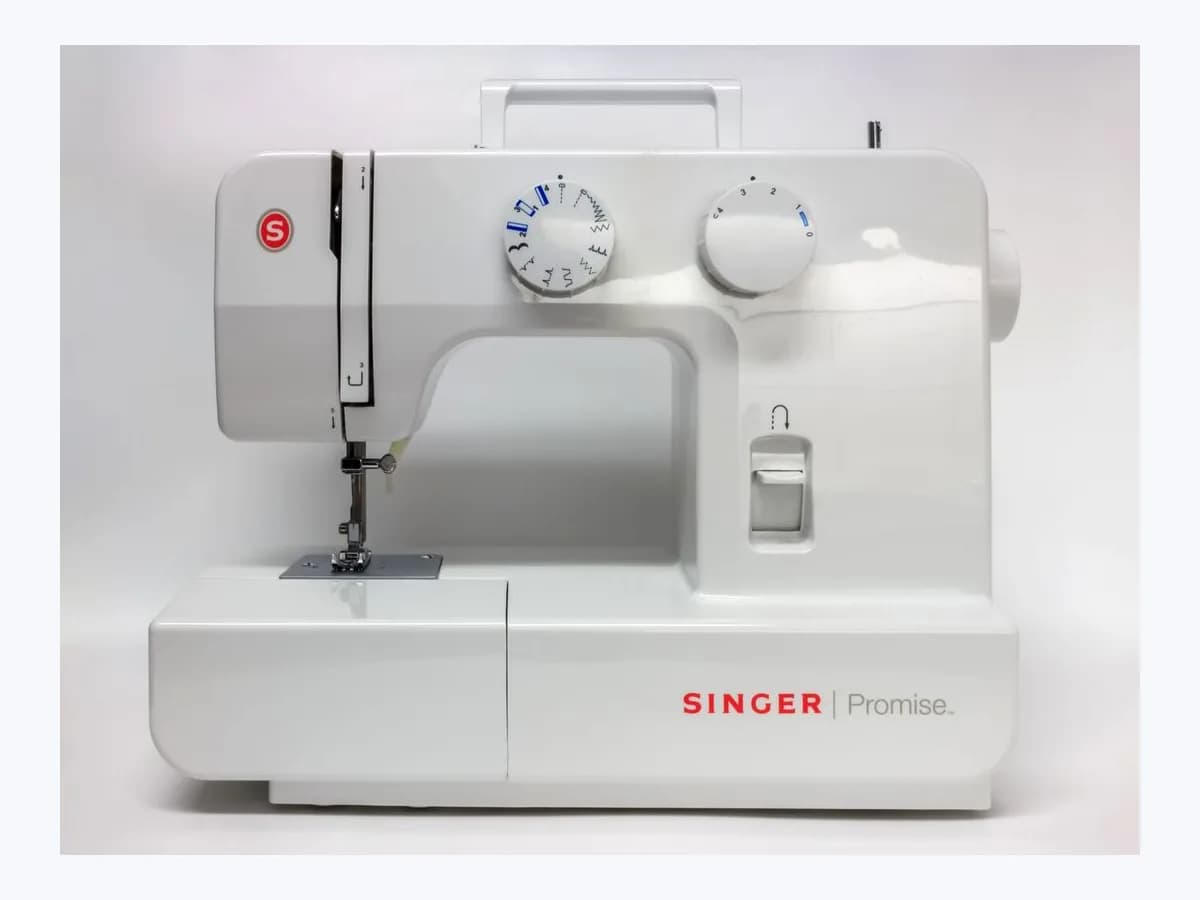
Brother E4 sewing machine: bobbin winder shaft moved right
Risk level
Low
Usually safe to check without specialist tools.
Urgency
Low
Quick answer
The display on your Brother sewing machine shows E4 because the reverse stitch button or the needle position button was pressed while the bobbin winder shaft sat on the right. Slide the shaft to the left and carry on.
Safety first
Stop and check this first
- This card draws on FS60x and Innov-is A16 pages; check the meaning in your own model's manual, since other Brother machines may reuse the text with different steps.
- Slide the winder shaft with its normal movement only; if it jams, stop and ask Brother instead of forcing it.
Safe checks you can perform
- Find the bobbin winder shaft and slide it to the left
- Test the reverse stitch button and the needle position button
- Confirm the text reads E4 and not an F followed by a number
Leave these tasks to a qualified professional
- Do not attempt this professional task: Show you that E4 clears when the shaft is moved
- Do not attempt this professional task: Contact Brother customer service if E4 does not clear
What a technician must be able to justify
Technician visit
These are the steps they must carry out and show you. Tick them as they work: if steps are skipped, do not accept a part swap.
These are not instructions for opening or handling the equipment yourself. They are the checks that should support a technical conclusion.
Show you that E4 clears when the shaft is moved
What they doA visiting technician can trigger the message with the shaft on the right, press the reverse button, move the shaft back to the left and repeat the test so you watch it stop appearing.
They must show youthe screen with E4 and then without it after the winder shaft is moved.
In writingthat the message was solved by the shaft position alone and that no part was replaced.
Contact Brother customer service if E4 does not clear
What they doIf E4 keeps appearing with the shaft fully on the left and without pressing the named buttons, ask Brother customer service rather than opening the housing.
They must show youthe screen with the message and the shaft position at the time of the enquiry.
In writingexact model, serial number and the reference of the enquiry opened with Brother.
Before accepting a part or repair
Nothing has been shown yet. Do not accept a part swap based on the code alone.
Follow these steps
Note: Follow the documented order. An error code identifies the affected system, but it does not prove by itself which part has failed.
Find the bobbin winder shaft and slide it to the left
- Who:
- you, with the machine switched on and no fabric under the needle.
- How:
- locate the bobbin winder shaft, see whether it is pushed to the right and slide it to the left with its normal movement, without forcing it, before continuing with any other operation.
- Result that matters:
- confirm that the shaft position alone is what triggers the message.
- If the E4 message clears when you operate normally again:
- it was only a handling slip.
- If the shaft will not move or E4 stays on screen:
- do not force anything and move on to test the buttons.
- Evidence to keep:
- photo of the winder shaft in the left position and of the screen without the message.
Evidence: Brother FS60x: E4 message appears on the LCD · Brother Innov-is A16: List of Error Messages
Test the reverse stitch button and the needle position button
- Who:
- you, with the winder shaft already on the left.
- How:
- press the Reverse/Reinforcement stitch button once and the Needle position button once, watching whether E4 comes back; these are the two buttons Brother's page names as triggers.
- Result that matters:
- verify that with the shaft on the left the message no longer appears.
- If neither button brings E4 back:
- resolved.
- If E4 returns with the shaft on the left:
- note which button causes it and contact Brother customer service.
- Evidence to keep:
- short video pressing each button with the shaft in the left position.
Evidence: Brother FS60x: E4 message appears on the LCD · Brother Innov-is A16: List of Error Messages
Confirm the text reads E4 and not an F followed by a number
- Who:
- you, reading the LCD of your machine.
- How:
- read the message exactly as shown: if it is E4 use this card; if you see F plus a number, the Innov-is A16 page says the machine may be malfunctioning and points to the nearest Brother authorized service center.
- Result that matters:
- avoid treating a message from a different family as a simple slip.
- If the screen reads E4:
- apply only the steps above.
- If an F with a number appears:
- stop using the machine and contact a Brother authorized service center.
- Evidence to keep:
- photo of the screen showing the exact message text.
Evidence: Brother FS60x: E4 message appears on the LCD · Brother Innov-is A16: List of Error Messages
Still not solved
If the error persists, stop here. See what the technician must do and show you.
Where this code applies
A code is meaningful only inside the right product and version context.
Primary scope
- System
- Appliances
- Brand
- Brother
- Product type
- Sewing machines
Known code variants
- 4 flashes
- 4 parpadeos
- Aviso E4 de eje de la devanadora
- Bobbin winder shaft E4 warning
- Brother FS60x E4
- cabezal tado E4
- Candy lavadora E04
- Candy lavadora E4
- Candy washer 4 flashes
- Candy washer E4
- Candy washer too much foam E4
- Candy washing machine E04
- E 04
- E 4
- E-04
- E-4
- E04
- E4
- E4 message on the LCD
- Electrolux dishwasher E4
- Electrolux dishwasher error E4
- Electrolux EHFE14T6MSBUS E4
- Electrolux LL14X E4
- Error 04
- Error 4
- Error E4
- error E4 lavavajillas Electrolux
- error E4 tado calibración
- Fallo auto test dispositivo de seguridad
- Hoover E04
- Hoover E4
- Hoover washing machine E04
- Hoover washing machine E4
- lavadora Candy 4 parpadeos
- lavadora Candy mucha espuma E4
- lavadora Hoover E04
- lavadora Hoover E4
- Mensaje E4 en la pantalla LCD
- Safety mechanism self test fault
- Somfy Dexxo Pro E4
- tado Basic seis rayas llave inglesa
- tado Basic six dashes spanner
- tado E4
- tado E4 calibration error
- tado radiator thermostat E4
- tado Smart Radiator Thermostat E4
- tado° E4
What it means
On Brother's FS60x FAQ page (related models include FS40s, FS70WTx, Innov-is A50, A60SE, A65, A80 and SH40), E4 appears after an erroneous operation: the Reverse/Reinforcement stitch button or the Needle position button is pressed while the bobbin winder shaft is moved to the right. It is a handling message rather than a fault diagnosis, and other Brother series may word things differently.
Warnings and stop conditions
- Lowsource verified
This card draws on FS60x and Innov-is A16 pages; check the meaning in your own model's manual, since other Brother machines may reuse the text with different steps.
Evidence: Brother FS60x: E4 message appears on the LCD · Brother Innov-is A16: List of Error Messages
- Lowsource verified
Slide the winder shaft with its normal movement only; if it jams, stop and ask Brother instead of forcing it.
Evidence: Brother FS60x: E4 message appears on the LCD · Brother Innov-is A16: List of Error Messages
Symptoms and causes
Probable causes · in order
- Bobbin winder shaft left in the right-hand positionCommon
After winding a bobbin or when about to sew, the bobbin winder shaft stayed pushed to the right, which is the position Brother names as the trigger for this message.
Evidence: Brother FS60x: E4 message appears on the LCD · Brother Innov-is A16: List of Error Messages
- Reverse/reinforcement button pressed with the shaft on the rightCommon
The Reverse/Reinforcement stitch button was pressed while the winder shaft was still on the right, one of the two operations Brother's page lists for E4.
Evidence: Brother FS60x: E4 message appears on the LCD · Brother Innov-is A16: List of Error Messages
- Needle position button pressed with the shaft on the rightPossible
The Needle position button was pressed with the bobbin winder shaft moved right, the second erroneous operation the official page ties to this on-screen message.
Evidence: Brother FS60x: E4 message appears on the LCD · Brother Innov-is A16: List of Error Messages
Virtual technician
Does E4 still appear after these checks?
Answer a few questions to narrow down the likely cause and the safest next action. Guidance only - it never replaces a professional.
Sources and technical references
- 1
Brother FS60x: E4 message appears on the LCD
Brother · 2026 · official_doc
- 2
Brother FS60x: En la pantalla LCD aparece el mensaje E4
Brother · 2026 · official_doc
- 3
Brother Innov-is A16: List of Error Messages
Brother · 2026 · official_doc
- 4
Brother Innov-is A16: Lista de mensajes de error
Brother · 2026 · official_doc
Was this entry useful?