
- Appliances
- Microwave ovens
F3
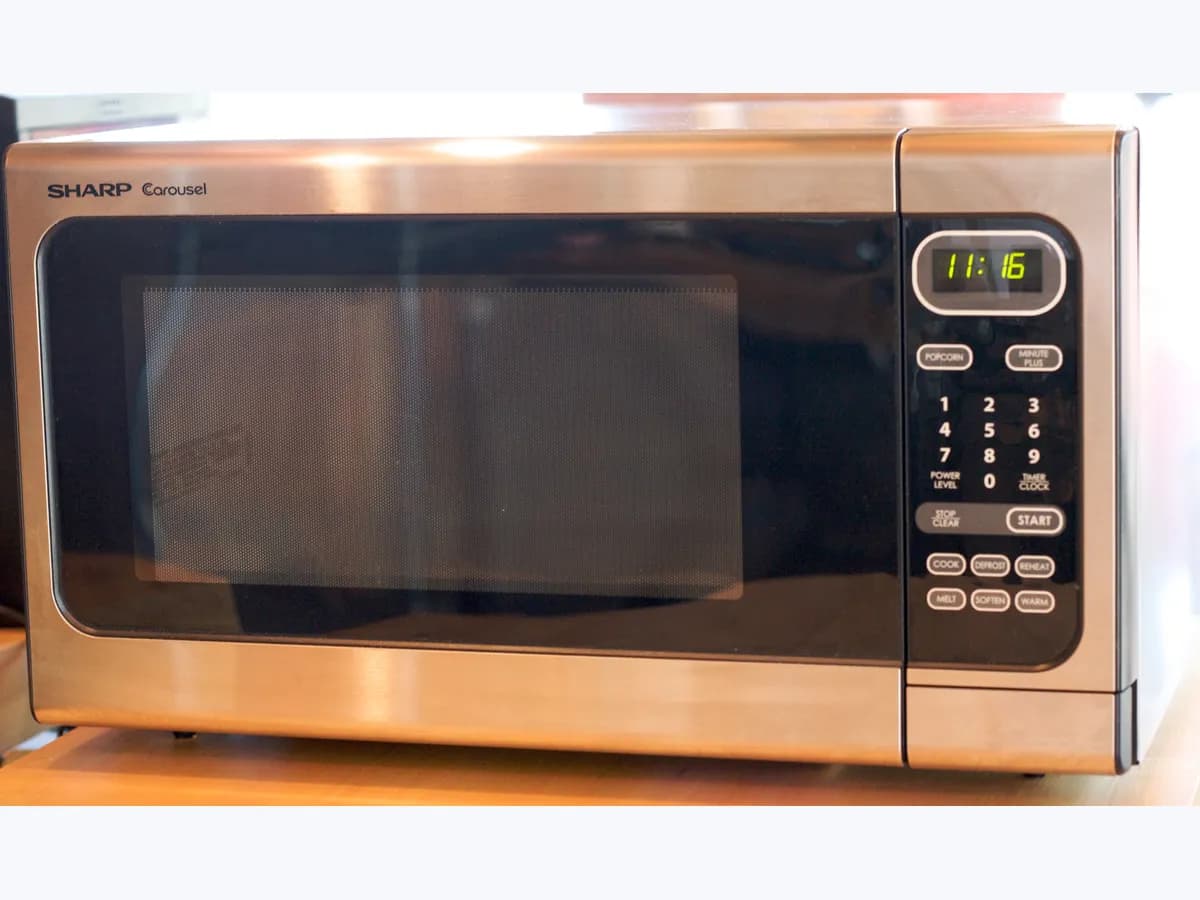
LG F3 on a microwave: dirt or fault on the touch panel
Risk level
Low
Usually safe to check without specialist tools.
Urgency
Medium
Quick answer
On an LG lightwave microwave oven, F-3 can occur when there are foreign substances around the touch button panel. LG says to wipe them off and check again; if it persists, unplug the cord and plug it back in.
Safety first
Stop and check this first
- Do not take the panel or the casing apart to clean inside: a microwave has a high voltage capacitor that can hold a lethal charge even when unplugged. The inside is for authorised service only.
Safe checks you can perform
- Cleaning around the buttons
- Unplugging and checking again
- Short test with a load
Leave these tasks to a qualified professional
- Do not attempt this professional task: Touch panel and connection inspection
- Do not attempt this professional task: Operating check after the repair
What a technician must be able to justify
Technician visit
These are the steps they must carry out and show you. Tick them as they work: if steps are skipped, do not accept a part swap.
These are not instructions for opening or handling the equipment yourself. They are the checks that should support a technical conclusion.
Touch panel and connection inspection
What they doThe LG service technician checks the button panel and its connection to the board following the service manual, after discharging high voltage as the procedure requires.
They must show youthe test that confirms whether the fault is in the panel, the connection or the board.
In writingthe cause found and, if a part is replaced, its part number and the reason.
Operating check after the repair
What they doAfter the work, the technician unplugs and replugs the unit and runs a cycle with a load using the buttons.
They must show youstart-up without F-3 and the full cycle.
In writingthe test, the result and the date.
Before accepting a part or repair
Nothing has been shown yet. Do not accept a part swap based on the code alone.
Follow these steps
Note: Follow the documented order. An error code identifies the affected system, but it does not prove by itself which part has failed.
Cleaning around the buttons
- Who:
- you, with a soft cloth.
- How:
- with the microwave stopped, wipe the touch button area and its edges until grease, water or residue is gone, then dry it.
- Result that matters:
- whether F-3 clears after cleaning.
- If it clears:
- it was substances on the panel, as LG describes.
- If it persists:
- move on to unplugging.
- Evidence to keep:
- photo of the panel before and after cleaning.
Evidence: LG Microwave - Troubleshooting an F3 Error
Unplugging and checking again
- Who:
- you, at the plug.
- How:
- unplug the microwave, plug it back in and see whether the same error reappears, as LG says.
- Result that matters:
- whether the same error comes back.
- If it does not come back:
- it was a temporary error.
- If it comes back:
- LG recommends an inspection for an accurate diagnosis.
- Evidence to keep:
- note of the result and the time.
Evidence: LG Microwave - Troubleshooting an F3 Error
Short test with a load
- Who:
- you, with a microwave-safe container of water.
- How:
- set a short time with a microwave-safe container of water inside and watch. Do not run it empty.
- Result that matters:
- that the buttons respond and the cycle ends without F-3.
- If it ends normally:
- solved.
- If F-3 returns:
- ask for an LG service inspection.
- Evidence to keep:
- short video of the error if it comes back.
Evidence: LG Microwave - Troubleshooting an F3 Error
Still not solved
If the error persists, stop here. See what the technician must do and show you.
Where this code applies
A code is meaningful only inside the right product and version context.
Primary scope
- System
- Appliances
- Brand
- LG
- Product type
- Microwave ovens
Known code variants
- aire acondicionado Daikin F3
- climatisation Daikin F3
- climatizzatore Daikin F3
- cocina LG F3 panel
- code erreur F3 Daikin
- codice F3 Daikin
- código F3 Daikin
- Daikin AC F3
- Daikin error F3
- Daikin F3
- Daikin Fehler F3
- Daikin Fehlercode F3
- DishDrawer F3
- error F3 Daikin
- error F3 DishDrawer
- errore F3 Daikin
- F 3
- Fisher & Paykel DishDrawer F3
- Fisher Paykel F3
- Gree F3
- Ideal boiler F3
- Ideal boiler F3 fan fault
- Ideal F03
- Ideal F3
- Ideal Logic F3
- Klimaanlage Daikin F3
- LG F-3 horno
- LG F3 horno
- LG F3 touch pad
- LG horno F3 teclas
- LG lightwave F3
- LG microondas F3
- LG microwave F-3 touch panel
- LG microwave F3
- LG oven F-3
- LG oven F3 keypad
- LG range F3
- microondas LG F-3 panel
- panne F3 Daikin
What it means
LG explains that on its lightwave ovens errors start with the letter F followed by a number, and that F-3 can occur when there are foreign substances around the touch button panel. It adds that other F errors can indicate defective parts, a short circuit, communication failures or overcurrent, and that some symptoms come from a temporary error you check by unplugging and plugging back in. So the code does not prove the panel is faulty.
Warnings and stop conditions
- Higheditorial warning
Do not take the panel or the casing apart to clean inside: a microwave has a high voltage capacitor that can hold a lethal charge even when unplugged. The inside is for authorised service only.
Evidence: LG Microwave - Troubleshooting an F3 Error
Symptoms and causes
Probable causes · in order
- Dirt or residue around the touch panelCommon
This is the cause LG gives for F-3. It fits if there is grease, water or food residue at the edge of the buttons; it clears after cleaning.
Evidence: LG Microwave - Troubleshooting an F3 Error
- Temporary control errorPossible
LG says some symptoms are a temporary error. It fits if F-3 clears after unplugging and plugging back in and does not repeat.
Evidence: LG Microwave - Troubleshooting an F3 Error
- Defective part or electrical faultPossible
LG recommends a technician's inspection if the error persists, because F errors can also indicate defective parts or a short circuit.
Evidence: LG Microwave - Troubleshooting an F3 Error
Virtual technician
Does F3 still appear after these checks?
Answer a few questions to narrow down the likely cause and the safest next action. Guidance only - it never replaces a professional.
Sources and technical references
- 1
LG Microwave - Troubleshooting an F3 Error
LG · 2026 · official_doc
Was this entry useful?