
- Appliances
- Dryers
HS
LG HS on dryer: humidity sensor error
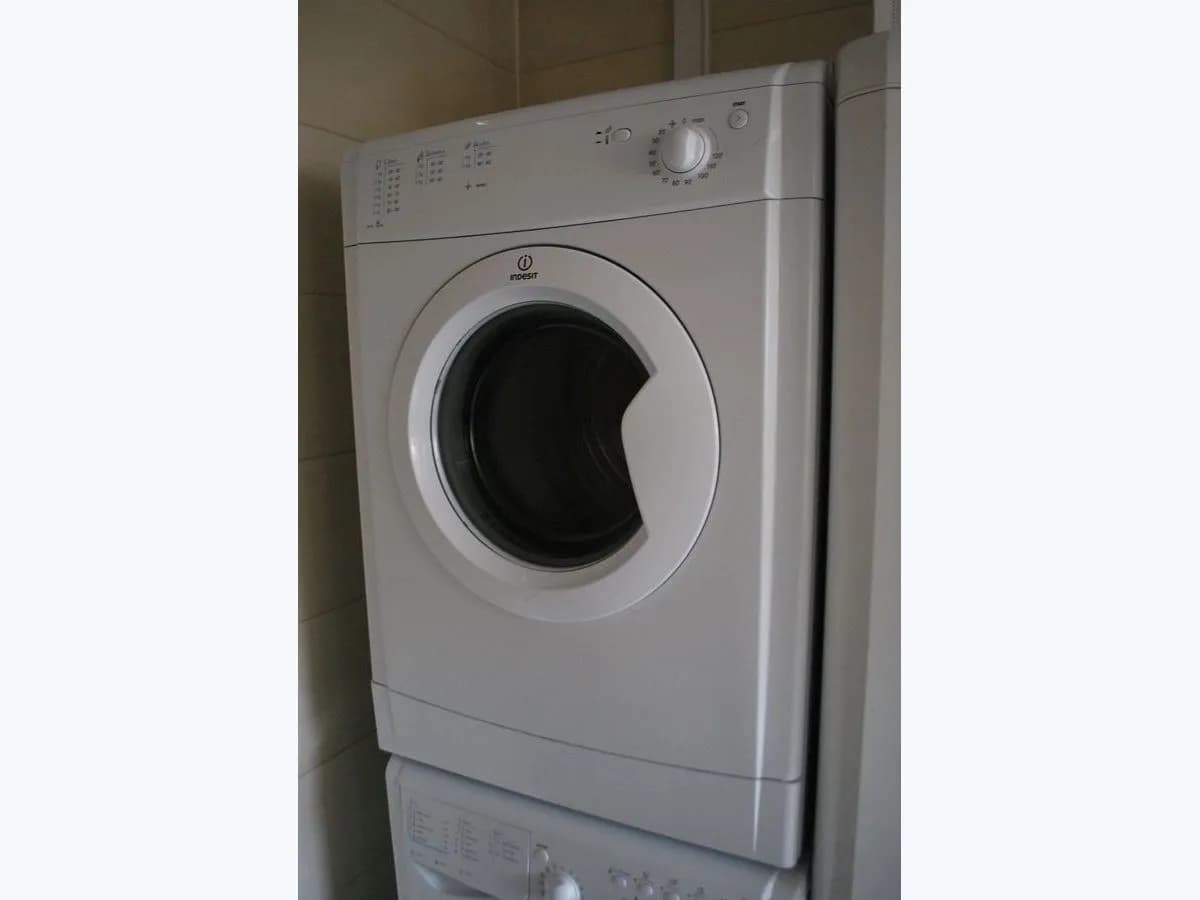
Risk level
Low
Usually safe to check without specialist tools.
Urgency
Medium
Quick answer
Your LG dryer shows HS because it detects a humidity sensor error, and it may run for two and a half hours without drying properly. Clean the sensors below the lint filter with a damp cloth and let them dry before another cycle.
Safety first
Stop and check this first
- Clean the sensors with the dryer unplugged and with a cloth that is only damp, without spraying water inside the drum.
Safe checks you can perform
- Clean the humidity sensors
- Let the sensors dry fully
- Record the cycle length
Leave these tasks to a qualified professional
- Do not attempt this professional task: Humidity sensor diagnosis
- Do not attempt this professional task: Test cycle after repair
What a technician must be able to justify
A technician is coming
These are the steps they must carry out and show you. Tick them as they work: if steps are skipped, do not accept a part swap.
These are not instructions for opening or handling the equipment yourself. They are the checks that should support a technical conclusion.
Humidity sensor diagnosis
What they doService checks the humidity sensor and its connection with instruments, with the dryer unplugged before anything is taken apart.
They must show youthe check or measurement against LG specification.
In writingthe cause found, the reference of any replaced part and why.
Test cycle after repair
What they doThe technician runs a loaded cycle to check the dryer finishes in a normal time without HS.
They must show youthe cycle finished without a code.
In writingthe test cycle length and result.
Before accepting a part or repair
Nothing has been shown yet. Do not accept a part swap based on the code alone.
Checks and evidence, step by step
Follow the documented order. An error code identifies the affected system, but it does not prove by itself which part has failed.
- 1
Clean the humidity sensors
No special tools
Procedure
- Who:
- you, with the dryer off and unplugged.
- How:
- find the sensors inside the drum, below the lint filter, and clean them with a damp rag or paper towel, as LG instructs.
- Result that matters:
- sensors with no visible residue.
- If there was residue:
- that is the most likely cause; let them dry before testing.
- If they were clean:
- dirt is nearly ruled out; test a cycle anyway.
- Evidence to keep:
- a photo of the sensors before and after.
Evidence: LG USA dryer error code list
- 2
Let the sensors dry fully
No special tools
Procedure
- Who:
- you.
- How:
- let the sensors dry completely before starting another cycle, as LG instructs.
- Result that matters:
- no moisture from cleaning left to affect the reading.
- If the next cycle ends without HS:
- cleaning fixed the code.
- If HS returns:
- move on to the record and request repair.
- Evidence to keep:
- a note of how long the test cycle ran.
Evidence: LG USA dryer error code list
- 3
Record the cycle length
No special tools
Procedure
- Who:
- you.
- How:
- if HS returns, note how long the cycle runs and whether the clothes come out dry or damp.
- Result that matters:
- showing the technician the symptom LG describes (about two and a half hours).
- If the cycle runs long and the clothes are damp:
- that matches the code symptom.
- If the clothes are dry:
- note it anyway for the technician.
- Evidence to keep:
- photos of the code and notes on each cycle.
Evidence: LG USA dryer error code list
Where this code applies
A code is meaningful only inside the right product and version context.
Primary scope
- System
- Appliances
- Brand
- LG
- Product type
- Dryers
Known code variants
- error HS secadora LG
- LG dryer HS error
- LG HS dryer
- LG HS secadora
- LG humidity sensor HS
- sensor humedad LG HS
What it means
LG explains that HS indicates an error with the humidity sensor. With this code the dryer runs for two and a half hours, so it may seem as though it is not drying. The sensors are inside the drum, below the lint filter, and LG says to clean them with a damp rag or paper towel and let them dry fully before another cycle. If the code persists, LG refers you to repair. That is why the code alone does not prove the sensor is faulty: dirt has to be ruled out first.
Warnings and stop conditions
- Loweditorial warning
Clean the sensors with the dryer unplugged and with a cloth that is only damp, without spraying water inside the drum.
Evidence: LG USA dryer error code list
Symptoms and causes
Probable causes · in order
- Dirty sensorsCommon
Fabric softener residue or lint covers the sensors below the filter. The code clears after cleaning them and letting them dry.
Evidence: LG USA dryer error code list
- Sensor or connection faultPossible
The code persists with clean, dry sensors. LG then says the dryer may need repair.
Evidence: LG USA dryer error code list
Virtual technician
Does HS still appear after these checks?
Answer a few questions to narrow down the likely cause and the safest next action. Guidance only - it never replaces a professional.
Sources and technical references
- 1
LG Electronics · 2025 · official_doc
Was this entry useful?