
- Appliances
- Cooktops
C90
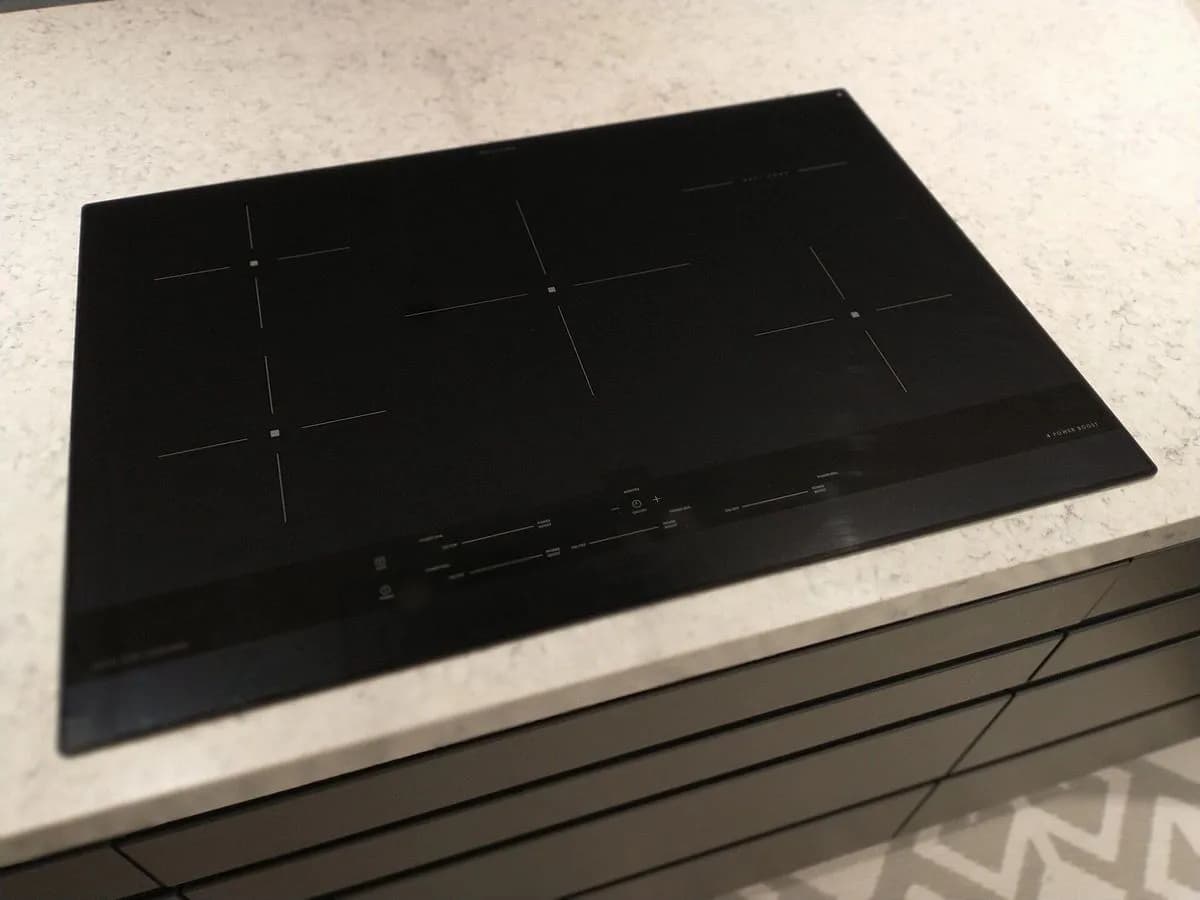
Teka C90 on an induction hob: touch sensor covered
Risk level
Low
Usually safe to check without specialist tools.
Urgency
Low
Quick answer
On Teka induction hobs, the appliance switching off with C90 or C91 on the power indicators means the touch control detects the on/off sensor (C90) or the Stop&Go sensor (C91) is covered. Remove any objects or liquids, then clean and dry the touch control surface.
Safety first
Stop and check this first
- Teka warns never to use the ceramic glass as a storage surface for objects and never to clean the hob with steam equipment; keep the control panel of the heating areas clean and dry at all times.
Safe checks you can perform
- Clear all objects from the touch control strip
- Wipe and dry the touch control glass thoroughly
- Press the Stop&Go sensor twice to clear C91
Leave these tasks to a qualified professional
- Do not attempt this professional task: Touch control assembly check by Teka technical service
- Do not attempt this professional task: Full keypad functional check after repair
What a technician must be able to justify
Technician visit
These are the steps they must carry out and show you. Tick them as they work: if steps are skipped, do not accept a part swap.
These are not instructions for opening or handling the equipment yourself. They are the checks that should support a technical conclusion.
Touch control assembly check by Teka technical service
What they doIf C90 or C91 stays active when the glass is completely clean and dry, a Teka technician inspects the capacitive sensor board beneath the ceramic glass, its spring contact against the underside of the glass, and its wiring.
They must show youthe live response of the on/off and Stop&Go sensors with nothing on the glass.
In writingthe C90 or C91 fault verified, the condition of the touch control module and any part replaced.
Full keypad functional check after repair
What they doOnce the touch control module is refitted or replaced, the technician tests switching on, power selection and Stop&Go pause across all cooking zones.
They must show youthe hob switching on, pausing and adjusting power levels without C90 or C91 returning.
In writingthe touch keys tested and confirmation of normal operation.
Before accepting a part or repair
Nothing has been shown yet. Do not accept a part swap based on the code alone.
Follow these steps
Note: Follow the documented order. An error code identifies the affected system, but it does not prove by itself which part has failed.
Clear all objects from the touch control strip
- Who:
- you, checking first whether an H residual heat warning is lit.
- How:
- remove any pot, lid, cloth or utensil resting on or overhanging the front control panel area, paying special attention to the on/off sensor (1) and the Stop&Go sensor (6).
- Result that matters:
- nothing is covering the touch control surface of the heating areas.
- If C90 clears as soon as the object is lifted away, you can switch the cooktop on normally.
- If C90 or C91 stays on the power indicators, clean and dry the glass over the sensors.
- Evidence to keep:
- a photo of the power indicators showing C90 or C91 before clearing the panel.
Evidence: Teka Manual de instrucciones placa de inducción IZF 68780 MST · Teka User Manual induction hob IZC 63632 MPT (ES/PT/EN/DE/FR)
Wipe and dry the touch control glass thoroughly
- Who:
- you, once the glass is cool enough to touch safely.
- How:
- wipe away any liquid or grease on the control panel using a damp cloth with gentle detergent or warm soapy water, never steam equipment or harsh cleaners, then dry the glass and your fingers completely.
- Result that matters:
- a clean, dry touch control surface with no moisture left over the sensors.
- If the display showed C90 and goes blank after drying, switch the hob back on with the on/off sensor.
- If the display showed C91, complete the double-press on the Stop&Go sensor below.
- Evidence to keep:
- a photo of the clean, dry control area.
Evidence: Teka Manual de instrucciones placa de inducción IZF 68780 MST · Teka User Manual induction hob IZC 63632 MPT (ES/PT/EN/DE/FR)
Press the Stop&Go sensor twice to clear C91
- Who:
- you, with clean and dry fingers.
- How:
- when C91 is the code shown on the power indicators, after removing any objects or liquids and drying the touch control surface, press the Stop&Go sensor (6) twice as instructed in the Teka manual.
- Result that matters:
- the C91 message disappears and the touch control returns to normal operation.
- If the cooktop responds to touch commands again after C91 clears, the sensor lockout is resolved.
- If C90 or C91 remains on a clean, dry, cool glass panel, switch off power to the cooktop and book a Teka technician.
- Evidence to keep:
- a note of whether C90 or C91 was shown and whether double-pressing Stop&Go cleared it.
Evidence: Teka User Manual induction hob IZC 63632 MPT (ES/PT/EN/DE/FR)
Still not solved
If the error persists, stop here. See what the technician must do and show you.
Where this code applies
A code is meaningful only inside the right product and version context.
Primary scope
- System
- Appliances
- Brand
- Teka
- Product type
- Cooktops
Known code variants
- C 90
- C91
- error C90 placa inducción Teka
- error C91 placa Teka
- placa Teka no enciende C90
- Teka C90
- Teka C91
- Teka cooktop C90 C91
- Teka hob C91 Stop and Go
- Teka induction hob C90 error
What it means
The Teka IZF 68780 MST and IZC 63632 MPT user manuals explain that C90 appears on the power indicators (3) when the touch control detects that the main on/off sensor (1) is covered and prevents switching on the cooktop. On models with a pause key such as the IZC 63632 MPT, C91 indicates that the Stop&Go sensor (6) is covered and blocks operation until you clean and dry the glass and press the Stop&Go sensor twice. A C90 or C91 message by itself never proves that the touch control board is faulty.
Warnings and stop conditions
- Loweditorial warning
Teka warns never to use the ceramic glass as a storage surface for objects and never to clean the hob with steam equipment; keep the control panel of the heating areas clean and dry at all times.
Evidence: Teka Manual de instrucciones placa de inducción IZF 68780 MST · Teka User Manual induction hob IZC 63632 MPT (ES/PT/EN/DE/FR)
Symptoms and causes
Probable causes · in order
- Cookware or utensils resting on the touch keysCommon
A pan handle, lid, cloth or kitchen tool left over the on/off sensor (1) or the Stop&Go sensor (6) triggers C90 or C91 and turns the hob off.
Evidence: Teka Manual de instrucciones placa de inducción IZF 68780 MST · Teka User Manual induction hob IZC 63632 MPT (ES/PT/EN/DE/FR)
- Spilled liquid or moisture on the control areaCommon
Boil-overs, water droplets or dampness across the front sensor strip cover the capacitive pads and stop the cooktop from responding.
Evidence: Teka Manual de instrucciones placa de inducción IZF 68780 MST · Teka User Manual induction hob IZC 63632 MPT (ES/PT/EN/DE/FR)
- Grease film or food residue over the sensor markingsPossible
Stuck-on dirt or grease left on the control panel glass interferes with touch detection until the surface is washed and dried.
Evidence: Teka Manual de instrucciones placa de inducción IZF 68780 MST · Teka User Manual induction hob IZC 63632 MPT (ES/PT/EN/DE/FR)
Virtual technician
Does C90 still appear after these checks?
Answer a few questions to narrow down the likely cause and the safest next action. Guidance only - it never replaces a professional.
Sources and technical references
- 1
Teka Manual de instrucciones placa de inducción IZF 68780 MST
Teka · 2026 · manual
- 2
Teka User Manual induction hob IZC 63632 MPT (ES/PT/EN/DE/FR)
Teka · 2026 · manual
Was this entry useful?