

- Printers
- Laser printer
condensation
Brother MFC-L8900CDW: Condensation
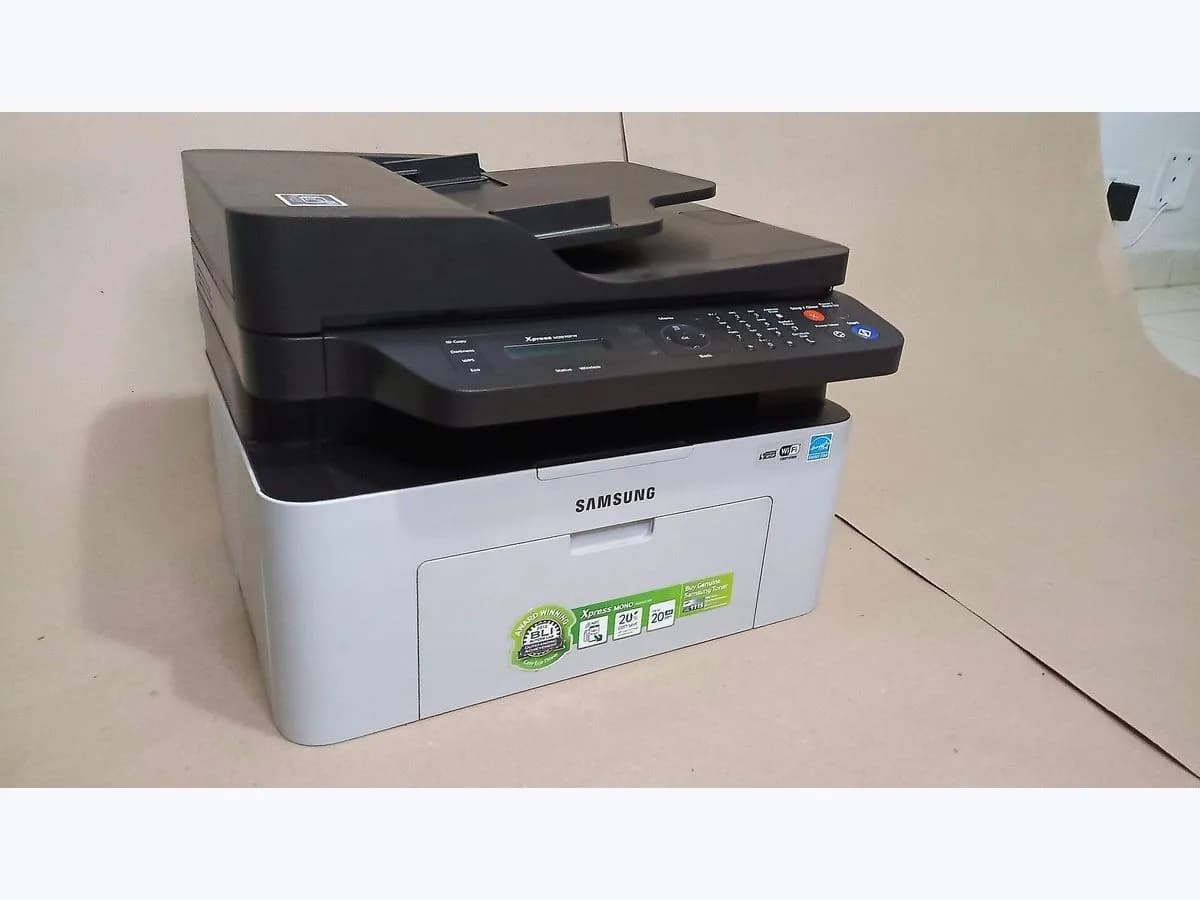
Risk level
Low
Usually safe to check without specialist tools.
Urgency
Low
Quick answer
Brother defines “Condensation” as: Condensation may have formed inside after a room-temperature change. That message alone does not prove a replacement part. The next useful discriminator is the recent temperature/humidity transition and whether the message clears after Brother’s 30-minute acclimation period.
Safety first
Stop and check this first
- Do not use a hair dryer, heater or liquid cleaner inside the printer.
Safe checks you can perform
- Preserve the exact display and context
- Run one controlled owner-safe discriminator
- Stop at the proved owner/service boundary
Leave these tasks to a qualified professional
- Do not attempt this professional task: Measured handoff for Condensation
What a technician must be able to justify
A technician is coming
These are the steps they must carry out and show you. Tick them as they work: if steps are skipped, do not accept a part swap.
These are not instructions for opening or handling the equipment yourself. They are the checks that should support a technical conclusion.
Measured handoff for Condensation
What they doRecord ambient temperature/humidity and transition time, inspect condensation evidence and environmental sensors, and prove recurrence under stable conditions.
Before accepting a part or repair
Nothing has been shown yet. Do not accept a part swap based on the code alone.
Checks and evidence, step by step
Follow the documented order. An error code identifies the affected system, but it does not prove by itself which part has failed.
- 1
Preserve the exact display and context
No special tools
Procedure
Photograph “Condensation”, including any tray, color or ## suffix. Save model/region, page count, supplies-life page, job/media and the last intervention before clearing it.
Do not use a hair dryer, heater or liquid cleaner inside the printer.
Evidence: Brother MFC-L8900CDW Online User's Guide - error and maintenance messages
- 2
Run one controlled owner-safe discriminator
No special tools
Procedure
Use Brother’s documented acclimation: leave the powered machine for 30 minutes with the front cover open, then power off, close it and restart once. Do not add heat. Record the recent temperature/humidity transition and whether the message clears after Brother’s 30-minute acclimation period; change only one variable before retesting.
Do not use a hair dryer, heater or liquid cleaner inside the printer.
Evidence: Brother MFC-L8900CDW Online User's Guide - error and maintenance messages
- 3
Stop at the proved owner/service boundary
No special tools
Procedure
If it clears after a known room transition, monitor. Recurrence without a temperature/humidity transition needs sensor/environment service rather than repeated warming.
Do not use a hair dryer, heater or liquid cleaner inside the printer.
Evidence: Brother MFC-L8900CDW Online User's Guide - error and maintenance messages
Where this code applies
A code is meaningful only inside the right product and version context.
Primary scope
- System
- Printers
- Brand
- Brother
- Product type
- Laser printer
Known code variants
- Brother Condensa
- Brother Condensación
- Brother Condensation
- Brother Kondensation
- Condensa
- Condensación
- Condensation
- Kondensation
- MFC-L8900CDW Condensa
- MFC-L8900CDW Condensación
- MFC-L8900CDW Condensation
- MFC-L8900CDW Kondensation
What it means
Official meaning: Condensation may have formed inside after a room-temperature change. Decision boundary: record the recent temperature/humidity transition and whether the message clears after Brother’s 30-minute acclimation period. Service or purchase proof: Record ambient temperature/humidity and transition time, inspect condensation evidence and environmental sensors, and prove recurrence under stable conditions.
Warnings and stop conditions
- Lowsource verified
Do not use a hair dryer, heater or liquid cleaner inside the printer.
Evidence: Brother MFC-L8900CDW Online User's Guide - error and maintenance messages
Symptoms and causes
Probable causes · in order
- What the Brother message establishesConfirmed
The official Brother MFC-L8900CDW family guide defines “Condensation”: Condensation may have formed inside after a room-temperature change.
Evidence: Brother MFC-L8900CDW Online User's Guide - error and maintenance messages
- The observation that changes the next branchPossible
Capture the recent temperature/humidity transition and whether the message clears after Brother’s 30-minute acclimation period. If it clears after a known room transition, monitor. Recurrence without a temperature/humidity transition needs sensor/environment service rather than repeated warming.
Evidence: Brother MFC-L8900CDW Online User's Guide - error and maintenance messages
Virtual technician
Does condensation still appear after these checks?
Answer a few questions to narrow down the likely cause and the safest next action. Guidance only - it never replaces a professional.
Sources and technical references
- 1
Brother MFC-L8900CDW Online User's Guide - error and maintenance messages
Brother Industries, Ltd. · 2021 · official_doc
Was this entry useful?