
- Printers
- Inkjet printer
E-11
Epson ET-2850 / L4260 E-11: waste-ink pad reached its service limit
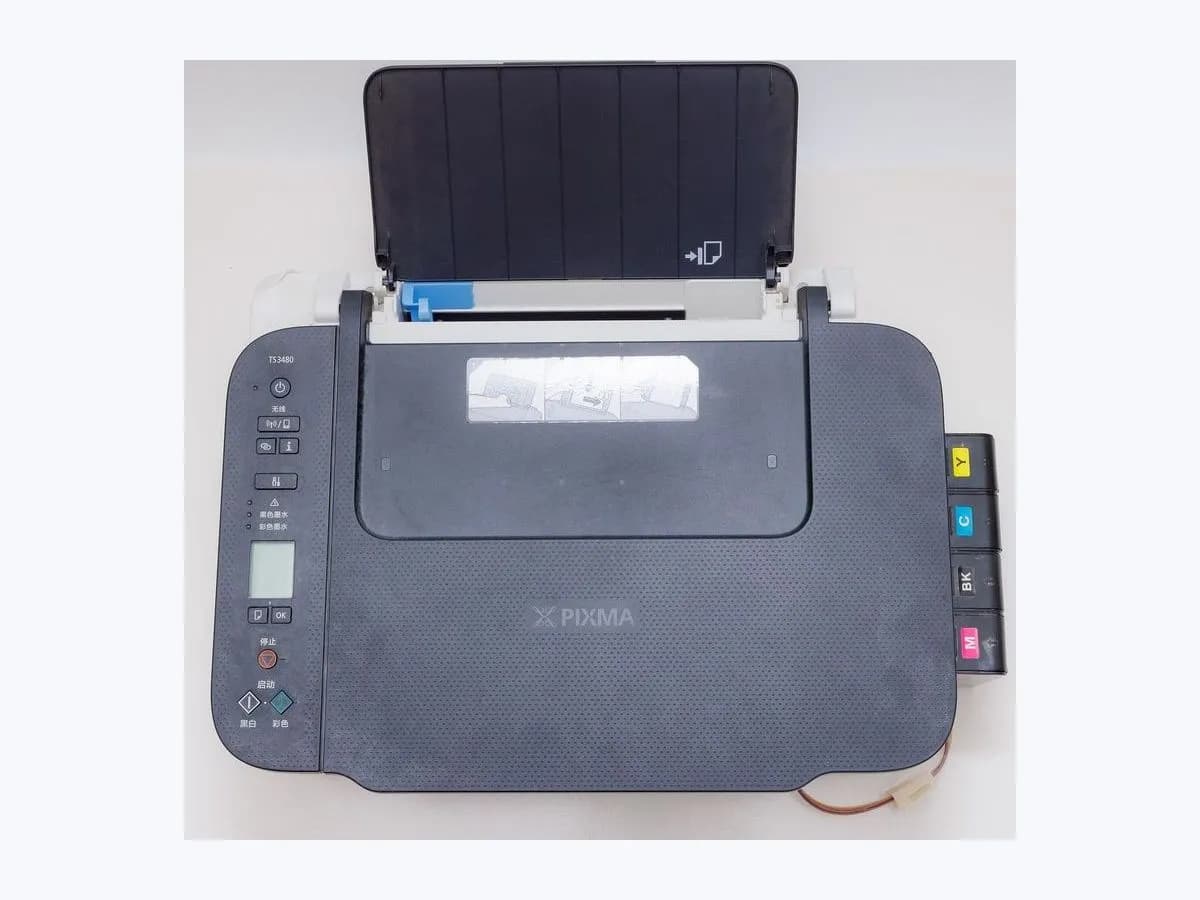

Evidence linked to this decision
View source: Epson ET-2850 / L4260 User's Guide — LCD status messagesRisk level
Medium
Proceed carefully and stop if the check is unclear.
Urgency
High
Quick answer
E-11 means an internal waste-ink pad requires replacement and printing is stopped; non-print functions such as scanning may remain available. Do not reset the counter or open the printer: arrange authorized pad service and use scanning only if the display permits it.
Safety first
Safe checks you can perform
- Preserve the exact state before acting
- Select the branch from an observation
- Arrange authorized waste-pad replacement
Leave these tasks to a qualified professional
- Do not attempt this professional task: Capture the exact LCD code before booking service
What a technician must be able to justify
A technician is coming
These are the steps they must carry out and show you. Tick them as they work: if steps are skipped, do not accept a part swap.
These are not instructions for opening or handling the equipment yourself. They are the checks that should support a technical conclusion.
Capture the exact LCD code before booking service
What they doPhotograph whether the display says W-11 or E-11 and whether OK resumes printing. Book pad service now in either case; only E-11 should be described as the print-stop state.
Before accepting a part or repair
Nothing has been shown yet. Do not accept a part swap based on the code alone.
Follow these steps
Note: Follow the documented order. An error code identifies the affected system, but it does not prove by itself which part has failed.
Preserve the exact state before acting
Photograph E-11 and the complete LCD message. Record the exact ET-2850/L4260 regional model, whether the printer was starting, feeding, scanning, joining Wi-Fi or updating firmware, and the last action that completed normally. Do not clear the screen until that context is saved.
Evidence: Epson ET-2850 / L4260 User's Guide — LCD status messages
Select the branch from an observation
Epson explicitly classifies the pad as not user-serviceable. A software reset cannot remove the ink physically stored in it. Does the LCD show E-11 exactly, and is printing blocked?
Evidence: Epson ET-2850 / L4260 User's Guide — LCD status messages
Arrange authorized waste-pad replacement
Record serial number, page count if available and E-11. Ask Epson or an authorized provider to replace the pad and service the associated waste-ink system; keep the printer upright for transport. Expected result: The physical pad is replaced/serviced and the printer returns without E-11; a counter-only reset is not accepted as completion. Stop point: Do not attempt more printing, counter-reset utilities or DIY waste-tank modifications.
Evidence: Epson ET-2850 / L4260 User's Guide — LCD status messages
Still not solved
If the error persists, stop here. See what the technician must do and show you.
Virtual technician
Does E-11 still appear after these checks?
This guided flow uses the exact code and your answers to choose a test, an expected result and the next branch.
Where this code applies
A code is meaningful only inside the right product and version context.
Primary scope
- System
- Printers
- Brand
- Epson
- Product type
- Inkjet printer
Known code variants
- Epson E-11
- Epson ET-2850 E-11
- Epson L4260 E-11
- ET-2850 E-11
- L4260 E-11
What it means
Epson explicitly classifies the pad as not user-serviceable. A software reset cannot remove the ink physically stored in it. E-11 remains a service decision even if the printer is otherwise clean or recently refilled.
Symptoms and causes
Probable causes · in order
- What this display state establishesConfirmed
Waste-ink service limit reached — The printer's usage estimate has reached the replacement state defined by Epson.
Evidence: Epson ET-2850 / L4260 User's Guide — LCD status messages
- The branch that changes the decisionPossible
Scanning-only work may remain available — The manual distinguishes stopped printing from non-print functions; the LCD determines what remains usable.
Evidence: Epson ET-2850 / L4260 User's Guide — LCD status messages
Sources and technical references
- 1
Epson ET-2850 / L4260 User's Guide — LCD status messages
Epson Support · 2021 · official_doc
Was this entry useful?