
- Printers
- Inkjet printer
I-22
Epson ET-2850 / L4260 I-22: WPS push-button Wi-Fi setup is waiting
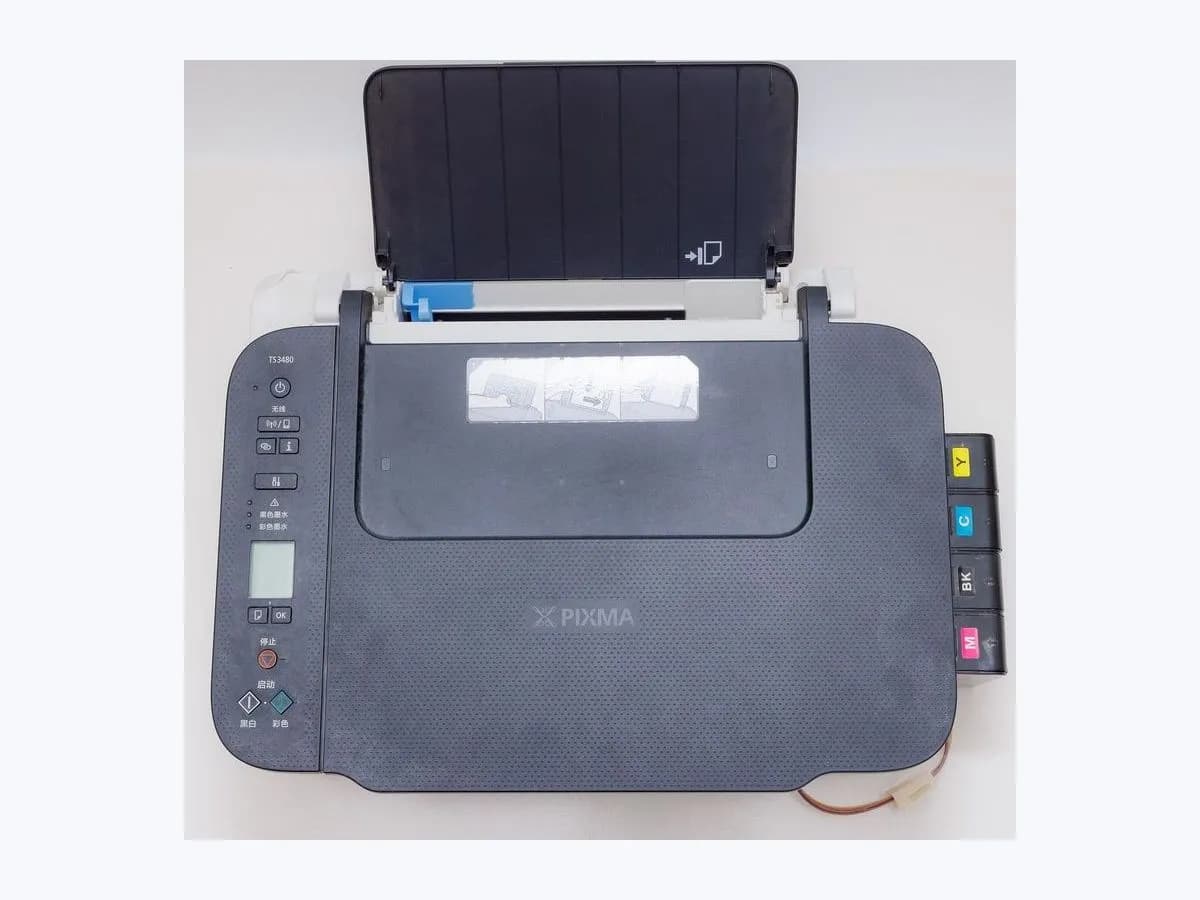

Evidence linked to this decision
View source: Epson ET-2850 / L4260 User's Guide — LCD status messagesRisk level
Low
Usually safe to check without specialist tools.
Urgency
Low
Quick answer
I-22 is an instruction state, not a printer fault: the ET-2850/L4260 is waiting for WPS push-button confirmation from the access point. Use the router's real/virtual WPS button only if you intentionally chose push-button setup; otherwise cancel and select PIN or installer setup.
Safety first
Safe checks you can perform
- Preserve the exact state before acting
- Select the branch from an observation
- Complete the intended WPS handshake
Leave these tasks to a qualified professional
- Do not attempt this professional task: Cancel WPS and use PIN or Epson installer
What a technician must be able to justify
A technician is coming
These are the steps they must carry out and show you. Tick them as they work: if steps are skipped, do not accept a part swap.
These are not instructions for opening or handling the equipment yourself. They are the checks that should support a technical conclusion.
Cancel WPS and use PIN or Epson installer
What they doReturn to network setup and select WPS PIN (I-23) or computer-assisted setup (I-31). Preserve the SSID and router security mode; do not share the Wi-Fi password in a support ticket.
Before accepting a part or repair
Nothing has been shown yet. Do not accept a part swap based on the code alone.
Follow these steps
Note: Follow the documented order. An error code identifies the affected system, but it does not prove by itself which part has failed.
Preserve the exact state before acting
Photograph I-22 and the complete LCD message. Record the exact ET-2850/L4260 regional model, whether the printer was starting, feeding, scanning, joining Wi-Fi or updating firmware, and the last action that completed normally. Do not clear the screen until that context is saved.
Evidence: Epson ET-2850 / L4260 User's Guide — LCD status messages
Select the branch from an observation
I-22 says which setup handshake is active; it says nothing about print hardware or permanent Wi-Fi failure. Does the access point provide a WPS push button you are authorized to use?
Evidence: Epson ET-2850 / L4260 User's Guide — LCD status messages
Complete the intended WPS handshake
While I-22 is displayed, press the access point's WPS button or the equivalent authorized button in its wireless settings, then wait for the printer's connection result. Do not reset the router. Expected result: The printer leaves I-22 and reports a successful Wi-Fi connection without changing unrelated router settings. Stop point: If WPS cannot be used or connection fails once, cancel this method and choose PIN/installer setup; do not factory-reset the network.
Evidence: Epson ET-2850 / L4260 User's Guide — LCD status messages
Still not solved
If the error persists, stop here. See what the technician must do and show you.
Virtual technician
Does I-22 still appear after these checks?
This guided flow uses the exact code and your answers to choose a test, an expected result and the next branch.
Where this code applies
A code is meaningful only inside the right product and version context.
Primary scope
- System
- Printers
- Brand
- Epson
- Product type
- Inkjet printer
Known code variants
- Epson ET-2850 I-22
- Epson I-22
- Epson L4260 I-22
- ET-2850 I-22
- L4260 I-22
What it means
I-22 says which setup handshake is active; it says nothing about print hardware or permanent Wi-Fi failure. If WPS is unavailable or disabled, repeating I-22 cannot succeed; change setup method instead.
Symptoms and causes
Probable causes · in order
- What this display state establishesConfirmed
Push-button WPS was selected — The printer is waiting for the access point's WPS button or its equivalent button in router settings.
Evidence: Epson ET-2850 / L4260 User's Guide — LCD status messages
- The branch that changes the decisionPossible
Router has no usable WPS — WPS may be absent, disabled by policy or exposed only in the router's administration interface.
Evidence: Epson ET-2850 / L4260 User's Guide — LCD status messages
Sources and technical references
- 1
Epson ET-2850 / L4260 User's Guide — LCD status messages
Epson Support · 2021 · official_doc
Was this entry useful?