
- Printers
- Inkjet printer
I-41
Epson ET-2850 / L4260 I-41: automatic paper setup display is disabled
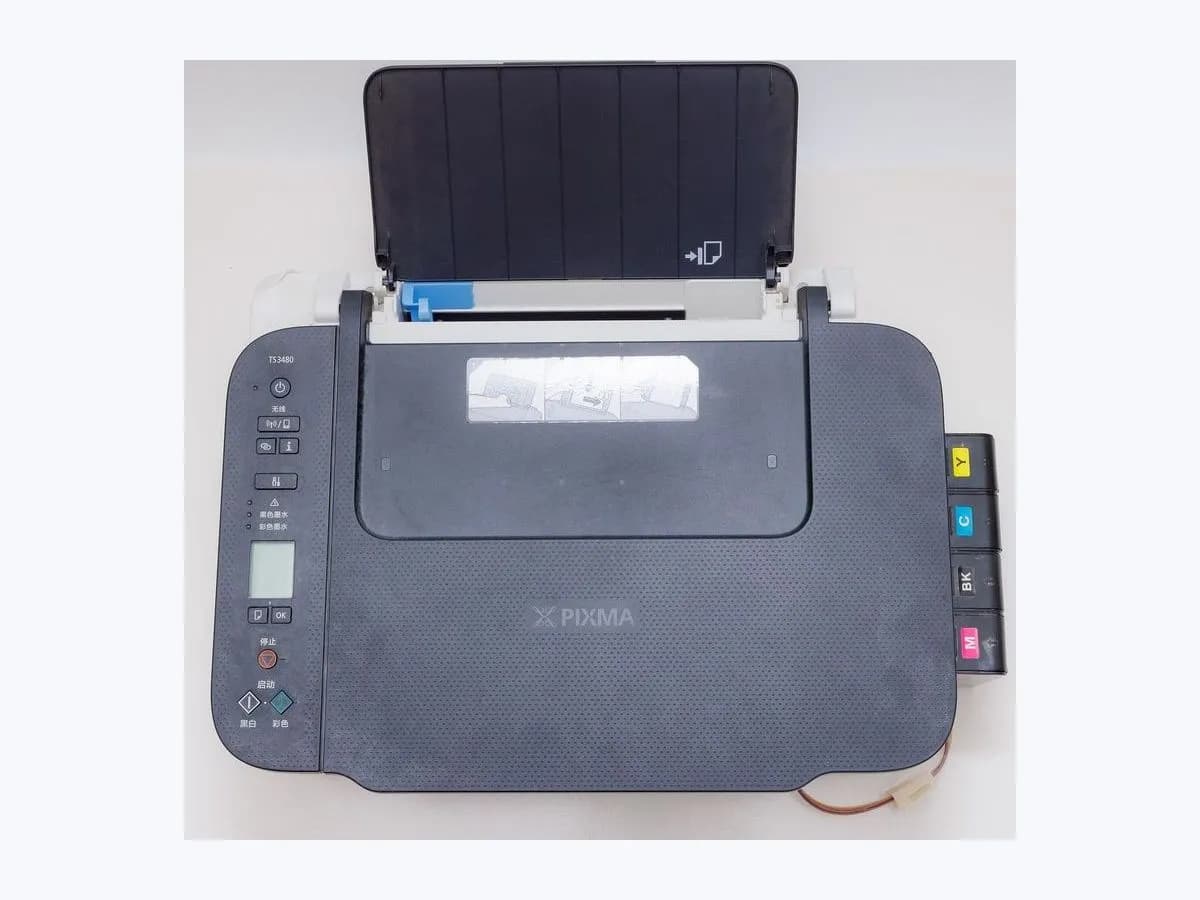

Evidence linked to this decision
View source: Epson ET-2850 / L4260 User's Guide — LCD status messagesRisk level
Low
Usually safe to check without specialist tools.
Urgency
Low
Quick answer
I-41 is a configuration notice: Paper Setup Auto Display is off, so AirPrint cannot be used while that setting remains disabled. Enable the setting only if AirPrint is required; if it was intentionally disabled and AirPrint is not needed, no repair is necessary.
Safety first
Safe checks you can perform
- Preserve the exact state before acting
- Select the branch from an observation
- Enable Paper Setup Auto Display
Leave these tasks to a qualified professional
- Do not attempt this professional task: Leave the setting unchanged and document the consequence
What a technician must be able to justify
A technician is coming
These are the steps they must carry out and show you. Tick them as they work: if steps are skipped, do not accept a part swap.
These are not instructions for opening or handling the equipment yourself. They are the checks that should support a technical conclusion.
Leave the setting unchanged and document the consequence
What they doKeep Paper Setup Auto Display disabled if that is the intended policy. Record that AirPrint is unavailable by design and use the organization's approved print path.
Before accepting a part or repair
Nothing has been shown yet. Do not accept a part swap based on the code alone.
Follow these steps
Note: Follow the documented order. An error code identifies the affected system, but it does not prove by itself which part has failed.
Preserve the exact state before acting
Photograph I-41 and the complete LCD message. Record the exact ET-2850/L4260 regional model, whether the printer was starting, feeding, scanning, joining Wi-Fi or updating firmware, and the last action that completed normally. Do not clear the screen until that context is saved.
Evidence: Epson ET-2850 / L4260 User's Guide — LCD status messages
Select the branch from an observation
I-41 does not mean paper is jammed, loaded incorrectly or that Wi-Fi has failed; it describes one disabled control-panel setting. Do you need to print with AirPrint on this printer?
Evidence: Epson ET-2850 / L4260 User's Guide — LCD status messages
Enable Paper Setup Auto Display
Open the printer's paper-source/settings menu, enable Paper Setup Auto Display, then confirm the loaded paper size/type when prompted. Retry one AirPrint job from a device on the same network. Expected result: I-41 clears, the paper prompt appears when appropriate and one AirPrint job reaches the correct printer. Stop point: If AirPrint still fails after I-41 clears, preserve that separate network/AirPrint error; do not keep toggling the paper setting.
Evidence: Epson ET-2850 / L4260 User's Guide — LCD status messages
Still not solved
If the error persists, stop here. See what the technician must do and show you.
Virtual technician
Does I-41 still appear after these checks?
This guided flow uses the exact code and your answers to choose a test, an expected result and the next branch.
Where this code applies
A code is meaningful only inside the right product and version context.
Primary scope
- System
- Printers
- Brand
- Epson
- Product type
- Inkjet printer
Known code variants
- Epson ET-2850 I-41
- Epson I-41
- Epson L4260 I-41
- ET-2850 I-41
- L4260 I-41
What it means
I-41 does not mean paper is jammed, loaded incorrectly or that Wi-Fi has failed; it describes one disabled control-panel setting. The notice is expected until the setting is enabled; repeating network setup does not address it.
Symptoms and causes
Probable causes · in order
- What this display state establishesConfirmed
Paper Setup Auto Display is off — This configuration prevents the AirPrint workflow Epson ties to automatic paper setup.
Evidence: Epson ET-2850 / L4260 User's Guide — LCD status messages
- The branch that changes the decisionPossible
Intentional policy choice — The setting may have been disabled deliberately; if AirPrint is not used, the notice requires no hardware action.
Evidence: Epson ET-2850 / L4260 User's Guide — LCD status messages
Sources and technical references
- 1
Epson ET-2850 / L4260 User's Guide — LCD status messages
Epson Support · 2021 · official_doc
Was this entry useful?