
- Garden
- Robot lawnmower
Wire missing
Worx Wire missing on robot mower: no boundary wire signal
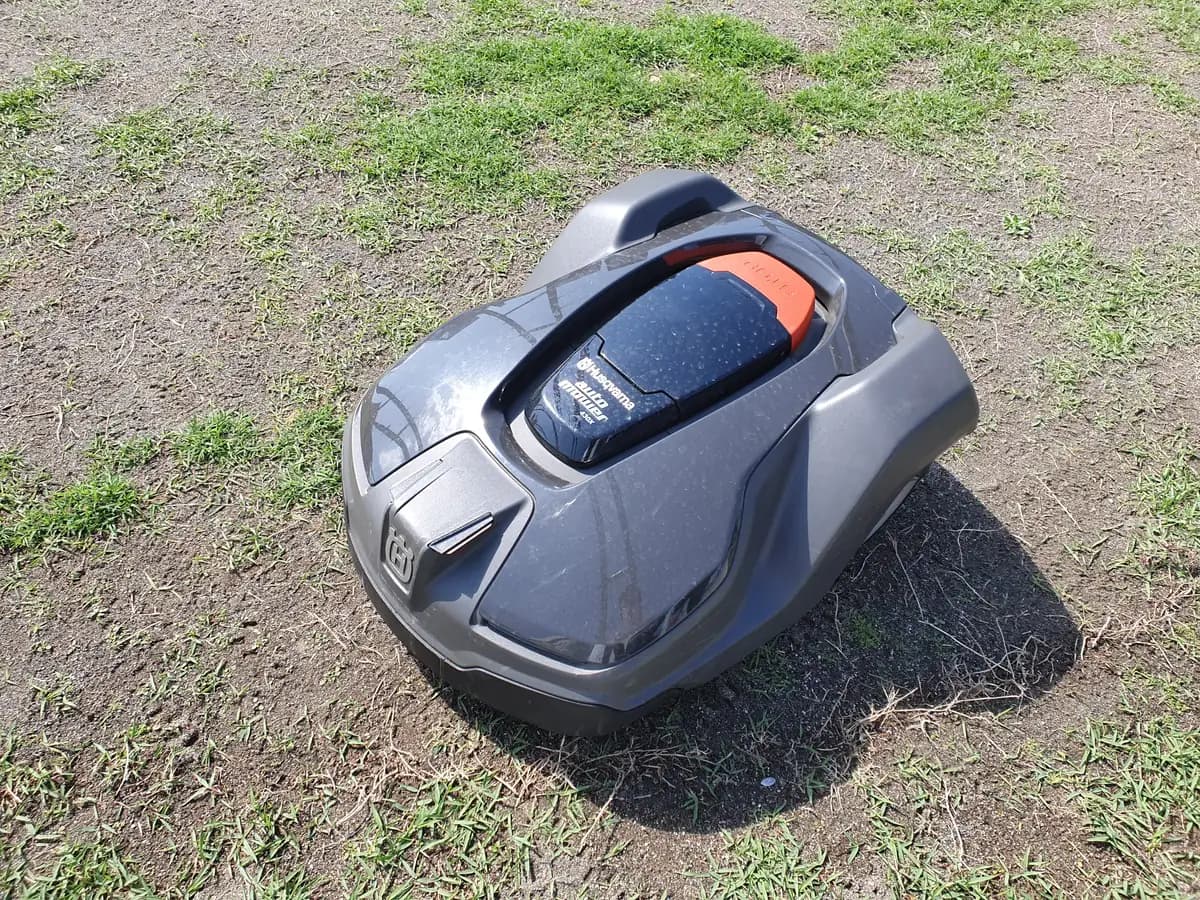
Risk level
Low
Usually safe to check without specialist tools.
Urgency
Medium
Quick answer
On a Worx Landroid, "Wire missing! Press START to reset" means the mower cannot find the boundary wire signal. Take the mower off the base and look at the station LED: off points to the power supply, red to a badly connected or cut wire.
Safety first
Stop and check this first
- Before handling the mower or the terminals, press STOP, switch the Landroid off and unplug the station from the mains; do not override the PIN or the lift sensors while testing.
Safe checks you can perform
- Read the station LED with the mower off the base
- Tighten the boundary wire in the terminals
- Build the Worx test loop
- Find the break in the boundary wire
Leave these tasks to a qualified professional
- Do not attempt this professional task: Boundary wire repair by an installer
- Do not attempt this professional task: Charging station check by Worx
What a technician must be able to justify
Technician visit
These are the steps they must carry out and show you. Tick them as they work: if steps are skipped, do not accept a part swap.
These are not instructions for opening or handling the equipment yourself. They are the checks that should support a technical conclusion.
Boundary wire repair by an installer
What they doIf you cannot find the break or the wire is damaged in several places, an installer or Worx service can trace it with a detector and repair it with proper connectors.
They must show youthe located break and the base LED showing green after the repair.
In writingwhere the break was, how many joints were made and which connectors were used.
Charging station check by Worx
What they doIf the LED stays dark with the charger properly connected, or the test loop does not clear the message, ask Worx service to check the station and the charger.
They must show youtheir check of the charger output and the station test with a known-good loop.
In writingthe diagnosis, the parts replaced and the warranty applied.
Before accepting a part or repair
Nothing has been shown yet. Do not accept a part swap based on the code alone.
Follow these steps
Note: Follow the documented order. An error code identifies the affected system, but it does not prove by itself which part has failed.
Read the station LED with the mower off the base
- Who:
- you.
- How:
- press STOP, switch the Landroid off with its power switch and lift it off the charging base. Look at the station LED colour: green means a good loop, red a wire problem and off means no power.
- Result that matters:
- knowing which branch to follow before touching anything else.
- If it is off:
- check that the base is plugged into the charger and the charger into a working outlet.
- If it is red:
- check the boundary wire connection at the terminals.
- Evidence to keep:
- a photo of the station LED with the mower removed.
Evidence: Worx Landroid WR140 WR143 WR150 WR153 owner's manual (EN/FR/ES) · Worx support WR150 Landroid L message Wire missing · Worx support WR150 Landroid L The LED light on the charging base does not turn on
Tighten the boundary wire in the terminals
- Who:
- you.
- How:
- with the base unplugged from the mains, make sure each stripped end of the boundary wire goes fully into its station terminal and is held firmly. Plug back in and see whether the LED turns green.
- Result that matters:
- a green LED with both wire ends clamped properly.
- If it turns green:
- put the mower on the base, switch it on and press START to clear the message.
- If it stays red:
- build the test loop to separate the wire from the rest of the system.
- Evidence to keep:
- photos of the terminals before and after adjusting them.
Evidence: Worx Landroid WR140 WR143 WR150 WR153 owner's manual (EN/FR/ES) · Worx support WR150 Landroid L Red light on the charging base
Build the Worx test loop
- Who:
- you, with a length of electric wire.
- How:
- take about 10 ft of electric wire, strip both ends, plug them into the station clamps in place of the boundary wire and lay it on the ground in a circle. Place the Landroid on the base inside that loop.
- Result that matters:
- seeing whether the message clears with a short loop you know is intact.
- If the message clears:
- the base and mower work with the short loop, so the fault points to the installed wire.
- If the message persists even with the short loop:
- the installed wire is not the cause; contact Worx service.
- Evidence to keep:
- a photo of the test loop with the mower on the base and what the display shows.
Evidence: Worx support WR150 Landroid L Wire has been cut
Find the break in the boundary wire
- Who:
- you, with an AM radio or a wire break detector.
- How:
- Worx suggests two methods: a portable AM radio tuned to about 700 kHz with no station, antenna fully extended and held close to the ground along the wire, or a loop wire break detector clamped to the two stripped ends of the loop. At the damaged point the noise drops sharply.
- Result that matters:
- finding the exact spot where the wire is broken or damaged.
- If you locate it:
- repair it with the wire repair connector and check that the LED turns green.
- If you hear no change in noise:
- go slowly round the whole perimeter again or ask an installer for help.
- Evidence to keep:
- a photo of the break and of the finished repair.
If you use the detector, disconnect the wire ends from the base first; lift the wire gently when inspecting it so you do not damage the insulation.
Evidence: Worx support WR150 Landroid L Wire has been cut
Still not solved
If the error persists, stop here. See what the technician must do and show you.
Where this code applies
A code is meaningful only inside the right product and version context.
Primary scope
- System
- Garden
- Brand
- Worx
- Product type
- Robot lawnmower
Known code variants
- El cable no encontrado
- Landroid boundary wire signal lost
- Landroid cable no encontrado
- Landroid can't find boundary wire
- Landroid no detecta el cable perimetral
- Landroid wire missing
- Wire missing
- Wire missing! Press START to reset
- Worx Landroid no wire signal
- Worx Landroid sin señal de cable
What it means
According to the Landroid WR140, WR143, WR150 and WR153 manual, this message appears when the machine cannot detect the boundary wire signal. Worx's WR150 support guide starts by checking the charging station LED with the mower removed: if it is off, the base has no power; if it is red, the wire is not properly clamped in the terminals or may have been cut. Getting the message does not mean that the mower's board or the station is damaged.
Warnings and stop conditions
- Mediumeditorial warning
Before handling the mower or the terminals, press STOP, switch the Landroid off and unplug the station from the mains; do not override the PIN or the lift sensors while testing.
Evidence: Worx Landroid WR140 WR143 WR150 WR153 owner's manual (EN/FR/ES)
Symptoms and causes
Probable causes · in order
- Station without powerCommon
With the base LED off, Worx points to no power: the base must be connected to the charger and the charger to a suitable supply.
Evidence: Worx support WR150 Landroid L message Wire missing · Worx support WR150 Landroid L The LED light on the charging base does not turn on
- Boundary wire loose in the terminalsCommon
A red LED means, according to the manual and Worx support, that the wire is not connected or its ends are not clamped firmly in the terminals.
Evidence: Worx Landroid WR140 WR143 WR150 WR153 owner's manual (EN/FR/ES) · Worx support WR150 Landroid L Red light on the charging base
- Cut boundary wirePossible
If the connection at the base is fine and the problem continues, Worx points to a break somewhere along the boundary wire.
Evidence: Worx Landroid WR140 WR143 WR150 WR153 owner's manual (EN/FR/ES) · Worx support WR150 Landroid L Wire has been cut
Virtual technician
Does Wire missing still appear after these checks?
Answer a few questions to narrow down the likely cause and the safest next action. Guidance only - it never replaces a professional.
Sources and technical references
- 1
Worx Landroid WR140 WR143 WR150 WR153 owner's manual (EN/FR/ES)
Worx · 2019 · manual
- 2
Worx support WR150 Landroid L message Wire missing
Worx · 2026 · official_doc
- 3
Worx support WR150 Landroid L Wire has been cut
Worx · 2026 · official_doc
- 4
Worx support WR150 Landroid L Red light on the charging base
Worx · 2026 · official_doc
- 5
Worx support WR150 Landroid L The LED light on the charging base does not turn on
Worx · 2026 · official_doc
Was this entry useful?