
- Phones and tablets
- iPhone
Charging On Hold
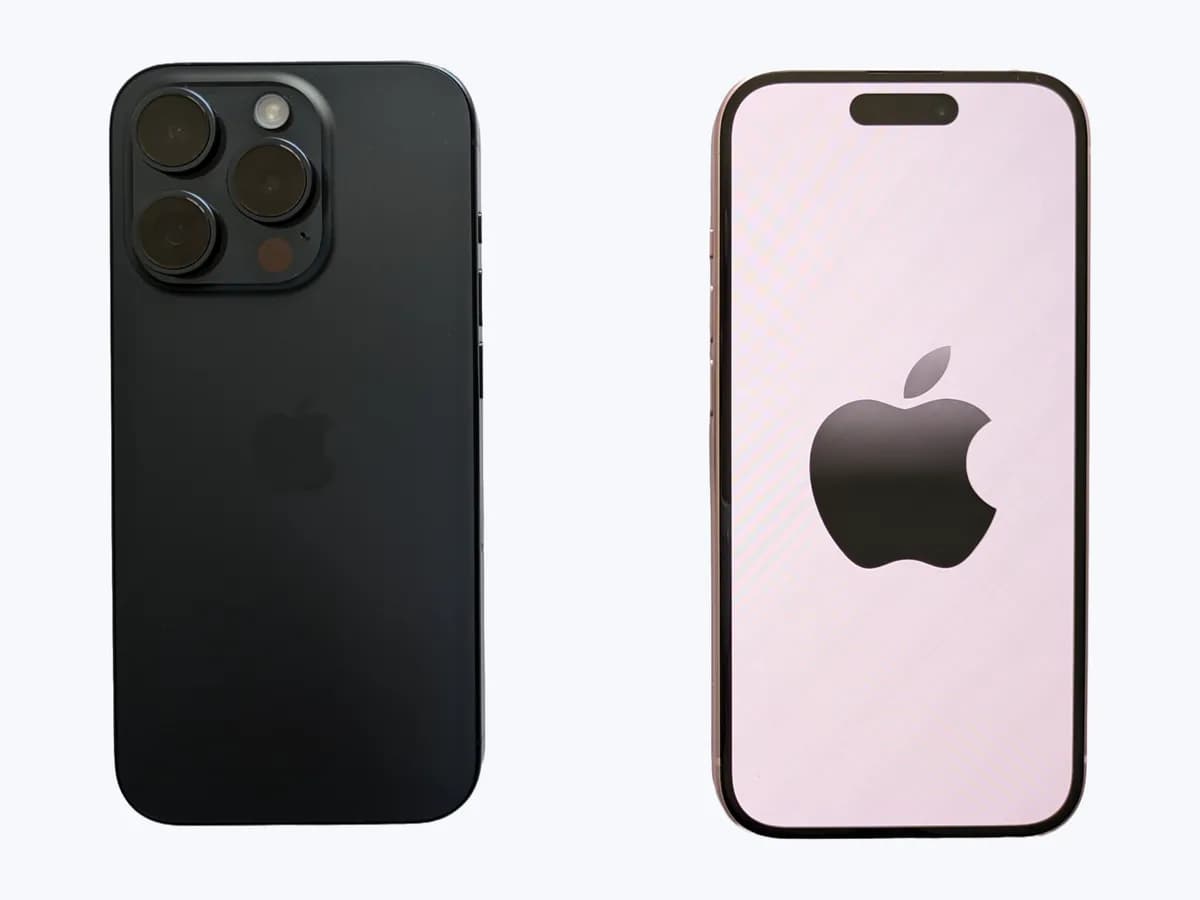
Apple "Charging On Hold" on iPhone or iPad: charging paused by temperature
Risk level
Low
Usually safe to check without specialist tools.
Urgency
Low
Quick answer
The device is temporarily too hot or too cold to charge. Move it somewhere mild, out of the sun and the car, and charging will resume on its own once it returns to normal temperature.
Safety first
Stop and check this first
- Do not try to cool or warm the device with outside sources: Apple only says to bring it back to normal room temperature.
Safe checks you can perform
- Bring the device back to normal temperature
- Use and storage conditions
- Use and wireless charging together
Leave these tasks to a qualified professional
- Do not attempt this professional task: Apple Support if it appears without heat or cold
- Do not attempt this professional task: Battery replacement at Apple or an authorized provider
What a technician must be able to justify
Technician visit
These are the steps they must carry out and show you. Tick them as they work: if steps are skipped, do not accept a part swap.
These are not instructions for opening or handling the equipment yourself. They are the checks that should support a technical conclusion.
Apple Support if it appears without heat or cold
What they doIf the alert appears at normal room temperature and without heavy use, Apple Support reviews the case.
They must show youthe check they suggest.
In writingthe case number and the next step.
Battery replacement at Apple or an authorized provider
What they doIf battery life has dropped after repeated use in high heat, Apple or an Apple Authorized Service Provider checks the battery and, if needed, replaces it with a genuine one.
They must show youthe battery condition before replacing it.
In writingthe reference of the battery installed and that it shows as Genuine in Settings.
Before accepting a part or repair
Nothing has been shown yet. Do not accept a part swap based on the code alone.
Follow these steps
Note: Follow the documented order. An error code identifies the affected system, but it does not prove by itself which part has failed.
Bring the device back to normal temperature
- Who:
- you.
- How:
- take the device out of direct sun, the car or a cold place and leave it somewhere mild. You do not need to unplug it: charging resumes on its own.
- Result that matters:
- whether charging resumes after a while.
- If it resumes:
- it was only the temperature.
- If it does not resume somewhere mild:
- check the cable and adapter.
- Evidence to keep:
- where it was and the time of the alert.
Evidence: If your iPhone or iPad gets too hot or too cold
Use and storage conditions
- Who:
- you.
- How:
- compare where the device was with Apple's ranges: use between 0 and 35 °C (32 to 95 °F) ambient and storage between -20 and 45 °C (-4 to 113 °F). Note whether it was in a car, in the sun, navigating with GPS, running a demanding game or using the camera for a long time.
- Result that matters:
- whether the alert matches one of those situations.
- If it does:
- it is the iOS thermal protection; change that habit.
- If it matches nothing:
- log each occurrence for Apple Support.
- Evidence to keep:
- a list of occurrences with place and activity.
Evidence: If your iPhone or iPad gets too hot or too cold
Use and wireless charging together
- Who:
- you.
- How:
- if you were charging wirelessly while gaming, using the camera or GPS, stop using it while it charges or charge by cable somewhere cool.
- Result that matters:
- whether the alert stops when you reduce use during charging.
- If it stops:
- the heat came from use combined with charging.
- If it still appears without use and somewhere cool:
- log it for Apple Support.
- Evidence to keep:
- the charging type and activity when it appeared.
Evidence: If your iPhone or iPad gets too hot or too cold
Still not solved
If the error persists, stop here. See what the technician must do and show you.
Where this code applies
A code is meaningful only inside the right product and version context.
Primary scope
- System
- Phones and tablets
- Brand
- Apple
- Product type
- iPhone
Known code variants
- Carga en espera
- Carga en espera. La carga se reanudará cuando el iPhone vuelva a una temperatura normal
- Charging On Hold. Charging will resume when iPhone returns to normal temperature
- iPhone not charging temperature
What it means
Apple shows "Charging On Hold. Charging will resume when the device returns to normal temperature" on the Lock Screen when it is too hot or too cold to charge. In heat, iOS slows or stops charging, including wireless charging, to protect its components. In cold outside the operating range, the device might not charge or might stop charging. It is an iOS protection; it does not mean the charger or battery is faulty.
Warnings and stop conditions
- Mediumeditorial warning
Do not try to cool or warm the device with outside sources: Apple only says to bring it back to normal room temperature.
Evidence: If your iPhone or iPad gets too hot or too cold
Symptoms and causes
Probable causes · in order
- Device too hotCommon
It happens in the sun, in a car or with heavy use while charging; charging returns once it cools.
Evidence: If your iPhone or iPad gets too hot or too cold
- Device too coldPossible
It happens after being outdoors in the cold; charging returns when it is brought somewhere warmer.
Evidence: If your iPhone or iPad gets too hot or too cold
- Extra heat from wireless chargingPossible
Apple lists wireless charging among the situations where the device warms up; the alert appears mostly on the pad.
Evidence: If your iPhone or iPad gets too hot or too cold
Virtual technician
Does Charging On Hold still appear after these checks?
Answer a few questions to narrow down the likely cause and the safest next action. Guidance only - it never replaces a professional.
Sources and technical references
- 1
If your iPhone or iPad gets too hot or too cold
Apple · 2026 · official_doc
Was this entry useful?