
- Phones and tablets
- iPhone
Error 53
Apple error 53 on iPhone or iPad: update or restore failure
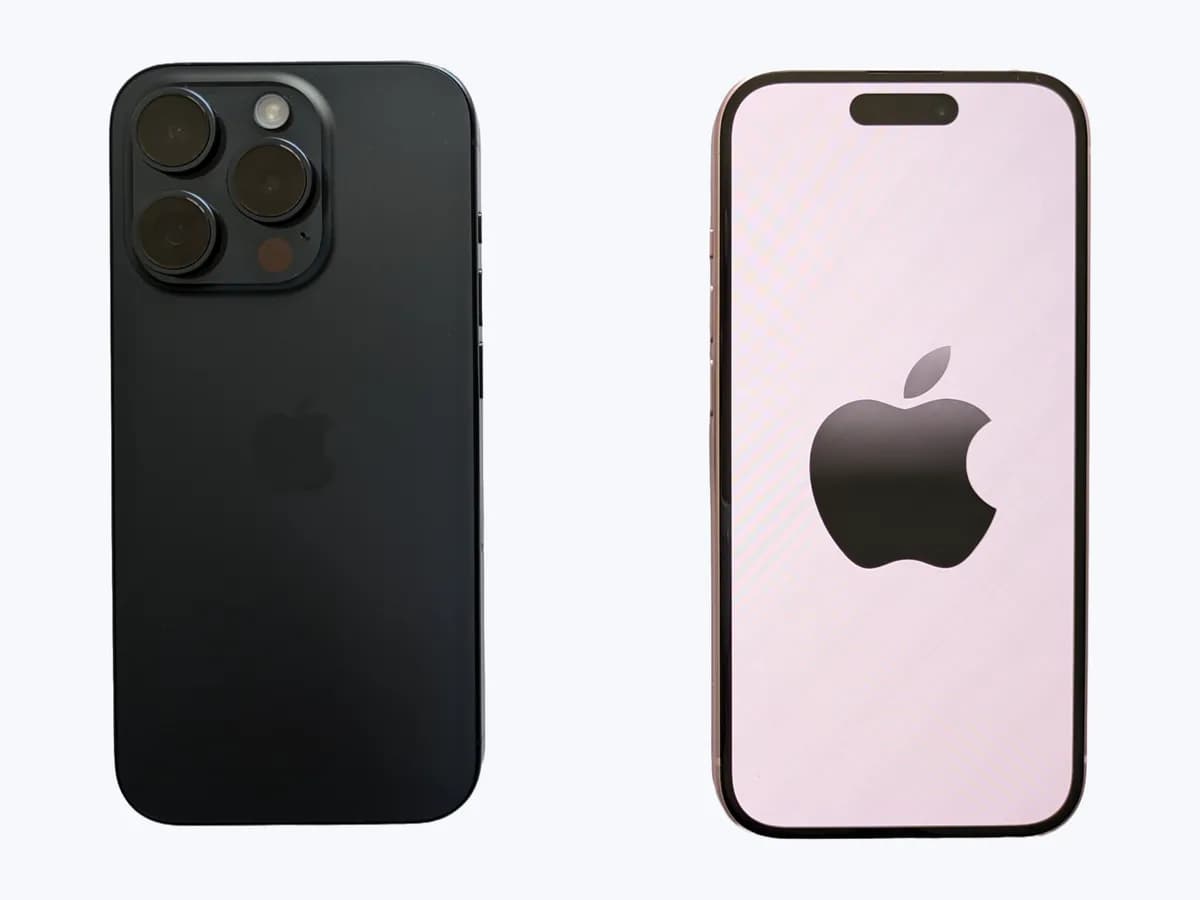
Risk level
High
Professional inspection is recommended.
Urgency
Medium
Quick answer
Error 53 appears when updating or restoring from the Finder or iTunes. Update the computer, choose Update so you keep your data, and if Touch ID was already not working before the error, expect it to need service.
Safety first
Stop and check this first
- Error 53 alone does not prove which part fails. If Touch ID stopped working before the error, tell the technician: Apple warns a restore will not bring it back.
- Restore reinstalls iOS and erases all your data. Always choose Update first and avoid restoring without a recent backup when you can.
Safe checks you can perform
- Mac, Apple Devices app or iTunes up to date
- Update instead of restore
- Another computer that can reach Apple servers
Leave these tasks to a qualified professional
- Do not attempt this professional task: Diagnosis at Apple or an Apple Authorized Service Provider
- Do not attempt this professional task: Contact Apple Support
What a technician must be able to justify
A technician is coming
These are the steps they must carry out and show you. Tick them as they work: if steps are skipped, do not accept a part swap.
These are not instructions for opening or handling the equipment yourself. They are the checks that should support a technical conclusion.
Diagnosis at Apple or an Apple Authorized Service Provider
What they doAn Apple or Apple Authorized Service Provider technician checks the device with their diagnostic tools and repeats the restore on their own computer and network and Touch ID.
They must show youthe device test result and that the restore also fails on their equipment.
In writingwhich test failed, which part is replaced, its reference and the reason.
Contact Apple Support
What they doIf the error repeats after updating the computer, changing the cable and trying another computer, Apple Support reviews the case and decides whether service is needed.
They must show youthe case number and the steps they asked you to repeat.
In writingthe diagnosis and, if there is a repair, the part and the reason.
Before accepting a part or repair
Nothing has been shown yet. Do not accept a part swap based on the code alone.
Checks and evidence, step by step
Follow the documented order. An error code identifies the affected system, but it does not prove by itself which part has failed.
- 1
Mac, Apple Devices app or iTunes up to date
No special tools
Procedure
- Who:
- you.
- How:
- on a Mac install any pending macOS updates; on a Windows PC update the Apple Devices app or iTunes. If the computer restarts to update, check for updates again afterwards.
- Result that matters:
- the computer has no pending updates before you try again.
- If the error goes away on the next try:
- the computer software was out of date and the most likely cause.
- If the error returns with everything up to date:
- rule out the computer software and move to the next check.
- Evidence to keep:
- the macOS, Apple Devices or iTunes version and a photo of the message with the error number.
Evidence: If you see Error 53 when you update or restore your iPhone or iPad
- 2
Update instead of restore
No special tools
Procedure
- Who:
- you.
- How:
- connect the device with the USB cable, locate it on the computer and, when you see Restore or Update, click Update to reinstall the software without erasing data. If you cannot get past the Apple logo, force restart it and click Restore.
- Result that matters:
- whether the process finishes and the Hello screen or your Lock Screen appears.
- If the Hello screen appears:
- set up from your backup and, on the Touch ID screen, tap Set Up Touch ID Later.
- If error 53 returns:
- check the computer's communication with Apple.
- Evidence to keep:
- which option you chose and the result.
Evidence: If you see Error 53 when you update or restore your iPhone or iPad
- 3
Another computer that can reach Apple servers
No special tools
Procedure
- Who:
- you.
- How:
- if the error appears when installing iOS 9.3 or later, repeat the process on another up-to-date computer on a different internet connection.
- Result that matters:
- whether the process finishes on the other computer.
- If it finishes:
- the first computer could not communicate with Apple's servers.
- If it fails the same way and Touch ID was already not working:
- Apple says you might need service.
- Evidence to keep:
- whether Touch ID worked before the error and since when it fails.
Evidence: If you see Error 53 when you update or restore your iPhone or iPad
Where this code applies
A code is meaningful only inside the right product and version context.
Primary scope
- System
- Phones and tablets
- Brand
- Apple
- Product type
- iPhone
Known code variants
- 53
- desequilibrio celdas Xiaomi
- error 53
- iPhone error 53
- iTunes error 53
- Ninebot codigo 53
- Ninebot error 53
- patinete Segway error 53
- patinete Xiaomi error 53
- Segway error 53
- Segway Ninebot E2 Pro error 53
- Segway Ninebot error code 53
- Xiaomi 6 Pro error 53
- Xiaomi cell imbalance error 53
- Xiaomi error 53
- Xiaomi scooter error 53
What it means
Apple documents error 53 when updating or restoring an iPhone or iPad from the Finder or iTunes. Since iOS 9.3 Apple lets you restore the device with your computer. If the error appears when installing iOS 9.3 or later, Apple says to check that the computer can communicate with its servers. If Touch ID did not work before, it still won't after a restore and may need service.
Warnings and stop conditions
- Mediumeditorial warning
Error 53 alone does not prove which part fails. If Touch ID stopped working before the error, tell the technician: Apple warns a restore will not bring it back.
Evidence: If you see Error 53 when you update or restore your iPhone or iPad
- Highsource verified
Restore reinstalls iOS and erases all your data. Always choose Update first and avoid restoring without a recent backup when you can.
Evidence: If you see Error 53 when you update or restore your iPhone or iPad · If you can't update or restore your iPhone or iPod touch
Symptoms and causes
Probable causes · in order
- Computer cannot communicate with Apple serversPossible
The error shows up on one computer and goes away on another computer or connection.
Evidence: If you see Error 53 when you update or restore your iPhone or iPad
- Out-of-date computer softwarePossible
It is solved after installing Mac updates or the latest iTunes.
Evidence: If you see Error 53 when you update or restore your iPhone or iPad
- Touch ID already failingPossible
If Touch ID did not work before the error, Apple says it still won't after a restore; only a service technician confirms the cause.
Evidence: If you see Error 53 when you update or restore your iPhone or iPad
Virtual technician
Does Error 53 still appear after these checks?
Answer a few questions to narrow down the likely cause and the safest next action. Guidance only - it never replaces a professional.
Sources and technical references
- 1
If you see Error 53 when you update or restore your iPhone or iPad
Apple · 2026 · official_doc
- 2
If you can't update or restore your iPhone or iPod touch
Apple · 2026 · official_doc
Was this entry useful?