
- Phones and tablets
- iPhone
Important Display Message
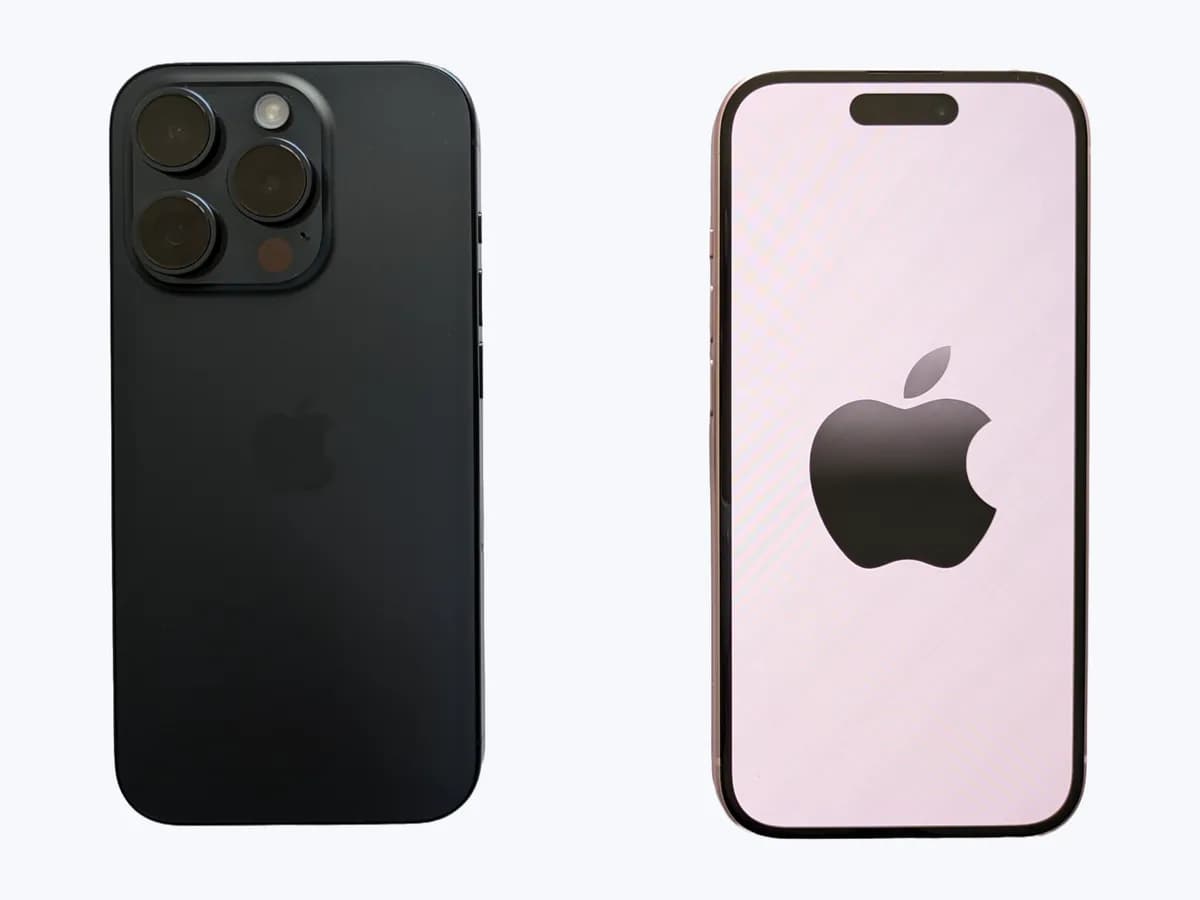
Apple Important Display Message on iPhone: display not verified
Risk level
Low
Usually safe to check without specialist tools.
Urgency
Low
Quick answer
This alert appears after an iPhone screen replacement when iOS cannot confirm the display is a genuine Apple part. You can keep using the phone; check Parts and Service History and ask the repairer for a genuine display in writing.
Safety first
Stop and check this first
- If the iPhone runs very hot or the battery swells after a screen swap, stop using it: badly refitted screws or cowlings can damage the battery and cause overheating or injury.
- Do not try to hide or bypass the alert with third-party tools: the fix is a genuine display installed and verified by a technician.
Safe checks you can perform
- Open Parts and Service History
- Test touch, brightness and colour
- Read the repair invoice
Leave these tasks to a qualified professional
- Do not attempt this professional task: Genuine display from Apple or an authorized provider
- Do not attempt this professional task: Take it back to the shop that swapped the screen
What a technician must be able to justify
Technician visit
These are the steps they must carry out and show you. Tick them as they work: if steps are skipped, do not accept a part swap.
These are not instructions for opening or handling the equipment yourself. They are the checks that should support a technical conclusion.
Genuine display from Apple or an authorized provider
What they doAn Apple Store or Apple Authorized Service Provider can replace the screen with a genuine part, in or out of warranty, or you can ship the iPhone to an Apple Repair Center.
They must show youthe iPhone serial number and the Display label in Parts and Service History after the repair.
In writingthat the installed display is a genuine Apple part, the fixed price and the repair warranty.
Take it back to the shop that swapped the screen
What they doIf Apple did not do the earlier repair, that shop should state which part it fitted and put it right if you paid for a genuine display.
They must show youwhere the display they installed came from and how they tested it.
In writingthe part type fitted and the agreed fix (replacement or refund).
Before accepting a part or repair
Nothing has been shown yet. Do not accept a part swap based on the code alone.
Follow these steps
Note: Follow the documented order. An error code identifies the affected system, but it does not prove by itself which part has failed.
Open Parts and Service History
- Who:
- you, no tools needed.
- How:
- go to Settings, General, About and scroll to Parts and Service History, which only appears if the iPhone has been repaired (iPhone 11 and later, except iPhone SE 2nd and 3rd generation).
- Result that matters:
- seeing which label sits next to Display: Genuine, Used, Finish Repair or Unknown.
- If it says Genuine or Used:
- the repair used Apple parts and processes and the old alert no longer applies.
- If it says Unknown, or you are still on iOS 15.1 or earlier and see the alert:
- keep proof and contact whoever did the repair.
- Evidence to keep:
- screenshot of the About screen showing the date and the Display label.
Evidence: About genuine iPhone displays · iPhone Parts and Service History
Test touch, brightness and colour
- Who:
- you.
- How:
- drag a finger across the whole surface, make a call to see whether the screen turns off near your ear, and compare maximum brightness and True Tone with how the phone looked before.
- Result that matters:
- spotting typical signs of a nongenuine panel: dead zones, ghost touches, a yellow or blue cast, or uneven brightness.
- If everything responds normally:
- the alert does not stop you using the iPhone, though it is worth settling with the repairer.
- If you notice touch or colour faults, or the battery drains for no reason:
- write it down and go back to the repairer.
- Evidence to keep:
- short video of the faulty area and a note with the repair date.
Evidence: About genuine iPhone displays
Read the repair invoice
- Who:
- you.
- How:
- find the receipt for the screen replacement and check who did it: Apple, an Apple Authorized Service Provider or an Independent Repair Provider.
- Result that matters:
- knowing whether a genuine Apple part was promised and who owes you the warranty.
- If the invoice states a genuine part:
- the shop has to complete verification or explain the label.
- If the part type is not stated:
- ask in writing which display was fitted before agreeing to anything else.
- Evidence to keep:
- photo of the invoice and of the accepted quote.
Evidence: About genuine iPhone displays · iPhone Parts and Service History
Still not solved
If the error persists, stop here. See what the technician must do and show you.
Where this code applies
A code is meaningful only inside the right product and version context.
Primary scope
- System
- Phones and tablets
- Brand
- Apple
- Product type
- iPhone
Known code variants
- Display Unknown part
- Important Display Message
- iPhone mensaje importante pantalla
- iPhone nongenuine display
- mensaje importante sobre la pantalla
- pantalla Desconocido
- pantalla no original iPhone
- pieza desconocida pantalla iPhone
- Unable to verify this iPhone has a genuine Apple display
- Unknown display message
- Unknown Part display
What it means
Apple says that on iOS 15.1 or earlier the iPhone shows an Important Display Message instead of the Unknown label used by newer versions. It means the display fitted during a repair is not genuine, is not working as expected, was not verified and linked to the iPhone, or has been modified. The alert alone does not lock the phone, but it can lower the trade-in value, and a nongenuine display can bring touch, brightness or colour problems.
Warnings and stop conditions
- Mediumsource verified
If the iPhone runs very hot or the battery swells after a screen swap, stop using it: badly refitted screws or cowlings can damage the battery and cause overheating or injury.
Evidence: About genuine iPhone displays
- Lowsource verified
Do not try to hide or bypass the alert with third-party tools: the fix is a genuine display installed and verified by a technician.
Evidence: About genuine iPhone displays · iPhone Parts and Service History
Symptoms and causes
Probable causes · in order
- Replacement panel not made by AppleCommon
When the shop fitted a nongenuine panel, iOS cannot confirm it and shows the alert instead of the Genuine label.
Evidence: About genuine iPhone displays
- Genuine part never verified or linkedPossible
An Apple display that was not linked to the iPhone when the repair finished is also reported as a part that cannot be checked.
Evidence: About genuine iPhone displays · iPhone Parts and Service History
- Modified or malfunctioning displayPossible
Apple lists a display that was altered, or one that is not working as expected after the repair, among the reasons for the message.
Evidence: About genuine iPhone displays
Virtual technician
Does Important Display Message still appear after these checks?
Answer a few questions to narrow down the likely cause and the safest next action. Guidance only - it never replaces a professional.
Sources and technical references
- 1
Apple · 2026 · official_doc
- 2
Acerca de las pantallas originales del iPhone
Apple · 2026 · official_doc
- 3
iPhone Parts and Service History
Apple · 2026 · official_doc
- 4
Historial de servicio de piezas del iPhone
Apple · 2026 · official_doc
Was this entry useful?