
- Phones and tablets
- Action cameras and gimbals
Camera is too hot
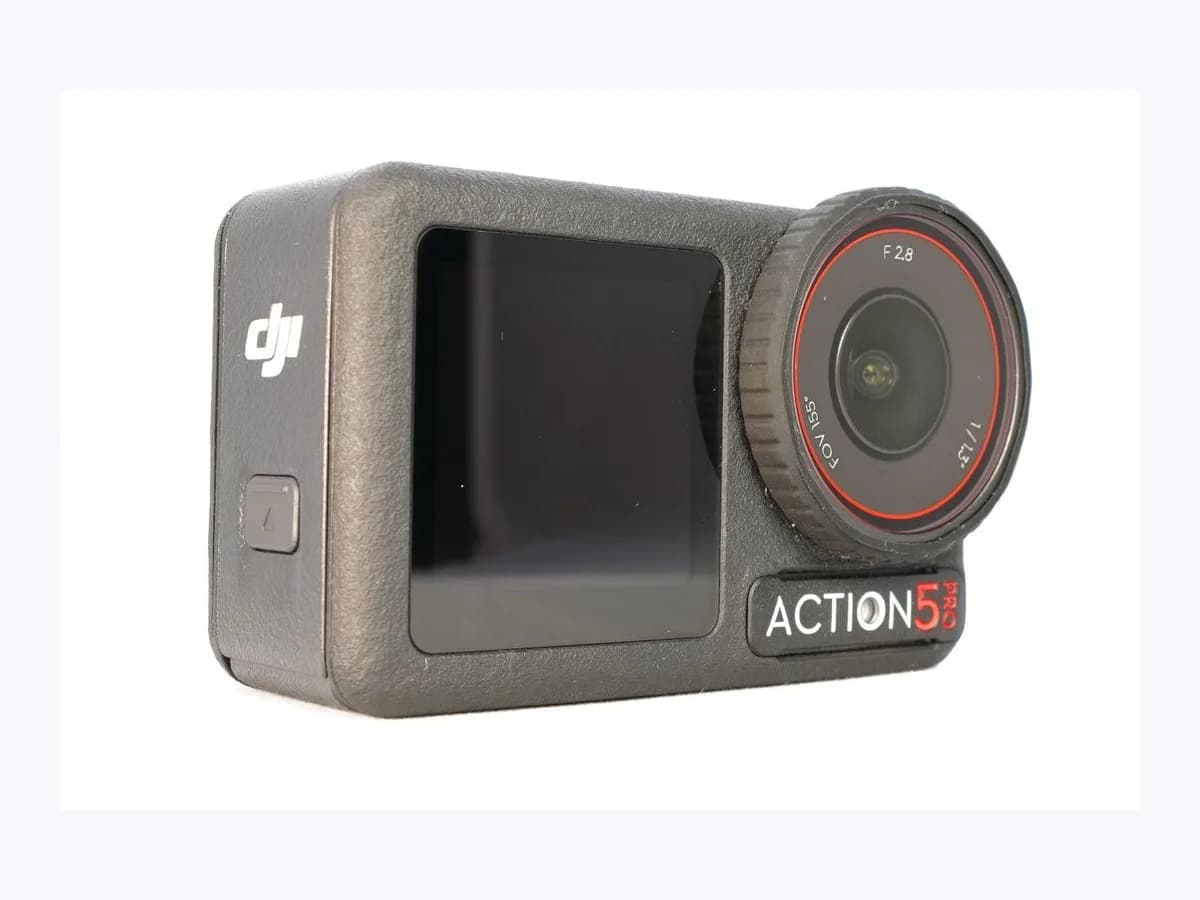
GoPro HERO13 action camera Camera is too hot: heat shutdown
Risk level
Medium
Proceed carefully and stop if the check is unclear.
Urgency
High
Quick answer
When your HERO13 Black shows "Camera is too hot," it saves the video and powers off. Let it cool in the shade and carefully remove the battery (which may be hot) so fresh air enters the compartment, then add airflow and reduce capture load.
Safety first
Stop and check this first
- Use caution when removing the battery after a "Camera is too hot" shutdown: GoPro explicitly warns that the battery could be hot when opening the compartment to cool the camera.
Safe checks you can perform
- Cool the HERO13 Black and air out the battery compartment
- Lower capture settings and turn off the HERO13 displays
- Use a faster SD card or run on 5.1 V / 2 A external power
Leave these tasks to a qualified professional
- Do not attempt this professional task: Apply GoPro's thermal and display settings on HERO13 Black
- Do not attempt this professional task: Verify fast SD media and battery-removed external power
What a technician must be able to justify
Technician visit
These are the steps they must carry out and show you. Tick them as they work: if steps are skipped, do not accept a part swap.
These are not instructions for opening or handling the equipment yourself. They are the checks that should support a technical conclusion.
Apply GoPro's thermal and display settings on HERO13 Black
What they doThe technician verifies cooling with the battery removed, lowers resolution, frame rate, and HyperSmooth for static capture, disables unneeded GPS/Voice Control, sets the rear screen saver to 1 minute, and turns off the front LCD.
They must show you[Screen Saver Rear] set to [1 Min], the front LCD turned off via [Bottom Dot], and the adjusted capture settings.
In writingthermal settings configured on the HERO13 Black and the airflow or elevated-mount guidance provided.
Verify fast SD media and battery-removed external power
What they doFor stationary long-form recording, the professional checks that a fast SD card is installed and tests operation with the battery removed using an external power source rated at least 5.1 V and 2 A.
They must show youthe HERO13 Black running without its battery on a 5.1 V / 2 A minimum external supply with airflow.
In writingSD card model checked, external power supply rating, and the thermal test recording outcome.
Before accepting a part or repair
Nothing has been shown yet. Do not accept a part swap based on the code alone.
Follow these steps
Note: Follow the documented order. An error code identifies the affected system, but it does not prove by itself which part has failed.
Cool the HERO13 Black and air out the battery compartment
- Who:
- you, after your HERO13 Black displays "Camera is too hot" and powers off.
- How:
- move the camera out of direct sunlight, allow it to cool and carefully remove the battery (noting it could be hot!) to let cooler air into the compartment, and elevate the camera with its built-in mounting fingers or place it near a fan, air vent, or open window.
- Result that matters:
- cool the battery compartment faster and provide airflow across all camera surfaces.
- If the camera has cooled down completely:
- adjust the display and capture settings before your next recording.
- If the camera body or battery is still hot:
- leave it in the shade with airflow until it has cooled completely.
- Evidence to keep:
- prior shooting environment (direct sun or static mount) and cooling response with the battery removed.
Evidence: HERO13 Black: Camera Is Too Hot
Lower capture settings and turn off the HERO13 displays
- Who:
- you, configuring your HERO13 Black once it has cooled down.
- How:
- reduce resolution or frame rate, lower HyperSmooth for static shots, turn off unused GPS or Voice Control, set [Preferences] > [Displays] > [Screen Saver Rear] > [1 Min], and turn off the front LCD via [Front Display Icon] > [Bottom Dot] > [Check Mark].
- Result that matters:
- give the HERO13 Black less processing work and reduce heat from the rear and front displays.
- If subsequent recordings finish without "Camera is too hot":
- keep these thermal settings for stationary capture.
- If you need longer stationary recordings:
- check SD card speed and external 5.1 V / 2 A power with the battery removed.
- Evidence to keep:
- resolution, HyperSmooth, rear screen saver, and front LCD settings applied on the HERO13 Black.
Evidence: HERO13 Black: Camera Is Too Hot
Use a faster SD card or run on 5.1 V / 2 A external power
- Who:
- you, setting up the HERO13 Black for extended stationary recording.
- How:
- switch from an older, slower card to a faster SD card and, for long static shoots, remove the internal battery and power the camera from an external source supplying at least 2 amps and 5.1 volts (optionally using the USB Pass-Through Door).
- Result that matters:
- reduce card write strain and remove battery heat during long stationary captures.
- If the camera records extended clips without thermal shutdown:
- retain the external 5.1 V / 2 A setup and airflow.
- If overheating shutdowns still occur despite airflow and lower load:
- contact GoPro support for evaluation.
- Evidence to keep:
- SD card speed class used and the rating of the external power source (at least 5.1 V and 2 A).
Evidence: HERO13 Black: Camera Is Too Hot
Still not solved
If the error persists, stop here. See what the technician must do and show you.
Where this code applies
A code is meaningful only inside the right product and version context.
Primary scope
- System
- Phones and tablets
- Brand
- GoPro
- Product type
- Action cameras and gimbals
Known code variants
- Apagado térmico GoPro
- Cámara demasiado caliente
- Camera is too hot.
- GoPro thermal shutdown
- HERO13 Black demasiado caliente
- HERO13 Black: Camera Is Too Hot
- La cámara está demasiado caliente
What it means
GoPro's official article "HERO13 Black: Camera Is Too Hot" explains that when a GP2-powered HERO13 Black overheats, it displays "Camera is too hot," stops and saves the recording, and powers off. This typically happens during long clips at the highest resolutions or in static environments with little airflow. Menu paths and thermal steps on other GoPro models may differ, and this message alone never proves that the processor or any other hardware part is faulty.
Warnings and stop conditions
- Highsource verified
Use caution when removing the battery after a "Camera is too hot" shutdown: GoPro explicitly warns that the battery could be hot when opening the compartment to cool the camera.
Evidence: HERO13 Black: Camera Is Too Hot
Symptoms and causes
Probable causes · in order
- Long high-resolution recordings in a static environmentCommon
Shooting extended clips at the highest resolutions or in a stationary setting without airflow causes heat to build up in the HERO13 Black.
Evidence: HERO13 Black: Camera Is Too Hot
- Active displays, high HyperSmooth, GPS, or Voice Control loadPossible
Keeping enhanced HyperSmooth active on static shots alongside GPS, Voice Control, and both LCD screens increases processing load and camera temperature.
Evidence: HERO13 Black: Camera Is Too Hot
- Older, slower SD card making the camera work harderPossible
GoPro's HERO13 Black thermal guide notes that older, slower microSD cards can force the camera to work extra hard while recording.
Evidence: HERO13 Black: Camera Is Too Hot
Virtual technician
Does Camera is too hot still appear after these checks?
Answer a few questions to narrow down the likely cause and the safest next action. Guidance only - it never replaces a professional.
Sources and technical references
- 1
HERO13 Black: Camera Is Too Hot
GoPro · 2026 · official_doc
- 2
HERO13 Black: La cámara está demasiado caliente
GoPro · 2026 · official_doc
Was this entry useful?