
- Networks
- NAS storage
Continuous beeping
Synology Continuous beeping: NAS repeating acoustic warning
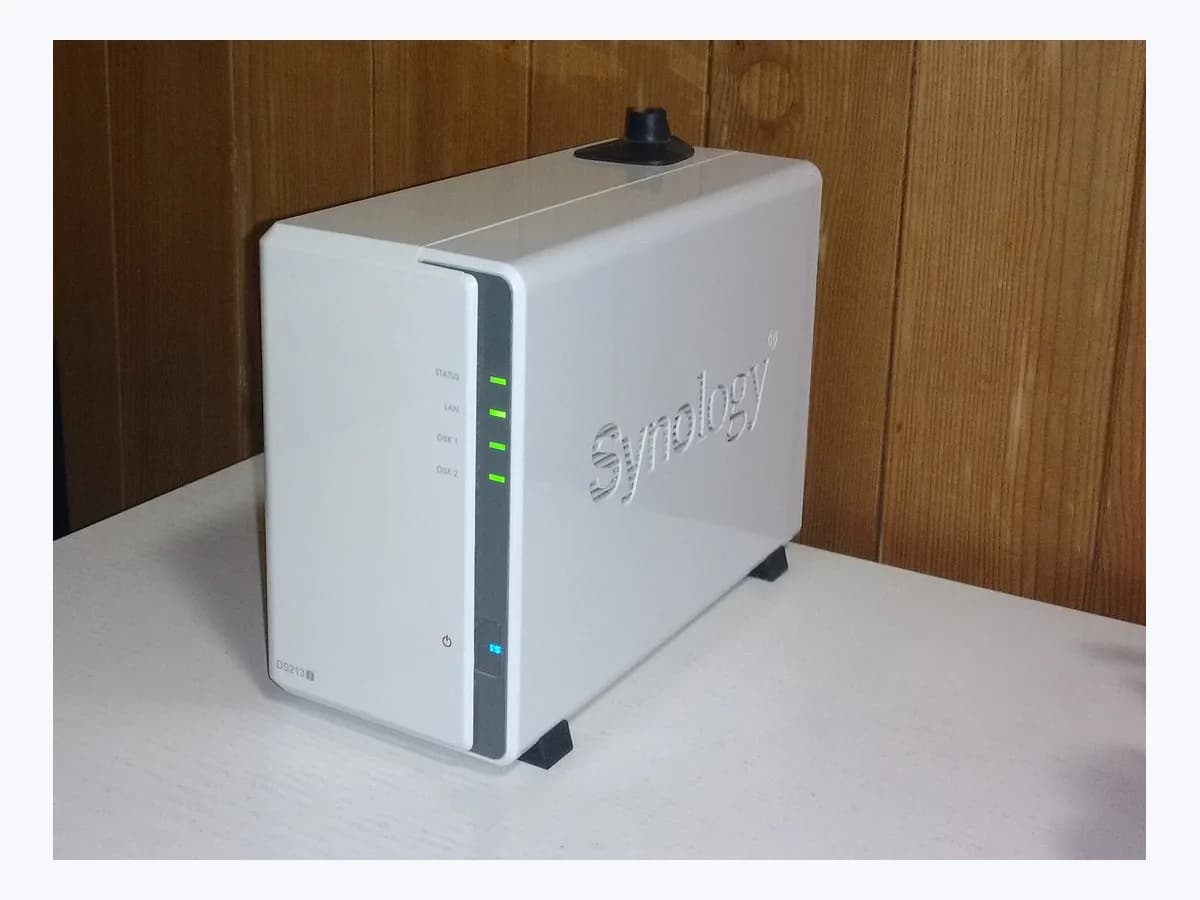
Risk level
Medium
Proceed carefully and stop if the check is unclear.
Urgency
High
Quick answer
If your Synology NAS keeps beeping, sign in to DSM, check Notifications at the upper-right corner, and open Control Panel > Hardware & Power > General > Beep Control to read Reason for current beep and click Mute or Beep Off while you troubleshoot.
Safety first
Stop and check this first
- Do not open the NAS enclosure yourself; for a cooling fan warning, limit owner checks to external dusting and ambient temperature, and leave internal fan replacement to a technician or support.
Safe checks you can perform
- Check DSM Notifications and Reason for current beep
- Silence the alarm temporarily in Beep Control
- Remove external dust and verify room temperature for fan alerts
Leave these tasks to a qualified professional
- Do not attempt this professional task: Confirm the active trigger in DSM Beep Control and Notifications
- Do not attempt this professional task: Assess persistent cooling fan failure after dusting and temperature checks
What a technician must be able to justify
Technician visit
These are the steps they must carry out and show you. Tick them as they work: if steps are skipped, do not accept a part swap.
These are not instructions for opening or handling the equipment yourself. They are the checks that should support a technical conclusion.
Confirm the active trigger in DSM Beep Control and Notifications
What they doThe technician reviews DSM Notifications and Control Panel > Hardware & Power > General > Beep Control to verify whether the alarm stems from a degraded volume, crashed volume, abnormal SSD cache, or cooling fan malfunction.
They must show youthe DSM Notification entry and the active Reason for current beep in Beep Control.
In writingrecorded beep trigger, DSM version, and corresponding storage, cache, or fan status.
Assess persistent cooling fan failure after dusting and temperature checks
What they doIf a cooling fan alert continues after external dusting and verifying an appropriate ambient temperature, the professional evaluates whether the fan is broken and handles replacement under Synology's official instructions.
They must show youthe fan status in DSM after cleaning and the official replacement or support path for the model.
In writingdust and ambient temperature findings, persistent fan alert details, and service action taken.
Before accepting a part or repair
Nothing has been shown yet. Do not accept a part swap based on the code alone.
Follow these steps
Note: Follow the documented order. An error code identifies the affected system, but it does not prove by itself which part has failed.
Check DSM Notifications and Reason for current beep
- Who:
- you, signed in to DiskStation Manager (DSM) with administrator access.
- How:
- open Notifications at the upper-right corner of the DSM desktop, then go to Control Panel > Hardware & Power > General > Beep Control and inspect Reason for current beep.
- Result that matters:
- confirm which specific storage, cache, or hardware event triggered the beeping sound.
- If the reason points to a degraded volume, crashed volume, or abnormal SSD cache:
- follow Synology's storage troubleshooting steps.
- If the reason indicates that the cooling fan is malfunctioning:
- check external dust and room temperature next.
- Evidence to keep:
- exact wording shown under Reason for current beep and in DSM Notifications.
Evidence: My Synology NAS keeps beeping. What can I do?
Silence the alarm temporarily in Beep Control
- Who:
- you, in DSM Control Panel > Hardware & Power > General > Beep Control.
- How:
- click Mute (for DSM 7.0 and above) or Beep Off (for DSM 6.2 and earlier) to silence the alarm; if the button is turned off, reboot the Synology NAS and try again.
- Result that matters:
- stop the acoustic alert while you investigate the underlying cause reported by DSM.
- If the beep stops after clicking Mute or Beep Off:
- proceed with resolving the reported cause.
- If the button remains unavailable or beeping resumes due to an active fault:
- record the alert details for technical support.
- Evidence to keep:
- DSM version and whether Mute or Beep Off successfully silenced the unit.
Evidence: My Synology NAS keeps beeping. What can I do?
Remove external dust and verify room temperature for fan alerts
- Who:
- you, checking the exterior and placement of the NAS without opening its enclosure.
- How:
- if DSM reports a malfunctioning cooling fan, gently dust the exterior of the Synology NAS and make sure the unit operates in an environment with appropriate temperature.
- Result that matters:
- rule out external dust buildup or ambient heat before concluding that the fan is broken.
- If the fan alert clears after dusting and improving ventilation:
- monitor DSM Notifications for normal operation.
- If the issue persists after dusting and temperature checks:
- the fan may be broken and requires professional service.
- Evidence to keep:
- ambient placement condition and whether the cooling fan alert persists in DSM.
Evidence: My Synology NAS keeps beeping. What can I do?
Still not solved
If the error persists, stop here. See what the technician must do and show you.
Where this code applies
A code is meaningful only inside the right product and version context.
Primary scope
- System
- Networks
- Brand
- Synology
- Product type
- NAS storage
Known code variants
- Control de pitido DSM
- DSM Beep Control
- Motivo del pitido actual
- NAS keeps beeping
- NAS sigue emitiendo pitidos
- Pitido continuo en Synology NAS
- Reason for current beep
- Synology NAS beeping sound
What it means
Synology's official article on a continuously beeping NAS explains how to find the trigger in DiskStation Manager (DSM) and silence the alarm. Documented triggers include a degraded volume, a crashed volume, an abnormal SSD cache, or a malfunctioning cooling fan. The acoustic beep alone is a system alert and does not prove that a drive or cooling fan is physically defective.
Warnings and stop conditions
- Mediumsource verified
Do not open the NAS enclosure yourself; for a cooling fan warning, limit owner checks to external dusting and ambient temperature, and leave internal fan replacement to a technician or support.
Evidence: My Synology NAS keeps beeping. What can I do?
Symptoms and causes
Probable causes · in order
- Degraded volume or crashed volume alertCommon
Synology lists both a degraded volume and a crashed volume as primary reasons that cause the NAS to keep beeping until addressed.
Evidence: My Synology NAS keeps beeping. What can I do?
- Abnormal SSD cache statusPossible
An abnormal SSD cache condition in DSM triggers the system beep and is reported under Beep Control and Notifications.
Evidence: My Synology NAS keeps beeping. What can I do?
- Cooling fan malfunction or dust buildupPossible
When the cooling fan malfunctions because of dust accumulation or unsuitable ambient temperature, the Synology NAS sounds a continuous warning beep.
Evidence: My Synology NAS keeps beeping. What can I do?
Virtual technician
Does Continuous beeping still appear after these checks?
Answer a few questions to narrow down the likely cause and the safest next action. Guidance only - it never replaces a professional.
Sources and technical references
- 1
My Synology NAS keeps beeping. What can I do?
Synology Inc. · 2026 · official_doc
- 2
Mi Synology NAS sigue emitiendo pitidos. ¿Qué puedo hacer?
Synology Inc. · 2026 · official_doc
Was this entry useful?