
- Networks
- Mesh Wi-Fi routers
LED-APAGADO
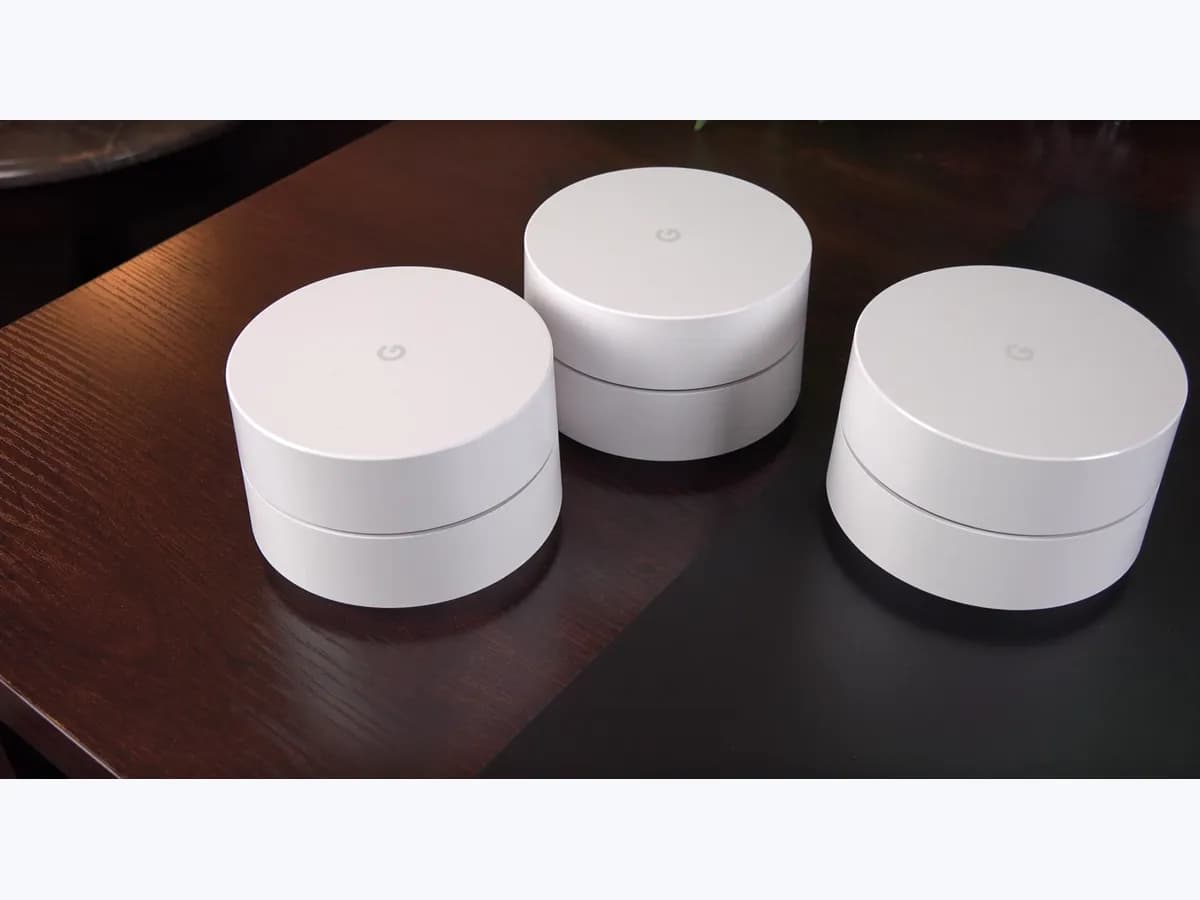
TP-Link Deco LED-APAGADO: unit status LED is completely off
Risk level
Low
Usually safe to check without specialist tools.
Urgency
Medium
Quick answer
On TP-Link Deco mesh Wi-Fi systems, an unlit status light (No LED lit up on the Deco) indicates that LED Control or the scheduled LED Off Time turned the light off in the Deco app, or that the unit is not receiving electrical power from its adapter or wall outlet.
Safety first
Stop and check this first
- Never open the Deco housing or attempt to repair a power adapter yourself; only test with an identical rated Deco adapter and arrange hardware replacement through TP-Link support.
Safe checks you can perform
- Check More and tap LED control in the Deco app
- Verify power cord seating and test a different wall socket
- Swap the power adapter with another identical Deco unit from your kit
Leave these tasks to a qualified professional
- Do not attempt this professional task: Contact TP-Link technical support for warranty replacement
- Do not attempt this professional task: Have a qualified electrician inspect the wall outlet if multiple devices fail
What a technician must be able to justify
Technician visit
These are the steps they must carry out and show you. Tick them as they work: if steps are skipped, do not accept a part swap.
These are not instructions for opening or handling the equipment yourself. They are the checks that should support a technical conclusion.
Contact TP-Link technical support for warranty replacement
What they doIf the Deco unit or its power adapter remains dead after testing another wall socket and swapping with a known-good Deco adapter, contact TP-Link support with the bottom serial number photo and proof of purchase.
They must show youResult of swapping the power adapter between the affected Deco unit and a working unit.
In writingTP-Link support ticket number, affected unit serial number (S/N), and warranty replacement confirmation.
Have a qualified electrician inspect the wall outlet if multiple devices fail
What they doIf other appliances also fail to receive power at that wall receptacle, have a licensed electrician inspect the outlet wiring and breaker.
They must show youVerified voltage reading at the wall receptacle after service.
In writingWork note detailing the outlet or circuit repair performed.
Before accepting a part or repair
Nothing has been shown yet. Do not accept a part swap based on the code alone.
Follow these steps
Note: Follow the documented order. An error code identifies the affected system, but it does not prove by itself which part has failed.
Check More and tap LED control in the Deco app
- Who:
- Network owner with access to the TP-Link Deco app.
- How:
- Open the Deco app on your phone, tap More, and open LED control to check whether the status indicator toggle is turned off or an active LED Off Time schedule is muting the light.
- Result that matters:
- Current state of the LED control toggle and night schedule.
- If the LED control toggle is off or the current time is within LED Off Time, switch it back on to confirm the LED lights up solid green or white.
- If LED control is already enabled and the unit is unreachable, proceed to check the power cord and wall socket.
- Evidence to keep:
- Screenshot of the More > LED control screen in the Deco app.
Evidence: What Do Deco LED Colors Mean? · Abnormal LED lights and bad ports on the TP-Link Deco
Verify power cord seating and test a different wall socket
- Who:
- Anyone at home, no tools required.
- How:
- Make sure the power cord is plugged firmly into both the Deco unit and the wall outlet, then move the unit to a different wall socket known to have power.
- Result that matters:
- Whether the Deco LED turns solid yellow to begin booting.
- If the LED turns solid yellow in the new socket, the previous outlet or power strip was not supplying power.
- If the LED remains completely off in multiple working wall sockets, swap the adapter with another identical Deco unit.
- Evidence to keep:
- Photo of the Deco unit plugged directly into the tested wall socket.
Evidence: What Do Deco LED Colors Mean? · Abnormal LED lights and bad ports on the TP-Link Deco
Swap the power adapter with another identical Deco unit from your kit
- Who:
- User with a multi-node Deco pack of the same model.
- How:
- Temporarily unplug the power adapter from a working Deco unit and connect it to the unlit Deco unit to see whether the issue follows the adapter or stays with the unit.
- Result that matters:
- LED response on the unlit Deco unit when powered by the known-good adapter.
- If the unit powers on with a solid yellow LED using the second adapter, the original power adapter is faulty.
- If the unit still shows no LED with a known-good power adapter, the Deco unit itself has a hardware fault.
- Evidence to keep:
- Photo of the bottom label showing the serial number (S/N) and adapter rating.
Evidence: Abnormal LED lights and bad ports on the TP-Link Deco
Still not solved
If the error persists, stop here. See what the technician must do and show you.
Where this code applies
A code is meaningful only inside the right product and version context.
Primary scope
- System
- Networks
- Brand
- TP-Link
- Product type
- Mesh Wi-Fi routers
Known code variants
- Deco LED off
- Deco sin luz LED
- Deco status light off
- LED Deco apagado
- No LED lit up on the Deco
- No se enciende ningún LED en el Deco
What it means
In TP-Link's official Deco LED color table and abnormal LED troubleshooting guide (Case 1, No LED lit up on the Deco), an off LED means either the Deco unit is not receiving power or the status light was disabled in the Deco app under LED Control. Before suspecting hardware failure, check whether Wi-Fi clients remain online and test the power adapter in another outlet. Exact LED behavior and app menus can differ across other Deco models, and an unlit light on its own never proves a faulty internal part.
Warnings and stop conditions
- Mediumeditorial warning
Never open the Deco housing or attempt to repair a power adapter yourself; only test with an identical rated Deco adapter and arrange hardware replacement through TP-Link support.
Evidence: Abnormal LED lights and bad ports on the TP-Link Deco
Symptoms and causes
Probable causes · in order
- Status light disabled via LED Control or LED Off Time in the Deco appCommon
The LED Control toggle or the scheduled night-mode window under More > LED control in the Deco app turns the indicator off even while the unit operates normally.
Evidence: What Do Deco LED Colors Mean? · Abnormal LED lights and bad ports on the TP-Link Deco
- Loose power cord plug or unpowered wall socketCommon
The power cord barrel is not seated firmly in the Deco power port or the wall outlet or power strip supplying the unit has no electricity.
Evidence: What Do Deco LED Colors Mean? · Abnormal LED lights and bad ports on the TP-Link Deco
- Faulty power adapter or hardware power issue on the Deco unitPossible
The power adapter stopped supplying voltage or the Deco unit itself fails to power on even when tested with a known-good adapter from another identical Deco node.
Evidence: Abnormal LED lights and bad ports on the TP-Link Deco
Virtual technician
Does LED-APAGADO still appear after these checks?
Answer a few questions to narrow down the likely cause and the safest next action. Guidance only - it never replaces a professional.
Sources and technical references
- 1
TP-Link · 2026 · official_doc
- 2
Abnormal LED lights and bad ports on the TP-Link Deco
TP-Link · 2023 · official_doc
- 3
Luces LED anormales y puertos defectuosos en el TP-Link Deco
TP-Link · 2024 · official_doc
- 4
Significado de los colores del LED Deco
TP-Link · 2026 · official_doc
Was this entry useful?