
- TVs
- TV set-top boxes
LED-ROJO
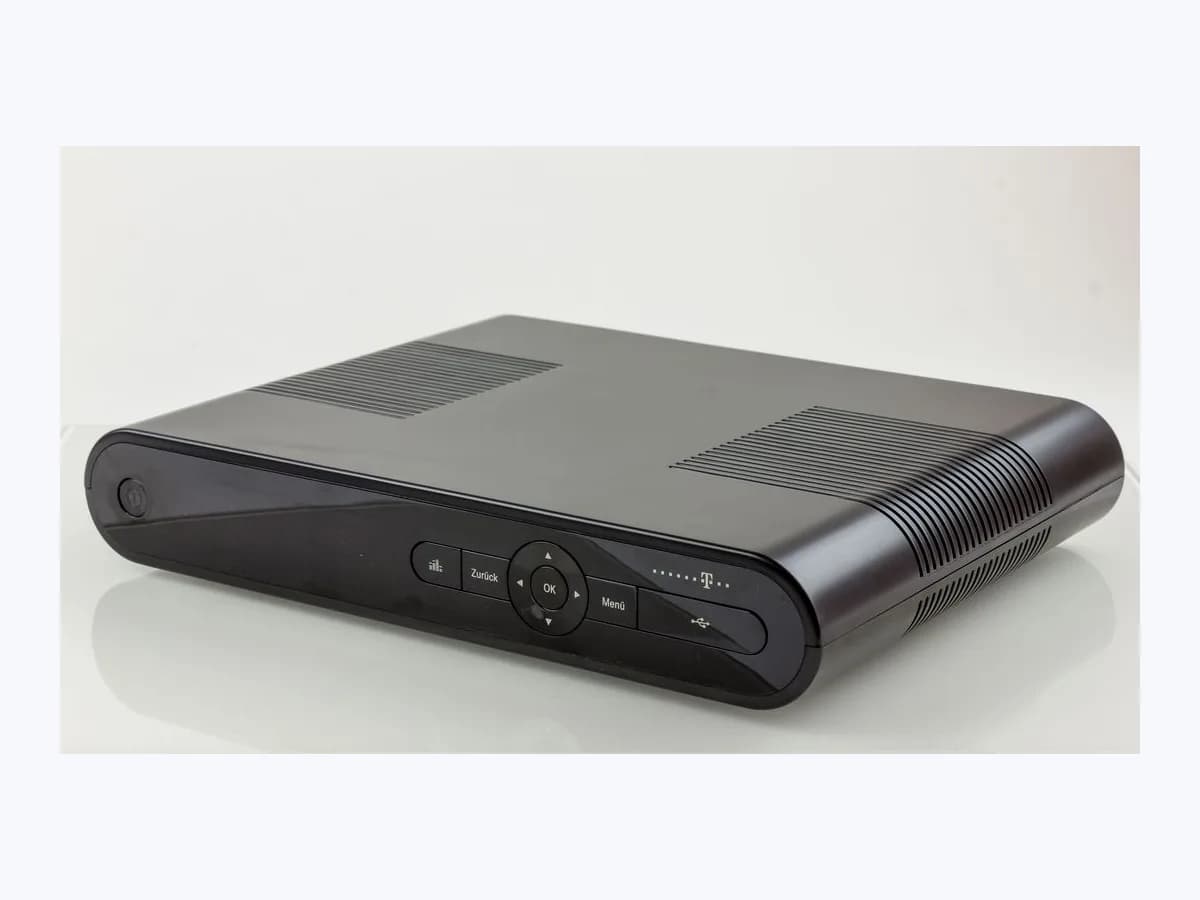
DIGI LED-ROJO on DIGI TV decoder: box in standby mode
Risk level
Low
Usually safe to check without specialist tools.
Urgency
Low
Quick answer
On DIGI TV's ZTE R2A and R1A decoders, a red power indicator means the set-top box is in standby mode. Press the power switch on the box or on the remote aimed at the receiver until the LED turns green, check HDMI CEC, and restart if it stays red.
Safety first
Stop and check this first
- Never open the set-top box casing or tamper with it internally: the decoder is rented equipment and the Specific Terms exclude damage caused by improper handling.
- Only power the set-top box with the DC+12 V power adapter supplied in the box plugged into the rear power socket.
Safe checks you can perform
- Press the physical power switch on the decoder panel
- Aim the remote directly at the STB receiver and check the 2 AAA batteries
- Check the HDMI cable and the Interruptor CEC setting in Android TV
- Restart the set-top box and verify the Internet connection
Leave these tasks to a qualified professional
- Do not attempt this professional task: Guided troubleshooting with DIGI's official customer support
- Do not attempt this professional task: Maintenance or replacement of the rented set-top box by DIGI
What a technician must be able to justify
Technician visit
These are the steps they must carry out and show you. Tick them as they work: if steps are skipped, do not accept a part swap.
These are not instructions for opening or handling the equipment yourself. They are the checks that should support a technical conclusion.
Guided troubleshooting with DIGI's official customer support
What they doIf the decoder still fails to switch from red to green or cannot access DIGI TV after checking the cables and restarting, the operator's official support checks the service while you are next to the TV.
They must show youthe checks carried out on the power switch, network connection and front indicator light.
In writingthe incident reference number and the outcome of the support checks.
Maintenance or replacement of the rented set-top box by DIGI
What they doWhen a ZTE R2A or R1A decoder has a fault that prevents it from leaving standby despite receiving power from its DC+12 V adapter, DIGI arranges maintenance or a replacement unit.
They must show youthat the replacement or serviced decoder reaches a solid green light and opens the DIGI TV home screen.
In writingthe replacement record and the return code for handing back the faulty unit.
Before accepting a part or repair
Nothing has been shown yet. Do not accept a part swap based on the code alone.
Follow these steps
Note: Follow the documented order. An error code identifies the affected system, but it does not prove by itself which part has failed.
Press the physical power switch on the decoder panel
- Who:
- you, next to the TV and the DIGI TV set-top box.
- How:
- locate the power switch on the front and top panel of the ZTE R2A or R1A (item 1 on the R2A, item 2 on the R1A), press it to turn the STB on, and wait for the power LED to change from red to green.
- Result that matters:
- checking whether the set-top box wakes from standby using its built-in button.
- If the indicator turns green and the Google TV home screen with DIGI TV appears:
- the unit was simply in standby.
- If the panel button wakes it but the remote does not:
- move on to checking the remote and its AAA batteries.
- Evidence to keep:
- photo of the front and top panel showing the power indicator colour before and after pressing the switch.
Evidence: Guía de usuario e instalación Decodificador R2A v1.0 (DIGI TV) · Guía rápida de usuario Decodificador R2A (DIGI TV) · Guía de usuario e instalación Decodificador R1A (DIGI TV)
Aim the remote directly at the STB receiver and check the 2 AAA batteries
- Who:
- you.
- How:
- verify the two AAA batteries inside the remote and press the power button while pointing the remote directly at the set-top box receiver, because factory default operation uses infrared until paired via Bluetooth.
- Result that matters:
- ruling out a missed infrared wake command from the remote control.
- If aiming straight at the box wakes it to a green LED:
- pair the remote over Bluetooth by holding OK and Volume - for more than 3 seconds.
- If it still does not wake or show an image:
- inspect the HDMI cable and the HDMI CEC setting.
- Evidence to keep:
- note of whether the remote LED lights up when pressed and the condition of the two AAA batteries.
Evidence: Guía de usuario e instalación Decodificador R2A v1.0 (DIGI TV) · Guía rápida de usuario Decodificador R1A v1 (DIGI TV) · Todo sobre el mando de DIGI TV: así puedes sacarle el máximo partido
Check the HDMI cable and the Interruptor CEC setting in Android TV
- Who:
- you, with both the TV remote and the DIGI TV remote.
- How:
- confirm that the supplied HDMI cable (or the 3.5 mm RCA AV cable on a TV without HDMI) is firmly seated; once the box lights green, open Settings > Display and Sound > HDMI CEC > CEC Switch (Ajustes > Pantalla y sonido > HDMI CEC > Interruptor CEC) if you want to stop one remote from putting both devices into standby.
- Result that matters:
- ensuring the TV is on the right video input and HDMI CEC is not unexpectedly putting the box into standby.
- If adjusting Interruptor CEC stops unwanted standby when switching off the TV:
- keep that setting.
- If the indicator stays stuck on red and never turns green:
- proceed to restart the decoder.
- Evidence to keep:
- photo of the rear HDMI connection and the HDMI CEC screen in Android TV.
Evidence: Guía de usuario e instalación Decodificador R2A v1.0 (DIGI TV) · Preguntas frecuentes sobre DIGI TV (Ayuda DIGI)
Restart the set-top box and verify the Internet connection
- Who:
- you.
- How:
- following DIGI TV's troubleshooting FAQ, check that your home Internet connection is working, verify the DC+12 V power adapter plug at the rear of the STB, and restart the decoder waiting for the LED to turn green.
- Result that matters:
- completing a clean Android TV boot sequence to a green status light.
- If after restarting the LED turns green and DIGI TV loads:
- it was a temporary hang.
- If the power light remains solid red without booting:
- contact DIGI's official customer support while near your TV and DIGI TV equipment.
- Evidence to keep:
- time of the restart and a short video of the power indicator after switching the box back on.
Evidence: Guía de usuario e instalación Decodificador R2A v1.0 (DIGI TV) · Guía rápida de usuario Decodificador R2A (DIGI TV) · Preguntas frecuentes sobre DIGI TV (Ayuda DIGI)
Still not solved
If the error persists, stop here. See what the technician must do and show you.
Where this code applies
A code is meaningful only inside the right product and version context.
Primary scope
- System
- TVs
- Brand
- Digi
- Product type
- TV set-top boxes
Known code variants
- deco DIGI en modo de espera
- decodificador DIGI luz roja
- DIGI set-top box red LED
- DIGI STB red light
- DIGI TV decoder red light
- DIGI TV indicador rojo
- LED-ROJO
- ZTE R1A luz roja
- ZTE R1A red light standby
- ZTE R2A luz roja
- ZTE R2A red power indicator
What it means
In DIGI Spain's official user and installation manuals and quick guides (published in Spanish for Spain) for the ZTE R2A and ZTE R1A set-top boxes, the power indicator on the front and top panel lights up red when the decoder (STB) is in standby mode and turns green when it is operating. Other decoder models, Android TV firmware builds or app versions may behave differently, and a red light by itself never proves that any hardware part is faulty.
Warnings and stop conditions
- Mediumeditorial warning
Never open the set-top box casing or tamper with it internally: the decoder is rented equipment and the Specific Terms exclude damage caused by improper handling.
Evidence: Condiciones Particulares del Servicio DIGI TV
- Loweditorial warning
Only power the set-top box with the DC+12 V power adapter supplied in the box plugged into the rear power socket.
Evidence: Guía de usuario e instalación Decodificador R2A v1.0 (DIGI TV) · Guía de usuario e instalación Decodificador R1A (DIGI TV)
Symptoms and causes
Probable causes · in order
- Set-top box resting in normal standby modeCommon
Both the ZTE R2A and ZTE R1A user guides define a red power indicator as the normal standby state before the light turns green when switched on.
Evidence: Guía de usuario e instalación Decodificador R2A v1.0 (DIGI TV) · Guía rápida de usuario Decodificador R2A (DIGI TV) · Guía de usuario e instalación Decodificador R1A (DIGI TV) · Guía rápida de usuario Decodificador R1A v1 (DIGI TV)
- Remote in infrared mode not pointed at the STB or flat AAA batteriesCommon
Out of the box the remote works in infrared mode with two AAA batteries and must be pointed straight at the STB receiver until Bluetooth pairing is completed.
Evidence: Guía de usuario e instalación Decodificador R2A v1.0 (DIGI TV) · Guía rápida de usuario Decodificador R2A (DIGI TV) · Guía de usuario e instalación Decodificador R1A (DIGI TV)
- TV and decoder switched to standby together via HDMI CECPossible
DIGI's official FAQ explains that the Interruptor CEC (HDMI CEC) setting lets a single remote turn HDMI-connected devices on and off together.
Evidence: Preguntas frecuentes sobre DIGI TV (Ayuda DIGI)
- Temporary decoder freeze while waking from standbyLess common
If the unit fails to switch to a green LED or outputs no picture over HDMI or 3.5 mm RCA AV, DIGI's help page advises checking the connections and restarting the decoder.
Evidence: Guía de usuario e instalación Decodificador R2A v1.0 (DIGI TV) · Preguntas frecuentes sobre DIGI TV (Ayuda DIGI)
Virtual technician
Does LED-ROJO still appear after these checks?
Answer a few questions to narrow down the likely cause and the safest next action. Guidance only - it never replaces a professional.
Sources and technical references
- 1
Guía de usuario e instalación Decodificador R2A v1.0 (DIGI TV)
DIGI Spain Telecom · 2025 · official_doc
- 2
Guía rápida de usuario Decodificador R2A (DIGI TV)
DIGI Spain Telecom · 2026 · official_doc
- 3
Guía de usuario e instalación Decodificador R1A (DIGI TV)
DIGI Spain Telecom · 2025 · official_doc
- 4
Guía rápida de usuario Decodificador R1A v1 (DIGI TV)
DIGI Spain Telecom · 2026 · official_doc
- 5
Preguntas frecuentes sobre DIGI TV (Ayuda DIGI)
DIGI Spain Telecom · 2026 · official_doc
- 6
Todo sobre el mando de DIGI TV: así puedes sacarle el máximo partido
DIGI Spain Telecom · 2026 · official_doc
- 7
Condiciones Particulares del Servicio DIGI TV
DIGI Spain Telecom · 2026 · official_doc
Was this entry useful?