

- TVs
- Projectors
Error (Lamp Failure)
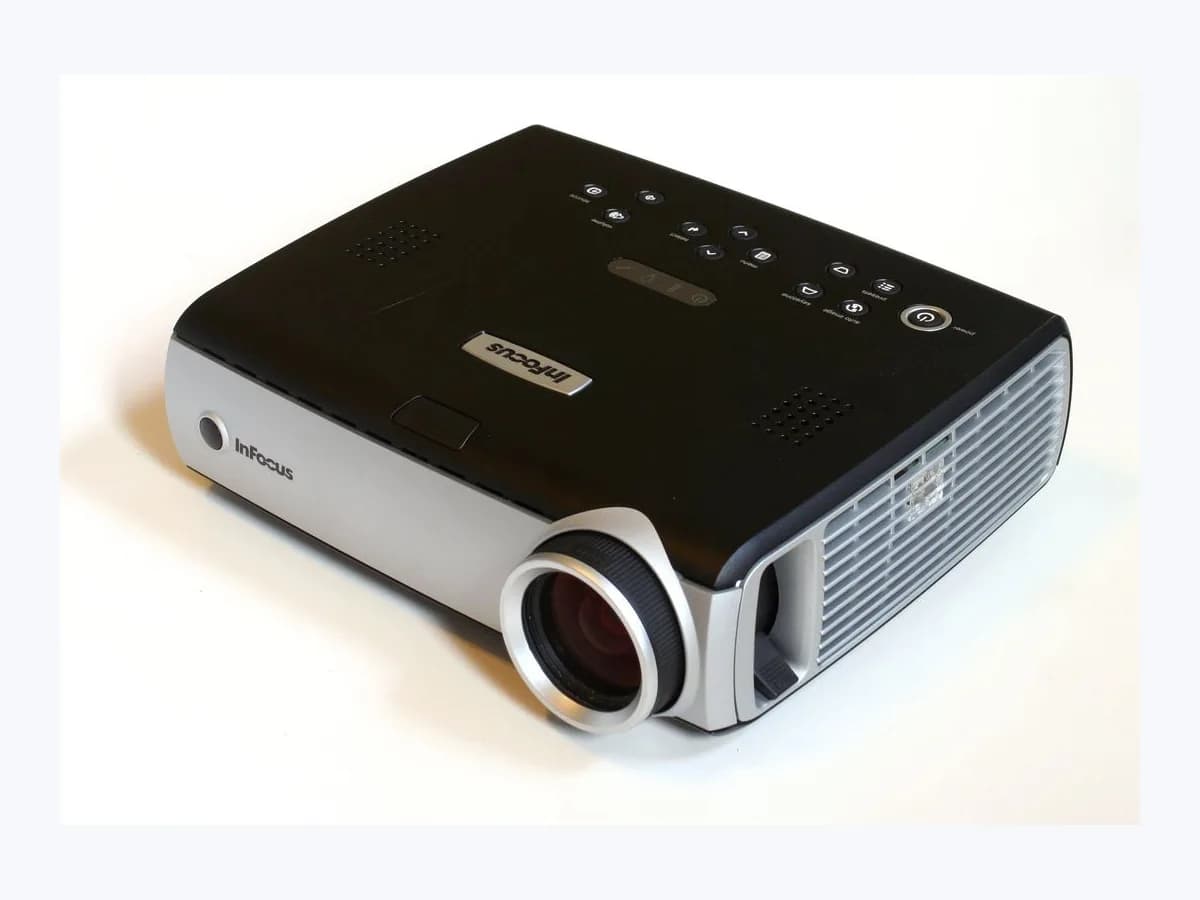
ViewSonic Error (Lamp Failure) projector: lamp fault LED
Risk level
High
Professional inspection is recommended.
Urgency
High
Quick answer
If your ViewSonic shows a red or blinking Lamp light, let the cooling fans finish and unplug before checking the outside of the cover. On PA700W, wait 30 seconds unplugged and retry; if the warning returns, contact the service center.
Safety first
Stop and check this first
- Do not unplug the projector right after shutdown, because the cooling fans must complete their run first. Check the lamp cover only from the outside and leave lamp handling to authorized service.
- Always use an authentic ViewSonic replacement lamp: aftermarket (non-OEM) lamps often use inferior housing materials that do not dissipate heat efficiently and can force protective shutdowns.
Safe checks you can perform
- Wait for cooling fans and unplug PA700W for 30 seconds
- Confirm that the lamp cover is securely closed after cooling
- Check Lamp Hour and reset after the lamp is replaced
Leave these tasks to a qualified professional
- Do not attempt this professional task: Arrange model-specific lamp replacement and timer reset
- Do not attempt this professional task: Contact ViewSonic service if the lamp warning returns
What a technician must be able to justify
Technician visit
These are the steps they must carry out and show you. Tick them as they work: if steps are skipped, do not accept a part swap.
These are not instructions for opening or handling the equipment yourself. They are the checks that should support a technical conclusion.
Arrange model-specific lamp replacement and timer reset
What they doIf the lamp needs replacing, arrange replacement through authorized service using the model-specific instructions on the ViewSonic product download page. ViewSonic recommends an authentic replacement lamp and resetting the timer after replacement.
They must show youthe projector model, replacement lamp reference and timer reading after replacement.
In writingViewSonic projector model, lamp installed by service and confirmation of the timer reset.
Contact ViewSonic service if the lamp warning returns
What they doIf the PA700W warning indicators light up or flash again after a 30-second unplug and retry, contact the nearest service center. Report any lamp-cover, ventilation and settings checks you have performed.
They must show youthe warning indicator state and the external checks already performed.
In writingindicator status, external checks performed and the ViewSonic service center response.
Before accepting a part or repair
Nothing has been shown yet. Do not accept a part swap based on the code alone.
Follow these steps
Note: Follow the documented order. An error code identifies the affected system, but it does not prove by itself which part has failed.
Wait for cooling fans and unplug PA700W for 30 seconds
- Who:
- you, after automatic shutdown with warning indicators lit or flashing.
- How:
- let the cooling fans finish their cycle before unplugging, then unplug the power cord from the projector, wait 30 seconds as instructed in the PA700W LED Indicators section, and plug it back in.
- Result that matters:
- observe whether the projector runs again or the warning indicators return.
- If the PA700W powers on normally:
- open Options > Lamp Settings to check Lamp Hour and Lamp Reminder.
- If the warning indicators light up or flash again:
- contact your nearest service center, as instructed in the PA700W guide.
- Evidence to keep:
- Power LED and Light Source/Lamp LED status before and after the 30-second unplug test.
Evidence: ViewSonic PA700W Projector User Guide · Why does my projector turn on and then suddenly shut off? - ViewSonic Support · How to change the projector lamp in a projector? - ViewSonic Support · How to reset lamp timer - ViewSonic Support
Confirm that the lamp cover is securely closed after cooling
- Who:
- you, once the cooling fans have finished their cycle and the projector is powered off and unplugged.
- How:
- check from the outside that the lamp cover is securely closed, as ViewSonic requests; a loose cover triggers the safety kill-switch. Do not open the housing or handle the lamp.
- Result that matters:
- check the cover closure included in ViewSonic lamp-indicator troubleshooting.
- If the cover is securely closed and the projector runs normally again:
- record the observed condition.
- If the cover is securely closed and the lamp indicator persists:
- contact ViewSonic service.
- Evidence to keep:
- verification that the lamp cover is firmly closed and LED status on the next startup attempt.
Evidence: ViewSonic PA700W Projector User Guide · Why does my projector turn on and then suddenly shut off? - ViewSonic Support · How to change the projector lamp in a projector? - ViewSonic Support · How to reset lamp timer - ViewSonic Support
Check Lamp Hour and reset after the lamp is replaced
- Who:
- you, checking the OSD menu; leave lamp replacement to authorized service.
- How:
- on the PA700W, check Options > Lamp Settings > Lamp Hour. After service has replaced the lamp, use Lamp Reset > Yes; for other models, consult the user guide to locate the timer.
- Result that matters:
- track the operating hours of the replacement lamp with the lamp timer.
- If the lamp has been replaced and the timer reset:
- record the replacement and the timer reading.
- If the warning indicators still light up or flash:
- contact your nearest ViewSonic service center.
- Evidence to keep:
- Lamp Hour counter reset in Options > Lamp Settings and authentic ViewSonic lamp reference.
Evidence: ViewSonic PA700W Projector User Guide · Why does my projector turn on and then suddenly shut off? - ViewSonic Support · How to change the projector lamp in a projector? - ViewSonic Support · How to reset lamp timer - ViewSonic Support
Still not solved
If the error persists, stop here. See what the technician must do and show you.
Where this code applies
A code is meaningful only inside the right product and version context.
Primary scope
- System
- TVs
- Brand
- ViewSonic
- Product type
- Projectors
Known code variants
- Error (Lamp Failure)
- Fallo de lámpara ViewSonic
- Indicador Lamp rojo o intermitente
- Lamp Light (Red/Blinking)
- Red or blinking Lamp Light
- ViewSonic projector lamp failure LED
What it means
The PA700W guide lists "Error (Lamp Failure)" in its indicator table and states that warning indicators accompany automatic shutdown. ViewSonic support identifies "Lamp Light (Red/Blinking)" as a lamp failure and asks you to check that the lamp cover is securely closed, because a loose cover triggers a safety kill-switch. Lamp replacement instructions and the location of the lamp timer depend on the projector model.
Warnings and stop conditions
- Highsource verified
Do not unplug the projector right after shutdown, because the cooling fans must complete their run first. Check the lamp cover only from the outside and leave lamp handling to authorized service.
Evidence: ViewSonic PA700W Projector User Guide · Why does my projector turn on and then suddenly shut off? - ViewSonic Support · How to change the projector lamp in a projector? - ViewSonic Support · How to reset lamp timer - ViewSonic Support
- Mediumsource verified
Always use an authentic ViewSonic replacement lamp: aftermarket (non-OEM) lamps often use inferior housing materials that do not dissipate heat efficiently and can force protective shutdowns.
Evidence: ViewSonic PA700W Projector User Guide · Why does my projector turn on and then suddenly shut off? - ViewSonic Support · How to change the projector lamp in a projector? - ViewSonic Support · How to reset lamp timer - ViewSonic Support
Symptoms and causes
Probable causes · in order
- Loose lamp cover triggering the safety kill-switchPossible
The support guide asks you to ensure that the lamp cover is securely closed, because a loose cover will trigger a safety kill-switch.
Evidence: ViewSonic PA700W Projector User Guide · Why does my projector turn on and then suddenly shut off? - ViewSonic Support · How to change the projector lamp in a projector? - ViewSonic Support · How to reset lamp timer - ViewSonic Support
- Aftermarket lamp housing with poor heat dissipationPossible
ViewSonic warns that aftermarket lamps often use housing materials that dissipate heat poorly; this may cause the thermal sensor to force a protective shutdown.
Evidence: ViewSonic PA700W Projector User Guide · Why does my projector turn on and then suddenly shut off? - ViewSonic Support · How to change the projector lamp in a projector? - ViewSonic Support · How to reset lamp timer - ViewSonic Support
- Possible internal issue after vent and settings checksPossible
The support note says that if the issue persists after cleaning the vents and checking settings, it may indicate an internal circuitry issue requiring professional service.
Evidence: ViewSonic PA700W Projector User Guide · Why does my projector turn on and then suddenly shut off? - ViewSonic Support · How to change the projector lamp in a projector? - ViewSonic Support · How to reset lamp timer - ViewSonic Support
Virtual technician
Does Error (Lamp Failure) still appear after these checks?
Answer a few questions to narrow down the likely cause and the safest next action. Guidance only - it never replaces a professional.
Sources and technical references
- 1
ViewSonic PA700W Projector User Guide
ViewSonic · 2026 · official_doc
- 2
Why does my projector turn on and then suddenly shut off? - ViewSonic Support
ViewSonic · 2026 · official_doc
- 3
¿Cómo cambiar la lámpara del proyector? - ViewSonic Support
ViewSonic · 2026 · official_doc
- 4
How to change the projector lamp in a projector? - ViewSonic Support
ViewSonic · 2026 · official_doc
- 5
How to reset lamp timer - ViewSonic Support
ViewSonic · 2026 · official_doc
Was this entry useful?