
- EV charging
- EV charger
Halo red
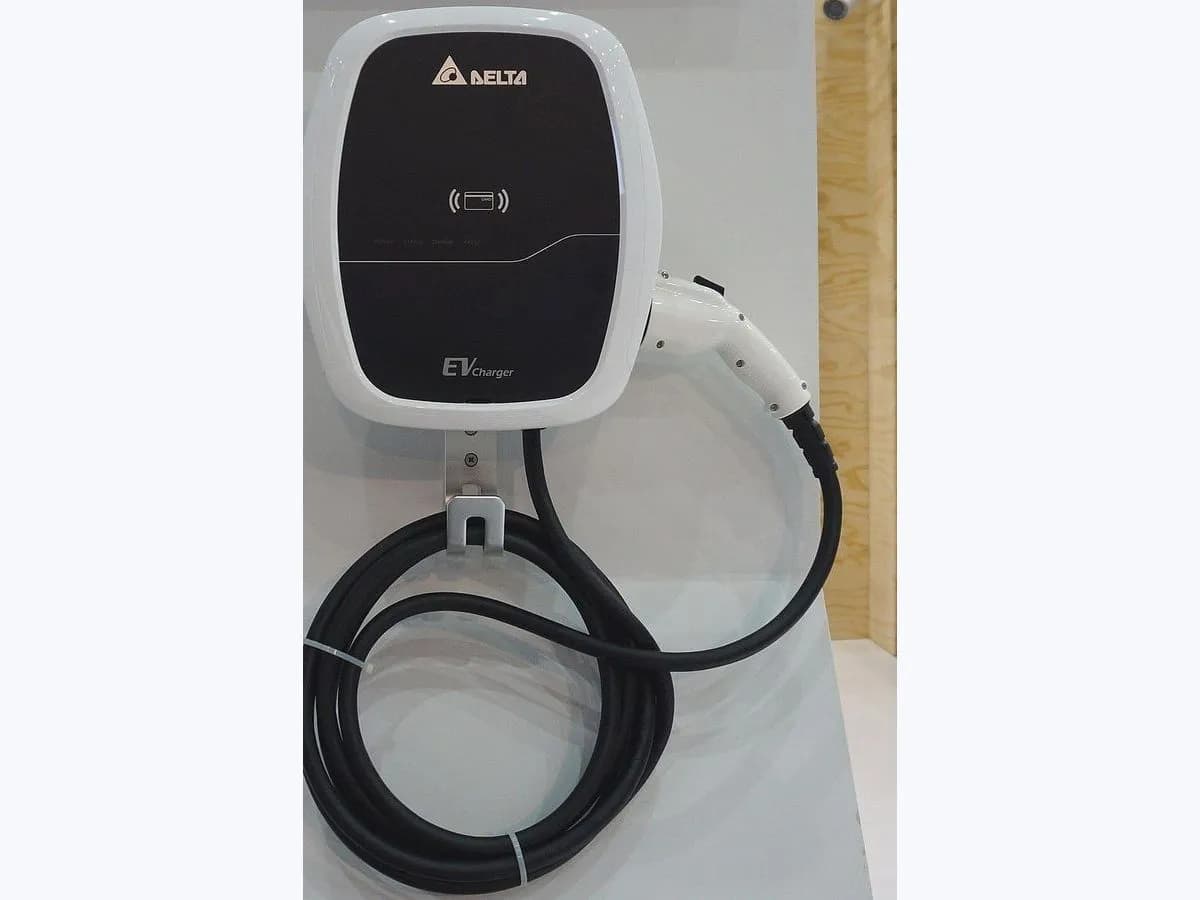
IONITY Halo red on EV charger: top LED ring turns red
Risk level
Medium
Proceed carefully and stop if the check is unclear.
Urgency
Medium
Quick answer
When the multifunctional LED light ring (halo) at the top of a 2.6 metre tall IONITY HPC charger turns red, the station is signalling an ERROR state. If the halo was already red before you started, use another charging point; if it turned red during start-up, return the plug to the holder and retry.
Safety first
Stop and check this first
- A red halo on an IONITY HPC charger indicates an active error state: never force the connector or touch internal charger components; use a different charging point or call the IONITY Hotline.
Safe checks you can perform
- Check whether the halo was already red before initiating your charge
- Return the charging plug into the holder and restart the process
- Move to another charging point or call the local IONITY Hotline
Leave these tasks to a qualified professional
- Do not attempt this professional task: Remote diagnostics and charging point reset by the IONITY Hotline
- Do not attempt this professional task: On-site service dispatch when an HPC stall remains in red error state
What a technician must be able to justify
Technician visit
These are the steps they must carry out and show you. Tick them as they work: if steps are skipped, do not accept a part swap.
These are not instructions for opening or handling the equipment yourself. They are the checks that should support a technical conclusion.
Remote diagnostics and charging point reset by the IONITY Hotline
What they doReached via the local phone number displayed on each charging point, the IONITY Hotline checks the fault behind the red halo and performs a remote reset to reactivate the connector.
They must show youthe top LED halo ring returning from red to white or pulsing purple as charging begins.
In writingthe HPC charging point ID, any display error code and the outcome of the remote reset.
On-site service dispatch when an HPC stall remains in red error state
What they doIf a 2.6 metre HPC charger stays on a red halo before a charge is even initiated and cannot be recovered remotely, IONITY logs the stall for field technician repair.
They must show youguidance to an available charging point at the station and confirmation that the faulted stall is logged.
In writingthe IONITY support case reference, station name and charging point number.
Before accepting a part or repair
Nothing has been shown yet. Do not accept a part swap based on the code alone.
Follow these steps
Note: Follow the documented order. An error code identifies the affected system, but it does not prove by itself which part has failed.
Check whether the halo was already red before initiating your charge
- Who:
- you, as you approach the 2.6 metre tall HPC charger.
- How:
- observe whether the LED halo ring lights up in white when the sensors detect your vehicle or when you touch the display, or whether the halo was already red before you touched the connector.
- Result that matters:
- separating a pre-existing stall fault from an error triggered while trying to start your session.
- If the halo was already red before initiating a charge:
- follow IONITY's advice and use a different charging point at the station.
- If the halo was white and turned red when trying to start:
- note any error code on the display and proceed to the next step.
- Evidence to keep:
- a photo of the red LED halo ring and any error code shown on the charger screen.
Evidence: IONITY Support: The charging station does not work or the display shows an error code · IONITY Support: IONITY chargers' halo colours
Return the charging plug into the holder and restart the process
- Who:
- you, at the charging point with the car switched off in gear P (Parking).
- How:
- if the halo turned red while trying to start a charge, unplug the connector from the vehicle, return the charging plug into the holder to activate the charging point again, and reconnect holding the plug firmly until locked.
- Result that matters:
- clearing a recoverable start-up error so the halo stays white during authorization and pulses purple once charging starts.
- If the halo turns white and then pulses purple on retry:
- charging has started and the LED indicates battery charge status.
- If the halo turns red again or charging will not start:
- switch to another charging point or call the hotline.
- Evidence to keep:
- a photo of the halo colour after returning the plug to the holder and the charging point number.
Evidence: IONITY Support: Issues with starting a charge · IONITY Support: The charging station does not work or the display shows an error code · IONITY Support: IONITY chargers' halo colours
Move to another charging point or call the local IONITY Hotline
- Who:
- you, at the charging station without opening or forcing any equipment.
- How:
- park at another stall showing a dimmed white or white halo ring, and if charging is still not possible, call the local IONITY Hotline phone number displayed on the charging point.
- Result that matters:
- getting your vehicle charged on an active stall or receiving direct remote support from IONITY.
- If charging works normally on another stall:
- report the stall with the red halo to IONITY Customer Service.
- If no stall at the station will start charging:
- follow the instructions given by the IONITY Hotline agent.
- Evidence to keep:
- the local phone number displayed on the charging point, the stall ID and the time of the fault.
Evidence: IONITY Support: The charging station does not work or the display shows an error code · IONITY Support: IONITY chargers' halo colours
Still not solved
If the error persists, stop here. See what the technician must do and show you.
Where this code applies
A code is meaningful only inside the right product and version context.
Primary scope
- System
- EV charging
- Brand
- IONITY
- Product type
- EV charger
Known code variants
- IONITY el halo se vuelve rojo
- IONITY ERROR halo red
- IONITY ERROR halo rojo
- IONITY halo rojo
- IONITY halo turns red
- IONITY HPC charger red halo
- IONITY luz LED roja en cargador HPC
- IONITY red LED halo ring
What it means
In IONITY's official FAQ on charger halo colours, the 2.6 metre tall HPC stations (developed in cooperation with BMW subsidiary Designworks and awarded gold at the iF Design Awards 2019) use their top LED light ring to show connector status: dimmed white in stand by/sleep mode, white on vehicle arrival or while connecting and authorizing, pulsing purple during charging, pink when charging is finished, and red if an error occurs. A red halo alone never proves which part failed without checking the display message.
Warnings and stop conditions
- Mediumsource verified
A red halo on an IONITY HPC charger indicates an active error state: never force the connector or touch internal charger components; use a different charging point or call the IONITY Hotline.
Evidence: IONITY Support: The charging station does not work or the display shows an error code · IONITY Support: IONITY chargers' halo colours
Symptoms and causes
Probable causes · in order
- Faulty plug-to-vehicle connection or time-out when starting a chargeCommon
IONITY notes that when the plug cannot be locked into the charging port due to cable tension, vehicle preconditions or a connection time-out, starting fails and the charger enters an error state.
Evidence: IONITY Support: Issues with starting a charge · IONITY Support: IONITY chargers' halo colours
- Pre-existing fault on the charging point before initiating a sessionPossible
IONITY's troubleshooting guide distinguishes errors that already occurred before initiating a charge, which leave the connector status halo illuminated in red on approach.
Evidence: IONITY Support: The charging station does not work or the display shows an error code · IONITY Support: IONITY chargers' halo colours
- Station fault persisting after returning the charging plug to the holderLess common
When returning the plug into the holder and restarting does not clear the error state, IONITY directs drivers to contact the IONITY Hotline for operator assistance.
Evidence: IONITY Support: The charging station does not work or the display shows an error code · IONITY Support: IONITY chargers' halo colours
Virtual technician
Does Halo red still appear after these checks?
Answer a few questions to narrow down the likely cause and the safest next action. Guidance only - it never replaces a professional.
Sources and technical references
- 1
IONITY Support: Issues with starting a charge
IONITY · 2026 · official_doc
- 2
Soporte IONITY: Problemas para iniciar una carga
IONITY · 2026 · official_doc
- 3
IONITY Support: The charging station does not work or the display shows an error code
IONITY · 2026 · official_doc
- 4
Soporte IONITY: La estación de carga no funciona o la pantalla muestra un código de error
IONITY · 2026 · official_doc
- 5
IONITY Support: IONITY chargers' halo colours
IONITY · 2026 · official_doc
- 6
Soporte IONITY: Colores del halo de los cargadores IONITY
IONITY · 2026 · official_doc
Was this entry useful?