

- HVAC
- Air conditioner
F2
Gree F2 on an air conditioner: indoor evaporator sensor fault
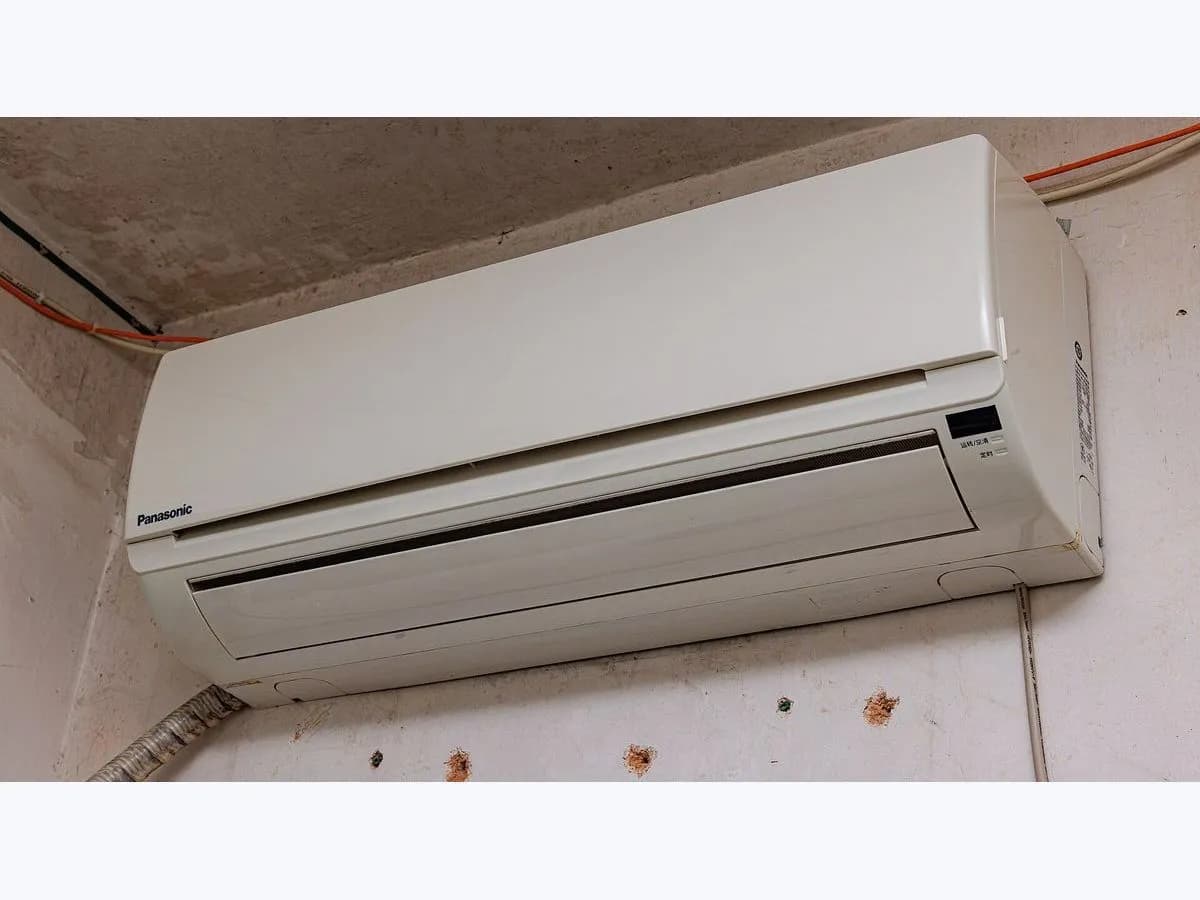
Risk level
Medium
Proceed carefully and stop if the check is unclear.
Urgency
Medium
Quick answer
On Gree split units, F2 means the indoor evaporator temperature sensor is open or short-circuited; the unit stops once it reaches the set temperature. Write the code down and call a qualified professional.
Safety first
Stop and check this first
- Gree asks you not to repair or modify the unit yourself. If the power cord overheats, there is abnormal noise, the breaker trips often, there is a burning smell or the indoor unit leaks, switch off, disconnect the power and call the dealer or a qualified professional.
Safe checks you can perform
- Code on the indoor unit display
- Stopping at the set temperature
- Terminal, sensor and board
Leave these tasks to a qualified professional
- Do not attempt this professional task: Check terminal and sensor before the board
- Do not attempt this professional task: Test until the set temperature is reached
What a technician must be able to justify
Technician visit
These are the steps they must carry out and show you. Tick them as they work: if steps are skipped, do not accept a part swap.
These are not instructions for opening or handling the equipment yourself. They are the checks that should support a technical conclusion.
Check terminal and sensor before the board
What they doThe technician follows Gree's chart for F1 and F2: terminal, shorted parts, sensor resistance and, last, the board.
They must show youthe measured sensor value against the table.
In writingwhich part was replaced, its model and the reason.
Test until the set temperature is reached
What they doAfter the repair the technician leaves the unit running until it reaches the set temperature and checks it regulates without showing F2.
They must show youthe unit regulating with no code.
In writingdate and result of the test.
Before accepting a part or repair
Nothing has been shown yet. Do not accept a part swap based on the code alone.
Follow these steps
Note: Follow the documented order. An error code identifies the affected system, but it does not prove by itself which part has failed.
Code on the indoor unit display
- Who:
- you.
- How:
- look at the indoor unit display: Gree shows the code on the temperature indicator, which blinks when there is an abnormality.
- Result that matters:
- that the code is F2 and not F1.
- If it is F2:
- the indoor evaporator sensor is the suspect.
- If it is F1:
- it is the ambient temperature sensor; look up that page.
- Evidence to keep:
- a photo of the display with the code, date and time.
Evidence: Gree Sapphire installation, service and troubleshooting manual, SAP18HP230V1AH/AO and SAP24HP230V1AH/AO · Gree mini split air conditioner installation and owner's manual, Vireo Plus Ultra
Stopping at the set temperature
- Who:
- you.
- How:
- watch, without opening the unit, when it stops with F2 on the display.
- Result that matters:
- Gree says that with F2 the unit stops when it reaches the set temperature.
- If it matches:
- it is the expected behaviour; Gree asks you to contact a qualified professional.
- If the indoor unit also leaks:
- switch off, disconnect the power and report it, as Gree says.
- Evidence to keep:
- a note of the mode, set temperature and when it stopped.
Evidence: Gree Sapphire installation, service and troubleshooting manual, SAP18HP230V1AH/AO and SAP24HP230V1AH/AO · Gree mini split air conditioner installation and owner's manual, Vireo Plus Ultra
Terminal, sensor and board
- Who:
- an air conditioning technician.
- How:
- with the power off, reseats the evaporator sensor terminal on the board, looks for fallen parts causing a short, measures the sensor against Gree's resistance table and, if all is fine, assesses the board.
- Result that matters:
- which step of Gree's chart clears the fault.
- If the sensor does not match the table:
- the sensor is confirmed as the cause.
- If the sensor measures correctly:
- Gree says to replace the board with one of the same model.
- Evidence to keep:
- a job sheet with the measured value and a photo of the sensor and terminal.
Requires opening the indoor unit near the evaporator and the board: technician only.
Evidence: Gree Sapphire installation, service and troubleshooting manual, SAP18HP230V1AH/AO and SAP24HP230V1AH/AO
Still not solved
If the error persists, stop here. See what the technician must do and show you.
Where this code applies
A code is meaningful only inside the right product and version context.
Primary scope
- System
- HVAC
- Brand
- Gree
- Product type
- Air conditioner
Known code variants
- Bosch F2
- Bosch F4
- Bosch induction F2
- DishDrawer F2
- E7015
- error F2 DishDrawer
- F 2
- F4
- Fisher & Paykel DishDrawer F2
- Fisher Paykel F2
- Gree F2
- Ideal boiler F2
- Ideal boiler F2 flame loss
- Ideal F02
- Ideal F2
- Ideal Logic F2
- microondas Whirlpool F2 teclado
- Neff E7015 placa
- Neff E8207 E8208 inducción
- Neff F2 placa
- Neff F4 placa
- Neff hob E7015
- Neff hob E8207 E8208
- Neff hob F2
- Neff hob F4
- placa inducción Bosch F2
- Whirlpool F2 over the range
- Whirlpool microondas F2
- Whirlpool microwave F2
- Whirlpool microwave F2 keypad
- Whirlpool over the range F2
What it means
Gree shows F2 when the control detects the indoor evaporator temperature sensor as open circuit or short circuit. The unit stops once it reaches the set temperature: in cooling and drying the indoor fan stops along with the other loads, and in heating the unit stops. Gree lists a loose terminal between sensor and board, a fallen component on the board, a damaged sensor or the board. The code does not point to which one it is.
Warnings and stop conditions
- Highsource verified
Gree asks you not to repair or modify the unit yourself. If the power cord overheats, there is abnormal noise, the breaker trips often, there is a burning smell or the indoor unit leaks, switch off, disconnect the power and call the dealer or a qualified professional.
Evidence: Gree mini split air conditioner installation and owner's manual, Vireo Plus Ultra
Symptoms and causes
Probable causes · in order
- Evaporator sensor terminalPossible
A loose terminal or poor contact on the board gives the same reading as a broken sensor. Gree checks it first because it is fixed without replacing parts.
Evidence: Gree Sapphire installation, service and troubleshooting manual, SAP18HP230V1AH/AO and SAP24HP230V1AH/AO
- Damaged evaporator sensorPossible
Confirmed by measuring its resistance against Gree's value table; if it does not match, it is replaced with one of the same model.
Evidence: Gree Sapphire installation, service and troubleshooting manual, SAP18HP230V1AH/AO and SAP24HP230V1AH/AO
- Shorted component or main boardPossible
Gree lists fallen board parts causing a short and a damaged board. They are only suspected once terminal and sensor are fine.
Evidence: Gree Sapphire installation, service and troubleshooting manual, SAP18HP230V1AH/AO and SAP24HP230V1AH/AO
Virtual technician
Does F2 still appear after these checks?
Answer a few questions to narrow down the likely cause and the safest next action. Guidance only - it never replaces a professional.
Sources and technical references
- 1
Gree Comfort · 2022 · manual
- 2
Gree mini split air conditioner installation and owner's manual, Vireo Plus Ultra
Gree Comfort · 2019 · manual
Was this entry useful?