

- Gaming and consoles
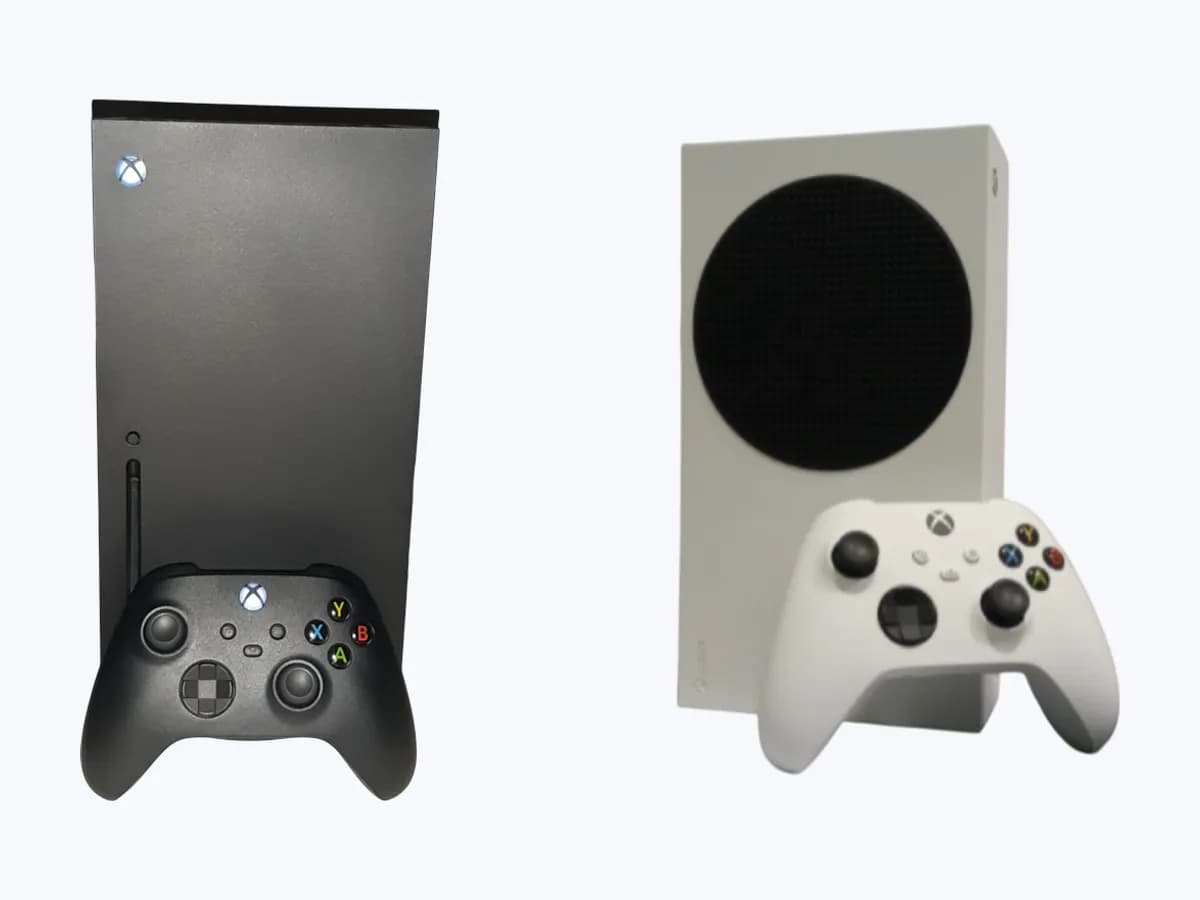
- Xbox Series X|S
0x803F9006
Xbox 0x803F9006 on Xbox Series X|S: usage rights cannot be checked
Risk level
Low
Usually safe to check without specialist tools.
Urgency
Low
Quick answer
You see "The person who bought this needs to sign in". Xbox could not check usage rights for the game or app. If it is disc-based, insert the disc; if it is digital, sign in with the profile that bought it in the Microsoft Store.
Safety first
Stop and check this first
- Do not use someone else's account without permission or unofficial tricks to skip the licence check: the documented route is to sign in as the owner or use their home Xbox.
Safe checks you can perform
- Game disc in the console
- Who owns the content
What a technician must be able to justify
Technician visit
These are the steps they must carry out and show you. Tick them as they work: if steps are skipped, do not accept a part swap.
These are not instructions for opening or handling the equipment yourself. They are the checks that should support a technical conclusion.
Before accepting a part or repair
Nothing has been shown yet. Do not accept a part swap based on the code alone.
Follow these steps
Note: Follow the documented order. An error code identifies the affected system, but it does not prove by itself which part has failed.
Game disc in the console
- Who:
- you.
- How:
- if the game is disc-based, insert the disc into the console and open it again.
- Result that matters:
- whether the game opens with the disc inserted.
- If it opens:
- the console needed the disc to check rights.
- If the game is digital:
- move on to signing in with the profile that bought it.
- Evidence to keep:
- whether the game is disc or digital.
Evidence: Error 0x803F9006 occurs when you start a game or app on your Xbox console
Who owns the content
- Who:
- you.
- How:
- sign in with the profile that bought the game or app. If someone else at home bought it, ask them to sign in or to make this console their home Xbox in Profile & system > Settings > General > Personalization > My home Xbox.
- Result that matters:
- whether the content opens with the owner signed in or on the owner's home Xbox.
- If it opens:
- it was the usage-rights check; on the owner's home Xbox other users can play the owner's games.
- If it does not open even for the owner:
- go on to the connection or subscription check.
- Evidence to keep:
- which profile bought the content and which profile was signed in when the error appeared.
Evidence: How home Xbox and game sharing work · Error 0x803F9006 occurs when you start a game or app on your Xbox console
Still not solved
If the error persists, stop here. See what the technician must do and show you.
Where this code applies
A code is meaningful only inside the right product and version context.
Primary scope
- System
- Gaming and consoles
- Brand
- Microsoft Xbox
- Product type
- Xbox Series X|S
Known code variants
- error code 0x803f9006
- 803f9006 Xbox
- código de error 0x803f9006
- error 0x803f9006 Xbox
- Xbox 0x803f9006
- Xbox error 0x803f9006
- Xbox Series X 0x803f9006
What it means
Xbox shows 0x803F9006 with the message "The person who bought this needs to sign in" when it has trouble checking usage rights for a game or app. The check depends on the content type: a disc-based game needs the disc in the console, and one bought in the Microsoft Store needs the buyer signed in, unless this console is the buyer's home Xbox. The code does not indicate a console or disc drive fault.
Warnings and stop conditions
- Loweditorial warning
Do not use someone else's account without permission or unofficial tricks to skip the licence check: the documented route is to sign in as the owner or use their home Xbox.
Evidence: How home Xbox and game sharing work · Error 0x803F9006 occurs when you start a game or app on your Xbox console
Symptoms and causes
Probable causes · in order
- Game disc missingCommon
For disc-based games the console needs the disc inside to check rights. Confirmed if it opens once inserted.
Evidence: Error 0x803F9006 occurs when you start a game or app on your Xbox console
- The buyer is not signed inCommon
For Microsoft Store content it opens when the profile that bought it signs in, or on that profile's home Xbox.
Evidence: How home Xbox and game sharing work · Error 0x803F9006 occurs when you start a game or app on your Xbox console
Virtual technician
Does 0x803F9006 still appear after these checks?
Answer a few questions to narrow down the likely cause and the safest next action. Guidance only - it never replaces a professional.
Sources and technical references
- 1
How home Xbox and game sharing work
Microsoft · 2026 · official_doc
- 2
Error 0x803F9006 occurs when you start a game or app on your Xbox console
Microsoft · 2026 · official_doc
Was this entry useful?