

- Gaming and consoles
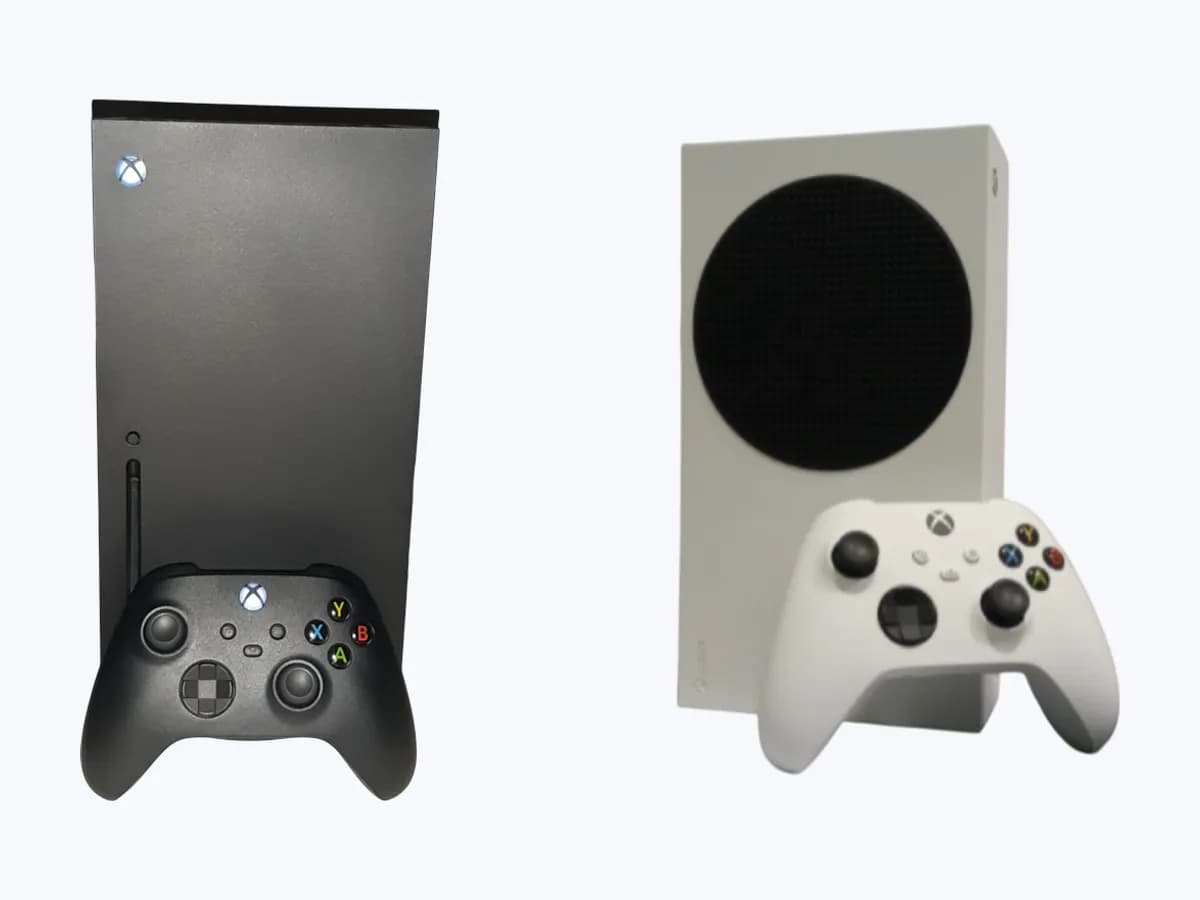
- Xbox Series X|S
0x80820002
Xbox 0x80820002 on Xbox Series X|S: disc could not be read
Risk level
Low
Usually safe to check without specialist tools.
Urgency
Low
Quick answer
The console failed to read the disc in the drive. Check it is a supported disc, clean it with a soft, slightly damp cloth holding it by the edges, then try the same disc on another Xbox console.
Safety first
Stop and check this first
- Do not open the console to clean or adjust the disc drive. If the disc works on another Xbox and the troubleshooting fails, use the Xbox repair request.
Safe checks you can perform
- Confirm the disc is a supported type
- Clean the disc
- Try the disc on another Xbox console
Leave these tasks to a qualified professional
- Do not attempt this professional task: Xbox repair request, only after the disc troubleshooting
What a technician must be able to justify
Technician visit
These are the steps they must carry out and show you. Tick them as they work: if steps are skipped, do not accept a part swap.
These are not instructions for opening or handling the equipment yourself. They are the checks that should support a technical conclusion.
Xbox repair request, only after the disc troubleshooting
What they doIf the disc plays on another Xbox but not on yours, and Xbox's disc playback troubleshooting does not fix it, request service for the console through Xbox device service.
They must show youthe service order and the warranty status of the console.
In writingwhat they found in the disc drive, which part was repaired or replaced and why, and a disc playback test after the repair.
Before accepting a part or repair
Nothing has been shown yet. Do not accept a part swap based on the code alone.
Follow these steps
Note: Follow the documented order. An error code identifies the affected system, but it does not prove by itself which part has failed.
Confirm the disc is a supported type
- Who:
- you.
- How:
- check the disc against the list Xbox gives: Xbox games, music CDs, commercial Blu-rays and commercial DVDs.
- Result that matters:
- whether the disc is one of those types.
- If it is another kind of disc:
- Xbox says the console will not play it; the code is expected.
- If it is a supported disc:
- clean it.
- Evidence to keep:
- the disc title and type.
Evidence: Error 0x80820002 occurs when you try to play a disc in your Xbox console
Clean the disc
- Who:
- you.
- How:
- wipe the disc with a soft, clean, slightly damp cloth, holding it by the edges without touching the top or bottom surface.
- Result that matters:
- whether the disc plays after cleaning.
- If it plays:
- dirt on the disc was the cause.
- If 0x80820002 returns:
- try the disc on another Xbox console.
- Evidence to keep:
- a photo of the disc surface.
Evidence: Error 0x80820002 occurs when you try to play a disc in your Xbox console
Try the disc on another Xbox console
- Who:
- you, with access to a second Xbox.
- How:
- play the same disc on another Xbox console.
- Result that matters:
- whether the disc plays there.
- If it fails there too:
- the disc itself is the problem.
- If it plays there:
- the console side remains; follow Xbox's Troubleshoot problems playing a disc page.
- Evidence to keep:
- which console you used and the result.
Evidence: Error 0x80820002 occurs when you try to play a disc in your Xbox console
Still not solved
If the error persists, stop here. See what the technician must do and show you.
Where this code applies
A code is meaningful only inside the right product and version context.
Primary scope
- System
- Gaming and consoles
- Brand
- Microsoft Xbox
- Product type
- Xbox Series X|S
Known code variants
- error code 0x80820002
- 80820002 Xbox
- código de error 0x80820002
- error 0x80820002 Xbox
- Xbox 0x80820002
- Xbox error 0x80820002
- Xbox Series X 0x80820002
What it means
Xbox shows 0x80820002 when you try to play a disc and says it means the console failed to properly read the disc in the drive. Xbox lists the discs the console is designed to play: Xbox games, music CDs, commercial Blu-rays and commercial DVDs; other discs will not play. The code alone does not say whether the disc or the console's disc drive is at fault. Cleaning the disc and trying it on another Xbox console is how the page separates the two before the disc playback troubleshooting.
Warnings and stop conditions
- Mediumeditorial warning
Do not open the console to clean or adjust the disc drive. If the disc works on another Xbox and the troubleshooting fails, use the Xbox repair request.
Evidence: Getting your Xbox device serviced · Error 0x80820002 occurs when you try to play a disc in your Xbox console
Symptoms and causes
Probable causes · in order
- Dirty or defective discCommon
Xbox's first step is a clean, undamaged disc. If cleaning it makes it play, the disc surface was the cause.
Evidence: Error 0x80820002 occurs when you try to play a disc in your Xbox console
- Disc type the console does not playPossible
Applies to anything other than Xbox games, music CDs, commercial Blu-rays or commercial DVDs. Xbox says those discs will not play.
Evidence: Error 0x80820002 occurs when you try to play a disc in your Xbox console
- Console disc driveLess common
Only suggested when the same disc plays on another Xbox console. The code alone does not prove the drive has failed.
Evidence: Error 0x80820002 occurs when you try to play a disc in your Xbox console
Virtual technician
Does 0x80820002 still appear after these checks?
Answer a few questions to narrow down the likely cause and the safest next action. Guidance only - it never replaces a professional.
Sources and technical references
- 1
Getting your Xbox device serviced
Microsoft · 2026 · official_doc
- 2
Error 0x80820002 occurs when you try to play a disc in your Xbox console
Microsoft · 2026 · official_doc
Was this entry useful?