

- Gaming and consoles
- Xbox Series X|S
0x80820006
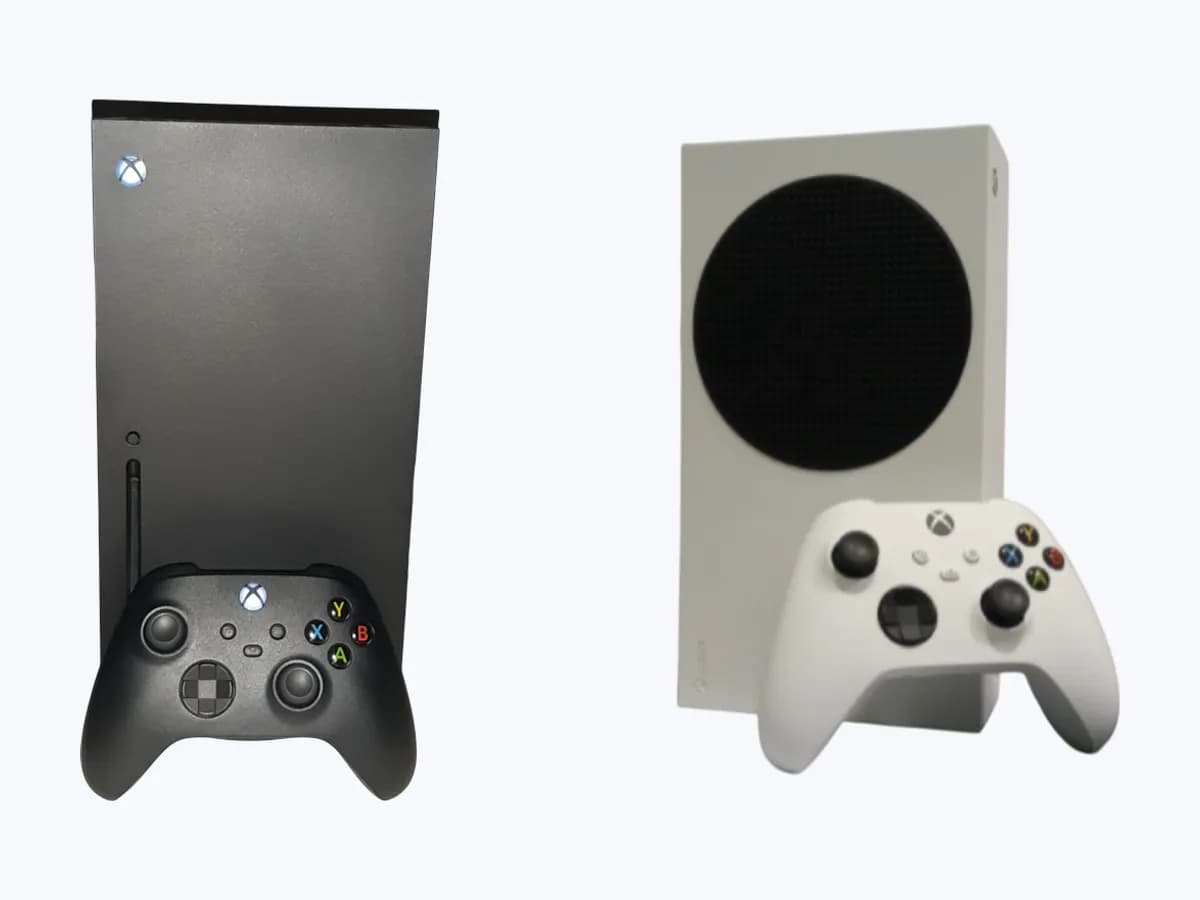
Microsoft Xbox Series X|S 0x80820006: USB 3.0 storage rejected
Risk level
Low
Usually safe to check without specialist tools.
Urgency
Medium
Quick answer
For error 0x80820006 on Xbox Series X|S or Xbox One, unplug and reinsert your external drive into another direct USB 3.0 port, verify it has at least 128 GB with a partition and no more than three drives connected, and uncheck When Xbox is off, turn off storage.
Safety first
Stop and check this first
- Make sure you do not have important information saved on an external hard drive before setting it up for games with your Xbox console, because the console will reformat the drive and erase existing files.
- Do not attempt to use the Xbox Series X|S Storage Expansion Card on Xbox One or Windows devices, and remove the expansion card and USB HDD drives if the console shows a blank screen when turning on.
Safe checks you can perform
- Unplug and reinsert the drive into another direct USB 3.0 port
- Install recent Xbox updates and adjust Sleep mode storage power management
- Hold the Xbox button for 10 seconds to power cycle and reseat any Expansion Card
- Test a different USB 3.0 external storage drive of 128 GB or larger
Leave these tasks to a qualified professional
- Do not attempt this professional task: Verify external drive requirements and USB 3.0 port detection for 0x80820006
- Do not attempt this professional task: Coordinate storage manufacturer support or official console service
What a technician must be able to justify
Technician visit
These are the steps they must carry out and show you. Tick them as they work: if steps are skipped, do not accept a part swap.
These are not instructions for opening or handling the equipment yourself. They are the checks that should support a technical conclusion.
Verify external drive requirements and USB 3.0 port detection for 0x80820006
What they doThe technician checks that the drive meets USB 3.0/3.1, 128 GB minimum capacity, single partition, and the three-device limit, and tests whether the console misidentifies it as USB 2.0.
They must show youthe Profile & system > Settings > System > Storage devices screen with your drive and a known-good USB 3.0 test drive of 128 GB or larger.
In writingwhich console USB ports were tested, whether error 0x80820006 persisted after unchecking When Xbox is off, turn off storage, and the console update status.
Coordinate storage manufacturer support or official console service
What they doIf the external drive or Xbox Series X|S Storage Expansion Card fails across multiple tests, it is referred to the storage manufacturer (such as Seagate or Western Digital) or Xbox support.
They must show youthe result of removing the Storage Expansion Card for 30 seconds, restarting the Xbox Series X|S, and reinserting it firmly into the rear Storage Expansion slot.
In writingthe storage model and capacity (512 GB, 1 TB, or 2 TB) along with the manufacturer support referral without opening the console enclosure.
Before accepting a part or repair
Nothing has been shown yet. Do not accept a part swap based on the code alone.
Follow these steps
Note: Follow the documented order. An error code identifies the affected system, but it does not prove by itself which part has failed.
Unplug and reinsert the drive into another direct USB 3.0 port
- Who:
- you, at the Xbox Series X|S or Xbox One console.
- How:
- unplug the external storage device from the Xbox, confirm no more than three storage devices are plugged in at the same time, plug it directly into a different console USB port without a hub, and check Profile & system > Settings > System > Storage devices.
- Result that matters:
- see whether the console negotiates a full USB 3.0 connection instead of USB 2.0.
- If the drive appears in the Storage devices list without 0x80820006:
- the initial connection had negotiated as USB 2.0.
- If error 0x80820006 returns or the drive is treated only as media storage:
- check updates and Sleep power settings next.
- Evidence to keep:
- photo of the Storage devices screen and which USB port you tested.
Evidence: Error 0x80820006 occurs when your Xbox doesn't accept your USB device · Troubleshoot external storage detection on Xbox · Use the Storage Expansion Card for Xbox Series X|S
Install recent Xbox updates and adjust Sleep mode storage power management
- Who:
- you, in the Xbox Settings menu.
- How:
- press the Xbox button, go to Profile & system > Settings > System > Updates, and install Update available if shown; then open General > Power options, confirm power mode is set to Sleep, unselect When Xbox is off, turn off storage, and restart.
- Result that matters:
- prevent Sleep mode from cutting power to external storage.
- If the drive appears under Settings > System > Storage devices after restarting:
- the issue is resolved.
- If the drive is still missing or reports 0x80820006:
- run a 10-second console power cycle.
- Evidence to keep:
- screenshot of Power options and system update status.
Evidence: Error 0x80820006 occurs when your Xbox doesn't accept your USB device · Troubleshoot external storage detection on Xbox · Use the Storage Expansion Card for Xbox Series X|S
Hold the Xbox button for 10 seconds to power cycle and reseat any Expansion Card
- Who:
- you, at the front and back of the console.
- How:
- press and hold the Xbox button on the front of the console for about 10 seconds until it powers off, then turn it back on; for an Xbox Series X|S Storage Expansion Card, remove it for 30 seconds, restart the console, remove the protective cover, and reinsert it firmly.
- Result that matters:
- reset USB port detection and the rear Storage Expansion slot on Xbox Series X|S.
- If the All storage meter in My games & apps > See all shows the added capacity:
- storage is working.
- If the drive or expansion card is still unrecognized after 30 seconds or causes a blank startup screen:
- test another drive.
- Evidence to keep:
- storage meter reading under All storage after the 30-second reseat.
Evidence: Error 0x80820006 occurs when your Xbox doesn't accept your USB device · Troubleshoot external storage detection on Xbox · Use the Storage Expansion Card for Xbox Series X|S
Test a different USB 3.0 external storage drive of 128 GB or larger
- Who:
- you, with a second compliant USB 3.0 drive containing no important files.
- How:
- connect a different external storage device with a USB 3.0 connection, at least 128 GB capacity, and a pre-formatted partition, making sure it holds no important data beforehand because the console will reformat the drive.
- Result that matters:
- isolate whether 0x80820006 is specific to your first drive's USB bridge even though it is rated USB 3.0.
- If the second USB 3.0 drive works immediately:
- contact the first drive's manufacturer for support.
- If multiple compliant USB 3.0 drives fail across all console USB ports:
- have the console ports inspected.
- Evidence to keep:
- brand, model, and capacity of both USB 3.0 drives tested.
Evidence: Error 0x80820006 occurs when your Xbox doesn't accept your USB device · Troubleshoot external storage detection on Xbox · Use the Storage Expansion Card for Xbox Series X|S
Still not solved
If the error persists, stop here. See what the technician must do and show you.
Where this code applies
A code is meaningful only inside the right product and version context.
Primary scope
- System
- Gaming and consoles
- Brand
- Microsoft Xbox
- Product type
- Xbox Series X|S
Known code variants
- Error 0x80820006
- 80820006
- Xbox doesn't accept your USB device 0x80820006
- Xbox no acepta el dispositivo USB 0x80820006
What it means
On Microsoft Xbox Support pages covering error 0x80820006, external storage detection, and the Storage Expansion Card for Xbox Series X|S and Xbox One, this code appears when a USB drive meets the requirements on paper but the console recognizes it as USB 2.0 instead of USB 3.0 or faster. Saving Xbox games requires a USB 3.0 connection, 128 GB or larger capacity, a formatted partition, and no more than three storage devices attached at the same time; games optimized for Xbox Series X|S must run from the internal SSD or rear Storage Expansion Card. Other drive or console models may differ, and error 0x80820006 alone never proves a hardware part has failed.
Warnings and stop conditions
- Mediumsource verified
Make sure you do not have important information saved on an external hard drive before setting it up for games with your Xbox console, because the console will reformat the drive and erase existing files.
Evidence: Error 0x80820006 occurs when your Xbox doesn't accept your USB device · Troubleshoot external storage detection on Xbox · Use the Storage Expansion Card for Xbox Series X|S
- Lowsource verified
Do not attempt to use the Xbox Series X|S Storage Expansion Card on Xbox One or Windows devices, and remove the expansion card and USB HDD drives if the console shows a blank screen when turning on.
Evidence: Error 0x80820006 occurs when your Xbox doesn't accept your USB device · Troubleshoot external storage detection on Xbox · Use the Storage Expansion Card for Xbox Series X|S
Symptoms and causes
Probable causes · in order
- USB 3.0 link negotiated as USB 2.0 by the consoleCommon
Your Xbox console recognizes certain USB 3.0 external drives or hubs as USB 2.0 devices during link detection, triggering error 0x80820006.
Evidence: Error 0x80820006 occurs when your Xbox doesn't accept your USB device · Troubleshoot external storage detection on Xbox · Use the Storage Expansion Card for Xbox Series X|S
- Drive requirements or three-device limit not metPossible
The external drive has less than 128 GB capacity, lacks a pre-formatted partition, connects through a non-USB 3.0 hub, or exceeds three connected storage devices.
Evidence: Error 0x80820006 occurs when your Xbox doesn't accept your USB device · Troubleshoot external storage detection on Xbox · Use the Storage Expansion Card for Xbox Series X|S
- Pending system update or Sleep mode storage power-offPossible
A console update is pending under Profile & system > Settings > System > Updates, or When Xbox is off, turn off storage is enabled while using Sleep power mode.
Evidence: Error 0x80820006 occurs when your Xbox doesn't accept your USB device · Troubleshoot external storage detection on Xbox · Use the Storage Expansion Card for Xbox Series X|S
- Unseated Storage Expansion Card or incompatible drive bridgeLess common
On Xbox Series X|S, the 512 GB, 1 TB, or 2 TB Storage Expansion Card is not firmly seated in the rear Storage Expansion slot, or the external drive hardware remains unrecognized.
Evidence: Error 0x80820006 occurs when your Xbox doesn't accept your USB device · Troubleshoot external storage detection on Xbox · Use the Storage Expansion Card for Xbox Series X|S
Virtual technician
Does 0x80820006 still appear after these checks?
Answer a few questions to narrow down the likely cause and the safest next action. Guidance only - it never replaces a professional.
Sources and technical references
- 1
Se produce un error 0x80820006 cuando la Xbox no acepta el dispositivo USB
Microsoft Support · 2026 · official_doc
- 2
Error 0x80820006 occurs when your Xbox doesn't accept your USB device
Microsoft Support · 2026 · official_doc
- 3
Solucionar problemas de detección de almacenamiento externo en Xbox
Microsoft Support · 2026 · official_doc
- 4
Troubleshoot external storage detection on Xbox
Microsoft Support · 2026 · official_doc
- 5
Usar la tarjeta de expansión de almacenamiento para Xbox Series X|S
Microsoft Support · 2026 · official_doc
- 6
Use the Storage Expansion Card for Xbox Series X|S
Microsoft Support · 2026 · official_doc
Was this entry useful?