

- Gaming and consoles
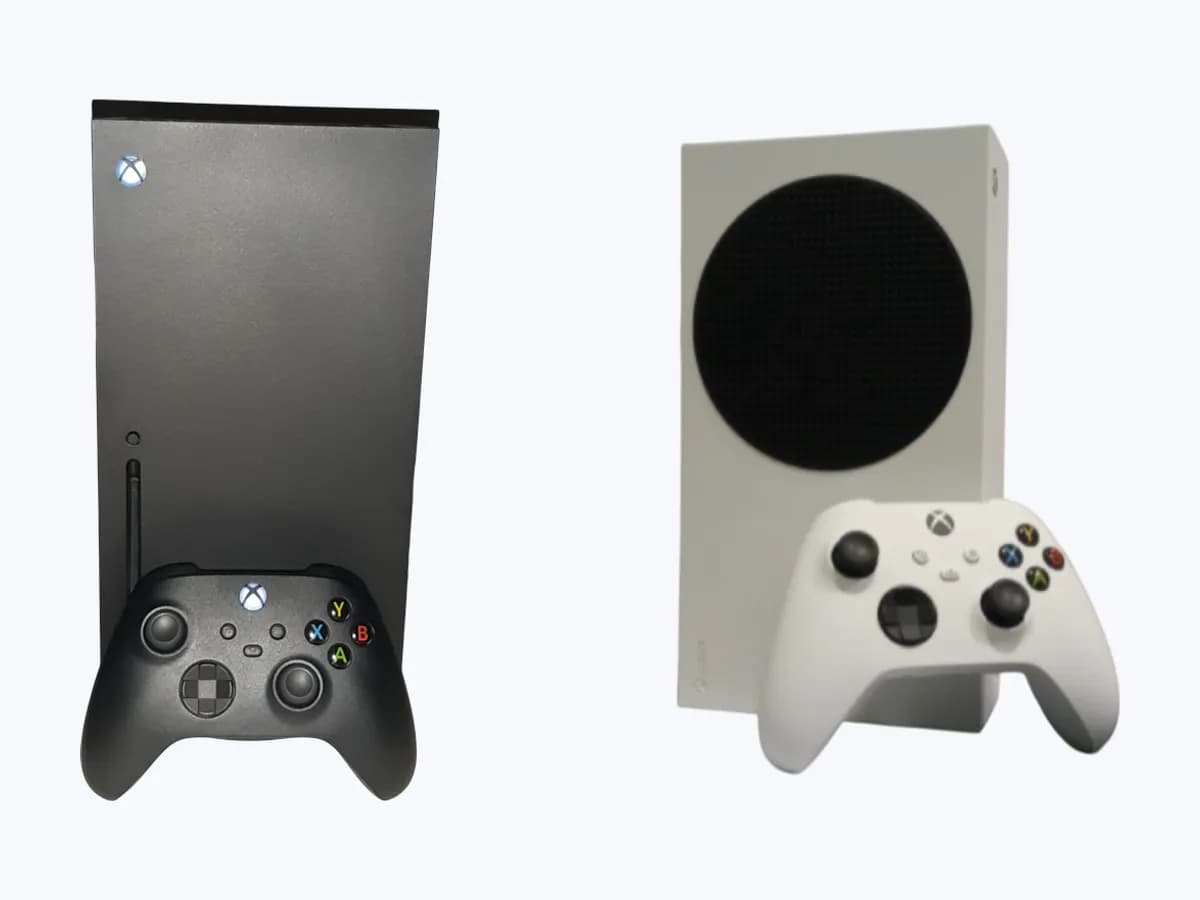
- Xbox Series X|S
0x82323018
Xbox 0x82323018 on Xbox Series X|S: couldn't record the capture
Risk level
Low
Usually safe to check without specialist tools.
Urgency
Low
Quick answer
Error 0x82323018, with the notice Sorry We Couldn't Record That, shows when you use capture on your Xbox console. Turn on Allow game captures under Capture & share; if the game blocks recording by default, you won't be able to record clips of that title.
Safety first
Stop and check this first
- Do not use capture cards or software to record games that block recording if their terms forbid it; respect other players' privacy when sharing clips.
Safe checks you can perform
- Turn on Allow game captures
- Record a clip in another game
- Try the other capture option Xbox lists
Leave these tasks to a qualified professional
- Do not attempt this professional task: Xbox Support
- Do not attempt this professional task: Game publisher
What a technician must be able to justify
Technician visit
These are the steps they must carry out and show you. Tick them as they work: if steps are skipped, do not accept a part swap.
These are not instructions for opening or handling the equipment yourself. They are the checks that should support a technical conclusion.
Xbox Support
What they doIf Allow game captures is on and 0x82323018 shows in every game, they review your console's capture feature and your profile.
They must show youwhich capture settings or logs they review.
In writingcase number and cause found in capture.
Game publisher
What they doIf it only fails in one title, the publisher can confirm whether that game has recording disabled or limited in certain scenes.
They must show youwhether the game allows captures and in which parts.
In writinganswer about the game's capture policy and the date.
Before accepting a part or repair
Nothing has been shown yet. Do not accept a part swap based on the code alone.
Follow these steps
Note: Follow the documented order. An error code identifies the affected system, but it does not prove by itself which part has failed.
Turn on Allow game captures
- Who:
- you, with the controller and your profile signed in.
- How:
- press the Xbox button, go to Profile & system > Settings > Preferences > Capture & share > Allow game captures and pick Captures by me or games, or Captures by me.
- Result that matters:
- the console being allowed to record your clips.
- If it was off:
- turn it on and record again.
- If it was already on:
- check whether the game blocks recording.
- Evidence to keep:
- photo of the setting screen with the option chosen.
Evidence: Error 0x82323018 occurs when you try to use capturing on your Xbox console
Record a clip in another game
- Who:
- you.
- How:
- open a different game and try to capture a clip with the Share button or from the guide, to see whether the notice appears everywhere or only in that title.
- Result that matters:
- knowing whether the block comes from that specific game.
- If it records fine in another game:
- that title disables recording and can't be captured.
- If it fails in every game with the setting on:
- review the profile's permissions.
- Evidence to keep:
- names of the games tried and the result.
Evidence: Error 0x82323018 occurs when you try to use capturing on your Xbox console
Try the other capture option Xbox lists
- Who:
- you, using the controller at the console.
- How:
- Xbox lists two valid options under Capture & share > Allow game captures: Captures by me or games, and Captures by me. Note which one is set, try recording and, if the notice remains, switch to the other one and try again.
- Result that matters:
- ruling out that the notice depends on the option chosen.
- If recording works with one of the two options:
- keep that one.
- If it shows the same in every game with either option:
- contact Xbox Support.
- Evidence to keep:
- option you had and option you chose.
Evidence: Error 0x82323018 occurs when you try to use capturing on your Xbox console
Still not solved
If the error persists, stop here. See what the technician must do and show you.
Where this code applies
A code is meaningful only inside the right product and version context.
Primary scope
- System
- Gaming and consoles
- Brand
- Microsoft Xbox
- Product type
- Xbox Series X|S
Known code variants
- 0x82323018
- 82323018
- código de error 0x82323018 Xbox
- error 0x82323018 Xbox
- lo sentimos no pudimos grabar eso xbox
- sorry we couldn't record that xbox
- Xbox 0x82323018
- xbox no graba clips 0x82323018
- Xbox One 0x82323018
- Xbox Series X 0x82323018
- xbox won't record clips 0x82323018
What it means
Xbox says code 0x82323018 and the message Sorry We Couldn't Record That can appear when you use the console's capture feature. The official fix is to make sure game captures are enabled: under Profile & system > Settings > Preferences > Capture & share > Allow game captures, choose Captures by me or games, or just Captures by me. Xbox also notes that some games disable gameplay recording by default, and clips of those titles cannot be captured. It is not a hardware fault.
Warnings and stop conditions
- Loweditorial warning
Do not use capture cards or software to record games that block recording if their terms forbid it; respect other players' privacy when sharing clips.
Evidence: Error 0x82323018 occurs when you try to use capturing on your Xbox console
Symptoms and causes
Probable causes · in order
- Game captures turned offCommon
The fix Xbox gives is to enable Allow game captures, so a disabled setting is the main reason for the notice.
Evidence: Error 0x82323018 occurs when you try to use capturing on your Xbox console
- Game that blocks recordingPossible
Some games disable gameplay recording by default; with those titles a clip cannot be captured even when the setting is on.
Evidence: Error 0x82323018 occurs when you try to use capturing on your Xbox console
Virtual technician
Does 0x82323018 still appear after these checks?
Answer a few questions to narrow down the likely cause and the safest next action. Guidance only - it never replaces a professional.
Sources and technical references
- 1
Error 0x82323018 occurs when you try to use capturing on your Xbox console
Microsoft · 2026 · official_doc
- 2
Aparece un error 0x82323018 al intentar usar la captura en la consola Xbox
Microsoft · 2026 · official_doc
Was this entry useful?