

- Gaming and consoles
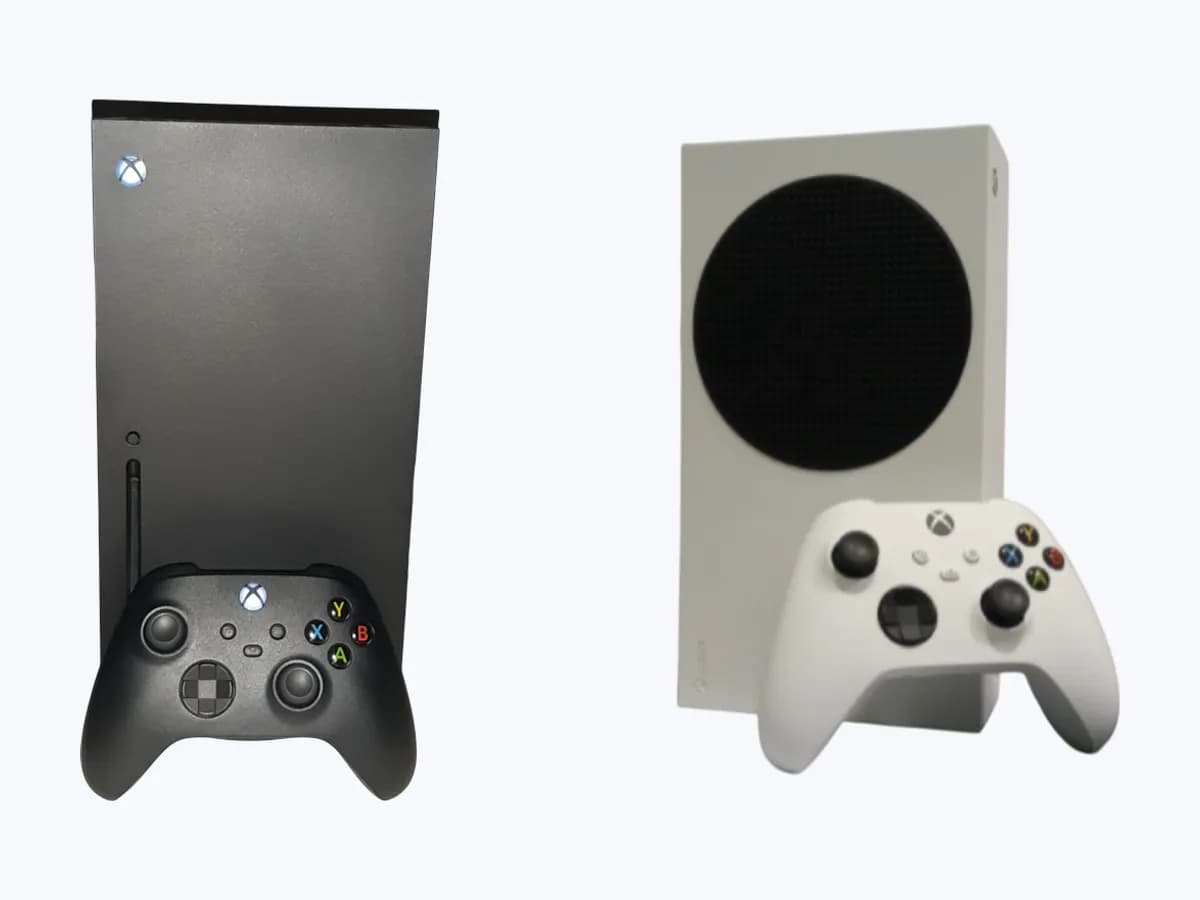
- Xbox Series X|S
0x87E5002B
Xbox 0x87E5002B on Xbox Series X|S: system refresh needed to launch a game
Risk level
Medium
Proceed carefully and stop if the check is unclear.
Urgency
Medium
Quick answer
The console needs a system refresh before the digital game can launch. Clear the Alternate MAC address in Network settings and restart the router while the console restarts.
Safety first
Stop and check this first
- On the reset screen select Reset and keep my games and apps. It resets the OS and deletes potentially corrupted data without deleting games or apps.
Safe checks you can perform
- Clear the Alternate MAC address and restart the router
- Quick power cycle with all cables unplugged
- Reset and keep games and apps
What a technician must be able to justify
Technician visit
These are the steps they must carry out and show you. Tick them as they work: if steps are skipped, do not accept a part swap.
These are not instructions for opening or handling the equipment yourself. They are the checks that should support a technical conclusion.
Before accepting a part or repair
Nothing has been shown yet. Do not accept a part swap based on the code alone.
Follow these steps
Note: Follow the documented order. An error code identifies the affected system, but it does not prove by itself which part has failed.
Clear the Alternate MAC address and restart the router
- Who:
- you, with access to the router.
- How:
- press the Xbox button, go to Profile & system > Settings > Network settings > Advanced settings > Alternate Mac address and select Clear. While the console restarts, restart your router.
- Result that matters:
- whether the console updates and the digital game launches afterwards.
- If it launches:
- the system refresh was what the console needed.
- If 0x87E5002B persists:
- do a quick power cycle.
- Evidence to keep:
- time of the clear and of the router restart.
Evidence: Error 0x87e5002b occurs when you try to launch a digital game
Quick power cycle with all cables unplugged
- Who:
- you.
- How:
- turn off the console and unplug all the cables. After 30 seconds, plug them back in, restart the console and see if the update starts.
- Result that matters:
- whether the update starts after the power cycle.
- If it starts and the game launches:
- the power cycle triggered the refresh.
- If not:
- reset the console keeping games and apps.
- Evidence to keep:
- whether the update started.
Evidence: Error 0x87e5002b occurs when you try to launch a digital game
Reset and keep games and apps
- Who:
- you.
- How:
- press the Xbox button, go to Profile & system > Settings > System > Console info > Reset console and select Reset and keep my games and apps.
- Result that matters:
- whether the digital game launches after the reset.
- If it launches:
- corrupted system data was the cause.
- If it still fails:
- keep your notes; this is the last step on the page.
- Evidence to keep:
- date of the reset and the option chosen.
Evidence: Error 0x87e5002b occurs when you try to launch a digital game
Still not solved
If the error persists, stop here. See what the technician must do and show you.
Where this code applies
A code is meaningful only inside the right product and version context.
Primary scope
- System
- Gaming and consoles
- Brand
- Microsoft Xbox
- Product type
- Xbox Series X|S
Known code variants
- error code 0x87E5002B
- 87E5002B Xbox
- código de error 0x87E5002B
- error 0x87E5002B Xbox
- Xbox 0x87E5002B
- Xbox error 0x87E5002B
- Xbox Series X 0x87E5002B
What it means
Xbox shows 0x87E5002B when you launch a digital game and says it may mean the console needs a system refresh to update so you can launch and play. The code concerns the console's update state, not the game licence or the hardware. The page's steps are clearing the Alternate MAC address, which restarts the console, while you restart the router; a quick power cycle with all cables unplugged for 30 seconds to see if the update starts; and a reset that keeps games and apps.
Warnings and stop conditions
- Mediumsource verified
On the reset screen select Reset and keep my games and apps. It resets the OS and deletes potentially corrupted data without deleting games or apps.
Evidence: Error 0x87e5002b occurs when you try to launch a digital game
Symptoms and causes
Probable causes · in order
- Console needs a system refreshCommon
The meaning Xbox gives. It is confirmed when the update starts and the game launches after clearing the Alternate MAC address or the power cycle.
Evidence: Error 0x87e5002b occurs when you try to launch a digital game
- Potentially corrupted system dataPossible
Applies if the refresh and the power cycle do not help. Xbox's reset deletes potentially corrupted data without deleting games or apps.
Evidence: Error 0x87e5002b occurs when you try to launch a digital game
Virtual technician
Does 0x87E5002B still appear after these checks?
Answer a few questions to narrow down the likely cause and the safest next action. Guidance only - it never replaces a professional.
Sources and technical references
- 1
Error 0x87e5002b occurs when you try to launch a digital game
Microsoft · 2026 · official_doc
Was this entry useful?