

- Gaming and consoles
- Xbox Series X|S
0xD05E0103
Xbox 0xD05E0103 on Xbox: game install or update fails
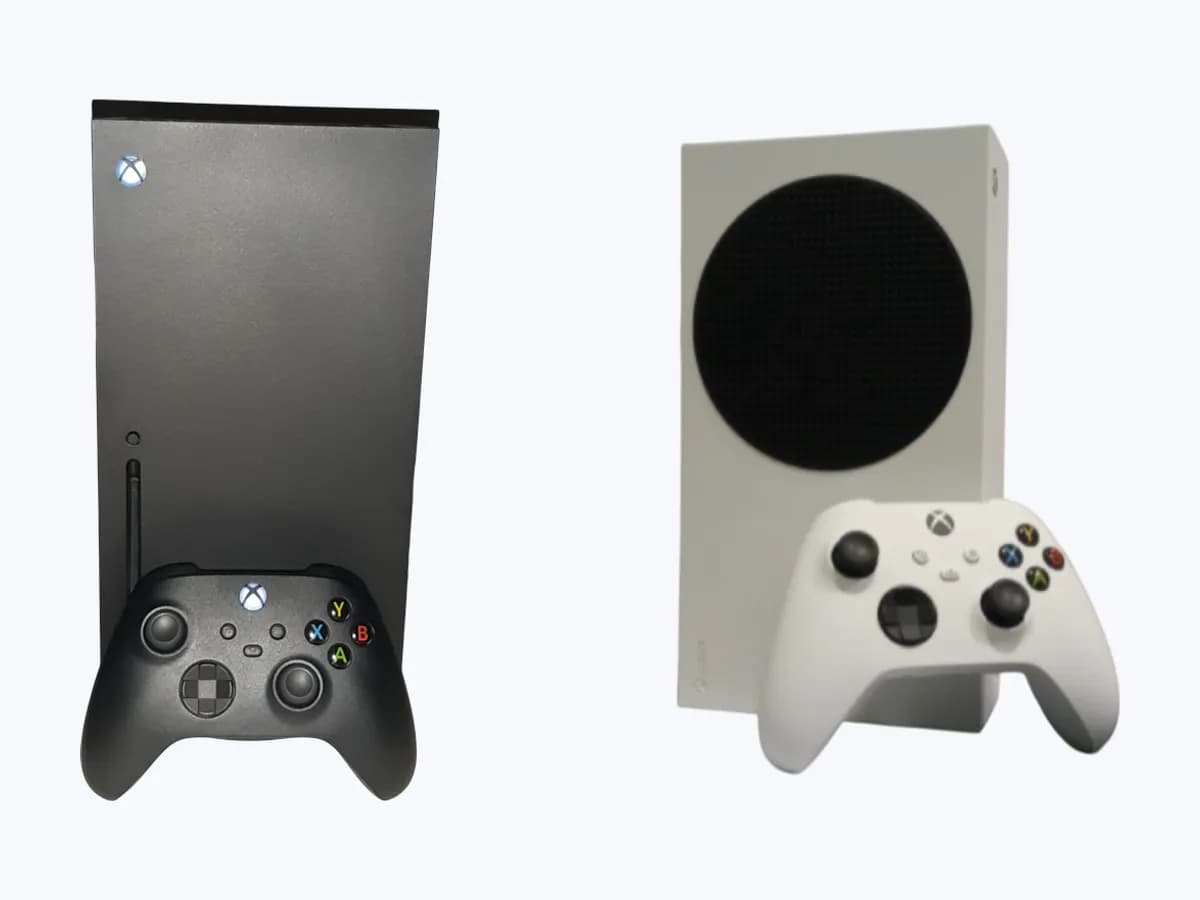
Risk level
Low
Usually safe to check without specialist tools.
Urgency
Medium
Quick answer
Code 0xD05E0103 appears when installing, updating or launching a game on an Xbox console. It may be a service outage or a corrupted install: check Xbox status, wait a few minutes and, if it continues, change storage, clear the queue or reinstall the game.
Safety first
Stop and check this first
- Reinstall only with your own disc, account or subscription. Do not use copies or other people's accounts to get around the download or the game licence.
Safe checks you can perform
- Check Xbox status and wait
- Install to another storage device
- Clear the queue and retry the update
- Reinstall if the game fails to launch
Leave these tasks to a qualified professional
- Do not attempt this professional task: Xbox Support
- Do not attempt this professional task: Xbox Support: check of the installed content
What a technician must be able to justify
Technician visit
These are the steps they must carry out and show you. Tick them as they work: if steps are skipped, do not accept a part swap.
These are not instructions for opening or handling the equipment yourself. They are the checks that should support a technical conclusion.
Xbox Support
What they doThey check the install and the service status when the code persists after changing storage, clearing the queue and reinstalling the game.
They must show youwhether any service issue affects that game and what they check on your console.
In writingthe case number, the diagnosis and the steps given.
Xbox Support: check of the installed content
What they doIf the error only happens with one game, ask Xbox Support to confirm whether the problem lies in that content or in the console.
They must show youwhich game and device they reproduce the fault with.
In writingthe case number and the conclusion about content or console.
Before accepting a part or repair
Nothing has been shown yet. Do not accept a part swap based on the code alone.
Follow these steps
Note: Follow the documented order. An error code identifies the affected system, but it does not prove by itself which part has failed.
Check Xbox status and wait
- Who:
- you, from a phone or computer.
- How:
- open xbox.com/status and look for service alerts; if there is one, request a notification for when it is back. If there is no alert, wait a few minutes and try again.
- Result that matters:
- knowing whether the fault comes from the service rather than your console.
- If there is an active alert:
- wait for it to clear before touching the install.
- If there is no alert and the error repeats after a few minutes:
- move on to storage and the queue.
- Evidence to keep:
- screenshot of the status page with date and time.
Evidence: Error 0xd05e0103 occurs when you try to install or play a game on Xbox
Install to another storage device
- Who:
- you, with the controller and a second storage device available.
- How:
- press the Xbox button, go to My games & apps > See all > Manage > Storage devices, pick the device the game is on and select Move or copy (or Change installation locations for a first install). Then install the update.
- Result that matters:
- the update finishing on the other device.
- If it installs:
- the problem was tied to the previous storage.
- If it fails the same way:
- clear the queue next.
- Evidence to keep:
- photo of the error and the device used in each attempt.
Evidence: Error 0xd05e0103 occurs when you try to install or play a game on Xbox
Clear the queue and retry the update
- Who:
- you, from the console guide.
- How:
- press the Xbox button, go to My games & apps > See all > Manage > Queue, clear all current items in the queue and install the game update again.
- Result that matters:
- the update restarting from scratch and completing.
- If it completes without error:
- the queue was stuck.
- If a different code or message appears:
- note it and look up its own Xbox Support page.
- Evidence to keep:
- exact code of each attempt and the time.
Evidence: Error 0xd05e0103 occurs when you try to install or play a game on Xbox
Reinstall if the game fails to launch
- Who:
- you, with the disc or the account you got the game with.
- How:
- press the Xbox button, go to My games & apps > See all > Games, highlight the game, press Menu, select Uninstall and follow the prompts. Reinstall from the disc, the Microsoft Store or Xbox Game Pass, or from Full library.
- Result that matters:
- the game launching after a clean install.
- If it launches:
- the installation was corrupted.
- If the code returns after reinstalling:
- contact Xbox Support with what you have tried.
- Evidence to keep:
- list of steps done and whether the code changed.
Evidence: Error 0xd05e0103 occurs when you try to install or play a game on Xbox
Still not solved
If the error persists, stop here. See what the technician must do and show you.
Where this code applies
A code is meaningful only inside the right product and version context.
Primary scope
- System
- Gaming and consoles
- Brand
- Microsoft Xbox
- Product type
- Xbox Series X|S
Known code variants
- 0xD05E0103
- código de error 0xD05E0103 Xbox
- D05E0103
- d05e0103 install error xbox
- error 0xD05E0103 Xbox
- error d05e0103 instalar juego xbox
- Xbox 0xD05E0103
- Xbox error code 0xd05e0103
- Xbox Series X 0xD05E0103
What it means
According to Xbox Support, error 0xD05E0103 appears when you try to install, update or launch a game on console and may mean a service outage is preventing games from installing or launching, or that the game installation has been corrupted. Xbox suggests checking xbox.com/status, waiting a few minutes, installing the game and its update to another storage device, clearing the queue and, if it fails at launch, uninstalling and reinstalling. The code does not by itself prove the console drive is faulty.
Warnings and stop conditions
- Loweditorial warning
Reinstall only with your own disc, account or subscription. Do not use copies or other people's accounts to get around the download or the game licence.
Evidence: Error 0xd05e0103 occurs when you try to install or play a game on Xbox
Symptoms and causes
Probable causes · in order
- Xbox service outagePossible
Xbox says a service outage can stop games installing or launching; in that case the status page shows a service alert.
Evidence: Error 0xd05e0103 occurs when you try to install or play a game on Xbox
- Corrupted game installationCommon
If the installed game files are corrupted, the update or launch fails with this code and Xbox suggests reinstalling the content.
Evidence: Error 0xd05e0103 occurs when you try to install or play a game on Xbox
- Issue with the current storage devicePossible
Xbox asks you to install the game and its update to another storage device, a sign the install destination can matter.
Evidence: Error 0xd05e0103 occurs when you try to install or play a game on Xbox
- Stuck install queuePossible
Items stuck in the queue can block the update; Xbox asks you to clear them and install the game update again.
Evidence: Error 0xd05e0103 occurs when you try to install or play a game on Xbox
Virtual technician
Does 0xD05E0103 still appear after these checks?
Answer a few questions to narrow down the likely cause and the safest next action. Guidance only - it never replaces a professional.
Sources and technical references
- 1
Error 0xd05e0103 occurs when you try to install or play a game on Xbox
Microsoft · 2026 · official_doc
- 2
Aparece el error 0xd05e0103 al intentar instalar o jugar a un juego en Xbox
Microsoft · 2026 · official_doc
Was this entry useful?