
- Gaming and consoles
- PlayStation 5
CE-118851-4
PS5 error CE-118851-4: saved data cannot sync with Cloud Storage
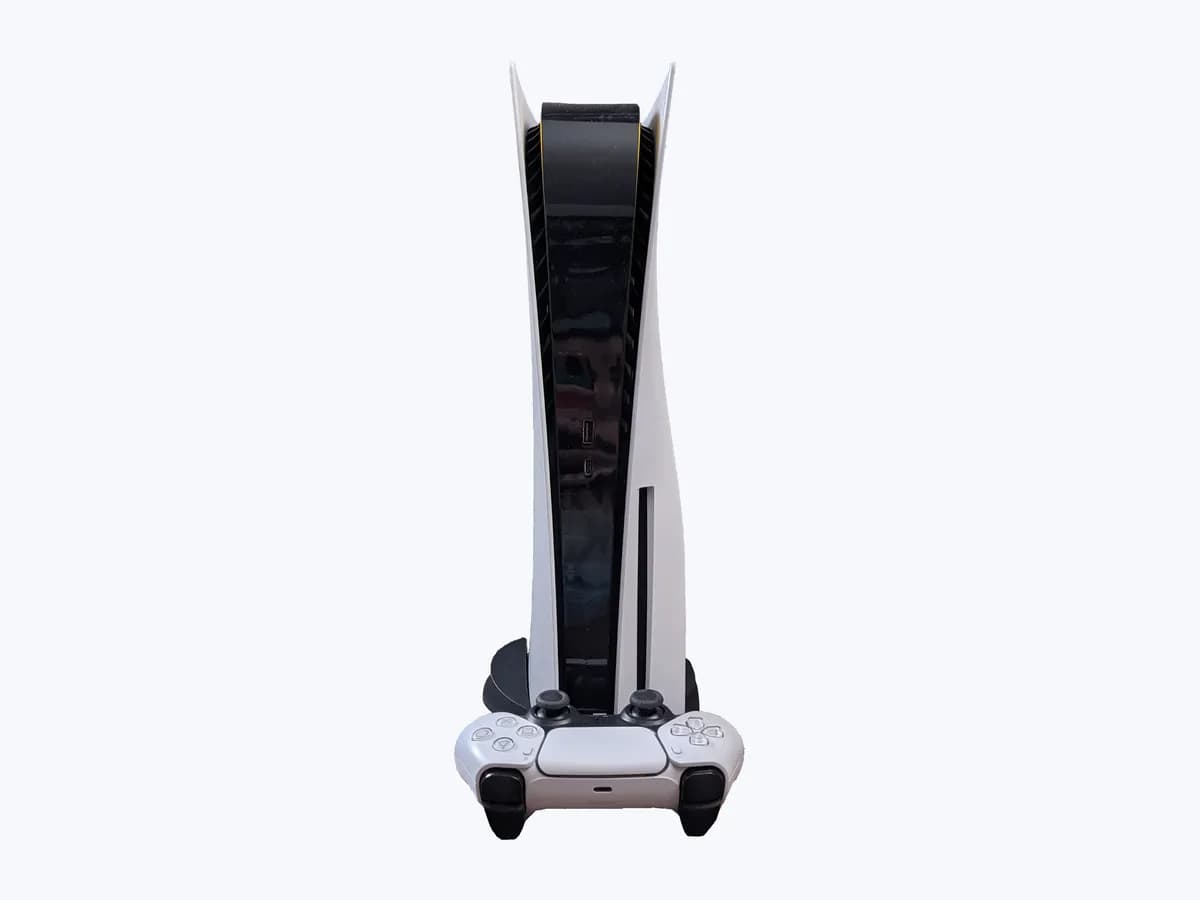

Evidence linked to this decision
View source: Official PlayStation PS5 error CE-118851-4 supportRisk level
Medium
Proceed carefully and stop if the check is unclear.
Urgency
Medium
Quick answer
CE-118851-4 means saved data cannot sync with Cloud Storage. Preserve saved data, follow the matching official branch in order and retry once. Separate one title’s save/conflict state from an account-wide cloud-sync failure.
Safety first
Stop and check this first
- Back up saved data before deleting or reinstalling content. Do not initialise the console, unplug it during an update, alter DNS unless it was configured manually, open the console or purchase replacement storage from this code alone. Use only the named Safe Mode option.
Safe checks you can perform
- Preserve the exact state
- Separate one title’s save/conflict state from an account-wide cloud-sync failure.
- Stop point
Leave these tasks to a qualified professional
- Do not attempt this professional task: Escalate the exact failed branch, not the console
What a technician must be able to justify
A technician is coming
These are the steps they must carry out and show you. Tick them as they work: if steps are skipped, do not accept a part swap.
These are not instructions for opening or handling the equipment yourself. They are the checks that should support a technical conclusion.
Escalate the exact failed branch, not the console
What they doEscalate with evidence: PlayStation Support should confirm the affected title, storage destination, network state and completed official steps before any repair or account intervention. Provide CE-118851-4, the affected title or service, storage destination, system version, connection, and the exact check that failed. Require that boundary to be reproduced before approving repair, account intervention or replacement hardware. Can saved data for a different game sync on the same account and connection?
Before accepting a part or repair
Nothing has been shown yet. Do not accept a part swap based on the code alone.
Follow these steps
Note: Follow the documented order. An error code identifies the affected system, but it does not prove by itself which part has failed.
Preserve the exact state
Photograph the full code and message. Record the affected game or app, storage location, system version, connection type and the step that failed. Back up saved data before deleting content.
Back up saved data before deleting or reinstalling content. Do not initialise the console, unplug it during an update, alter DNS unless it was configured manually, open the console or purchase replacement storage from this code alone. Use only the named Safe Mode option.
Evidence: Official PlayStation PS5 error CE-118851-4 support
Separate one title’s save/conflict state from an account-wide cloud-sync failure.
Select Try Again on Sync Status. If several games fail, turn Enable Auto-Sync off and back on. If all games show Synced but the error returns after restart, disable Log In to PS5 Automatically under Users and Accounts > Login Settings, then contact support if unresolved. Expected result: Yes; only one game fails to sync — Another successful sync proves the account and cloud service can work on this connection. Protect both timestamps and choose the newer authoritative copy for the affected title. No; several games fail to sync — Cross-title failure shifts the evidence to account status, PlayStation Plus/cloud service or the network path. Deleting individual saves cannot repair a shared service boundary.
Back up saved data before deleting or reinstalling content. Do not initialise the console, unplug it during an update, alter DNS unless it was configured manually, open the console or purchase replacement storage from this code alone. Use only the named Safe Mode option.
Evidence: Official PlayStation PS5 error CE-118851-4 support
Stop point
If CE-118851-4 returns after the complete pass, stop and use the persistent-result branch. After completing the matching official sequence, retry once. If the same code returns, stop repeating deletion or Safe Mode actions and give PlayStation Support the code and results.
Back up saved data before deleting or reinstalling content. Do not initialise the console, unplug it during an update, alter DNS unless it was configured manually, open the console or purchase replacement storage from this code alone. Use only the named Safe Mode option.
Evidence: Official PlayStation PS5 error CE-118851-4 support
Still not solved
If the error persists, stop here. See what the technician must do and show you.
Virtual technician
Does CE-118851-4 still appear after these checks?
This guided flow uses the exact code and your answers to choose a test, an expected result and the next branch.
Where this code applies
A code is meaningful only inside the right product and version context.
Primary scope
- System
- Gaming and consoles
- Brand
- PlayStation
- Product type
- PlayStation 5
Known code variants
- code erreur PS5 CE-118851-4
- codice errore PS5 CE-118851-4
- error PS5 CE-118851-4
- PlayStation CE-118851-4
- PS5 CE-118851-4
- PS5 error code CE-118851-4
- PS5 Fehlercode CE-118851-4
What it means
PlayStation's official PS5 article for CE-118851-4 says saved data cannot sync with Cloud Storage. The code identifies a specific software, storage or network workflow; it does not by itself prove failed console hardware. Another successful sync proves the account and cloud service can work on this connection. Protect both timestamps and choose the newer authoritative copy for the affected title. Cross-title failure shifts the evidence to account status, PlayStation Plus/cloud service or the network path. Deleting individual saves cannot repair a shared service boundary.
Warnings and stop conditions
- Mediumsource verified
Back up saved data before deleting or reinstalling content. Do not initialise the console, unplug it during an update, alter DNS unless it was configured manually, open the console or purchase replacement storage from this code alone. Use only the named Safe Mode option.
Evidence: Official PlayStation PS5 error CE-118851-4 support
Symptoms and causes
Probable causes · in order
- What this code establishesConfirmed
PlayStation's official PS5 article for CE-118851-4 says saved data cannot sync with Cloud Storage. The code identifies a specific software, storage or network workflow; it does not by itself prove failed console hardware.
Evidence: Official PlayStation PS5 error CE-118851-4 support
- The cloud path works; one save needs conflict handlingCommon
Another successful sync proves the account and cloud service can work on this connection. Protect both timestamps and choose the newer authoritative copy for the affected title.
Evidence: Official PlayStation PS5 error CE-118851-4 support
- The failure is wider than one savePossible
Cross-title failure shifts the evidence to account status, PlayStation Plus/cloud service or the network path. Deleting individual saves cannot repair a shared service boundary.
Evidence: Official PlayStation PS5 error CE-118851-4 support
Sources and technical references
- 1
Official PlayStation PS5 error CE-118851-4 support
PlayStation US Support · 2026 · official_doc
Was this entry useful?