
- Appliances
- Blood pressure monitors
Er 3
Beurer Er 3 on blood pressure monitor: cuff pneumatic error
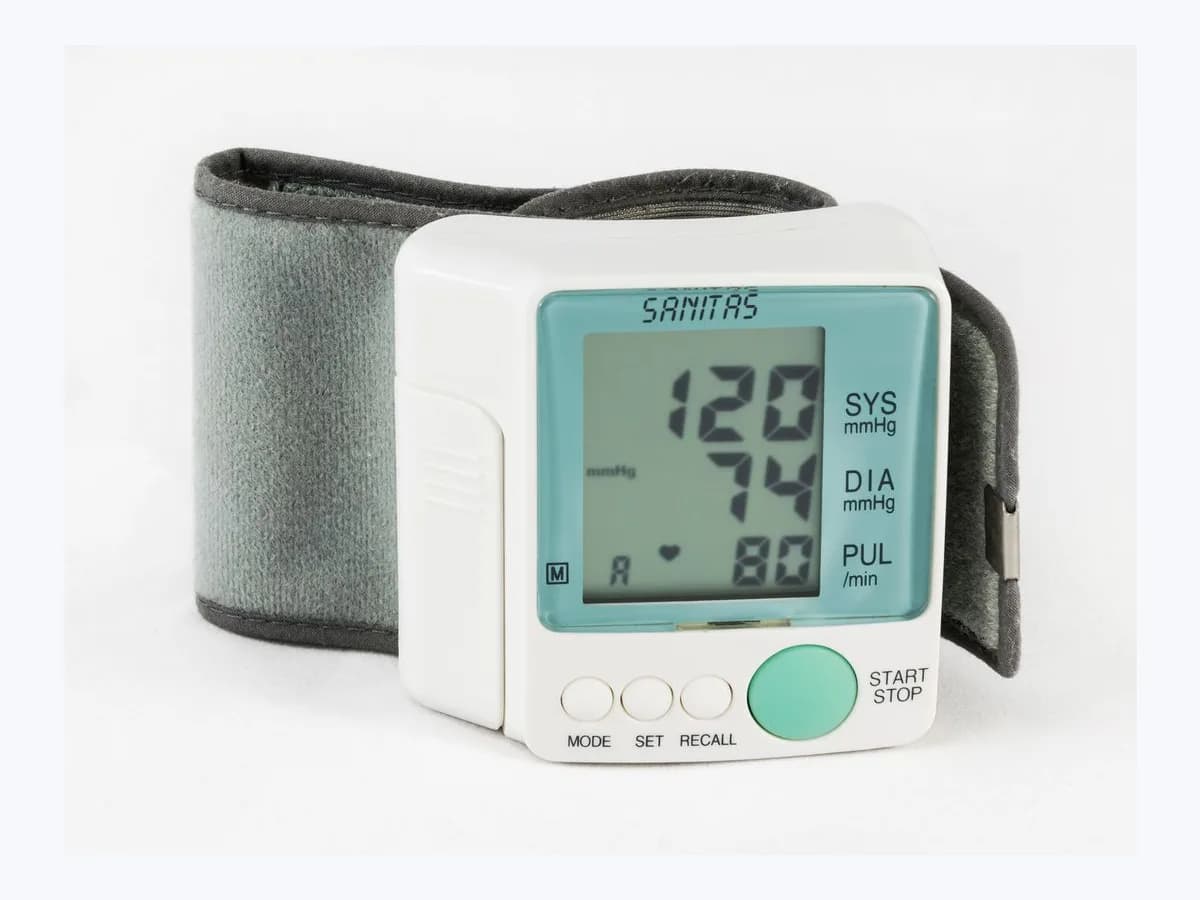
Risk level
Low
Usually safe to check without specialist tools.
Urgency
Low
Quick answer
Er 3 on a Beurer BM 64 monitor is a pneumatic system error, and E 3 on the BM 27 flags a cuff fitted too tightly or too loosely. Repeat the measurement with the cuff line firmly connected, without moving or talking. For any health worry, ask your doctor.
Safety first
Stop and check this first
- This message is only about the device: if you feel unwell or have doubts about your health, see your doctor instead of using the code or further readings as a substitute for their opinion.
- Do not open the monitor beyond the battery compartment or repair it yourself: Beurer warns that opening it invalidates the warranty.
Safe checks you can perform
- Repeat the measurement with the line firmly connected
- Adjust the cuff: neither tight nor loose
- Make sure nothing presses or bends the line
- Check the batteries before complaining
Leave these tasks to a qualified professional
- Do not attempt this professional task: Contact Beurer customer service
- Do not attempt this professional task: Line and cuff check with a technician present
What a technician must be able to justify
Technician visit
These are the steps they must carry out and show you. Tick them as they work: if steps are skipped, do not accept a part swap.
These are not instructions for opening or handling the equipment yourself. They are the checks that should support a technical conclusion.
Contact Beurer customer service
What they doIf Er 3 or E 3 keeps returning with the line connected, the cuff fitted properly and the batteries checked, the brand's customer service reviews the monitor.
They must show youwhich line, cuff and battery tests were done before the monitor was called doubtful.
In writingthe exact model, the code displayed and whether a review or repair is offered.
Line and cuff check with a technician present
What they doAn authorised technician goes through the cuff line connection and the cuff fit with you before blaming the monitor.
They must show youthe line plug seated in the monitor and a repeated measurement with the cuff fitted.
In writingthe outcome of the repeat and which check fixed or did not fix the message.
Before accepting a part or repair
Nothing has been shown yet. Do not accept a part swap based on the code alone.
Follow these steps
Note: Follow the documented order. An error code identifies the affected system, but it does not prove by itself which part has failed.
Repeat the measurement with the line firmly connected
- Who:
- you, with your monitor's manual nearby.
- How:
- remove the cuff, push the plug of the cuff line back into the monitor until it sits firmly, and fit the cuff as the measurement chapter describes. Sit still, start the measurement and stay silent until it finishes.
- Result that matters:
- the cuff inflating and the measurement ending without the code coming back.
- If the measurement completes:
- the cause was the line connection or the fit; note which of the two it was.
- If the code shows again:
- continue with the cuff fit and the state of the line.
- Evidence to keep:
- a photo of the display with the code and a note of the exact model, for example BM 64 or BM 27.
Evidence: Beurer BM 27 instructions for use (DE, EN, FR, ES, IT) · Beurer BM 64 instrucciones de uso (DE, EN, FR, IT, ES)
Adjust the cuff: neither tight nor loose
- Who:
- you.
- How:
- refit the cuff following the fitting section of your manual so that it is neither too tight nor too loose, and retry the measurement with the line connected.
- Result that matters:
- a stable fit that does not shift while inflating.
- If the message disappears with the new fit:
- the cuff was seated badly.
- If the message reappears:
- check the route of the line.
- Evidence to keep:
- a photo of the cuff in place on the arm and a note of what you adjusted.
Evidence: Beurer BM 27 instructions for use (DE, EN, FR, ES, IT) · Beurer BM 64 instrucciones de uso (DE, EN, FR, IT, ES)
Make sure nothing presses or bends the line
- Who:
- you.
- How:
- during the measurement, lay the air line straight on the table or beside the arm, with neither the arm nor heavy objects squashing it and no kinks. Then start a new measurement while staying still and quiet.
- Result that matters:
- a complete inflation without the line shifting.
- If the measurement completes with the line free:
- the message came from a pinched or kinked line.
- If the message still appears with a free line:
- move on to the batteries.
- Evidence to keep:
- a photo of the line laid out and a note of where it sat before you straightened it.
Evidence: Beurer BM 64 instrucciones de uso (DE, EN, FR, IT, ES)
Check the batteries before complaining
- Who:
- you.
- How:
- look at whether the display shows the empty battery symbol. If your manual says so, reinsert the batteries or swap them for new ones of the type the manual describes, then repeat the measurement.
- Result that matters:
- knowing whether weak batteries were affecting inflation.
- If the message goes away with fresh batteries:
- there is no reason to claim on the monitor.
- If the message persists with fresh batteries:
- contact the brand's customer service.
- Evidence to keep:
- photos of the display showing the code and of the batteries installed, with their orientation.
Evidence: Beurer BM 27 instructions for use (DE, EN, FR, ES, IT) · Beurer BM 64 instrucciones de uso (DE, EN, FR, IT, ES)
Still not solved
If the error persists, stop here. See what the technician must do and show you.
Where this code applies
A code is meaningful only inside the right product and version context.
Primary scope
- System
- Appliances
- Brand
- Beurer
- Product type
- Blood pressure monitors
Known code variants
- Beurer BM 64 Er 3
- Beurer E 3 brazalete
- Beurer E 3 cuff
- Beurer Er 3 blood pressure monitor
- Beurer Er 3 tensiómetro
- E 3
- E3
- Er 3
- Er3
What it means
Beurer's BM 64 instruction manual lists the message Er 3 as a pneumatic system error, and its BM 27 manual lists E 3 as a cuff fastened too tightly or too loosely. In both cases the monitor is reporting a problem with the cuff or the air line during inflation, not a result. Other Beurer models may show different messages, and the code alone does not prove a part is faulty. For any concern about your health, consult your doctor: this device message does not replace a medical opinion.
Warnings and stop conditions
- Mediumeditorial warning
This message is only about the device: if you feel unwell or have doubts about your health, see your doctor instead of using the code or further readings as a substitute for their opinion.
Evidence: Beurer BM 27 instructions for use (DE, EN, FR, ES, IT) · Beurer BM 64 instrucciones de uso (DE, EN, FR, IT, ES)
- Mediumeditorial warning
Do not open the monitor beyond the battery compartment or repair it yourself: Beurer warns that opening it invalidates the warranty.
Evidence: Beurer BM 27 instructions for use (DE, EN, FR, ES, IT)
Symptoms and causes
Probable causes · in order
- Cuff line not properly connected to the monitorCommon
Beurer asks you to make sure the cuff line is connected correctly before repeating the measurement, which points to a loose connection as the most cited trigger.
Evidence: Beurer BM 27 instructions for use (DE, EN, FR, ES, IT) · Beurer BM 64 instrucciones de uso (DE, EN, FR, IT, ES)
- Cuff too tight or too loose (BM 27)Common
The BM 27 manual ties E 3 to a cuff fastened too tightly or too loosely, so an incorrect fit on its own can raise the message.
Evidence: Beurer BM 27 manual de instrucciones (ES) · Beurer BM 27 instructions for use (DE, EN, FR, ES, IT)
- Line bent or pressed by the armPossible
For another inflation message on the BM 64, Beurer asks that neither the arm nor heavy objects rest on the line and that it is not bent, so it is worth checking here too.
Evidence: Beurer BM 64 instrucciones de uso (DE, EN, FR, IT, ES)
- Moving or talking while the cuff inflatesPossible
Beurer's remedies for measurement messages ask you not to move or speak during the process, so an abrupt movement can disturb inflation.
Evidence: Beurer BM 27 instructions for use (DE, EN, FR, ES, IT) · Beurer BM 64 instrucciones de uso (DE, EN, FR, IT, ES)
- Batteries nearly emptyLess common
Beurer says to check the batteries and replace them if necessary before making any complaint, because weak batteries can cause messages during a measurement.
Evidence: Beurer BM 27 instructions for use (DE, EN, FR, ES, IT) · Beurer BM 64 instrucciones de uso (DE, EN, FR, IT, ES)
Virtual technician
Does Er 3 still appear after these checks?
Answer a few questions to narrow down the likely cause and the safest next action. Guidance only - it never replaces a professional.
Sources and technical references
- 1
Beurer BM 27 manual de instrucciones (ES)
Beurer · 2025 · official_doc
- 2
Beurer BM 27 instructions for use (DE, EN, FR, ES, IT)
Beurer · 2024 · official_doc
- 3
Beurer BM 64 instrucciones de uso (DE, EN, FR, IT, ES)
Beurer · 2026 · official_doc
Was this entry useful?