
- Solar and energy
- Solar inverter
2061
Huawei 2061 solar inverter alarm: abnormal grounding, shut down
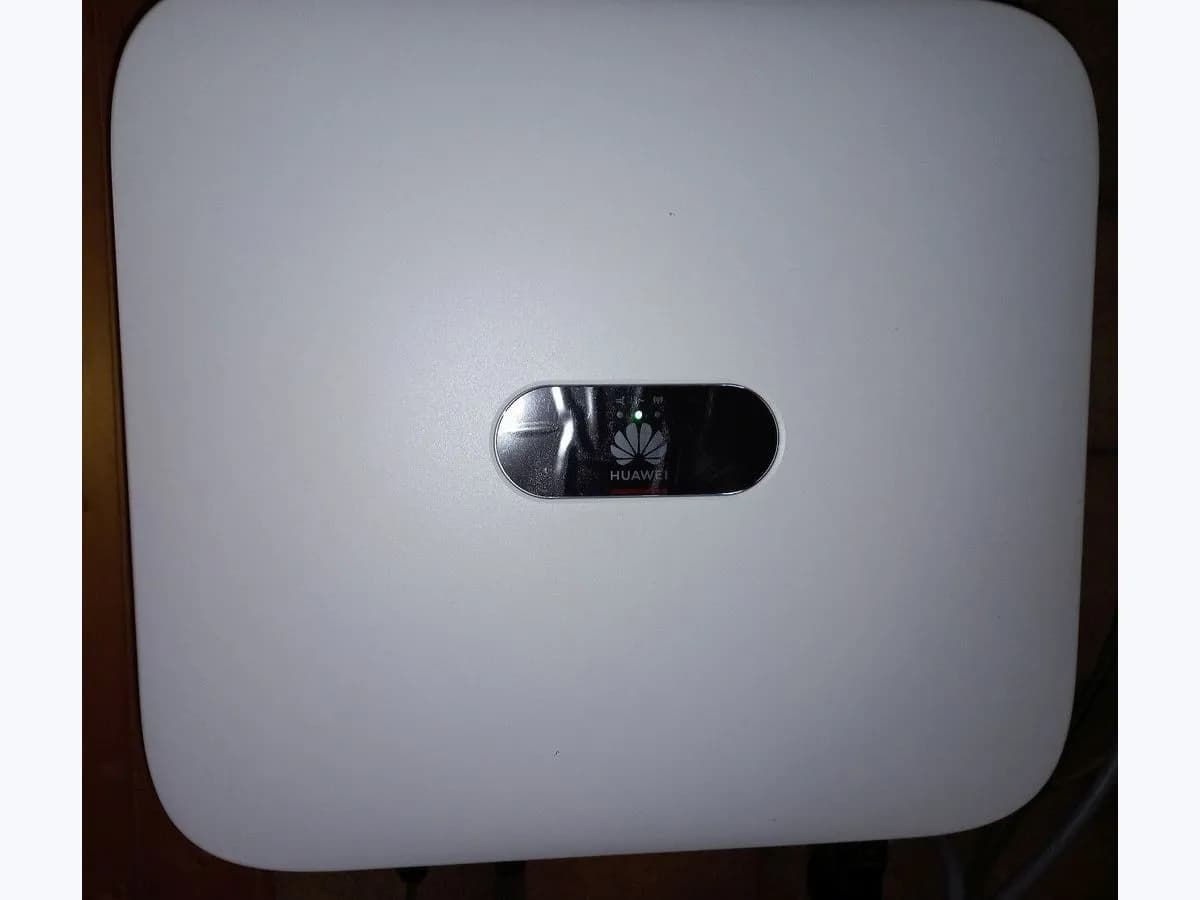
Risk level
High
Professional inspection is recommended.
Urgency
High
Quick answer
Huawei alarm 2061 means the inverter has detected a grounding or neutral problem and has shut down. Do not touch any cables or terminals: note the alarm, leave the unit as it is and ask the installer to check earth, neutral and output mode.
Safety first
Stop and check this first
- A grounding fault can leave metal parts unprotected: do not touch the inverter, its cables or the consumer unit until the installer has checked them. The PV panels still produce voltage in daylight even with the inverter stopped.
Safe checks you can perform
- Confirm alarm 2061 in the app or on the display
- List any wiring or setting changes before alarm 2061
- Leave the wiring alone and call the installer
Leave these tasks to a qualified professional
- Do not attempt this professional task: Output mode setting review
- Do not attempt this professional task: PE cable and neutral connection check
- Do not attempt this professional task: Alarm log export after the repair
What a technician must be able to justify
Technician visit
These are the steps they must carry out and show you. Tick them as they work: if steps are skipped, do not accept a part swap.
These are not instructions for opening or handling the equipment yourself. They are the checks that should support a technical conclusion.
Output mode setting review
What they doWith the unit powered on, the technician compares the output mode configured on the Huawei inverter with the real AC cable connection.
They must show youthe output mode the inverter had, the actual connection layout and the firmware version.
In writingthe old setting, the new one and who authorised the change.
PE cable and neutral connection check
What they doThe installer powers off the inverter following Huawei's procedure and checks that the PE cable and the neutral wire are properly connected.
They must show youcontinuity of the inverter PE cable and, on a TN grid, the neutral to earth voltage measured at the connection point.
In writingthe measured values and which earth or neutral connection was remade.
Alarm log export after the repair
What they doOnce the cause is corrected, the installer restarts the inverter, confirms that 2061 does not return and exports the alarm log.
They must show youthe exported alarm log and the inverter running again.
In writingthe test date and that the inverter was left in service without alarm 2061.
Before accepting a part or repair
Nothing has been shown yet. Do not accept a part swap based on the code alone.
Follow these steps
Note: Follow the documented order. An error code identifies the affected system, but it does not prove by itself which part has failed.
Confirm alarm 2061 in the app or on the display
- Who:
- you, from the monitoring app or the alarm log, without opening anything.
- How:
- look for code 2061 with the name 'Abnormal Grounding', the date and time it appeared and whether the inverter shows as shut down.
- Result that matters:
- being sure it is 2061 and not a different insulation or residual current alarm.
- If 2061 is listed and the inverter has stopped:
- this matches Huawei's description; go straight to calling the installer.
- If the log shows some other alarm number:
- do not follow this page and look up the exact text of that alarm.
- Evidence to keep:
- a screenshot of the alarm log with code, name, severity and time.
Evidence: Inverter Alarm Reference: 2061 Abnormal Grounding
List any wiring or setting changes before alarm 2061
- Who:
- you, going over what happened at home in the previous days.
- How:
- recall whether an electrician worked on the consumer unit, the meter was replaced, a battery was added or someone changed inverter settings just before the alarm.
- Result that matters:
- giving the installer a lead on a disconnected PE or neutral wire or a changed output setting.
- If there was work just before:
- tell the installer, because Huawei links 2061 to connections and to the output mode.
- If nothing changed:
- say so as well, since it points the inspection towards the building earth.
- Evidence to keep:
- dates of any work, meter changes or setting changes and who did them.
Evidence: Inverter Alarm Reference: 2061 Abnormal Grounding
Leave the wiring alone and call the installer
- Who:
- you, without touching the inverter, its terminals or the consumer unit.
- How:
- Huawei says to power off with the AC and DC switches and wait the time on the safety label before checking the PE cable; that check is the installer's job, not yours.
- Result that matters:
- a qualified person checking earth and neutral without anyone being exposed to live parts.
- If the Huawei installer can attend shortly:
- leave the inverter as it is so they see the real state.
- If you notice a burning smell, heat or moisture at the unit:
- switch off at the main breaker if you can do so safely and report it urgently.
- Evidence to keep:
- photos of the inverter and its safety warning label, with no covers opened.
Evidence: Inverter Alarm Reference: 2061 Abnormal Grounding
Still not solved
If the error persists, stop here. See what the technician must do and show you.
Where this code applies
A code is meaningful only inside the right product and version context.
Primary scope
- System
- Solar and energy
- Brand
- Huawei
- Product type
- Solar inverter
Known code variants
- alarma 2061 Huawei
- Anormalidad en conexión a tierra Huawei
- Huawei 2061
- Huawei 2061 Abnormal Grounding
- Huawei abnormal grounding shut down
- Huawei alarm 2061
- Huawei fallo de tierra inversor apagado
- Huawei inversor 2061 tierra
- Huawei inverter grounding alarm
- SUN2000 alarm 2061
- SUN2000 alarma 2061
What it means
In the Huawei Inverter Alarm Reference (topic updated 2026-07-14), alarm 2061 'Abnormal Grounding' has severity 'Major' and its impact is that the device is shut down. Huawei lists two causes: the neutral wire or PE cable of the device is not connected, or the output mode set on the device does not match the actual cable connection. The alarm on its own never proves that the inverter is faulty or which cable is at fault, and other models or firmware versions may describe it differently.
Warnings and stop conditions
- Highsource verified
A grounding fault can leave metal parts unprotected: do not touch the inverter, its cables or the consumer unit until the installer has checked them. The PV panels still produce voltage in daylight even with the inverter stopped.
Evidence: Inverter Alarm Reference: 2061 Abnormal Grounding
Symptoms and causes
Probable causes · in order
- PE cable or neutral wire not connectedCommon
Huawei's first listed cause is that the neutral wire or the PE cable of the inverter is not connected, which only an electrician can verify safely.
Evidence: Inverter Alarm Reference: 2061 Abnormal Grounding
- Output mode does not match the wiringPossible
The second official cause is that the output mode configured on the inverter does not match how the AC cables are actually connected.
Evidence: Inverter Alarm Reference: 2061 Abnormal Grounding
- Neutral or voltage to ground abnormal on a TN gridPossible
On a TN power grid, Huawei asks for the neutral connection and the voltage to ground to be checked, so the origin can lie in the building installation.
Evidence: Inverter Alarm Reference: 2061 Abnormal Grounding
Virtual technician
Does 2061 still appear after these checks?
Answer a few questions to narrow down the likely cause and the safest next action. Guidance only - it never replaces a professional.
Sources and technical references
- 1
Inverter Alarm Reference: 2061 Abnormal Grounding
Huawei Digital Power · 2026 · official_doc
- 2
Referencia de alarmas del inversor: 2061 Anormalidad en conexión a tierra
Huawei Digital Power · 2026 · official_doc
Was this entry useful?