
- Electric mobility
- Electric scooter
Error 51
Segway-Ninebot Error 51 on electric scooter: controller over-voltage
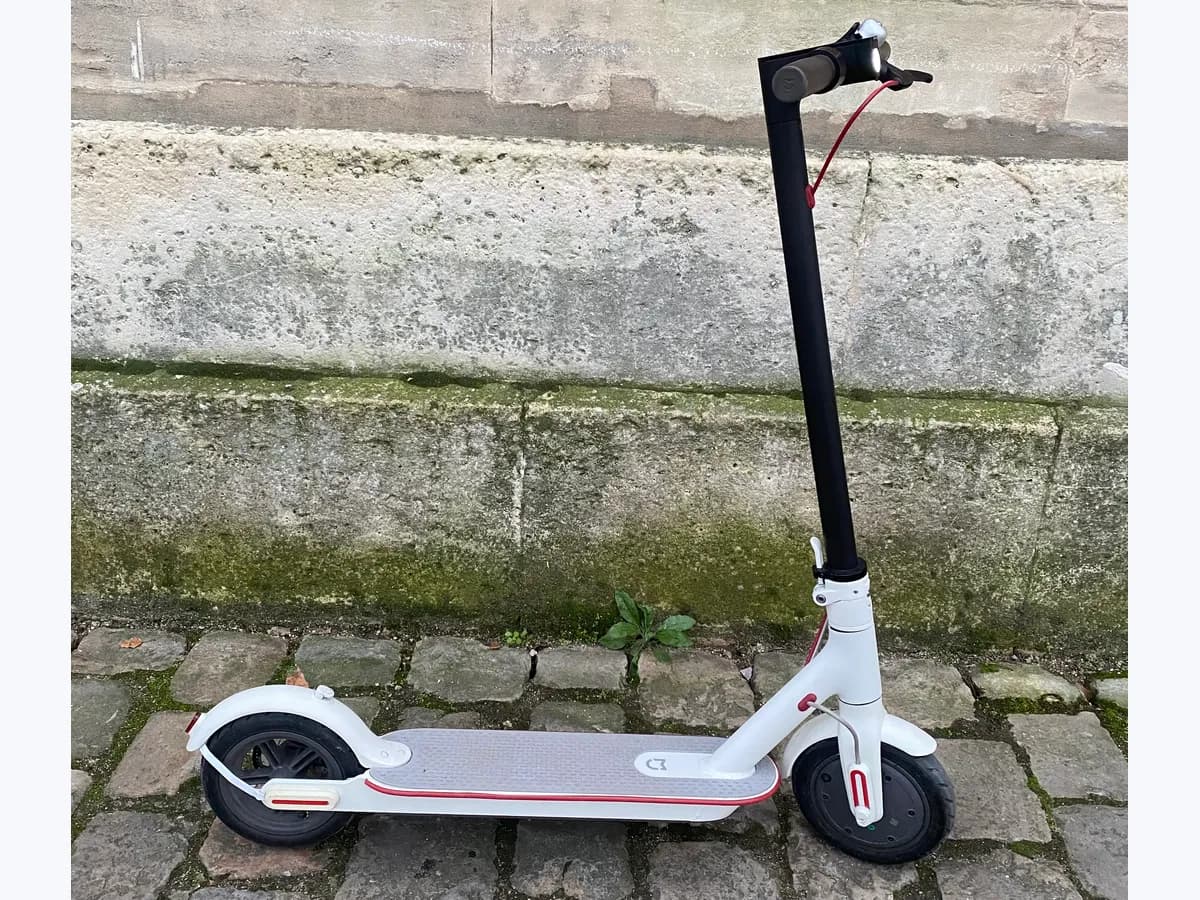
Risk level
High
Professional inspection is recommended.
Urgency
High
Quick answer
On the Segway-Ninebot E2 Pro, Error 51 is controller over-voltage. Segway names using a charger that is not the scooter's own as the main cause. Unplug it, switch it off, let it rest and restart; charge only with the correct charger.
Safety first
Stop and check this first
- Do not charge the scooter with chargers from other devices or with damaged chargers: Segway names a non-specific charger as the main cause of Error 51. If the battery gets hot or swells, stop riding and charging it.
Safe checks you can perform
- Charger used
- Switch off, rest and restart
- Code and beeps on the display and app
Leave these tasks to a qualified professional
- Do not attempt this professional task: Controller diagnosis
- Do not attempt this professional task: Charger check
What a technician must be able to justify
A technician is coming
These are the steps they must carry out and show you. Tick them as they work: if steps are skipped, do not accept a part swap.
These are not instructions for opening or handling the equipment yourself. They are the checks that should support a technical conclusion.
Controller diagnosis
What they doIf the error stays with the correct charger, authorized service checks the voltage reaching the controller with Segway's equipment.
They must show youthe measured voltage against the specification.
In writingthe diagnosis and the affected part.
Charger check
What they doService checks whether the charger is the right one and whether its output is within specification.
They must show youthe charger's measured output.
In writingwhether the charger is fine or must be replaced with an original.
Before accepting a part or repair
Nothing has been shown yet. Do not accept a part swap based on the code alone.
Checks and evidence, step by step
Follow the documented order. An error code identifies the affected system, but it does not prove by itself which part has failed.
- 1
Charger used
No special tools
Procedure
- Who:
- you.
- How:
- unplug the charger and check on its label whether it is the original E2 Pro charger or one from another device.
- Result that matters:
- whether a charger not specific to the scooter was used.
- If it is not its own:
- it is the main cause per Segway; stop using it.
- If it is the original:
- go on to the restart.
- Evidence to keep:
- a photo of the charger label.
Evidence: Ninebot eKickScooter E2 Pro Product Manual · E2 Pro Self Test Manual
- 2
Switch off, rest and restart
No special tools
Procedure
- Who:
- you.
- How:
- switch the scooter off, let it rest for a while and switch it on again, as Segway's self-test says.
- Result that matters:
- whether 51 clears.
- If it clears:
- note the episode and charge only with the original charger.
- If it stays:
- do not ride or charge it and contact authorized service.
- Evidence to keep:
- note how long it rested and the result.
Evidence: E2 Pro Self Test Manual
- 3
Code and beeps on the display and app
No special tools
Procedure
- Who:
- you.
- How:
- switch the scooter on and note the flashing number and the beeps; the E2 Pro self-test manual pairs 51 with five long and one short beep. Then connect it to the Segway-Ninebot app, which the manual says shows the code.
- Result that matters:
- that number, beeps and app all match 51.
- If they match:
- keep the screenshot for service if the error does not clear.
- If they do not:
- note what you see, because another code changes the diagnosis.
- Evidence to keep:
- a video with sound of power on and an app screenshot.
Evidence: Ninebot eKickScooter E2 Pro Product Manual · E2 Pro Self Test Manual
Where this code applies
A code is meaningful only inside the right product and version context.
Primary scope
- System
- Electric mobility
- Brand
- Segway-Ninebot
- Product type
- Electric scooter
Known code variants
- Ninebot codigo 51
- Ninebot error 51
- patinete Segway error 51
- Segway error 51
- Segway Ninebot E2 Pro error 51
- Segway Ninebot error code 51
What it means
The Segway-Ninebot E2 Pro manual defines code 51 as controller over-voltage and asks you to check whether the vehicle's charger is used and whether it has been restarted. The self-test manual pairs it with five long and one short beep, says the main cause is a charger not specific to the vehicle and suggests switching off, letting it rest and restarting. If the error stays, it refers you to official service. The controller measures the voltage it receives; the code does not prove it is faulty.
Warnings and stop conditions
- Higheditorial warning
Do not charge the scooter with chargers from other devices or with damaged chargers: Segway names a non-specific charger as the main cause of Error 51. If the battery gets hot or swells, stop riding and charging it.
Evidence: E2 Pro Self Test Manual
Symptoms and causes
Probable causes · in order
- Charger that is not the scooter's ownCommon
Segway names it as the main cause. You check it by looking at the model of the charger used last.
Evidence: Ninebot eKickScooter E2 Pro Product Manual · E2 Pro Self Test Manual
- Transient state that clears on restartPossible
After switching off, resting and switching on, 51 does not return. Segway suggests this before going to service.
Evidence: E2 Pro Self Test Manual
- Fault needing servicePossible
The error stays with the correct charger and after a restart. Segway refers you to official or authorized service.
Evidence: E2 Pro Self Test Manual
Virtual technician
Does Error 51 still appear after these checks?
Answer a few questions to narrow down the likely cause and the safest next action. Guidance only - it never replaces a professional.
Sources and technical references
- 1
Ninebot eKickScooter E2 Pro Product Manual
Segway-Ninebot · 2023 · manual
- 2
Segway-Ninebot · 2024 · manual
Was this entry useful?