
- Networks
- Fibre routers
SERVICE-ROJO-FIJO
AT&T SERVICE-ROJO-FIJO on BGW320 gateway: overheating or hardware issue
Risk level
Medium
Proceed carefully and stop if the check is unclear.
Urgency
Medium
Quick answer
A solid red Service light on the AT&T BGW320 means overheating or a hardware issue. Place it on a flat surface with open space around, above and below it, then restart it.
Safety first
Stop and check this first
- Do not leave the gateway on carpet, inside closed furniture or with objects on top while it shows solid red: AT&T links it to overheating.
- Do not use the Reset button for 10 seconds to restart: that returns the gateway to factory settings.
Safe checks you can perform
- Look at the WPS LED
- Location and ventilation
- Gateway restart
- Report to AT&T
Leave these tasks to a qualified professional
- Do not attempt this professional task: Confirm the diagnosis before replacing
- Do not attempt this professional task: Gateway replacement for hardware
What a technician must be able to justify
Technician visit
These are the steps they must carry out and show you. Tick them as they work: if steps are skipped, do not accept a part swap.
These are not instructions for opening or handling the equipment yourself. They are the checks that should support a technical conclusion.
Confirm the diagnosis before replacing
What they doAT&T checks the gateway state and the light combination after moving and restarting it.
They must show youthe WPS LED state and the restart result.
In writingwhether the diagnosis is temperature or hardware.
Gateway replacement for hardware
What they doIf the hardware issue persists after the restart, AT&T replaces the gateway.
They must show youthe new gateway with the Service light solid white.
In writingthe serial number removed and the reason.
Before accepting a part or repair
Nothing has been shown yet. Do not accept a part swap based on the code alone.
Follow these steps
Note: Follow the documented order. An error code identifies the affected system, but it does not prove by itself which part has failed.
Look at the WPS LED
- Who:
- you.
- How:
- With the Service light solid red, look at the WPS button LED.
- Result that matters:
- Whether the WPS LED is off or solid red.
- If WPS is off:
- AT&T puts it down to overheating; check the location.
- If WPS is solid red:
- AT&T puts it down to hardware; restart and, if it persists, contact AT&T.
- Evidence to keep:
- A photo of both lights.
Evidence: BGW320 Wi-Fi Gateway What Do the Lights Mean?
Location and ventilation
- Who:
- you.
- How:
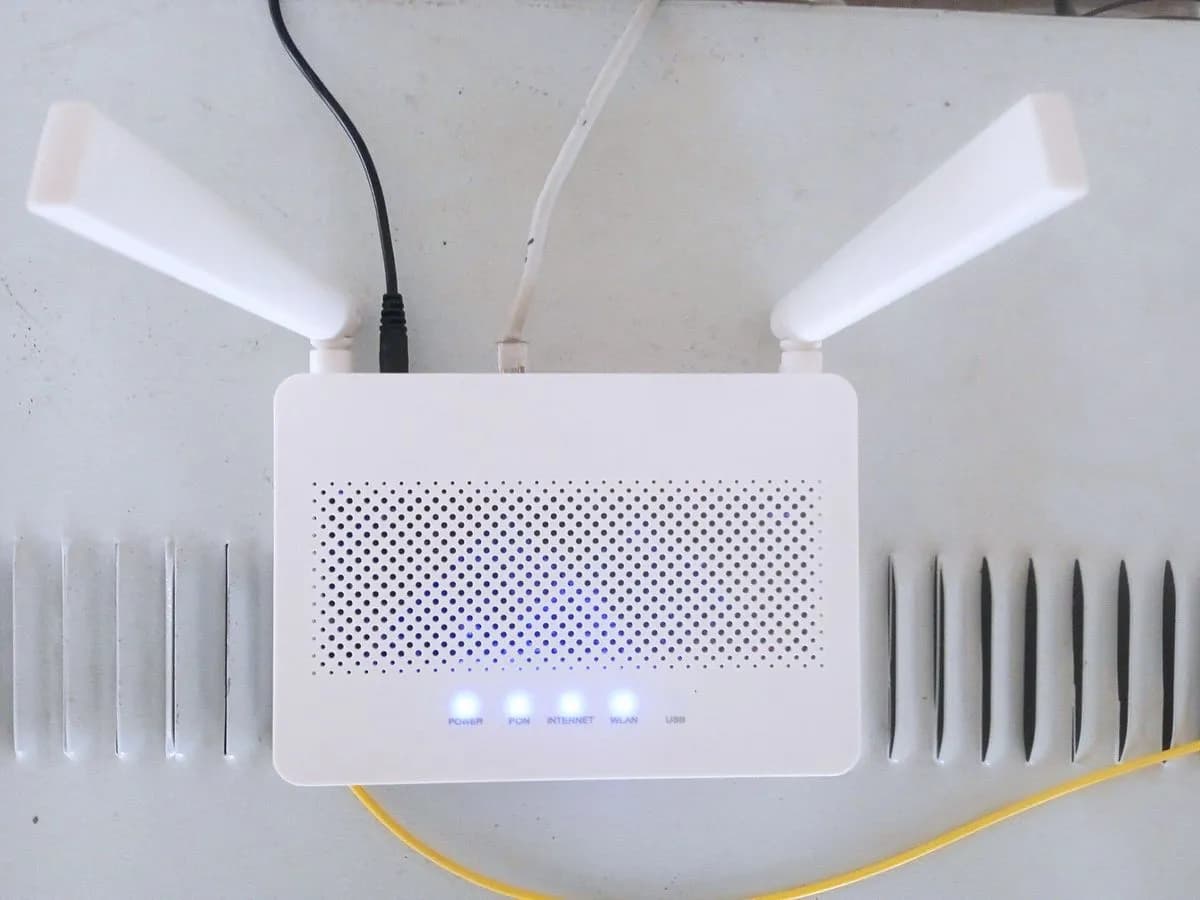
- Place the gateway on a flat surface, no carpet, with open space around, above and below it, as AT&T asks.
- Result that matters:
- Whether the light stops being solid red after a while.
- If it returns to solid white:
- temperature was the cause.
- If it stays red:
- restart the gateway.
- Evidence to keep:
- Photos of how it was and how you leave it.
Evidence: BGW320 Wi-Fi Gateway What Do the Lights Mean? · Learn about your All-Fi Hub (BGW320)
Gateway restart
- Who:
- you.
- How:
- Unplug the power from the back, wait 20 seconds and plug it back in, or use Restart in Smart Home Manager. Startup can take up to 10 minutes.
- Result that matters:
- The Service light colour at the end.
- If it is solid white:
- the gateway recovered.
- If solid red returns with WPS red:
- AT&T says it needs replacement.
- Evidence to keep:
- Time of the restart and final colour.
Evidence: BGW320 Wi-Fi Gateway What Do the Lights Mean? · Restart Your AT&T Wi-Fi Gateway or Modem
Report to AT&T
- Who:
- you, through AT&T support.
- How:
- Explain the light combination (Service and WPS), that the gateway is well ventilated and that you restarted.
- Result that matters:
- That AT&T confirms the diagnosis and arranges a replacement if needed.
- If they confirm a hardware fault:
- AT&T handles the new gateway.
- If they point to another cause:
- note what they tell you.
- Evidence to keep:
- Case number and date.
Evidence: BGW320 Wi-Fi Gateway What Do the Lights Mean?
Still not solved
If the error persists, stop here. See what the technician must do and show you.
Where this code applies
A code is meaningful only inside the right product and version context.
Primary scope
- System
- Networks
- Brand
- AT&T
- Product type
- Fibre routers
Known code variants
- at&t all-fi hub solid red
- at&t gateway solid red
- att bgw320 hardware issue red light
- att bgw320 solid red light
- att gateway overheating
- bgw320 rojo fijo
What it means
AT&T separates two cases of a solid red Service light on the BGW320 by the WPS LED: with WPS off, the gateway sits somewhere that makes it overheat; with WPS also solid red, there is a hardware issue, and if a reboot does not fix it the unit needs replacing. The guide asks for a flat surface, no carpet, with space around it to cool. Solid red alone does not prove the gateway is faulty: temperature must be ruled out first.
Warnings and stop conditions
- Mediumsource verified
Do not leave the gateway on carpet, inside closed furniture or with objects on top while it shows solid red: AT&T links it to overheating.
Evidence: BGW320 Wi-Fi Gateway What Do the Lights Mean?
- Lowsource verified
Do not use the Reset button for 10 seconds to restart: that returns the gateway to factory settings.
Evidence: Reset Your Wi-Fi Gateway to Original Settings
Symptoms and causes
Probable causes · in order
- Overheating from its locationCommon
AT&T assigns it to solid red with the WPS LED off. Confirmed if it improves once moved to a flat, clear surface.
Evidence: BGW320 Wi-Fi Gateway What Do the Lights Mean? · Learn about your All-Fi Hub (BGW320)
- Hardware issuePossible
AT&T assigns it to solid red with the WPS LED also solid red. Confirmed if a reboot does not clear it.
Evidence: BGW320 Wi-Fi Gateway What Do the Lights Mean?
Virtual technician
Does SERVICE-ROJO-FIJO still appear after these checks?
Answer a few questions to narrow down the likely cause and the safest next action. Guidance only - it never replaces a professional.
Sources and technical references
- 1
BGW320 Wi-Fi Gateway What Do the Lights Mean?
AT&T · 2023 · manual
- 2
Learn about your All-Fi Hub (BGW320)
AT&T · 2026 · official_doc
- 3
Restart Your AT&T Wi-Fi Gateway or Modem
AT&T · 2026 · official_doc
Was this entry useful?