
- Networks
- Smart doorbells
LUZ-ROJA-INFERIOR
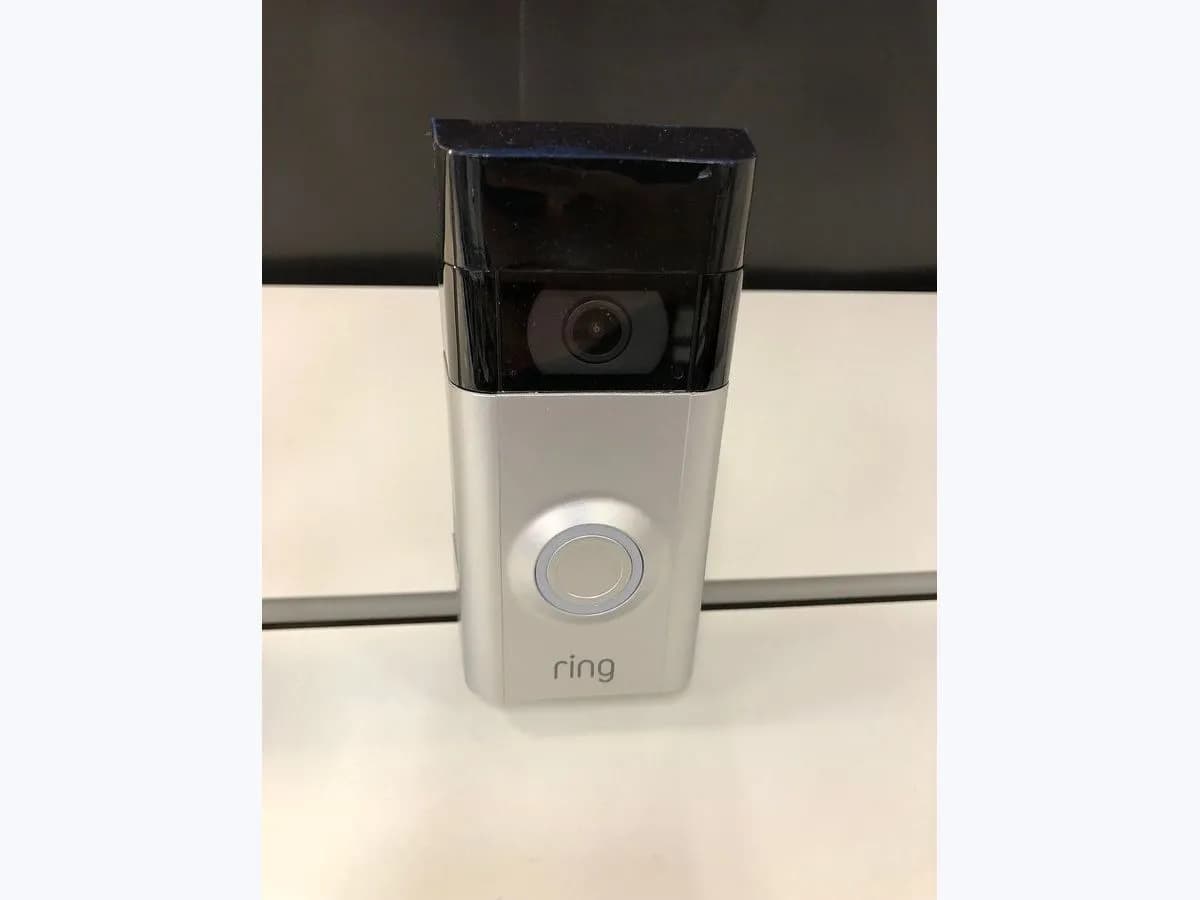
Ring red light at bottom on video doorbell: insufficient power
Risk level
Medium
Proceed carefully and stop if the check is unclear.
Urgency
Medium
Quick answer
A red light flashing at the bottom of a Ring video doorbell means it is not getting enough power. It only applies to wired models without a battery. Check the power rating in the Ring app and ask an electrician to check the transformer and wiring.
Safety first
Stop and check this first
- Power must be switched off at the breaker before anyone touches the transformer or doorbell wiring; Ring recommends a qualified electrician for the job.
- Ring warns that lighting transformers or other unapproved power sources can damage the doorbell; do not wire up any spare supply as a stopgap.
Safe checks you can perform
- Confirm the exact pattern and your doorbell model
- Review the power rating in the Ring app
- Note how the in-home chime behaves
Leave these tasks to a qualified professional
- Do not attempt this professional task: Doorbell transformer measurement
- Do not attempt this professional task: Wiring and in-home chime review
- Do not attempt this professional task: Case with Ring support
What a technician must be able to justify
Technician visit
These are the steps they must carry out and show you. Tick them as they work: if steps are skipped, do not accept a part swap.
These are not instructions for opening or handling the equipment yourself. They are the checks that should support a technical conclusion.
Doorbell transformer measurement
What they doA qualified electrician switches power off at the breaker, finds the transformer and checks that its voltage and VA match what the Ring doorbell requires.
They must show youthe transformer voltage and VA compared with the 16 to 24 VAC and 10 to 40 VA Ring asks for.
In writingthe measured values, the transformer fitted and whether it had to be replaced.
Wiring and in-home chime review
What they doThe electrician confirms each wire sits under the right screw, the gauge is 16 to 20 and the in-home chime is compatible with the Ring model.
They must show youthe terminals used at the doorbell and the chime and the wire gauge.
In writingthe wiring condition, the chime found and any changes made.
Case with Ring support
What they doIf the power supply already meets the requirements and the red light remains, open a case with Ring with the electrician's readings and the doorbell model.
They must show youthe case number and the doorbell firmware version.
In writingthe case number, Ring's diagnosis and the warranty decision.
Before accepting a part or repair
Nothing has been shown yet. Do not accept a part swap based on the code alone.
Follow these steps
Note: Follow the documented order. An error code identifies the affected system, but it does not prove by itself which part has failed.
Confirm the exact pattern and your doorbell model
- Who:
- you, looking at the front light ring and the Ring app, without touching wires.
- How:
- make sure the red light flashes right at the bottom of the ring and check in the app that your model is wired with no battery, the only case where Ring uses this alert.
- Result that matters:
- ruling out a different light pattern that carries another meaning.
- If the pattern matches and the doorbell is wired with no battery:
- move on to the power check in the app.
- If the doorbell has a battery or the pattern differs:
- look up your case in the Ring light pattern guide.
- Evidence to keep:
- a photo or short video of the light ring and the model name shown in the app.
Evidence: Understanding doorbell light patterns
Review the power rating in the Ring app
- Who:
- you, from the device health section of the app.
- How:
- open device health and look at the power rating; Ring lists a poor rating, power loss at night or after a press and power-hungry features that will not switch on as symptoms.
- Result that matters:
- having a reading from the doorbell itself that backs up the lack of power for the electrician.
- If the app shows a poor power rating:
- keep the screenshot for the electrician.
- If the rating looks fine but the light persists:
- note when it appears and mention it anyway.
- Evidence to keep:
- a screenshot of device health with the power rating.
Evidence: Troubleshooting power for hardwired doorbells
Note how the in-home chime behaves
- Who:
- you, indoors, without opening the chime.
- How:
- press the doorbell button and listen for a chime that stays silent, rings on its own, buzzes or hums; Ring lists these faults among the power symptoms.
- Result that matters:
- giving the electrician clues on whether the chime or the transformer is to blame.
- If the chime misbehaves or hums:
- tell the electrician so compatibility and connections get checked.
- If the chime rings normally:
- the electrician can focus on the transformer and wiring.
- Evidence to keep:
- a note of what the chime does when pressed and when it fails.
Evidence: Troubleshooting power for hardwired doorbells
Still not solved
If the error persists, stop here. See what the technician must do and show you.
Where this code applies
A code is meaningful only inside the right product and version context.
Primary scope
- System
- Networks
- Brand
- Ring
- Product type
- Smart doorbells
Known code variants
- Ring alimentación insuficiente
- Ring doorbell insufficient power
- Ring doorbell not enough power
- Ring doorbell red light
- Ring luz roja parpadeando abajo
- Ring red light flashing bottom
- Ring timbre cableado sin potencia
- Ring wired doorbell flashing red
- Ring Wired Doorbell luz roja
- Ring Wired Doorbell Plus red light
- timbre Ring luz roja intermitente en la parte inferior
- videotimbre Ring luz roja
What it means
In its doorbell light pattern guide, Ring describes a red light flashing at the bottom as insufficient power and limits it to wired doorbells that are not battery-powered. Its article on power for hardwired doorbells asks for an AC transformer rated 16 to 24 VAC and 10 to 40 VA for these models, or the official Ring Plug-In Adapter. The light alone never proves the doorbell is faulty, and other models or firmware versions may show different patterns.
Warnings and stop conditions
- Highsource verified
Power must be switched off at the breaker before anyone touches the transformer or doorbell wiring; Ring recommends a qualified electrician for the job.
Evidence: Troubleshooting power for hardwired doorbells
- Mediumsource verified
Ring warns that lighting transformers or other unapproved power sources can damage the doorbell; do not wire up any spare supply as a stopgap.
Evidence: Troubleshooting power for hardwired doorbells
Symptoms and causes
Probable causes · in order
- Transformer below what the doorbell needsCommon
Ring states that a wired doorbell needs 16 to 24 VAC and 10 to 40 VA; if the existing transformer falls short, a new one has to be installed.
Evidence: Troubleshooting power for hardwired doorbells
- Incompatible in-home chimePossible
Ring warns that an incompatible in-home chime can cause power trouble, and that 2K and 4K wired doorbells do not work with in-home chimes at all.
Evidence: Troubleshooting power for hardwired doorbells
- Loose wires or the wrong wire gaugePossible
The maker asks for 16 to 20 gauge wire secured under the correct screws; wire that is too thin or too thick may not carry enough power.
Evidence: Troubleshooting power for hardwired doorbells
- Several doorbells on one transformerLess common
When more than one wired Ring doorbell shares a transformer, Ring notes a higher VA unit may be needed, such as 16 VAC and 30 VA.
Evidence: Troubleshooting power for hardwired doorbells
Virtual technician
Does LUZ-ROJA-INFERIOR still appear after these checks?
Answer a few questions to narrow down the likely cause and the safest next action. Guidance only - it never replaces a professional.
Sources and technical references
- 1
Understanding doorbell light patterns
Ring · 2026 · official_doc
- 2
Información sobre los patrones de luces del videotimbre
Ring · 2026 · official_doc
- 3
Troubleshooting power for hardwired doorbells
Ring · 2026 · official_doc
Was this entry useful?