
Independent technical reference
TP-Link
14 published entries
ErrorBase is not affiliated with TP-Link. The logo and colour only help you recognise the brand. Technical information separated from official support routes.
Documented codes
Smart plugs and switches 4
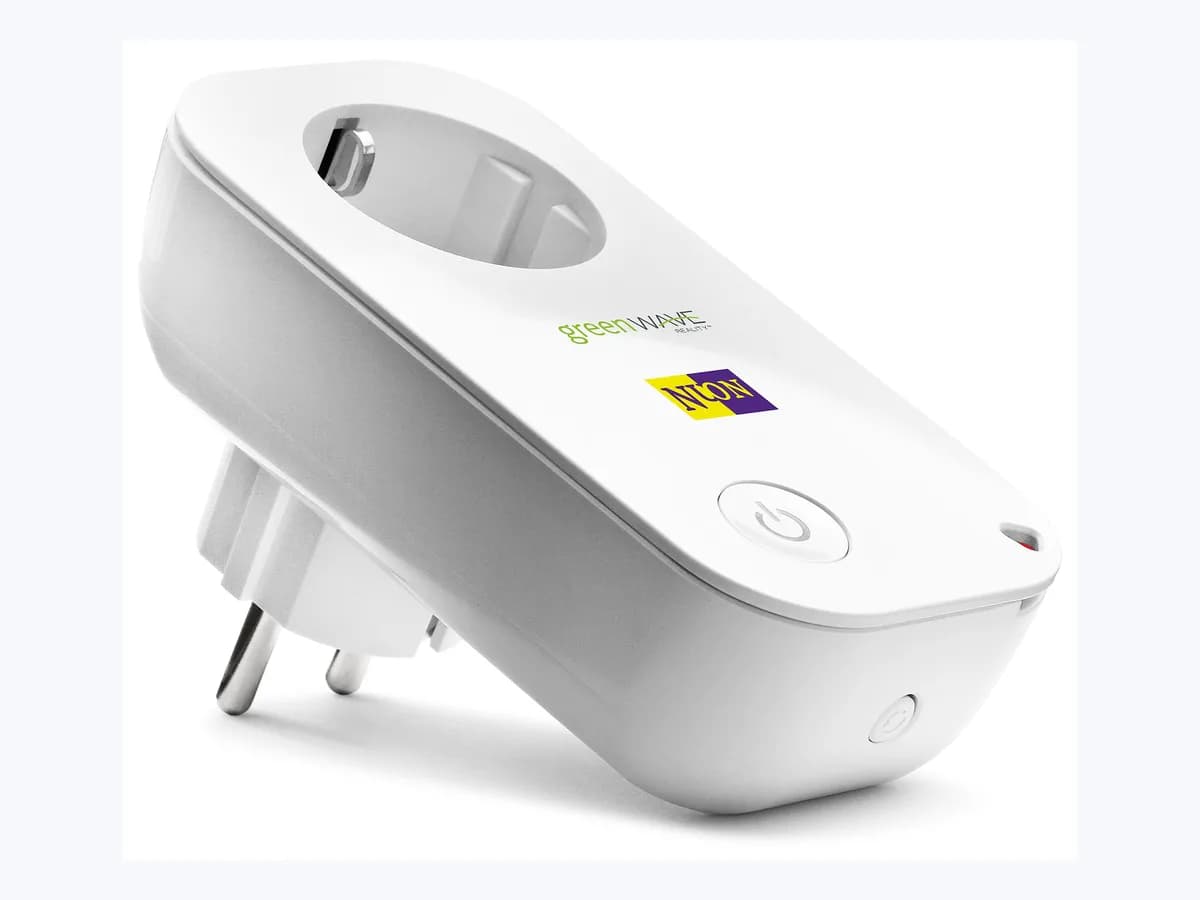
Power ProtectionTP-Link Tapo Power Protection smart plug overload shut-offHigh· NetworksNARANJA-VERDE-INTERMITENTETP-Link Tapo NARANJA-VERDE-INTERMITENTE smart plug setupLow· NetworksOFFLINETP-Link Tapo Offline on smart plug: loses Wi-Fi connectionLow· NetworksPairing FailedTP-Link Tapo Pairing Failed on smart plug: Wi-Fi setup failLow· Networks
Mesh Wi-Fi routers 5
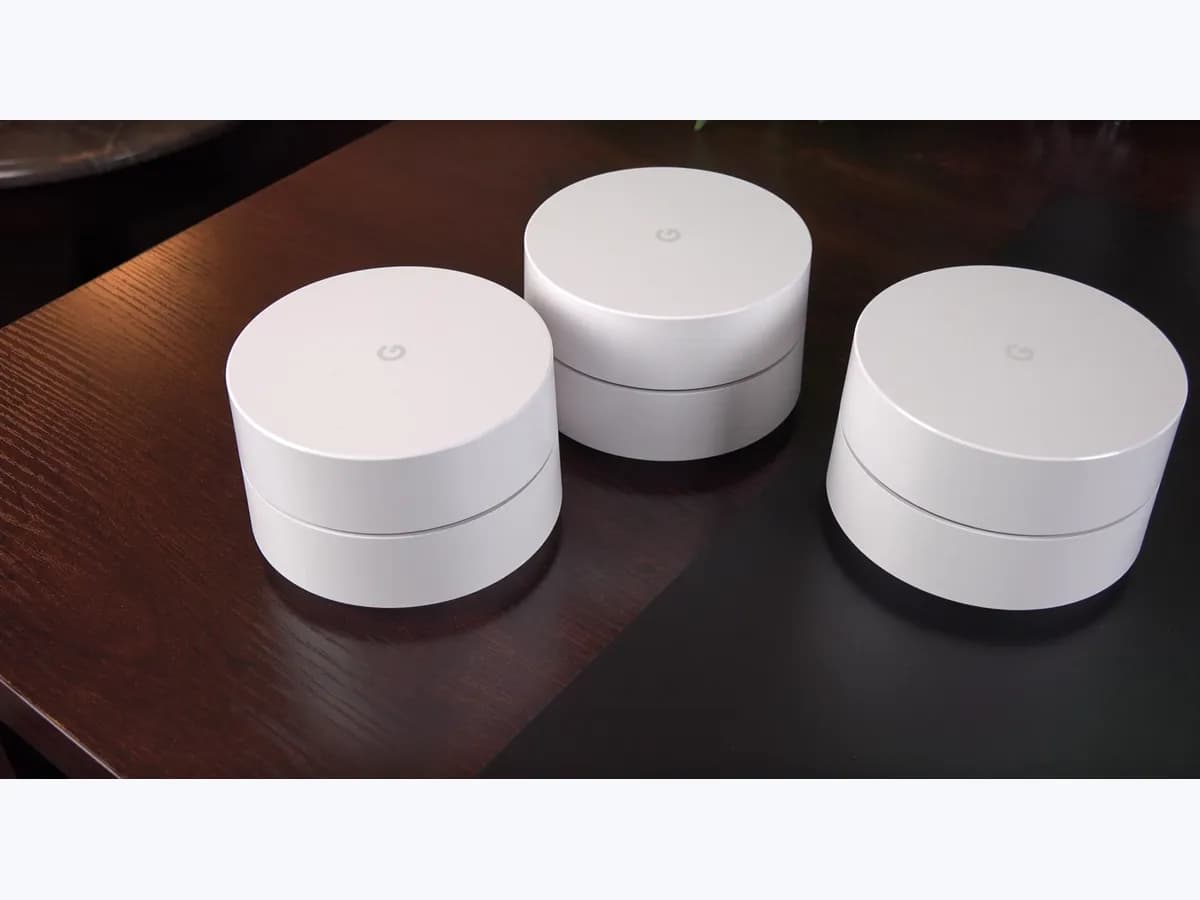
AMARILLO-FIJOTP-Link AMARILLO-FIJO on mesh router: Deco stuck starting upLow· NetworksLED-APAGADOTP-Link Deco LED-APAGADO: unit status LED is completely offLow· NetworksROJO-FIJOTP-Link Deco solid red light on the main Deco: no internetLow· NetworksROJO-INTERMITENTETP-Link ROJO-INTERMITENTE on mesh router: satellite disconnectedLow· NetworksUnable to connect to the InternetTP-Link Deco Unable to connect to the Internet in Deco appLow· Networks
Wi-Fi routers 4
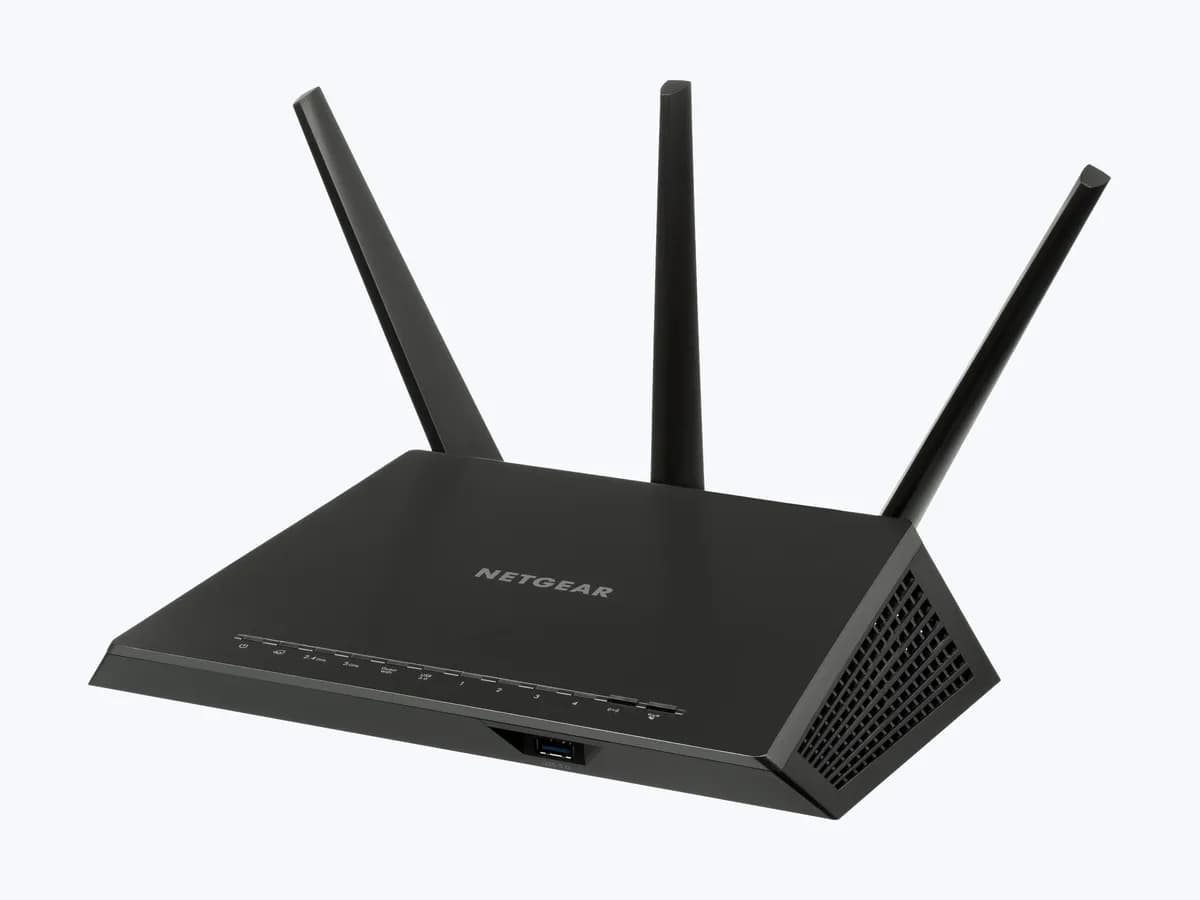
ERROR-8005TP-Link ERROR-8005 on Wi-Fi router: firmware upgrade failedLow· NetworksINTERNET-APAGADOTP-Link INTERNET-APAGADO on Wi-Fi router: no link on the WAN portLow· NetworksINTERNET-NARANJATP-Link Internet LED orange on Archer AX10: no internet serviceLow· NetworksLED-WIFI-APAGADOTP-Link LED-WIFI-APAGADO on Wi-Fi router: wireless LED is offLow· Networks