
- Phones and tablets
- Drones
Compass calibration required
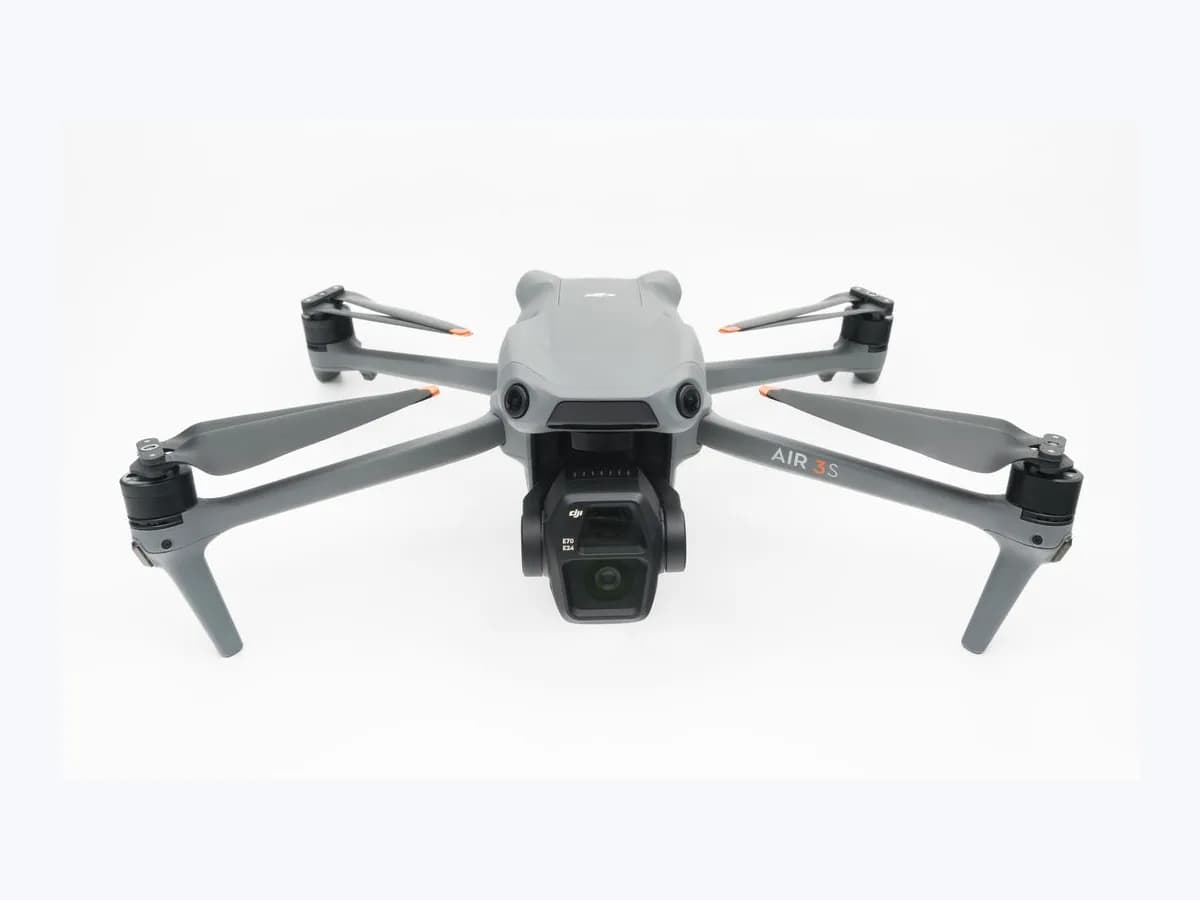
DJI drone Compass calibration required: magnetic sensor alert
Risk level
Medium
Proceed carefully and stop if the check is unclear.
Urgency
High
Quick answer
When the app prompts Compass calibration required and the aircraft status indicator blinks alternating red and yellow, move away from metal structures, parking lots, or electrical equipment, unfold the arms (skip on Avata) with at least 50% battery, and calibrate in DJI Fly or goggles.
Safety first
Stop and check this first
- Do not calibrate the compass near strong magnetic fields or large pieces of metal such as large electrical equipment, parking lots, ships, or buildings with underground steel columns, and do not touch the DJI RC screen during controller calibration.
Safe checks you can perform
- Check the alternating red and yellow indicator and clear magnetic sources
- Calibrate the aircraft compass through DJI Fly or goggles
- Run figure-8 compass calibration on DJI RC controllers and retry after restart
Leave these tasks to a qualified professional
- Do not attempt this professional task: Perform aircraft compass calibration away from metal and magnetic interference
- Do not attempt this professional task: Calibrate the DJI RC controller compass and refer persistent failures to DJI
What a technician must be able to justify
Technician visit
These are the steps they must carry out and show you. Tick them as they work: if steps are skipped, do not accept a part swap.
These are not instructions for opening or handling the equipment yourself. They are the checks that should support a technical conclusion.
Perform aircraft compass calibration away from metal and magnetic interference
What they doThe technician verifies the alternating red and yellow status indicator for the model, confirms at least 50% battery and unfolded arms (skipped on DJI Avata series), moves away from large electrical equipment, parking lots, ships, or underground steel columns, and completes compass calibration in DJI Fly or goggles.
They must show youthe magnetically clear calibration site, the menu path used, and the status indicator pattern after calibration.
In writingaircraft model, status indicator placement checked, pre-calibration setup, and the aircraft compass calibration outcome.
Calibrate the DJI RC controller compass and refer persistent failures to DJI
What they doWhere a DJI RC 2, DJI RC Pro 2, DJI RC Pro, or DJI RC is used, the professional performs the figure-8 compass calibration from controller settings without touching the screen, restarts the aircraft or controller if calibration fails, and submits a DJI repair request if the issue continues.
They must show youthe figure-8 calibration completing on the DJI RC screen or the retry result after restarting.
In writingwhether the aircraft or DJI RC controller failed calibration, outcome after restart, and the DJI repair request reference if sent for testing.
Before accepting a part or repair
Nothing has been shown yet. Do not accept a part swap based on the code alone.
Follow these steps
Note: Follow the documented order. An error code identifies the affected system, but it does not prove by itself which part has failed.
Check the alternating red and yellow indicator and clear magnetic sources
- Who:
- you, observing your DJI aircraft outdoors away from metal structures.
- How:
- check the status indicator placement for your model (outer tip of the rear arms on Mini 4 Pro, Air series, and Mavic series; front arms on Mini 3 and Mini 3 Pro; top of body on Neo; aircraft tail on Mini 2, Mini 2 SE, and Mini SE) for alternating red and yellow blinking, confirm at least 50% battery, unfold the aircraft arms (DJI Avata series skip this step), and move away from large electrical equipment, parking lots, ships, or underground steel columns.
- Result that matters:
- confirm the compass warning pattern and prepare a magnetically clean area before calibrating.
- If the area is free of metal and magnetic fields with arms unfolded and at least 50% battery:
- start aircraft compass calibration.
- If you are near a parking lot, electrical equipment, or steel structure:
- relocate to an open area first.
- Evidence to keep:
- model indicator location, alternating red and yellow pattern observed, and confirmed open location.
Evidence: Compass Calibration Guide · Aircraft Status Indicator Pattern Description
Calibrate the aircraft compass through DJI Fly or goggles
- Who:
- you, with the aircraft powered on and linked to the remote controller or goggles.
- How:
- for DJI Air Series, DJI Neo Series, DJI Mini Series, and DJI Mavic 3 Series in DJI Fly, tap ··· > Safety > Sensors > Compass > Calibration and follow the on-screen instructions; for DJI FPV and DJI Avata series, power on the goggles and select Setting > Safety > Aircraft Compass Calibration > Start.
- Result that matters:
- complete the guided aircraft rotations required to calibrate the onboard compass.
- If calibration succeeds and the indicator stops alternating red and yellow:
- retain the result.
- If compass calibration fails or your screen remote controller also needs calibration:
- restart the aircraft or calibrate the DJI RC controller.
- Evidence to keep:
- DJI Fly or goggles menu path used and indicator light pattern after completion.
Evidence: Compass Calibration Guide · Aircraft Status Indicator Pattern Description
Run figure-8 compass calibration on DJI RC controllers and retry after restart
- Who:
- you, if using a DJI RC Pro 2, DJI RC 2, DJI RC Pro, or DJI RC remote controller.
- How:
- pull down the powered-on controller screen, tap the upper-right gear icon, open Compass Calibration > Start Calibration, and move the controller along a figure-8 path without touching the screen until Calibration Complete appears; if aircraft or controller calibration fails, restart the device and repeat the steps.
- Result that matters:
- complete remote controller compass calibration without accidentally exiting the calibration page.
- If Calibration Complete is shown and the compass prompt clears:
- keep the record of the completed check.
- If compass calibration failure remains after restarting:
- send the drone or remote controller to DJI via a repair request.
- Evidence to keep:
- Calibration Complete message on the controller or persistence of the failure after restarting.
Evidence: Compass Calibration Guide
Still not solved
If the error persists, stop here. See what the technician must do and show you.
Where this code applies
A code is meaningful only inside the right product and version context.
Primary scope
- System
- Phones and tablets
- Brand
- DJI
- Product type
- Drones
Known code variants
- Aircraft Compass Calibration
- Alternating red and yellow
- Calibración de la brújula de la aeronave
- Compass calibration failure
- Es necesario calibrar la brújula
- Parpadeo en rojo y amarillo
What it means
DJI's Compass Calibration Guide and Aircraft Status Indicator Pattern Description cover DJI Mini Series (Mini 4 Pro, Mini 3 Pro, Mini 3, Mini 4K), DJI Air Series (Air 3S, Air 3), DJI Mavic 3 Series, DJI Neo Series, and DJI Avata Series (including Avata 2). They assign the alternating red and yellow indicator pattern to Compass calibration required. Indicator locations vary by model, and this warning alone never proves that the aircraft or controller compass is faulty.
Warnings and stop conditions
- Highsource verified
Do not calibrate the compass near strong magnetic fields or large pieces of metal such as large electrical equipment, parking lots, ships, or buildings with underground steel columns, and do not touch the DJI RC screen during controller calibration.
Evidence: Compass Calibration Guide
Symptoms and causes
Probable causes · in order
- Aircraft used after remaining idle for a long periodCommon
DJI explains that the Compass calibration required prompt can appear during flight or when an aircraft is used after being left idle for a long time.
Evidence: Compass Calibration Guide
- Nearby strong magnetic fields or large metal structuresCommon
Operating or calibrating near large electrical equipment, parking lots, ships, or buildings with underground steel columns disturbs the compass and prevents calibration.
Evidence: Compass Calibration Guide
- DJI RC controller compass needing figure-8 calibration or screen touchPossible
On DJI RC 2, DJI RC Pro 2, DJI RC Pro, or DJI RC, the controller may need figure-8 compass calibration, and touching the screen during calibration can accidentally exit the page.
Evidence: Compass Calibration Guide
Virtual technician
Does Compass calibration required still appear after these checks?
Answer a few questions to narrow down the likely cause and the safest next action. Guidance only - it never replaces a professional.
Sources and technical references
- 1
DJI · 2026 · official_doc
- 2
Guía de calibración de la brújula
DJI · 2026 · official_doc
- 3
Aircraft Status Indicator Pattern Description
DJI · 2026 · official_doc
- 4
Descripciones de los indicadores de estado de la aeronave
DJI · 2026 · official_doc
Was this entry useful?