
- Networks
- Fibre routers
FIBRA-NARANJA-INTERMITENTE
Orange FIBRA-NARANJA-INTERMITENTE on Livebox Fibra: not validated
Risk level
Low
Usually safe to check without specialist tools.
Urgency
Medium
Quick answer
On the Livebox Fibra, the Fibra light blinking orange means the fibre is properly connected but the router is still waiting to validate the Internet password. Wait a few minutes, restart from Mi Orange or with ON/OFF and, if it does not turn solid green, call Orange.
Safety first
Stop and check this first
- If the update light blinks blue, do not switch off the Livebox Fibra: Orange says it is updating its firmware.
- The Reset button (5 seconds) restores factory values and you lose your settings: do not use it for this light unless Orange tells you to.
- Only enter data Orange has given you: do not try to bypass or change the Internet access validation.
Safe checks you can perform
- Confirm which light is blinking and its colour
- Check for an update in progress
- Restart from Mi Orange or with the ON/OFF button
- Let Orange connect remotely if asked
Leave these tasks to a qualified professional
- Do not attempt this professional task: Remote validation check by Orange
- Do not attempt this professional task: Orange technician visit
What a technician must be able to justify
Technician visit
These are the steps they must carry out and show you. Tick them as they work: if steps are skipped, do not accept a part swap.
These are not instructions for opening or handling the equipment yourself. They are the checks that should support a technical conclusion.
Remote validation check by Orange
What they doOrange customer service checks why the Livebox Fibra is not validating the Internet password and reviews the configuration remotely through the Service button.
They must show youthe status of your line and router in their system and what blocked the validation.
In writingthe ticket number, the diagnosis and whether the router must be replaced or a technician sent.
Orange technician visit
What they doIf the remote check is not enough, an Orange technician checks the fibre, the optical wall socket and the Livebox Fibra at home, including the optical power reaching the router.
They must show youthe optical power reading at the router and the line test result.
In writingthe measured power value, the cause found and whether the Livebox is replaced.
Before accepting a part or repair
Nothing has been shown yet. Do not accept a part swap based on the code alone.
Follow these steps
Note: Follow the documented order. An error code identifies the affected system, but it does not prove by itself which part has failed.
Confirm which light is blinking and its colour
- Who:
- you.
- How:
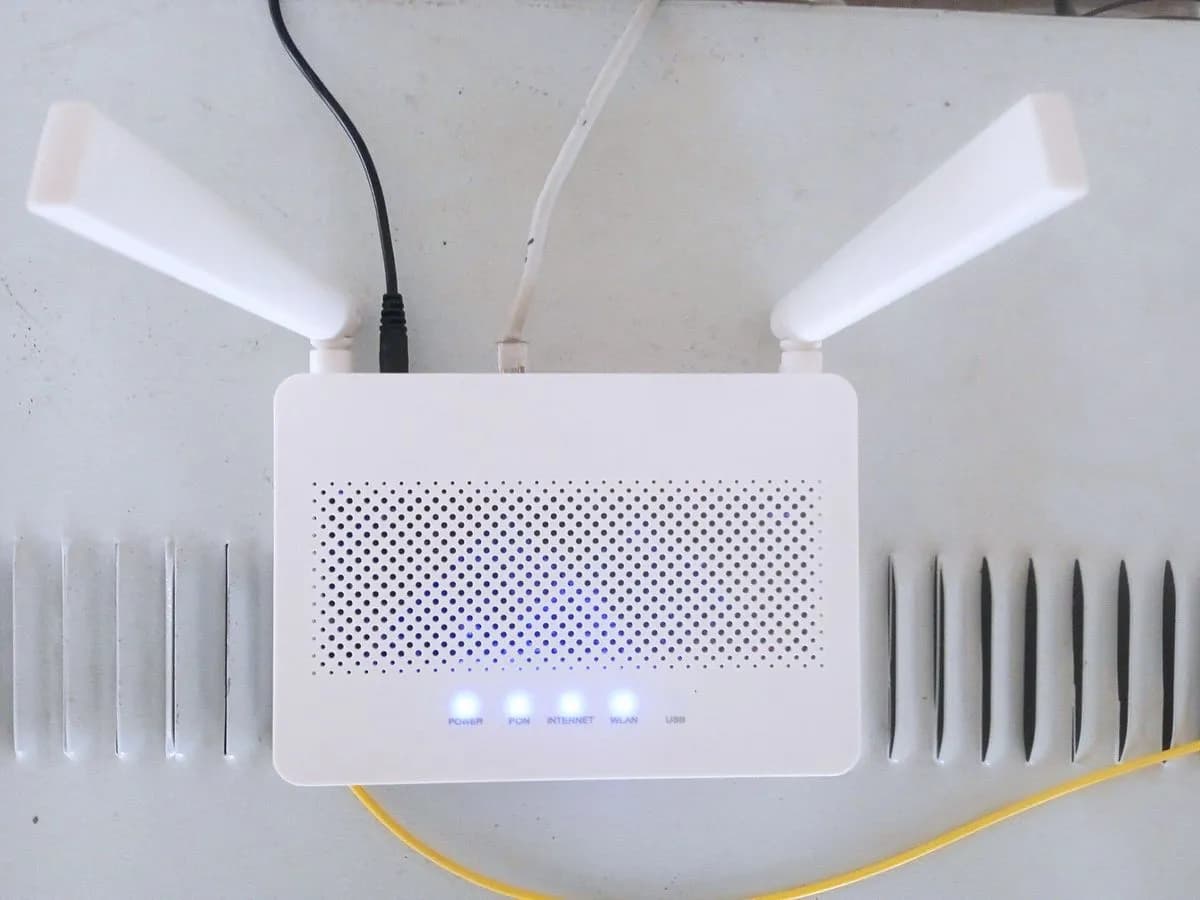
- look at the front of the Livebox Fibra and find the Fibra light: blinking orange means the fibre signal arrives; solid red means a signal or cable connection problem, which is a different case.
- Result that matters:
- knowing you are facing a validation wait and not a missing signal.
- If it blinks orange:
- the physical fibre connection is fine, continue with the next steps.
- If it is solid red:
- check the fibre cable is seated in the orange port and the wall socket, without bending or pulling it.
- Evidence to keep:
- photo of the front with the Power, Fibra and Internet lights.
Evidence: Todo lo que debes saber sobre tu router Livebox Fibra
Check for an update in progress
- Who:
- you.
- How:
- look at the Actualización (update) light: if it blinks blue, the router is updating its firmware and Orange asks you not to switch it off during that process.
- Result that matters:
- not interrupting an update with a restart.
- If the update light blinks blue:
- wait for it to finish without touching the router.
- If no update is running:
- you can safely restart the router.
- Evidence to keep:
- note of the time and the state of the update light.
Evidence: Todo lo que debes saber sobre tu router Livebox Fibra
Restart from Mi Orange or with the ON/OFF button
- Who:
- you.
- How:
- in Mi Orange, under Mi Livebox, open Configuración and use Reiniciar; without app access, switch the router off with the ON/OFF button, wait a few seconds and switch it on again with its original power supply.
- Result that matters:
- the Fibra light turning solid green and the Internet light coming on.
- If it turns solid green:
- the password has been validated and the connection is back.
- If it goes back to blinking orange:
- call Orange customer service.
- Evidence to keep:
- screenshot of Mi Livebox showing the connection status, or note of the restart time.
Evidence: Todo lo que debes saber sobre tu router Livebox Fibra
Let Orange connect remotely if asked
- Who:
- you, with Orange customer service on the phone or in chat.
- How:
- explain that the Fibra light blinks orange and, only if the agent asks, press the Service button: the Wi-Fi light blinks blue during the 15 minute temporary remote access.
- Result that matters:
- Orange checking the router configuration without you changing any settings.
- If the agent fixes the validation:
- the Fibra light stays solid green.
- If it cannot be fixed remotely:
- ask for a ticket number and the next step.
- Evidence to keep:
- ticket number, time of the call and final state of the lights.
Evidence: Todo lo que debes saber sobre tu router Livebox Fibra
Still not solved
If the error persists, stop here. See what the technician must do and show you.
Where this code applies
A code is meaningful only inside the right product and version context.
Primary scope
- System
- Networks
- Brand
- Orange
- Product type
- Fibre routers
Known code variants
- Livebox Fibra esperando validar contraseña de internet
- Livebox Fibra fibra naranja no conecta
- Livebox Fibra fibre light orange no internet
- Livebox Fibra luz fibra naranja parpadeando
- Livebox Fibra waiting to validate internet password
- Orange Livebox Fibra fibre light blinking orange
- Orange luz naranja intermitente fibra
- Orange router luz fibra parpadea naranja
- Orange router orange flashing fibre light
What it means
In Orange's official Livebox Fibra light table (the page is in Spanish), the Fibra light blinking orange means fibre correctly connected, waiting to validate the Internet password. It sits between red (no signal, fibre badly connected) and solid green, which confirms the GPON fibre link is active with the correct password. Meanwhile the Internet light usually stays off, because the router is still waiting for an IP address. It applies to the Livebox Fibra with built-in ONT, in both versions. The light alone never proves the router is faulty.
Warnings and stop conditions
- Mediumsource verified
If the update light blinks blue, do not switch off the Livebox Fibra: Orange says it is updating its firmware.
Evidence: Todo lo que debes saber sobre tu router Livebox Fibra
- Lowsource verified
The Reset button (5 seconds) restores factory values and you lose your settings: do not use it for this light unless Orange tells you to.
Evidence: Todo lo que debes saber sobre tu router Livebox Fibra
- Lowsource verified
Only enter data Orange has given you: do not try to bypass or change the Internet access validation.
Evidence: Todo lo que debes saber sobre tu router Livebox Fibra
Symptoms and causes
Probable causes · in order
- Internet password still waiting for validationCommon
Orange describes this state as fibre properly connected and waiting to validate the Internet password: the signal arrives, but access has not been accepted yet.
Evidence: Todo lo que debes saber sobre tu router Livebox Fibra
- Router just switched on and not finished yetPossible
After switching on or restarting the Livebox Fibra, validation can take a little while; when it succeeds the Fibra light turns solid green and then the Internet light comes on.
Evidence: Todo lo que debes saber sobre tu router Livebox Fibra
- Validation that only Orange can unblockPossible
If the password never validates, the check is Orange's job: the Livebox Fibra has a Service button so customer service can access its configuration remotely.
Evidence: Todo lo que debes saber sobre tu router Livebox Fibra
Virtual technician
Does FIBRA-NARANJA-INTERMITENTE still appear after these checks?
Answer a few questions to narrow down the likely cause and the safest next action. Guidance only - it never replaces a professional.
Sources and technical references
- 1
Todo lo que debes saber sobre tu router Livebox Fibra
Orange España · 2026 · official_doc
Was this entry useful?