

- HVAC
- Smoke and CO alarms
ARO-ROJO-HUMO
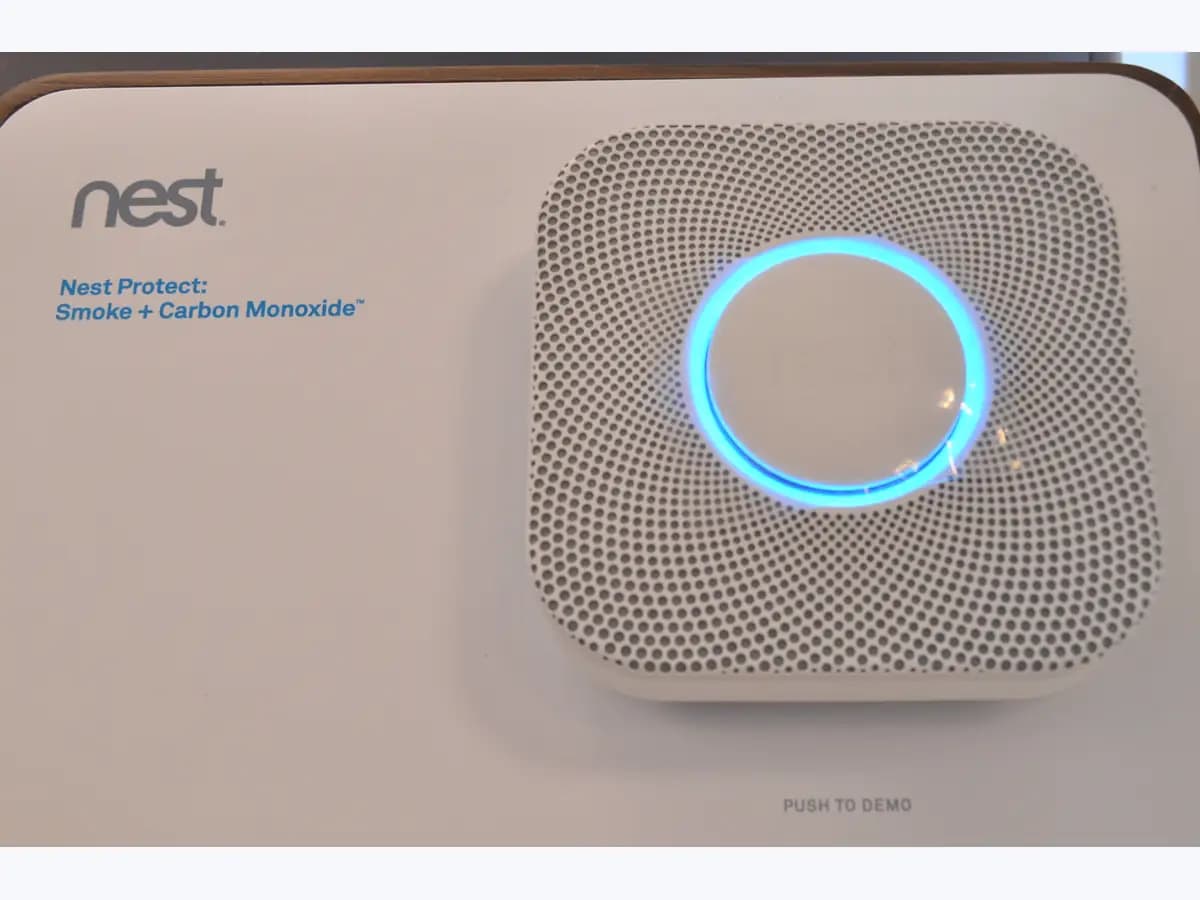
Nest Protect red ring on smoke alarm: smoke emergency alert
Risk level
Critical
Stop using the equipment and contact a professional.
Urgency
Immediate
Quick answer
Get everyone out now, call 112 or your local emergency number from outside and stay out until the fire service says it is safe: a pulsing red ring, the siren and 'Emergency. There's smoke in the...' mean smoke at emergency level.
Safety first
What to do now
- Get everyone out and call 112
Who: you and everyone in the home, without stopping to look for the source of the smoke. How: follow your escape plan, alert children and anyone who needs help, touch doors with the back of your hand before opening them and close them behind you; once outside, call 112 or your local emergency number. Result that matters: getting everyone safe before giving the alarm itself any thought. If everyone is out: do a head count at the meeting point and wait for the fire service. If someone is missing: do not go back in for them; tell the firefighters as soon as they arrive. Evidence to keep: the time of the alarm and the room the Protect named.
- Stay outside until the fire service clears it
Who: you, from outside the home. How: remain outside even if the ring stops pulsing red or the siren goes quiet; Google stresses not going back in unless a fire official says it is safe. Result that matters: not walking into a home with fire or smoke you cannot yet see. If firefighters confirm it is safe: go in and listen for the Protect saying the smoke alarm is over. If firefighters ask you to keep the home closed: follow their call and leave the alarm alone. Evidence to keep: the name or number of the crew that cleared you to go back in.
- Review the alert history once the home is safe
Who: you, in the Nest or Google Home app, only after emergency services have finished. How: open Messages in the Nest app or the Google Home inbox and note the 'Emergency: There's smoke' alert, the room and the time it appeared. Result that matters: knowing which alarm went off and when, for the fire service or for support. If there was a confirmed fire: Google says a fire can damage the sensors, so check whether the Protect needs replacing. If there was no smoke: clean the Protect following Google's instructions and contact support if it sounds again without smoke. Evidence to keep: a screenshot of the emergency message with date and room.
What you must never do
- Do not attempt this professional task: Fire service response via 112
- Do not attempt this professional task: Google support after a fire or a false alarm
What a technician must be able to justify
Technician visit
These are the steps they must carry out and show you. Tick them as they work: if steps are skipped, do not accept a part swap.
These are not instructions for opening or handling the equipment yourself. They are the checks that should support a technical conclusion.
Fire service response via 112
What they doFirefighters check the home, find where the smoke came from and decide when it is safe to go back in.
They must show youthe rooms they checked and where they found the source of the smoke.
In writingthe time of the call-out, the source identified and the all-clear to go back in.
Google support after a fire or a false alarm
What they doAfter a fire, or if the alarm keeps sounding without smoke once cleaned, Google support assesses whether the Protect must be replaced.
They must show youthe app messages with the date of each alarm and the Protect's 'Replace by' date.
In writingthe case number and whether a warranty replacement is approved.
Before accepting a part or repair
Nothing has been shown yet. Do not accept a part swap based on the code alone.
Where this code applies
A code is meaningful only inside the right product and version context.
Primary scope
- System
- HVAC
- Brand
- Google Nest
- Product type
- Smoke and CO alarms
Known code variants
- Emergencia. Hay humo en
- Emergency. There's smoke in the
- Google Nest Protect alarma de emergencia humo
- Google Nest Protect smoke emergency alarm
- Nest Protect alarma de humo suena
- Nest Protect aro rojo
- Nest Protect Emergencia hay humo
- Nest Protect luz roja parpadeante humo
- Nest Protect pulsing red light smoke
- Nest Protect red ring
- Nest Protect smoke alarm going off
What it means
When this alarm sounds, get everyone out first, call 112 or your local emergency number, and do not go back in until emergency services say it is safe. On Google's 'Nest Protect lights and sounds' page, a pulsing red ring with the alarm sound and the message 'Emergency. There's smoke in the (room name)' means the smoke in that room has reached emergency levels. It can sound with no yellow Heads-Up first when smoke rises very fast. This covers the 2nd gen Nest Protect; other models may differ. The light or siren alone never proves the alarm is faulty: always treat it as a real fire.
Warnings and stop conditions
- Highsource verified
Never remove the batteries, cover or take down the Nest Protect to stop it sounding; Google points out that Emergency Alarms cannot be disabled because they warn of real danger.
Evidence: The difference between Protect's Heads-Up and Emergency Alarms
Sources and technical references
- 1
Nest Protect lights and sounds
Google · 2026 · official_doc
- 2
Luces y sonidos de Nest Protect
Google · 2026 · official_doc
- 3
What to do if Nest Protect detects smoke in your home
Google · 2026 · official_doc
- 4
Qué hacer si Nest Protect detecta humo en tu casa
Google · 2026 · official_doc
- 5
The difference between Protect's Heads-Up and Emergency Alarms
Google · 2026 · official_doc
- 6
Diferencias entre las funciones Aviso y Alarma de emergencia de Protect
Google · 2026 · official_doc
- 7
Learn when to replace your Nest Protect
Google · 2026 · official_doc
- 8
Google · 2026 · official_doc
Was this entry useful?