

- HVAC
- Smart thermostats
E195
Google Nest E195 on smart thermostat: no power to R wire
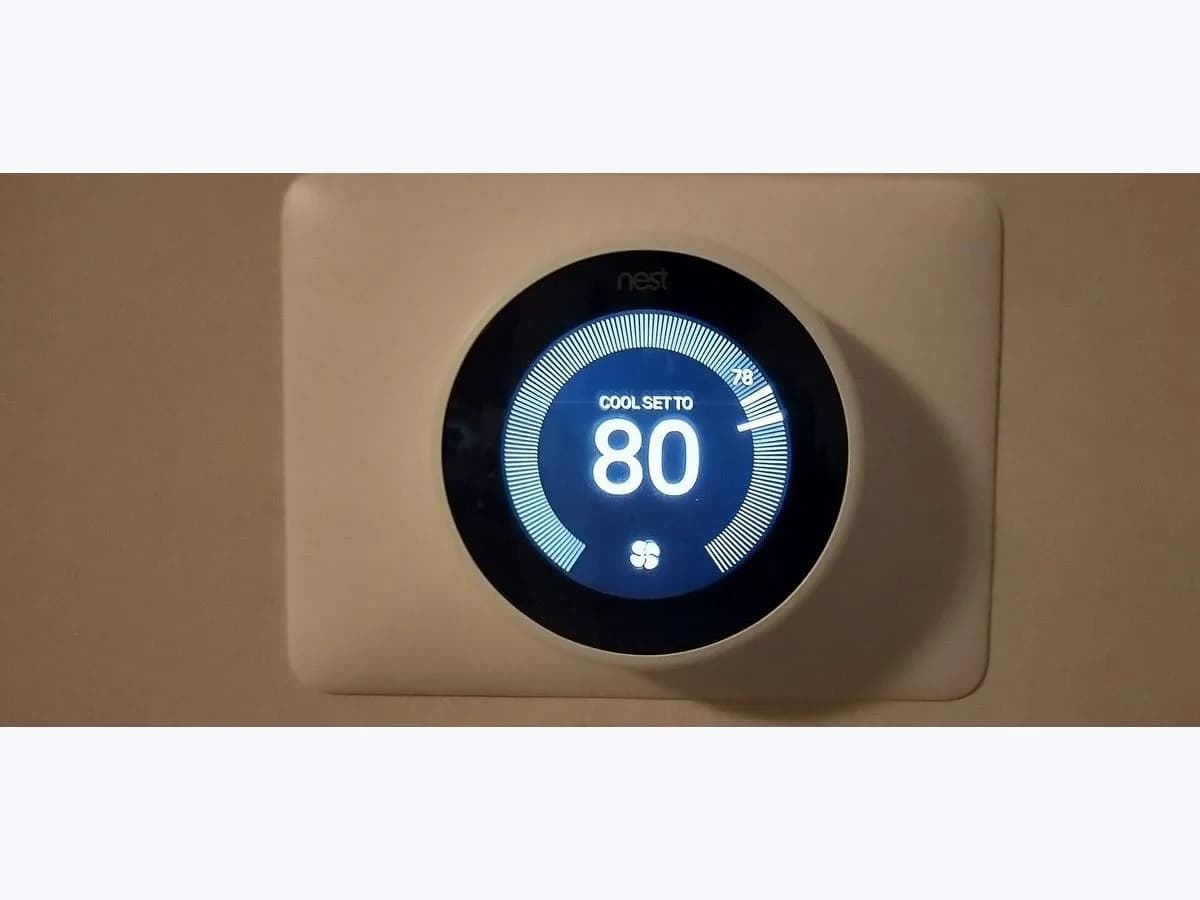
Risk level
Medium
Proceed carefully and stop if the check is unclear.
Urgency
High
Quick answer
Code E195 on your Nest thermostat means it detects no power on the R wire. Check that the breaker or switch for your heating and cooling system is on; if it happens in summer, Google warns you will likely need an HVAC professional.
Safety first
Stop and check this first
- Do not open panels sealed with metal tape or the equipment's control board: Google warns the system uses high voltage and those steps are for a professional.
- If the problem persists, the thermostat battery drains and it can disconnect from the Internet or shut down, so you stop getting alerts.
Safe checks you can perform
- System power at the breaker and switch
- Charge the thermostat if it does not turn on
- Thermostat wires with power off
- Air filter if it happens in summer
Leave these tasks to a qualified professional
- Do not attempt this professional task: Inspect the heating and cooling system
- Do not attempt this professional task: Check the wiring to the thermostat
What a technician must be able to justify
Technician visit
These are the steps they must carry out and show you. Tick them as they work: if steps are skipped, do not accept a part swap.
These are not instructions for opening or handling the equipment yourself. They are the checks that should support a technical conclusion.
Inspect the heating and cooling system
What they doThe professional checks whether the HVAC equipment powers the thermostat, and inspects the drip pan, drain tubes and the fuse on the control board.
They must show youwhere the fault was (fuse, drain, other).
In writingwhat they found and what they replaced.
Check the wiring to the thermostat
What they doThe professional verifies that each wire reaches the system board and the thermostat connector correctly.
They must show youeach wire's connection at the board.
In writingwhich wire failed and how it was fixed.
Before accepting a part or repair
Nothing has been shown yet. Do not accept a part swap based on the code alone.
Follow these steps
Note: Follow the documented order. An error code identifies the affected system, but it does not prove by itself which part has failed.
System power at the breaker and switch
- Who:
- you.
- How:
- check at the breaker box or fuse box that the system is on. Some homes have a light-switch style switch near the equipment, and there may be two (heating and cooling): both must be on.
- Result that matters:
- whether the thermostat works and the code clears once power is on.
- If it clears:
- the system had no power.
- If it stays:
- check the thermostat wires with power off.
- Evidence to keep:
- a photo of the breaker box and the code on screen.
Evidence: Troubleshoot Nest thermostat help codes
Charge the thermostat if it does not turn on
- Who:
- you.
- How:
- if the display does not turn on, remove it from the base and charge it with a USB cable for at least 10 minutes, as Google says, then put it back.
- Result that matters:
- whether it turns on and shows help messages.
- If it turns on:
- the battery had drained for lack of power; keep looking for why power was missing.
- If it does not:
- carry on with the checks anyway.
- Evidence to keep:
- a photo of the message it shows.
Evidence: Troubleshoot Nest thermostat help codes
Thermostat wires with power off
- Who:
- you, only with system power off.
- How:
- turn off power to the system and thermostat at the breaker box (there may be several breakers), remove the display and check that the R wire and the others are straight, clean, fully inserted and with the connector button down. Turn power back on.
- Result that matters:
- whether the code clears when power returns.
- If it clears:
- a wire was badly inserted.
- If it stays:
- the problem is in the system; call a professional.
- Evidence to keep:
- a photo of the wires before touching anything.
Google asks you to turn off power to the system and thermostat at the breaker or fuse box before exposing or adjusting any wiring. Do not open the furnace, the AC unit or the control board: that is a professional's job.
Evidence: Troubleshoot Nest thermostat help codes
Air filter if it happens in summer
- Who:
- you.
- How:
- find the air filter (usually behind a grate in the hallway) and replace it if it looks dirty or clogged. If the filter is inside the furnace, turn power off at the breaker first.
- Result that matters:
- whether the system works again after replacing it and letting any frozen coils thaw.
- If it works again:
- poor airflow had shut the system down.
- If not:
- contact an HVAC professional.
- Evidence to keep:
- a photo of the removed filter.
If the filter is inside the equipment and you cannot reach it without opening panels, leave the change to a professional.
Evidence: Troubleshoot Nest thermostat help codes
Still not solved
If the error persists, stop here. See what the technician must do and show you.
Where this code applies
A code is meaningful only inside the right product and version context.
Primary scope
- System
- HVAC
- Brand
- Google Nest
- Product type
- Smart thermostats
Known code variants
- E195 no power to R wire
- Nest E195
- Nest E195 summer
- Nest thermostat E195
- termostato Nest E195
What it means
Google says code E195 means the Nest thermostat detects no power on the R wire, one of the wires that powers it from the heating and cooling system. It can come from the system being off at the breaker or its switch, a badly inserted wire or, in summer, the system itself no longer powering the thermostat because of a breakdown or a safety cut-out. The code does not say which and does not prove the thermostat is faulty.
Warnings and stop conditions
- Highsource verified
Do not open panels sealed with metal tape or the equipment's control board: Google warns the system uses high voltage and those steps are for a professional.
Evidence: Troubleshoot Nest thermostat help codes
- Mediumsource verified
If the problem persists, the thermostat battery drains and it can disconnect from the Internet or shut down, so you stop getting alerts.
Evidence: Troubleshoot Nest thermostat help codes
Symptoms and causes
Probable causes · in order
- Heating and cooling system without powerCommon
The breaker, fuse or switch near the equipment is off, for example after building work. Confirmed if the code clears once power is restored.
Evidence: Troubleshoot Nest thermostat help codes
- Badly inserted or damaged wirePossible
The R wire is not fully in its connector, the connector button is not down, or the wire is dirty or corroded.
Evidence: Troubleshoot Nest thermostat help codes
- System breakdown or cut-out in summerPossible
Google explains that in summer the system can break down and stop powering the thermostat, for example through a clogged filter, a blocked drip pan or a blown fuse.
Evidence: Troubleshoot Nest thermostat help codes
Virtual technician
Does E195 still appear after these checks?
Answer a few questions to narrow down the likely cause and the safest next action. Guidance only - it never replaces a professional.
Sources and technical references
- 1
Troubleshoot Nest thermostat help codes
Google · 2026 · official_doc
Was this entry useful?