

- HVAC
- Smart thermostats
E2
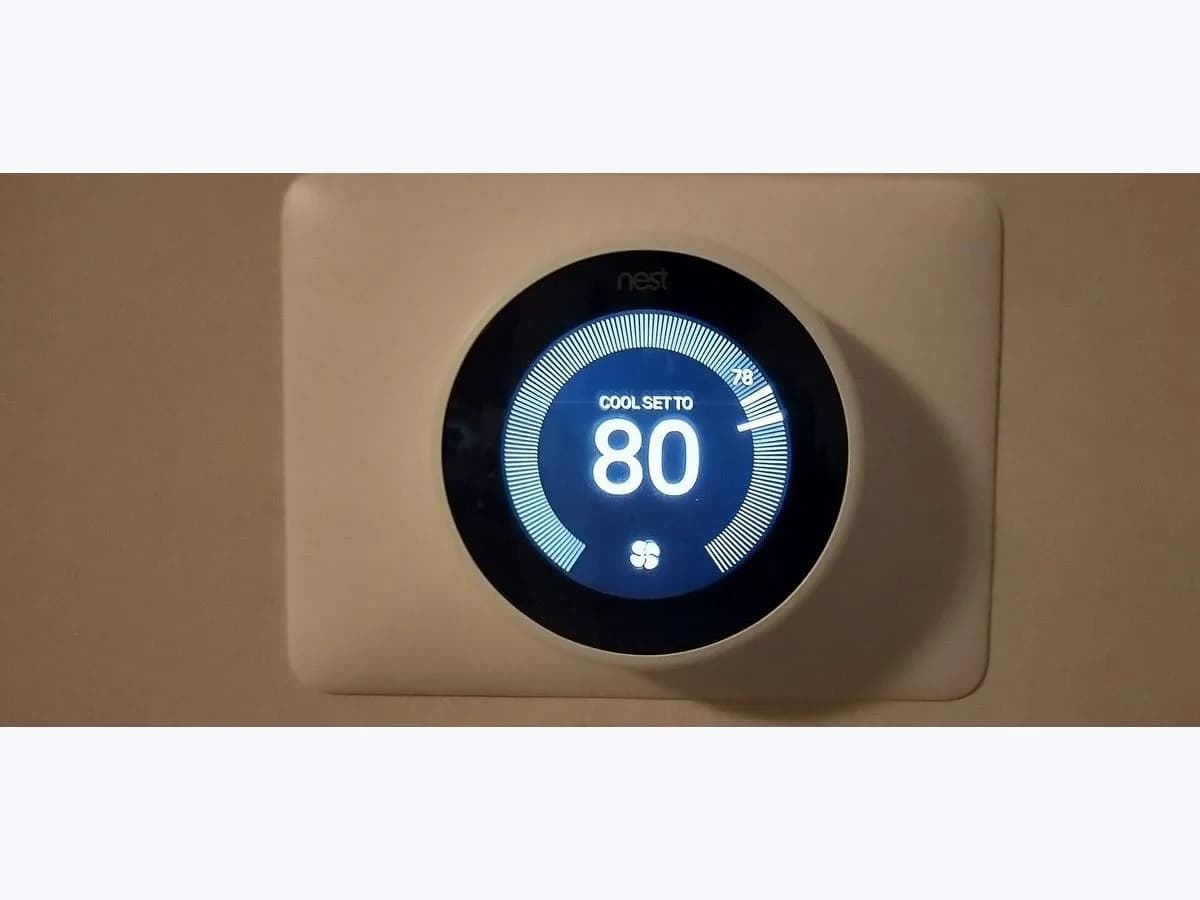
Google Nest E2 on smart thermostat: no power wires detected
Risk level
Medium
Proceed carefully and stop if the check is unclear.
Urgency
High
Quick answer
E2 on a Nest (also E22, E72 or E402) means it detects no Rc or Rh power wire. First check that the system has power at the breaker and, with power off, that the Rc or Rh wire is fully inserted in the base.
Safety first
Stop and check this first
- With an E code the thermostat won't let you control heating or cooling and the message stays until the cause is fixed.
- Turn off power to the system and thermostat at the breaker before removing the display or moving any wire: Google asks for this to protect you, the thermostat and the equipment.
Safe checks you can perform
- HVAC system power with E2 on screen
- Rc or Rh wire seated properly in the thermostat base
- Thermostat battery if it shuts down with E2
Leave these tasks to a qualified professional
- Do not attempt this professional task: Measure the Rc or Rh wire from equipment board to thermostat
- Do not attempt this professional task: Check the equipment supply feeding the Nest showing E2
What a technician must be able to justify
Technician visit
These are the steps they must carry out and show you. Tick them as they work: if steps are skipped, do not accept a part swap.
These are not instructions for opening or handling the equipment yourself. They are the checks that should support a technical conclusion.
Measure the Rc or Rh wire from equipment board to thermostat
What they doThe installer or HVAC technician uses a multimeter, with the equipment powered, to check whether voltage reaches the thermostat base on the Rc or Rh wire and whether that wire is properly landed on the equipment control board. If the board has no voltage, check the equipment's own supply before blaming the thermostat.
They must show youthe multimeter reading at the board and at the thermostat base for the Rc or Rh wire, against the equipment maker's specification.
In writingwhere the Rc or Rh voltage was being lost and what was corrected.
Check the equipment supply feeding the Nest showing E2
What they doThe technician checks switches, the control board fuse and the low voltage output of the equipment that feeds the R wires.
They must show youthe point in the equipment where power was missing and the reading before and after the fix.
In writingwhat was found (fuse, switch, connection) and the heating and cooling test.
Before accepting a part or repair
Nothing has been shown yet. Do not accept a part swap based on the code alone.
Follow these steps
Note: Follow the documented order. An error code identifies the affected system, but it does not prove by itself which part has failed.
HVAC system power with E2 on screen
- Who:
- you, at the breaker or fuse box, without opening any equipment.
- How:
- check that the breaker or fuse for your heating and cooling system is on. Google notes that some homes have a switch that looks like a light switch near the equipment, and there may be two (one for heating, one for cooling): both must be on.
- Result that matters:
- whether E2 clears once the system has power.
- If E2 clears:
- the system was switched off (for example after building work) and no wiring needs touching.
- If E2 stays with everything on:
- a simple power cut is ruled out; move on to how the wires sit in the base.
- Evidence to keep:
- photo of the breaker for the system and photo of the display showing E2.
Evidence: Troubleshoot Nest thermostat help codes
Rc or Rh wire seated properly in the thermostat base
- Who:
- you, only with power to the system and thermostat turned off at the breaker.
- How:
- pull off the display and look at the Rc or Rh wire: Google asks that each wire is fully inserted, the connector button stays down and straight copper shows (about 6 mm in the guide). Press the display back until it clicks and restore power.
- Result that matters:
- whether E2 clears after reseating the Rc or Rh wire.
- If it clears:
- the Rc or Rh wire was not making good contact in the thermostat connector.
- If E2 returns:
- the fault lies beyond the base (cable run, equipment board or the equipment itself) and needs a professional.
- Evidence to keep:
- photo of the wires in the base before touching anything and one afterwards.
Google asks you to cut power to the system and thermostat before exposing any wire. You only handle the thermostat base; the heating or cooling equipment board is a job for a professional.
Evidence: Troubleshoot Nest thermostat help codes
Thermostat battery if it shuts down with E2
- Who:
- you.
- How:
- if the display won't turn on, pull it off the base, charge it over USB for at least 10 minutes as Google says, and put it back.
- Result that matters:
- whether it powers up and shows E2 or another help message again.
- If it powers up and shows E2:
- the battery drained from lack of power; the underlying cause is still there.
- If it stays dark even after charging:
- note it for the professional together with the code you saw earlier.
- Evidence to keep:
- photo of the message shown after charging.
Evidence: Troubleshoot Nest thermostat help codes
Still not solved
If the error persists, stop here. See what the technician must do and show you.
Where this code applies
A code is meaningful only inside the right product and version context.
Primary scope
- System
- HVAC
- Brand
- Google Nest
- Product type
- Smart thermostats
Known code variants
- 2 flashes
- 2 parpadeos
- ALFA Crea E2 error
- ALFA Duo embroidery hoop error
- ALFA E2
- cabezal tado E2
- Calibración incompleta de la carrera
- Calibrating the complete gate-travel
- CAME E2
- Code E2
- Código E2
- código E2 HP
- E 2
- E-2
- E0 instale la unidad de bordado ALFA
- E02
- E2
- E2 en tensiómetro de brazo Omron
- E2 no power wires detected
- E2 Omron
- E2 on Omron upper arm monitor
- El aro de bordado no está instalado o debe retirarse
- Embroidery hoop is not installed or should be removed
- Entrada de seguridad activa permanentemente
- Error 02
- Error 2
- Error E2
- error E2 ALFA Crea
- error E2 HP
- error E2 lavavajillas Smeg
- error E2 tado calibración
- Fallo del sensor de temperatura
- Hoover E02
- Hoover E2
- Hoover washing machine E02
- Hoover washing machine E2
- HP code E2
- HP DeskJet E2
- HP E2
- HP error E2
- HP Paper Mismatch
- HP Paper Size Mismatch
- HP Smart Tank E2
- Incompatibilidad de papel HP
- Incompatibilidad de tamaño de papel HP
- lavadora Hoover E02
- lavadora Hoover E2
- measurement cannot be completed after the arm cuff inflates
- Nest E2
- Nest E22
- Nest E402
- Nest E72
- Nest thermostat E2
- no se puede completar una medición después de inflar el manguito
- Omron E2 measurement not completed
- Omron E2 medición no completada
- Safety input always active
- Smeg dishwasher E2
- Smeg dishwasher error E2
- Smeg lavavajillas E2
- Smeg LVFABCR3 E2
- Smeg nivel de seguridad agua E2
- Smeg safety water level E2
- Somfy Dexxo Pro E2
- tado Basic cuatro rayas llave inglesa
- tado Basic four dashes spanner
- tado E2
- tado E2 calibration error
- tado radiator thermostat E2
- tado Smart Radiator Thermostat E2
- tado° E2
- Temperature sensor error
- termostato Nest E2
What it means
Google groups E2, E22, E72 and E402 as "No power wires detected. Rc or Rh wire required". The R wires carry power from the HVAC equipment to the thermostat. The code appears if the system is switched off, if the R wire isn't making contact in the base or if it isn't properly landed on the equipment board. It doesn't say which section is at fault or prove the thermostat is broken.
Warnings and stop conditions
- Mediumsource verified
With an E code the thermostat won't let you control heating or cooling and the message stays until the cause is fixed.
Evidence: Troubleshoot Nest thermostat help codes
- Highsource verified
Turn off power to the system and thermostat at the breaker before removing the display or moving any wire: Google asks for this to protect you, the thermostat and the equipment.
Evidence: Troubleshoot Nest thermostat help codes
Symptoms and causes
Probable causes · in order
- System without powerCommon
The system switch, or one of two (heating and cooling), is off. Confirmed if E2 clears once power is restored.
Evidence: Troubleshoot Nest thermostat help codes
- Rc or Rh wire badly inserted in the basePossible
The wire isn't fully in, the connector button doesn't stay down or too little copper shows. It stands out because reseating it with power off clears the code.
Evidence: Troubleshoot Nest thermostat help codes
- R wire loose on the equipment boardPossible
Everything is fine at the base but the wire isn't properly connected on the system board. Only a professional checks this.
Evidence: Troubleshoot Nest thermostat help codes
Virtual technician
Does E2 still appear after these checks?
Answer a few questions to narrow down the likely cause and the safest next action. Guidance only - it never replaces a professional.
Sources and technical references
- 1
Troubleshoot Nest thermostat help codes
Google · 2026 · official_doc
Was this entry useful?