

- HVAC
- Smart thermostats
E298
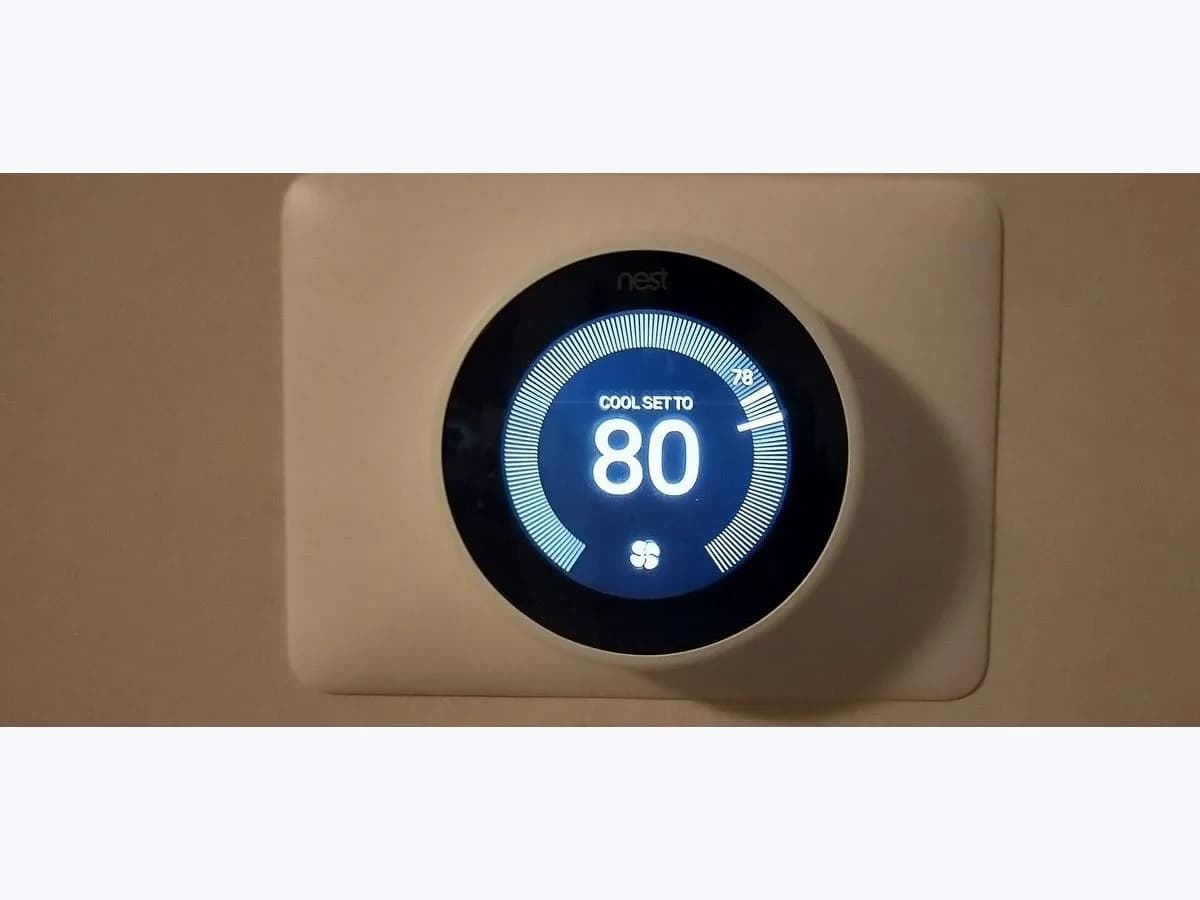
Google Nest E298 on smart thermostat: no system power
Risk level
Medium
Proceed carefully and stop if the check is unclear.
Urgency
High
Quick answer
E298 on a Nest (or E448) comes with a "No power" alert: it isn't getting power from the HVAC system. Replace the batteries or charge the thermostat to keep control, then check which wires appear grey in Equipment, Wiring info.
Safety first
Stop and check this first
- Without power the thermostat may drop off Wi-Fi even with a good battery, and you stop getting alerts.
- E codes can't be dismissed: the alert stays until the power problem is fixed.
Safe checks you can perform
- Batteries before diagnosing E298
- Grey wires in Wiring info
- System switch after recent work
- Wires reseated in the base of the E298 Nest
Leave these tasks to a qualified professional
- Do not attempt this professional task: Install a C wire or Nest Power Connector if the system needs one
- Do not attempt this professional task: Check the power the equipment sends to the E298 Nest
What a technician must be able to justify
Technician visit
These are the steps they must carry out and show you. Tick them as they work: if steps are skipped, do not accept a part swap.
These are not instructions for opening or handling the equipment yourself. They are the checks that should support a technical conclusion.
Install a C wire or Nest Power Connector if the system needs one
What they doFor heat-only, cool-only, zone-controlled or heat pump systems, the installer connects a C wire or the Nest Power Connector.
They must show youthe C wire or Power Connector connected and the wiring screen with no grey wires.
In writingwhat was installed and the test run.
Check the power the equipment sends to the E298 Nest
What they doThe HVAC technician measures voltage on the R and C wires at the equipment board and at the base with a multimeter, and checks switches and the board fuse.
They must show youthe board and base readings against the equipment specification and the point where power was missing.
In writingthe cause of the "No power" alert and the repair made.
Before accepting a part or repair
Nothing has been shown yet. Do not accept a part swap based on the code alone.
Follow these steps
Note: Follow the documented order. An error code identifies the affected system, but it does not prove by itself which part has failed.
Batteries before diagnosing E298
- Who:
- you.
- How:
- on the Nest Thermostat replace the batteries first; the Nest Learning Thermostat (4th gen) has a rechargeable battery and charges by USB cable if it shuts down.
- Result that matters:
- whether the thermostat stays on while you check the rest.
- If it stays on:
- you keep heating control while you look for the cause.
- If it shuts down quickly:
- charge it again and note how long it lasts for the professional.
- Evidence to keep:
- photo of the battery alert if it appears.
Evidence: Troubleshoot a "No power" alert on a Nest thermostat (E298, E448 or M20 help code)
Grey wires in Wiring info
- Who:
- you, on the thermostat itself.
- How:
- go to Settings, Equipment, Wiring info and see which wires appear grey.
- Result that matters:
- whether all or only some wires are grey.
- If all grey:
- the system is off or has a power problem; check the breaker.
- If only some grey:
- that wire isn't detected; it is usually badly connected or entered wrongly in the app.
- Evidence to keep:
- photo of the wiring screen with E298 or E448.
Evidence: Troubleshoot a "No power" alert on a Nest thermostat (E298, E448 or M20 help code)
System switch after recent work
- Who:
- you, at the breaker box.
- How:
- if you recently turned off power to the heating and cooling system, make sure it's back on. If you were installing the Nest Power Connector and see N260, check the equipment cover is closed, as there is often a safety switch.
- Result that matters:
- whether the "No power" alert clears.
- If it clears:
- the system was still off or the open cover was blocking it.
- If it stays:
- check the thermostat wires with power off.
- Evidence to keep:
- photo of the breaker and of the equipment cover.
Evidence: Troubleshoot a "No power" alert on a Nest thermostat (E298, E448 or M20 help code)
Wires reseated in the base of the E298 Nest
- Who:
- you, with system power off.
- How:
- remove the thermostat from its base, check the wires are correctly identified, and for each one push the tab, straighten the end, strip to 1/3 to 1/2 inch of copper and seat it fully in the right connector. On the 4th gen wait until the LED is off.
- Result that matters:
- whether the alert in Equipment clears after power is restored.
- If it clears:
- a wire wasn't making contact.
- If it stays:
- the system may need a C wire or have a fault; call a professional.
- Evidence to keep:
- photo of the base before and after.
Google asks you to turn the system off before checking wires. Don't open the HVAC equipment.
Evidence: Troubleshoot a "No power" alert on a Nest thermostat (E298, E448 or M20 help code)
Still not solved
If the error persists, stop here. See what the technician must do and show you.
Where this code applies
A code is meaningful only inside the right product and version context.
Primary scope
- System
- HVAC
- Brand
- Google Nest
- Product type
- Smart thermostats
Known code variants
- Nest E298
- Nest E448
- Nest M20
- Nest No power alert
- Nest no system power
- Nest sin alimentación
- Nest thermostat E298
- termostato Nest E298
What it means
Google explains that E298, E448 and M20 appear when the Nest Thermostat or Nest Learning Thermostat (4th gen) isn't receiving power from the system. The causes it lists are incorrect wiring, a system that needs a C wire without one, the system switched off or a power cut, or another equipment problem. Grey wires on the wiring screen aren't sending voltage. The steps apply to US and Canadian systems; in the EU Google points to Heat Link.
Warnings and stop conditions
- Mediumsource verified
Without power the thermostat may drop off Wi-Fi even with a good battery, and you stop getting alerts.
Evidence: Troubleshoot a "No power" alert on a Nest thermostat (E298, E448 or M20 help code)
- Mediumsource verified
E codes can't be dismissed: the alert stays until the power problem is fixed.
Evidence: Troubleshoot a "No power" alert on a Nest thermostat (E298, E448 or M20 help code)
Symptoms and causes
Probable causes · in order
- System switched off or power cutCommon
Every wire shows grey in Wiring info. Confirmed when the system switch is turned on.
Evidence: Troubleshoot a "No power" alert on a Nest thermostat (E298, E448 or M20 help code)
- Wire badly connected or entered in the appPossible
Only some wires show grey. Google says this usually means a wire isn't properly connected or was entered incorrectly in the app.
Evidence: Troubleshoot a "No power" alert on a Nest thermostat (E298, E448 or M20 help code)
- System that needs a C wirePossible
Heat-only, cool-only, zone-controlled and heat pump systems need a C wire or the Nest Power Connector, according to Google.
Evidence: Troubleshoot a "No power" alert on a Nest thermostat (E298, E448 or M20 help code)
- Another equipment problemPossible
The equipment has a fault that stops it sending power to the thermostat wires. A professional diagnoses it.
Evidence: Troubleshoot a "No power" alert on a Nest thermostat (E298, E448 or M20 help code)
Virtual technician
Does E298 still appear after these checks?
Answer a few questions to narrow down the likely cause and the safest next action. Guidance only - it never replaces a professional.
Sources and technical references
- 1
Troubleshoot Nest thermostat help codes
Google · 2026 · official_doc
- 2
Troubleshoot a "No power" alert on a Nest thermostat (E298, E448 or M20 help code)
Google · 2026 · official_doc
Was this entry useful?