

- HVAC
- Smart thermostats
E5
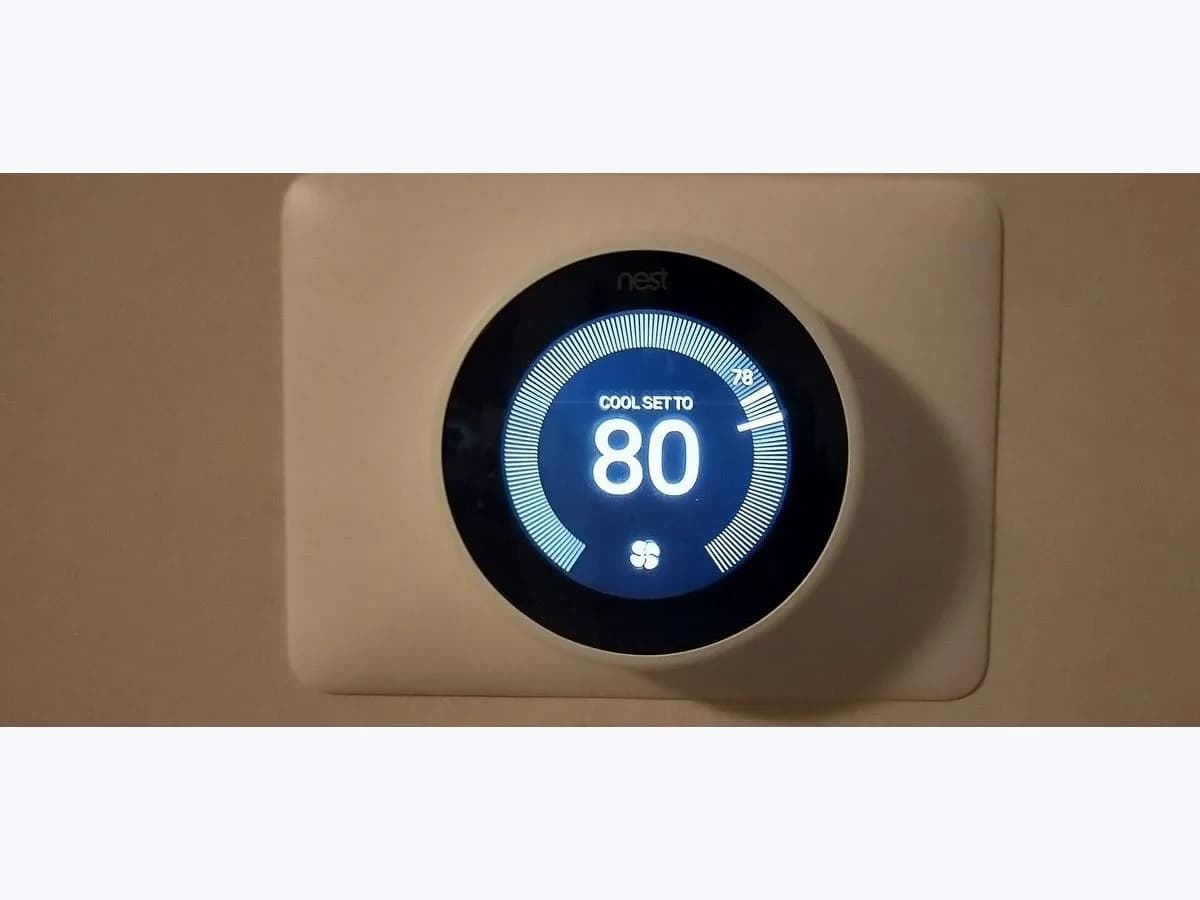
Google Nest E5 on smart thermostat: no heating or cooling detected
Risk level
Medium
Proceed carefully and stop if the check is unclear.
Urgency
High
Quick answer
E5 on a Nest (or E25, E75, E155, E255, E405) means it detects no W1 heating or Y1 cooling wire. Check the system has power and, with power off, that W1 or Y1 is properly seated and entered in the app.
Safety first
Stop and check this first
- Don't connect wires by guesswork: Google asks you to use the app's diagram or the photo of the original wiring, always with power off.
Safe checks you can perform
- HVAC system power with E5 on screen
- W1 or Y1 wire seated properly in the thermostat base
- Thermostat base against the app's wiring diagram
Leave these tasks to a qualified professional
- Do not attempt this professional task: Measure the W1 or Y1 wire from equipment board to thermostat
- Do not attempt this professional task: Redo the wire configuration of the Nest showing E5
What a technician must be able to justify
Technician visit
These are the steps they must carry out and show you. Tick them as they work: if steps are skipped, do not accept a part swap.
These are not instructions for opening or handling the equipment yourself. They are the checks that should support a technical conclusion.
Measure the W1 or Y1 wire from equipment board to thermostat
What they doThe installer or HVAC technician uses a multimeter, with the equipment powered, to check whether voltage reaches the thermostat base on the W1 or Y1 wire and whether that wire is properly landed on the equipment control board. They identify which board terminal is heating and which is cooling.
They must show youthe multimeter reading at the board and at the thermostat base for the W1 or Y1 wire, against the equipment maker's specification.
In writingwhere the W1 or Y1 voltage was being lost and what was corrected.
Redo the wire configuration of the Nest showing E5
What they doIf the physical wires are right, the professional reconfigures wiring in the app or resets the thermostat and adds it again, entering each wire correctly.
They must show youthe final wiring screen in the app and a heating and a cooling test.
In writingwhich wires were reassigned and the result of the system test.
Before accepting a part or repair
Nothing has been shown yet. Do not accept a part swap based on the code alone.
Follow these steps
Note: Follow the documented order. An error code identifies the affected system, but it does not prove by itself which part has failed.
HVAC system power with E5 on screen
- Who:
- you, at the breaker or fuse box, without opening any equipment.
- How:
- check that the breaker or fuse for your heating and cooling system is on. Google notes that some homes have a switch that looks like a light switch near the equipment, and there may be two (one for heating, one for cooling): both must be on.
- Result that matters:
- whether E5 clears once the system has power.
- If E5 clears:
- the system was switched off (for example after building work) and no wiring needs touching.
- If E5 stays with everything on:
- a simple power cut is ruled out; move on to how the wires sit in the base.
- Evidence to keep:
- photo of the breaker for the system and photo of the display showing E5.
Evidence: Troubleshoot Nest thermostat help codes
W1 or Y1 wire seated properly in the thermostat base
- Who:
- you, only with power to the system and thermostat turned off at the breaker.
- How:
- pull off the display and look at the W1 or Y1 wire: Google asks that each wire is fully inserted, the connector button stays down and straight copper shows (about 6 mm in the guide). Press the display back until it clicks and restore power.
- Result that matters:
- whether E5 clears after reseating the W1 or Y1 wire.
- If it clears:
- the W1 or Y1 wire was not making good contact in the thermostat connector.
- If E5 returns:
- the fault lies beyond the base (cable run, equipment board or the equipment itself) and needs a professional.
- Evidence to keep:
- photo of the wires in the base before touching anything and one afterwards.
Google asks you to cut power to the system and thermostat before exposing any wire. You only handle the thermostat base; the heating or cooling equipment board is a job for a professional.
Evidence: Troubleshoot Nest thermostat help codes
Thermostat base against the app's wiring diagram
- Who:
- you, in the Google Home or Nest app, with power off if any wire has to move.
- How:
- open the thermostat settings, Wiring, and compare the wires the app shows with the photo of your old thermostat's wires. Use Update wiring and follow the steps if a wire belongs in another connector.
- Result that matters:
- whether the app and the base agree on W1 and Y1.
- If they don't match and fixing it clears E5:
- the wire was in another connector or entered wrongly.
- If they match and E5 stays:
- the wire must be checked at the equipment board.
- Evidence to keep:
- screenshot of the app diagram and photo of the base.
Move wires only with power off; without a photo of the original wiring, don't guess connections.
Evidence: Troubleshoot Nest thermostat help codes
Still not solved
If the error persists, stop here. See what the technician must do and show you.
Where this code applies
A code is meaningful only inside the right product and version context.
Primary scope
- System
- HVAC
- Brand
- Google Nest
- Product type
- Smart thermostats
Known code variants
- ALFA Crea E5 AP error
- ALFA E5
- Bongo D series low voltage
- Bongo D30 E5
- Bongo E5
- Bongo scooter error E5
- Bongo serie D baja tensión
- Cecotec Bongo low voltage protection
- Cecotec Bongo protección baja tensión
- Cecotec scooter error E5
- E5
- E5 W1 or Y1 wire required
- El router no puede conectarse con el wifi
- Error E5
- error E5 de AP ALFA Crea
- Nest E155
- Nest E25
- Nest E255
- Nest E405
- Nest E5
- Nest E75
- Nest thermostat E5
- patinete Bongo error E5
- patinete Cecotec error E5
- Please check the wifi service ALFA Duo
- Por favor compruebe el servicio wifi ALFA Duo
- termostato Nest E5
- The router cannot connect with the wifi
What it means
Google groups E5, E25, E75, E155, E255 and E405 as "No heating or cooling detected. W1 or Y1 wire is required". The thermostat sees no wire that turns on heating (W1) or cooling (Y1): the wire may be missing, badly inserted, in the wrong connector, or wrongly entered in the app (Google lists E255 and E405 among the wire configuration codes). The code doesn't say the equipment is broken.
Warnings and stop conditions
- Highsource verified
Don't connect wires by guesswork: Google asks you to use the app's diagram or the photo of the original wiring, always with power off.
Evidence: Troubleshoot Nest thermostat help codes
Symptoms and causes
Probable causes · in order
- W1 or Y1 wire badly insertedPossible
The wire is there but not fully in, or the button doesn't stay down. Reseating it with power off clears the code.
Evidence: Troubleshoot Nest thermostat help codes
- Wire in the wrong connectorPossible
The heating or cooling wire sits in a different connector from the one in the app's diagram. Comparing the base with the diagram shows it.
Evidence: Troubleshoot Nest thermostat help codes
- Wiring entered wrongly in the appPossible
The physical wires are right but the app has them recorded differently. For E255 and E405 Google says to reset and add the thermostat again.
Evidence: Troubleshoot Nest thermostat help codes
- System without powerPossible
If the equipment is off at the breaker it sends nothing down the wires either. Rule this out first.
Evidence: Troubleshoot Nest thermostat help codes
Virtual technician
Does E5 still appear after these checks?
Answer a few questions to narrow down the likely cause and the safest next action. Guidance only - it never replaces a professional.
Sources and technical references
- 1
Troubleshoot Nest thermostat help codes
Google · 2026 · official_doc
Was this entry useful?