
- Networks
- DSL routers
CONEXION-INTERNET-CORTADA
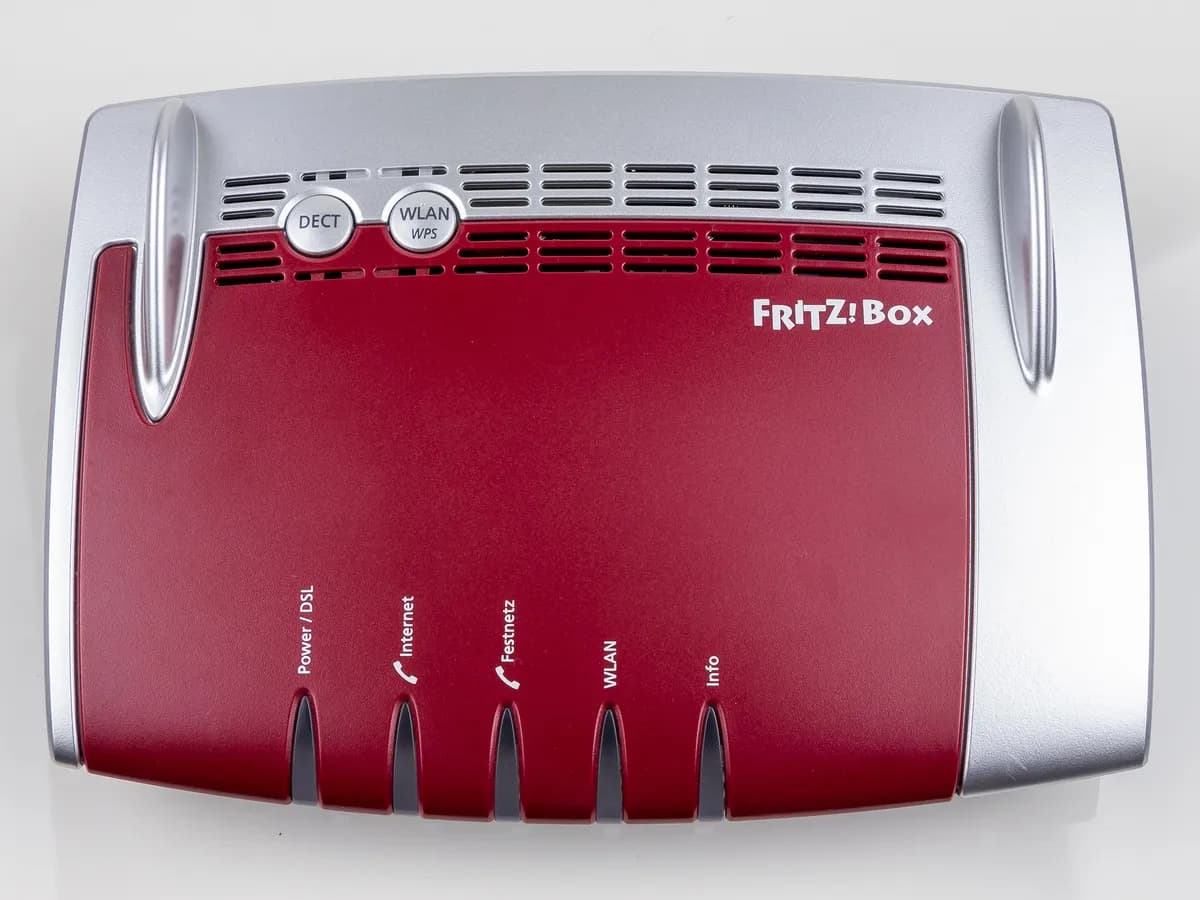
FRITZ!Box CONEXION-INTERNET-CORTADA on DSL router: brief drops
Risk level
Low
Usually safe to check without specialist tools.
Urgency
Low
Quick answer
If your FRITZ!Box event log shows the internet connection was cleared and re-established shortly afterwards, FRITZ! puts it down to your provider's exchange. Turn on the option to maintain the connection permanently.
Safety first
Stop and check this first
- Do not change the user name, password or connection type in the account information: only use the details your provider gave you.
- FRITZ! says this pattern is not a FRITZ!Box fault: swapping the router does not usually fix a drop caused by the exchange.
Safe checks you can perform
- Read the exact event log message
- Enable Maintain permanently
- Check whether your devices notice it
- Tell your provider if it keeps happening
Leave these tasks to a qualified professional
- Do not attempt this professional task: PPP session check by the provider
- Do not attempt this professional task: Ask FRITZ! support
What a technician must be able to justify
Technician visit
These are the steps they must carry out and show you. Tick them as they work: if steps are skipped, do not accept a part swap.
These are not instructions for opening or handling the equipment yourself. They are the checks that should support a technical conclusion.
PPP session check by the provider
What they doIf the drops repeat with the permanent connection enabled, the provider's technician checks the exchange and the session monitoring on your line.
They must show youthe drops recorded on their side at the same times as in your event log.
In writingthe ticket number, the cause found and the fix date.
Ask FRITZ! support
What they doIf the provider rules out their network, FRITZ! support can review the event log and the configuration of your FRITZ!Box.
They must show youwhich event log lines they analysed and how they read them.
In writingthe case number and the diagnosis.
Before accepting a part or repair
Nothing has been shown yet. Do not accept a part swap based on the code alone.
Follow these steps
Note: Follow the documented order. An error code identifies the affected system, but it does not prove by itself which part has failed.
Read the exact event log message
- Who:
- you.
- How:
- open the FRITZ!Box user interface, go to the event log and copy the lines around each drop (connection established, connection cleared, PPP timeout).
- Result that matters:
- confirming the pattern is brief drops that recover by themselves.
- If the connection is cleared and re-established within a short time:
- follow the steps in this guide.
- If you see other messages or the connection does not come back:
- look up the guide for that specific message.
- Evidence to keep:
- screenshot of the log with date and time of each drop.
Evidence: Internet connection is cleared briefly (FRITZ!Box 7530)
Enable Maintain permanently
- Who:
- you.
- How:
- in the FRITZ!Box user interface open Internet, Account Information, click Change connection settings, enable Maintain permanently (recommended for flat rates) and click Apply.
- Result that matters:
- the FRITZ!Box no longer closing the connection on its own.
- If the option is not shown:
- the FRITZ!Box is already permanently connected.
- If you enable it and the drops continue:
- the cause lies at the provider's exchange.
- Evidence to keep:
- screenshot of the applied setting and the date of the change.
Evidence: Internet connection is cleared briefly (FRITZ!Box 7530)
Check whether your devices notice it
- Who:
- you.
- How:
- for a few days note whether the drops in the log match real outages on the phone or computer connected to the FRITZ!Box.
- Result that matters:
- measuring the impact: FRITZ! says these brief drops do not usually affect connected devices.
- If you notice nothing:
- treat it as an informational entry and keep an eye on it.
- If the drops interrupt calls, games or downloads:
- report them to your provider with the log.
- Evidence to keep:
- list of dates and times of the drops and what was interrupted.
Evidence: Internet connection is cleared briefly (FRITZ!Box 7530)
Tell your provider if it keeps happening
- Who:
- you, with your provider.
- How:
- call your provider's support, explain that the FRITZ!Box logs PPP session clears or timeouts and give the exact times.
- Result that matters:
- the provider checking the exchange and your line's session.
- If the provider finds an overload or fault at the exchange:
- ask for a fix date.
- If they see nothing:
- ask them to log it and call again with the new log if it continues.
- Evidence to keep:
- ticket number and the name or date of the call.
Evidence: Internet connection is cleared briefly (FRITZ!Box 7530)
Still not solved
If the error persists, stop here. See what the technician must do and show you.
Where this code applies
A code is meaningful only inside the right product and version context.
Primary scope
- System
- Networks
- Brand
- FRITZ!
- Product type
- DSL routers
Known code variants
- FRITZ!Box 7530 internet drops and reconnects
- FRITZ!Box 7530 se corta Internet y vuelve
- FRITZ!Box conexión a Internet interrumpida brevemente
- FRITZ!Box cortes cortos de Internet
- FRITZ!Box event log internet connection cleared
- FRITZ!Box internet connection cleared briefly
- FRITZ!Box registro de eventos conexión a Internet finalizada
- FRITZ!Box short internet dropouts
- FRITZ!Box Timeout during PPP negotiation
What it means
FRITZ! describes, for DSL models such as the 7530, an internet (PPP) session that is cleared now and then and comes back on its own shortly after. The event log shows messages such as Internet connection cleared or PPPoE error: Timeout, Timeout during PPP negotiation. According to FRITZ!, the provider's exchange clears the PPP session or stops answering the LCP monitoring echoes, and it is not a fault of the FRITZ!Box. Neither the message nor the lights alone prove the router is faulty.
Warnings and stop conditions
- Lowsource verified
Do not change the user name, password or connection type in the account information: only use the details your provider gave you.
Evidence: Internet connection is cleared briefly (FRITZ!Box 7530)
- Lowsource verified
FRITZ! says this pattern is not a FRITZ!Box fault: swapping the router does not usually fix a drop caused by the exchange.
Evidence: Internet connection is cleared briefly (FRITZ!Box 7530)
Symptoms and causes
Probable causes · in order
- The provider's exchange clears the PPP sessionCommon
FRITZ! explains that the provider's exchange may clear the internet connection at the PPP level for no apparent reason, and that the FRITZ!Box is not at fault.
Evidence: Internet connection is cleared briefly (FRITZ!Box 7530)
- LCP monitoring echoes interruptedPossible
According to FRITZ!, the exchange may stop exchanging the PPP LC echoes that monitor the connection (LCP monitoring), so the session is treated as lost.
Evidence: Internet connection is cleared briefly (FRITZ!Box 7530)
- Exchange temporarily overloadedPossible
FRITZ! says the exchange may be temporarily overloaded; if the problem does not go away, you should contact your provider.
Evidence: Internet connection is cleared briefly (FRITZ!Box 7530)
- Connection not set to permanentLess common
FRITZ!'s first measure is enabling Maintain permanently; if the option is shown, the connection is not yet set never to close.
Evidence: Internet connection is cleared briefly (FRITZ!Box 7530)
Virtual technician
Does CONEXION-INTERNET-CORTADA still appear after these checks?
Answer a few questions to narrow down the likely cause and the safest next action. Guidance only - it never replaces a professional.
Sources and technical references
- 1
Internet connection is cleared briefly (FRITZ!Box 7530)
FRITZ! (AVM) · 2026 · official_doc
Was this entry useful?