
- Networks
- Wi-Fi routers
POWER-BLANCO-INTERMITENTE
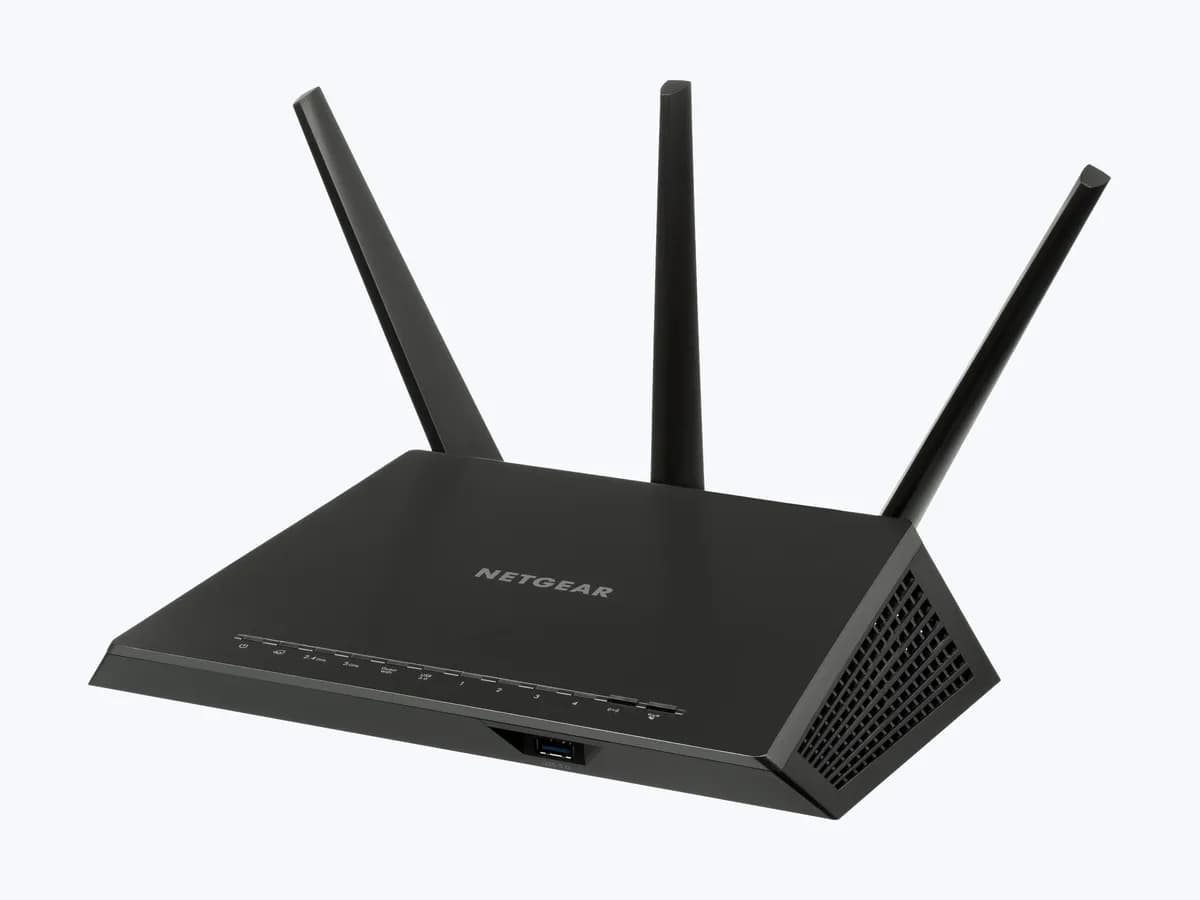
NETGEAR blinking white power LED on Nighthawk: corrupted firmware
Risk level
Low
Usually safe to check without specialist tools.
Urgency
Medium
Quick answer
On NETGEAR Nighthawk routers, a blinking white Power LED means the router's firmware is corrupted. Power cycle the network and, if nothing changes, reload the official firmware over TFTP or ask NETGEAR support for help.
Safety first
Stop and check this first
- Use only firmware downloaded from NETGEAR's official Download Center for your exact model.
- In the TFTP upload, NETGEAR warns not to start sending the file until the guide tells you to; a step out of order can make it fail.
Safe checks you can perform
- Full network power cycle in order
- Original adapter and no Ethernet cables
- Check the model before reloading firmware
Leave these tasks to a qualified professional
- Do not attempt this professional task: Firmware reload guided by NETGEAR
- Do not attempt this professional task: Warranty assessment
What a technician must be able to justify
Technician visit
These are the steps they must carry out and show you. Tick them as they work: if steps are skipped, do not accept a part swap.
These are not instructions for opening or handling the equipment yourself. They are the checks that should support a technical conclusion.
Firmware reload guided by NETGEAR
What they doNETGEAR support guides you through uploading the official firmware again over TFTP from a computer connected to the router by cable.
They must show youthe correct firmware version for your model and the LED ending solid white or green.
In writingthe case number, the firmware version and the date.
Warranty assessment
What they doIf the router still does not boot after the firmware reload, NETGEAR support assesses whether the unit should be repaired or replaced.
They must show youthe result of each step and the proof of purchase.
In writingthe case number, the diagnosis and the solution offered.
Before accepting a part or repair
Nothing has been shown yet. Do not accept a part swap based on the code alone.
Follow these steps
Note: Follow the documented order. An error code identifies the affected system, but it does not prove by itself which part has failed.
Full network power cycle in order
- Who:
- you.
- How:
- turn off the modem, the router and the other devices, wait 2 minutes, turn on the modem first and wait about 5 minutes; then turn on the router and wait several minutes without touching it.
- Result that matters:
- the Power LED staying solid white or green.
- If it goes solid:
- the router booted; check the firmware version when you log in.
- If it keeps blinking white:
- check the adapter and cables.
- Evidence to keep:
- note of the time and the final LED state.
Evidence: How do I power cycle my home network? · How do I resolve amber LEDs or a blinking power LED on my NETGEAR router?
Original adapter and no Ethernet cables
- Who:
- you.
- How:
- use only the adapter that came with the router, plugged straight into the wall, unplug every Ethernet cable and restart the router again.
- Result that matters:
- ruling out that power or a connected device stops the boot.
- If it boots:
- reconnect the cables one at a time.
- If it keeps blinking white:
- the firmware probably needs reloading.
- Evidence to keep:
- note of the adapter and what was connected.
Evidence: How do I resolve amber LEDs or a blinking power LED on my NETGEAR router?
Check the model before reloading firmware
- Who:
- you.
- How:
- read the exact model and hardware version on the router label and look up that model in the NETGEAR Download Center to get the firmware that matches it.
- Result that matters:
- having the correct official firmware file for your model.
- If you find the firmware:
- follow NETGEAR's TFTP guide only if you understand every step.
- If you are unsure about the model or the file:
- contact NETGEAR support.
- Evidence to keep:
- photo of the label and the name of the downloaded file.
Evidence: How do I upload firmware to my NETGEAR router using a TFTP client on Microsoft Windows?
Still not solved
If the error persists, stop here. See what the technician must do and show you.
Where this code applies
A code is meaningful only inside the right product and version context.
Primary scope
- System
- Networks
- Brand
- NETGEAR
- Product type
- Wi-Fi routers
Known code variants
- NETGEAR firmware corrupted
- NETGEAR firmware corrupto
- NETGEAR luz power blanca parpadeando
- NETGEAR power light blinking white
- NETGEAR router blinking white not booting
- Nighthawk brickeado tras actualizar
- Nighthawk bricked after firmware update
- Nighthawk led encendido blanco intermitente
- Nighthawk power LED flashing white
- router NETGEAR parpadea blanco y no arranca
What it means
In NETGEAR's official LED guide (Nighthawk R7000, RAX50, XR500 and others), a blinking white Power LED means the router's firmware is corrupted; solid white or green means it is ready. NETGEAR explains that a failed update or a power outage can corrupt the firmware and suggests reloading it over TFTP from a computer connected by cable. On the R8000, alternating white and amber means AP mode, not a fault. The LED alone never proves the router is faulty.
Warnings and stop conditions
- Loweditorial warning
Use only firmware downloaded from NETGEAR's official Download Center for your exact model.
Evidence: How do I upload firmware to my NETGEAR router using a TFTP client on Microsoft Windows?
- Mediumsource verified
In the TFTP upload, NETGEAR warns not to start sending the file until the guide tells you to; a step out of order can make it fail.
Evidence: How do I upload firmware to my NETGEAR router using a TFTP client on Microsoft Windows?
Symptoms and causes
Probable causes · in order
- Failed firmware updateCommon
NETGEAR names a firmware update that did not finish properly as a cause of a router that is unusable or does not boot.
Evidence: How do I resolve amber LEDs or a blinking power LED on my NETGEAR router? · How do I upload firmware to my NETGEAR router using a TFTP client on Microsoft Windows?
- Power outage during a writePossible
According to NETGEAR, a power outage can corrupt the router's firmware, and the Power LED then blinks.
Evidence: How do I resolve amber LEDs or a blinking power LED on my NETGEAR router?
- One-off abnormal bootPossible
NETGEAR's first step for a blinking Power LED is a network power cycle, because the router may recover after a clean boot.
Evidence: How do I power cycle my home network? · How do I resolve amber LEDs or a blinking power LED on my NETGEAR router?
Virtual technician
Does POWER-BLANCO-INTERMITENTE still appear after these checks?
Answer a few questions to narrow down the likely cause and the safest next action. Guidance only - it never replaces a professional.
Sources and technical references
- 1
What do the LEDs on my NETGEAR router mean?
NETGEAR · 2025 · official_doc
- 2
How do I power cycle my home network?
NETGEAR · 2025 · official_doc
- 3
How do I resolve amber LEDs or a blinking power LED on my NETGEAR router?
NETGEAR · 2025 · official_doc
- 4
How do I upload firmware to my NETGEAR router using a TFTP client on Microsoft Windows?
NETGEAR · 2025 · official_doc
Was this entry useful?